
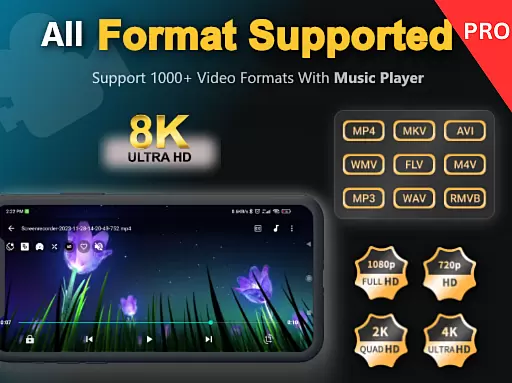
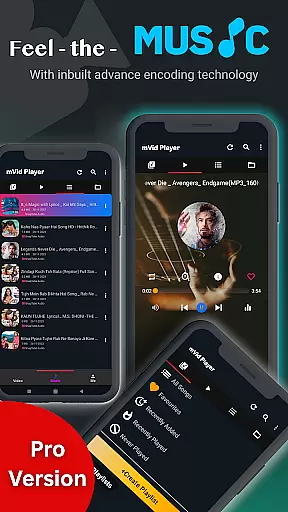
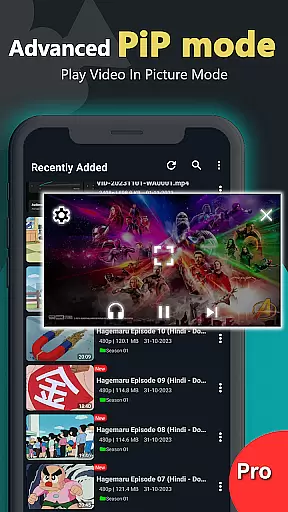
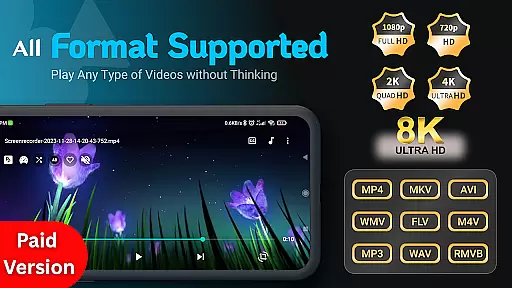
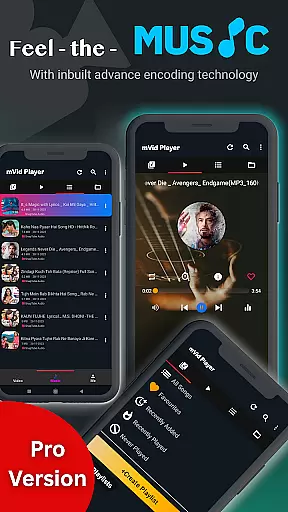
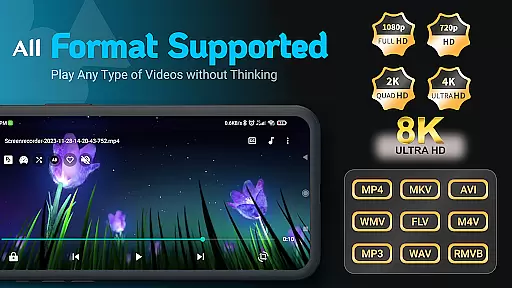
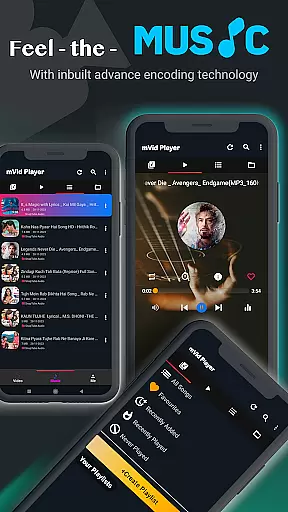
Zea Player Pro is a premium-grade video player designed for Android devices, offering an ad-free experience with support for all major video and audio formats. This includes high-resolution 4K and 8K videos, making it the ultimate solution for movie enthusiasts and audio lovers.
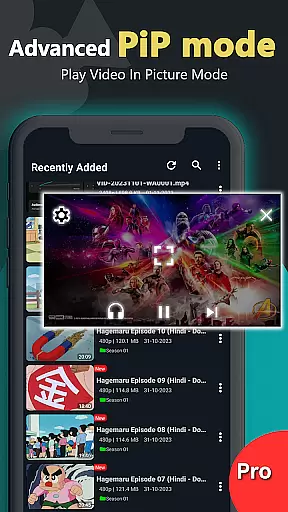
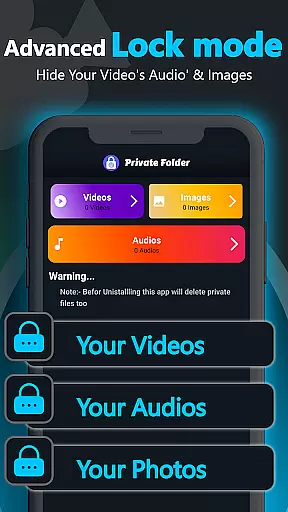
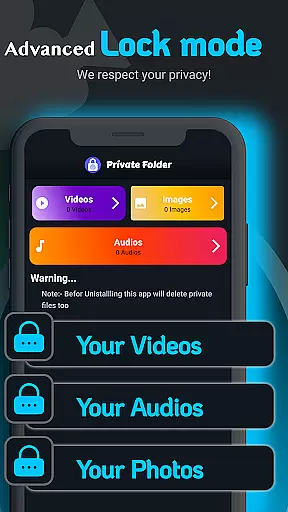
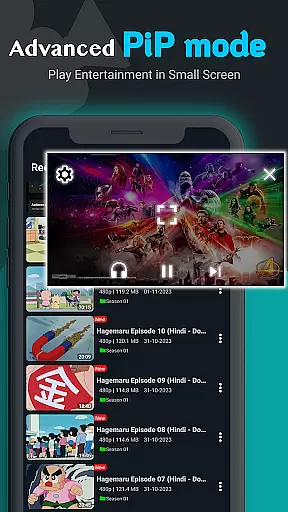
The app stands out with its professional HD video playback capabilities, supporting formats like MKV, FLV, M4V, MP3, and more. It also features advanced functions such as dual audio tracks, online subtitle downloads, and background video playback. Additionally, Zea Player Pro provides users with a private folder option to hide personal media files securely.
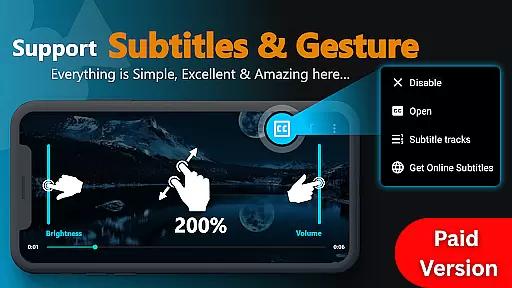
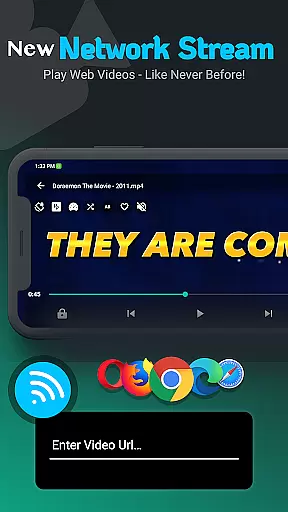
Whether you're streaming from local storage or a URL, Zea Player Pro ensures smooth, high-quality playback. Its intuitive controls for volume, brightness, and zoom enhance the user experience, making it perfect for enjoying your favorite movies, music videos, or personal collections.
Zea Player Pro boasts an impressive array of features that cater to diverse media consumption needs. One of its standout capabilities is the support for all major video and audio formats, including ultra HD 4K and 8K resolutions. This ensures that no matter the file type, users can enjoy seamless playback without any hiccups.
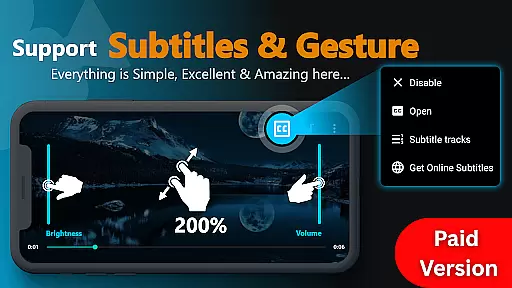
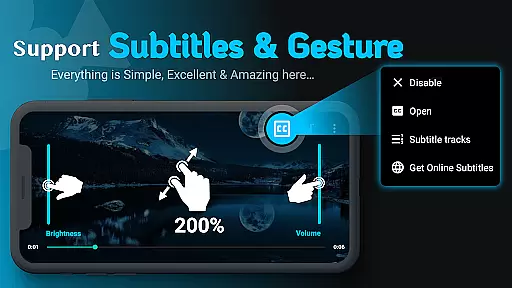
In addition to its broad format compatibility, the app offers unique functionalities such as dual audio track support, online subtitle downloads, and background video playback. Users can easily control volume, brightness, and zoom with simple gestures, enhancing their viewing experience. The inclusion of a private folder feature allows users to protect personal media from unauthorized access.
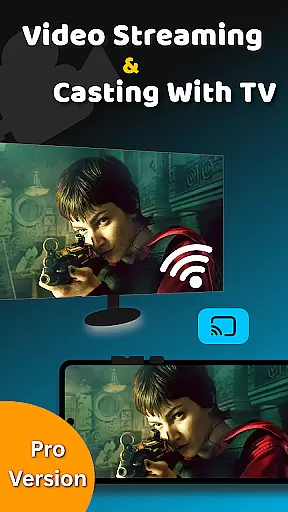
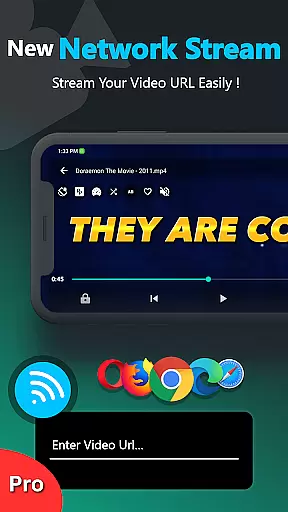
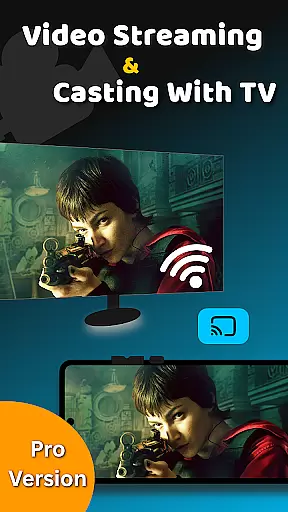
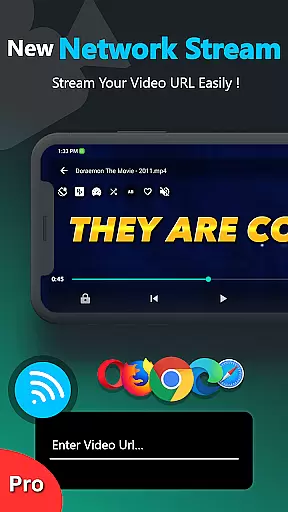
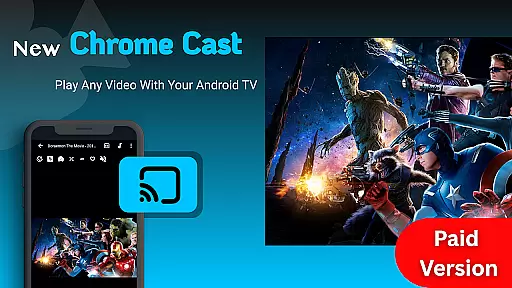
Furthermore, Zea Player Pro supports video streaming via URLs, enabling users to play content directly from the web. With its volume booster and casting capabilities to Android TV, this app truly delivers a comprehensive and versatile media player solution.
Video Player Pro Version stands out for its exceptional video format compatibility, ensuring users can enjoy a seamless playback experience across all major file types. The app supports an extensive range of formats including MKV, MP4, AVI, MOV, and even ultra-high-definition 4K and 8K videos.
This comprehensive support is made possible through advanced decoding technologies integrated into the player. Whether you're watching locally stored files or streaming content via URLs, the app automatically detects and adjusts to the appropriate format, providing uninterrupted playback.
For users, this means no more frustrating codec errors or format incompatibility issues. You can now access your entire media library without worrying about conversion hassles, making it an ideal solution for both casual viewers and professional content creators who work with diverse video formats.
While primarily a video player, Video Player Pro Version incorporates AI-powered features that enhance the viewing experience beyond basic playback. The app's AI capabilities include intelligent subtitle synchronization, automatic video enhancement, and smart playlist creation based on viewing habits.
The AI engine analyzes video content in real-time, optimizing picture quality and audio levels for different devices and viewing environments. It can also suggest relevant subtitles and provide dual audio track options, making it particularly useful for multilingual audiences and international content consumption.
These AI-powered features not only save users time but also ensure optimal viewing quality without manual adjustments. This technological advantage positions Video Player Pro Version as more than just a player u2013 it's a smart media companion that learns and adapts to individual preferences while maintaining professional-grade performance standards.
Ad-Free Playback
Supports All Formats
Private Media Protection
Background Video Option
High-Resolution Support
Premium Price Tag
No Free Version
Limited Customization
Occasional Bugs
Heavy on Resources

Fast video downloader & private browser. Save HD clips to watch offline.
 4.40
4.40
AirMirror is Receiver for Screen Mirroring and Casting from Apple Devices.
3.60
AI Video Editor:AI Music, Text to Video,Text to Speech,Auto Caption,Video Effect
4.00
Make your own Animations, Video and Photo Edits, Visual Effects, and more!
4.00
LumaFusion: The Ultimate Storytelling Experience for Video Editing
4.10
Powerful video player with advanced hardware acceleration and subtitle supports
4.20
Screen recorder with audio to take live videos & Screenshot in high quality!
4.70
Viddo: Generate Action Figure, AI Anime, AI kiss, AI hug Video from image & text
4.40
Capture the moment and Cut
3.40
All in one HD video downloader & player for multiple formats with full privacy
4.70
VLC Remote lets you control your VLC Media Player on Mac, PC or Linux.
4.60
Auto video maker with music & exclusive filters. Video editing made simple.
4.50
Turn your phone into a wireless camera!
4.20
Your media, on your terms.
4.10
IPTV-Smarters Player Pro M3U - Watch Live Stream TV Channels with Chromecast
4.00
Cast to Smart TV, Fire TV. Cast video, photo - Fast & Stable!
3.90
Livestream, news, & gaming content. Watch, chat, and upload. Join Rumble today!
3.80
Client application for NextPVR software
3.00
You can play SWF format file!
2.50


User Reviews