
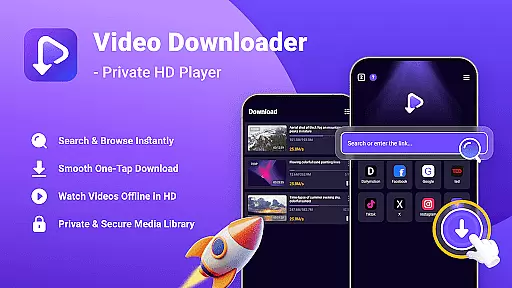
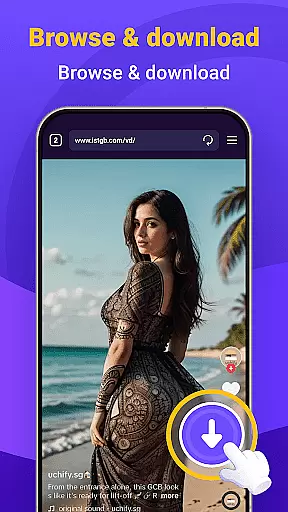
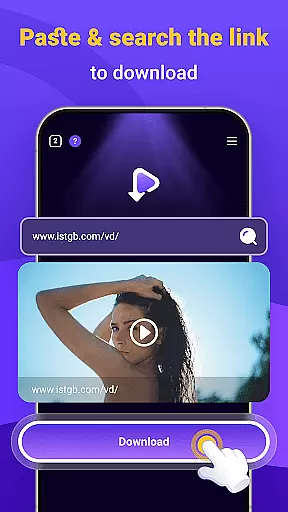
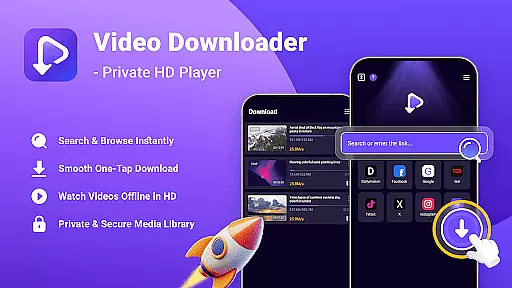
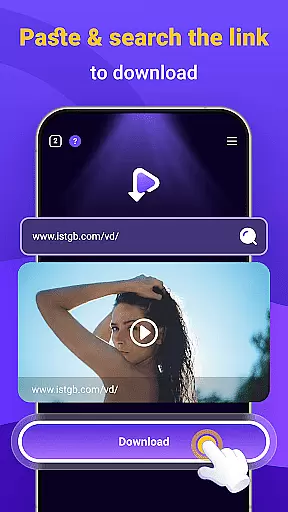
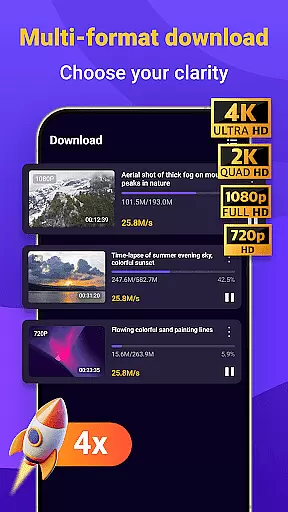
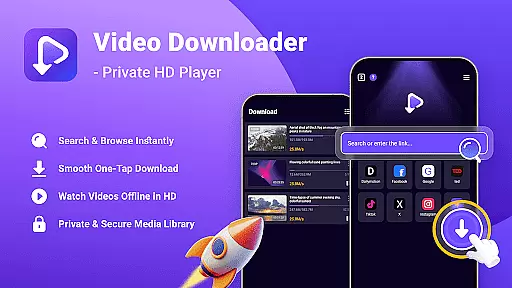
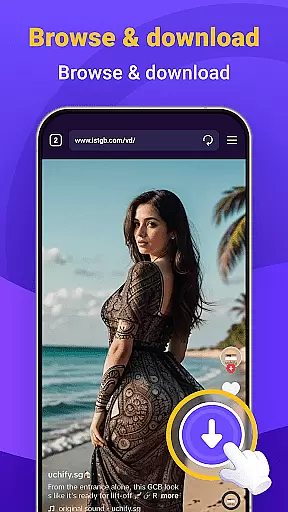
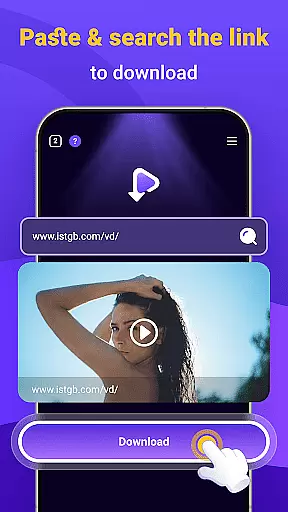
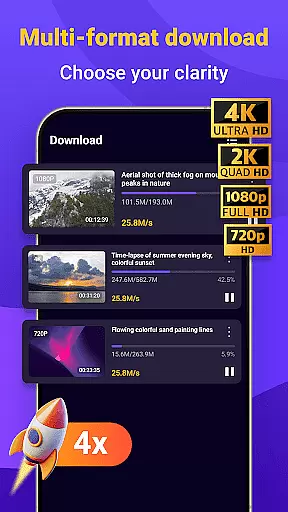
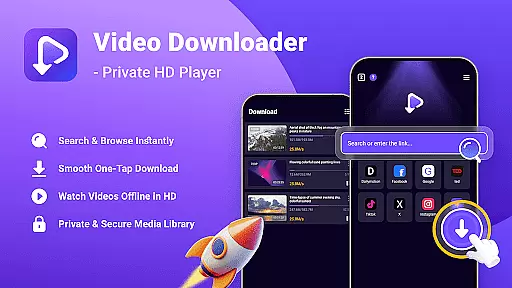
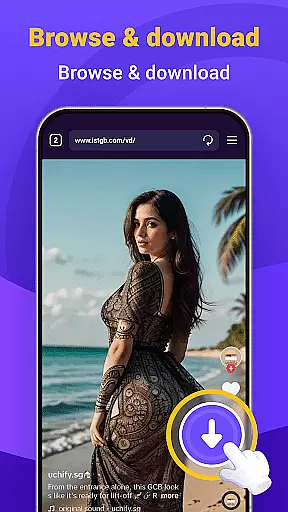
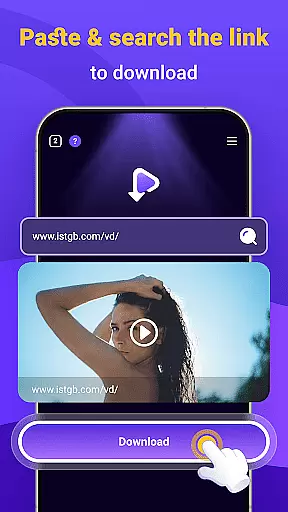
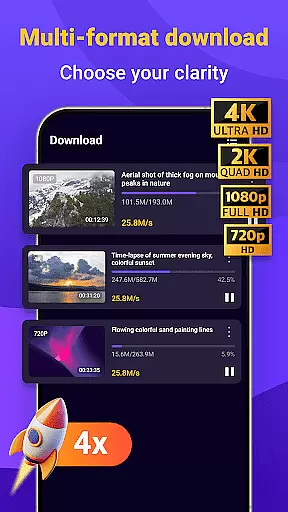
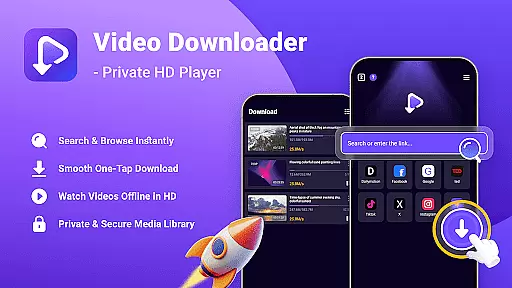
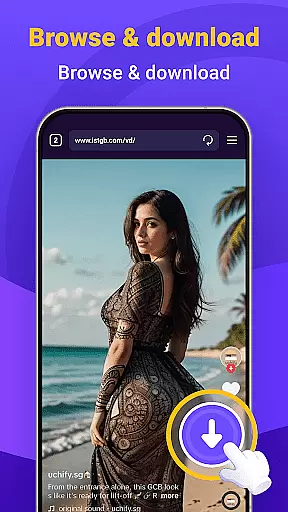
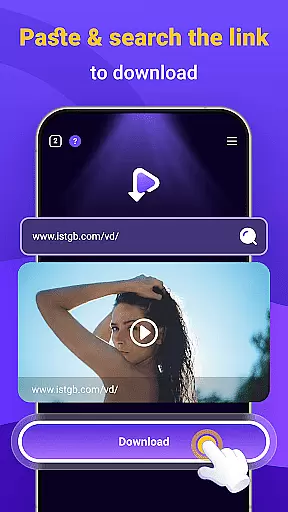
Video Downloader - Private HD Player is a versatile app designed for users who want to search, download, and play high-quality videos and audio files in one place. The app supports multiple file formats including MP4, MP3, AVI, and more, making it an all-in-one solution for media management. With its built-in search feature, users can easily find content without leaving the app. Whether you're looking to download videos for offline playback or organize your media library with ease, this app provides a seamless experience.
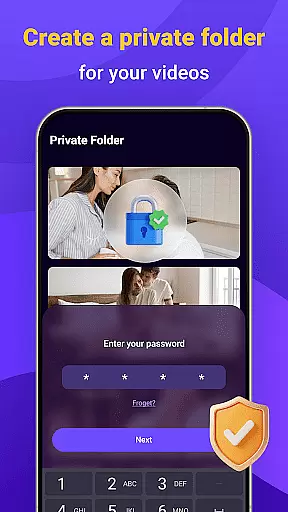
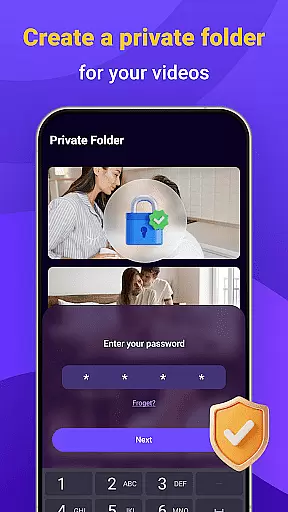
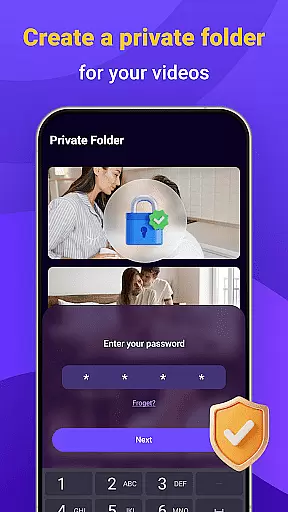
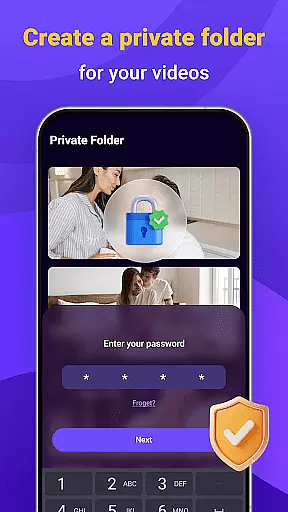
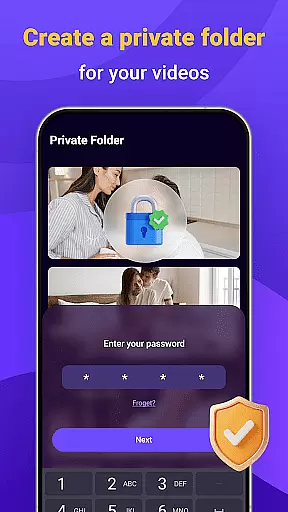
One of the standout features of Video Downloader - Private HD Player is its focus on privacy and security. Users can lock their media library with a secure password, ensuring that their downloaded files remain private. Additionally, the app allows for offline HD playback, enabling users to enjoy their favorite videos and audio files anytime, anywhere, without needing an internet connection. This makes it ideal for travelers or those with limited connectivity.
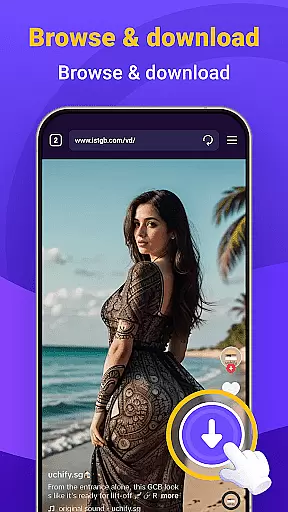
Video Downloader - Private HD Player offers a range of powerful features that enhance the user experience. One of the key highlights is its one-tap download functionality, which allows users to save HD videos, MP3s, and other file types with just a single click. This ensures fast and reliable downloading from websites or apps, streamlining the process of building a personal media library. The app also supports multiple file formats, providing smooth playback for both video and audio files.
Another notable feature is the app's emphasis on privacy and security. Users can browse and download content without worrying about activity tracking, thanks to the app's private browsing mode. Additionally, the ability to lock the media library with a password adds an extra layer of protection. These features make Video Downloader - Private HD Player a top choice for individuals seeking a secure and efficient way to manage their media files.
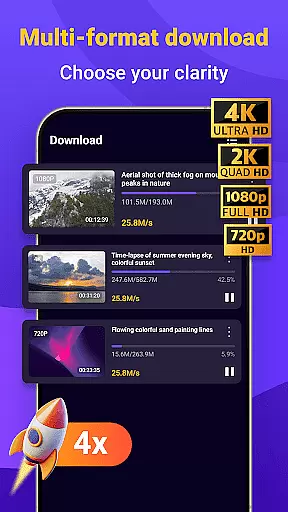
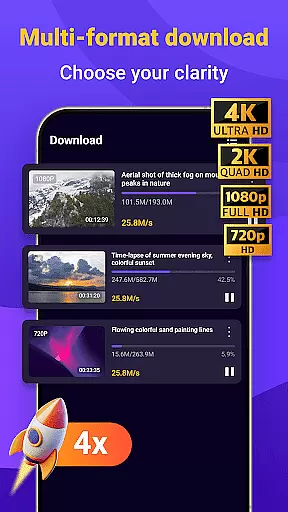
Video format compatibility is a crucial feature for any video player, ensuring that users can enjoy content in various formats without technical limitations. Video Downloader - Private HD Player excels in this area by supporting an extensive range of file types including MP4, MP3, AVI, and more.
The app's wide format support allows users to download and play videos or audio files directly within the app, eliminating the need for additional conversion tools. This seamless integration simplifies the user experience, making it easy to manage media libraries with diverse file types.
With Video Downloader - Private HD Player, you can confidently search for and save content from different sources, knowing that the app will handle the playback smoothly. This flexibility ensures uninterrupted entertainment and access to your favorite media anytime, anywhere.
AI-powered editing features are transforming how users interact with their media, offering smart tools that enhance productivity and creativity. Video Downloader - Private HD Player incorporates advanced AI capabilities to streamline video and audio management, providing users with intuitive controls and automated enhancements.
The app leverages AI technology to optimize file handling and playback, ensuring high-quality performance across various formats. Additionally, its intelligent algorithms assist in organizing downloaded content efficiently, enabling quick access and smooth offline playback without compromising quality.
By integrating these cutting-edge AI-powered features, Video Downloader - Private HD Player not only simplifies media management but also elevates the overall user experience. Users can enjoy enhanced control over their libraries while benefiting from faster processing speeds and reliable functionality.
User-friendly interface
Fast download speeds
Wide format support
Secure password protection
Offline playback capability
Limited advanced editing tools
No cloud sync option
Occasional ads in free version
Requires manual updates
Large file storage needs

A full editing room to accompany your Insta360 cameras and handheld gimbals.
 3.30
3.30
Snaptubè Video Downloader app allows to download videos and music in Snaptube. .
4.60
1)AirPlay/DLNA Mirroring/Streaming, up to 4 connections; 2)Samba/NAS/DMS Player.
4.00
AirMirror Receiver - Screen mirroring/cast web videos to Android TV by AirPlay.
4.40
IPTV Player - Watch live TV from m3m & m3u8 playlist, stream IPTV on mobile
3.30
Video Downloader, Multiple Resolution Options, Video Player
4.50
#1 Torrent App on Android ** No Ads Ever + Battery Saver **
4.80
Download Hub, easy and private way to download and enjoy your videos offline
4.80
Video&Drama Player All Format is a HD video player, music player
3.00
A Quick and Pro Video Editor
4.70
High-Quality USB Camera Viewer & HDMI Display
4.70
GENRAL PRO - General Pro is the best video player that fully supports all formats.
4.70
Browser + Remote for Roku to stream webvideos, online movies and livestreams
4.60
HD video maker with no watermark, no ads & vlog maker with music, PIP, text
4.50
Viddo: Generate Action Figure, AI Anime, AI kiss, AI hug Video from image & text
4.40
Movie maker & video editing app with AI effects and green screen
4.30
Video Downloader is an utility that can save videos and music from web sites
4.20
Browser for Samsung TV to stream webvideos, online movies and livestreams in HD
4.10
VLC for Android is the best open source video and music player, fast and easy!
4.10


User Reviews