
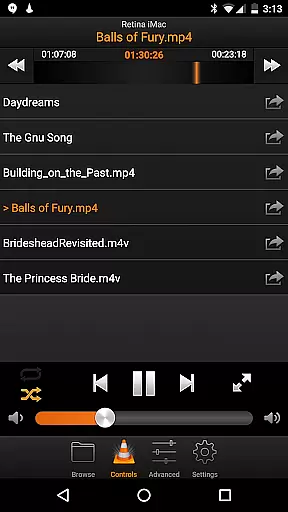
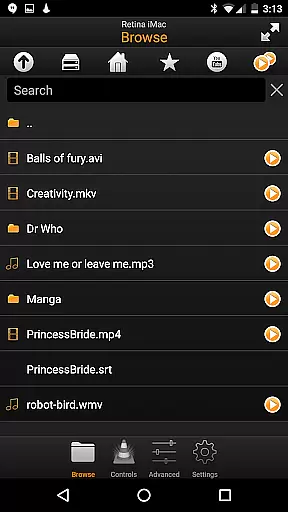
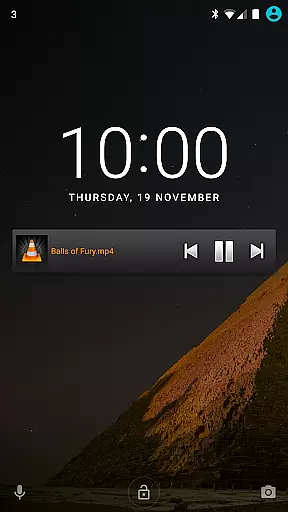
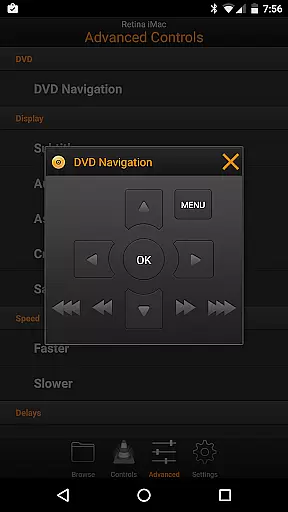
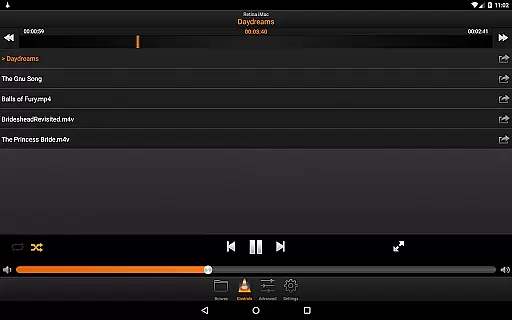
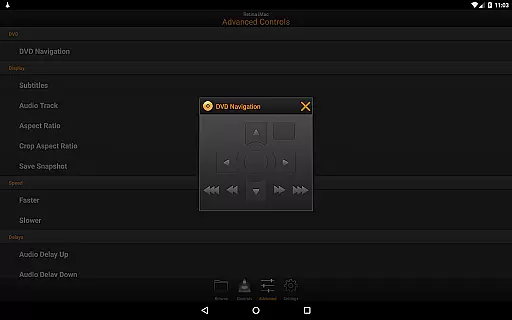
VLC Remote is a powerful and user-friendly application designed to enhance your multimedia experience by allowing you to control VLC media player directly from your Android device. The app offers seamless integration with VLC, enabling users to manage playback, volume, DVD controls, subtitles, and more without leaving the comfort of their seat.
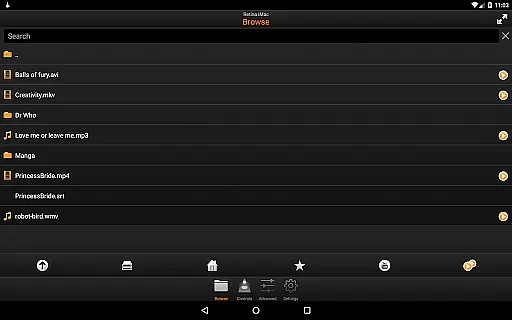
With its automatic setup helper, connecting your Android device to VLC becomes a hassle-free process that requires just a few button clicks. Whether you want to play files from your computer or adjust detailed settings like aspect ratio and audio track delays, VLC Remote provides complete browsing control for an immersive entertainment experience.
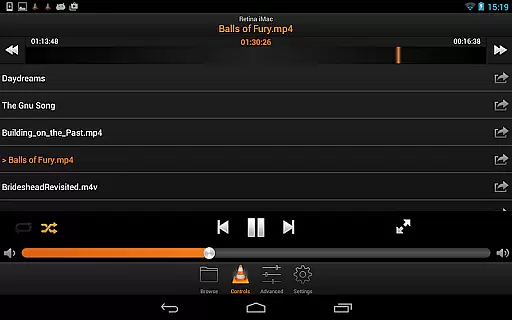
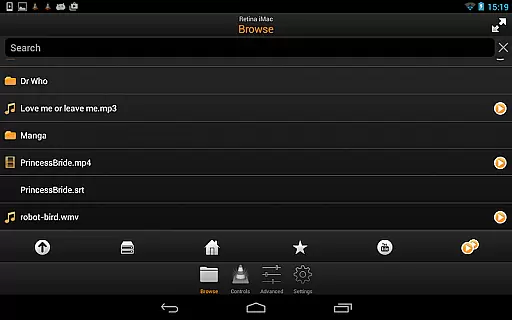
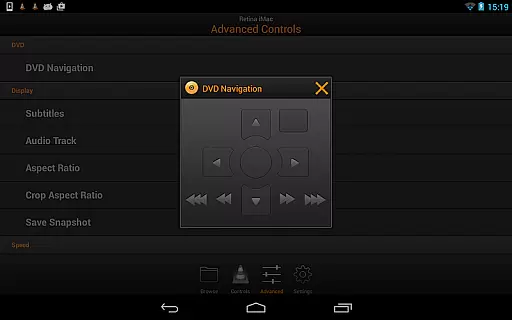
One of the standout features of VLC Remote is its intuitive interface that allows for effortless control over VLC's functionalities. Users can easily browse through their media library on the connected computer and play any file with minimal effort. The remote also supports full DVD controls, letting you navigate menus and chapters as if you were using a physical DVD player.
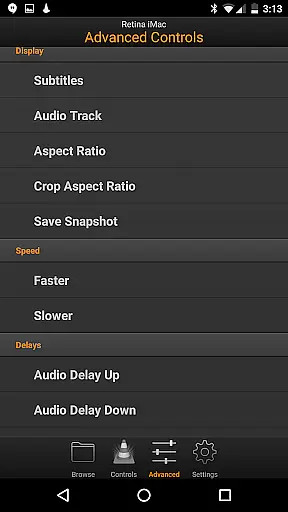
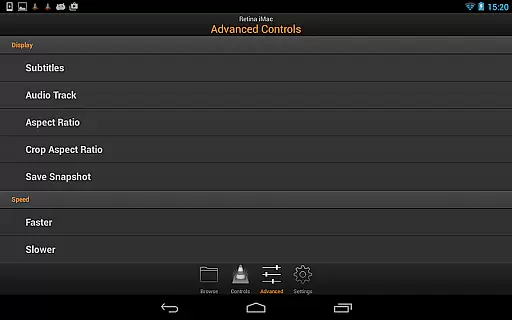
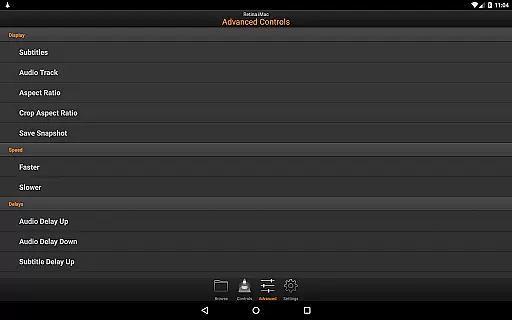
In addition to basic playback commands, this app offers advanced options such as subtitle management, aspect ratio adjustments, and audio track selection. These capabilities ensure that users have comprehensive command over their viewing experience right at their fingertips. Furthermore, the ability to access external drives expands storage possibilities beyond local devices.
One of the standout features of VLC Remote is its extensive video format compatibility. This ensures that users can control playback of virtually any video file type directly from their Android device.
The application supports all popular formats including MP4, AVI, MKV, and more. This wide-ranging compatibility eliminates the need for format conversion, making the user experience seamless and efficient.
With VLC Remote, you can browse and play any file from your computer's library without worrying about format issues. The remote provides full browsing control, allowing you to start, stop, or adjust playback settings effortlessly.
This level of format support not only enhances convenience but also saves time, letting you enjoy your media library without technical hindrances. Whether you're managing a personal collection or streaming content, VLC Remote ensures smooth and uninterrupted playback control.
While VLC Remote doesn't focus on traditional video editing, it incorporates smart features that enhance the playback experience through intelligent controls. These AI-powered functionalities help streamline how users interact with their media files.
The remote's automatic setup helper is an example of this smart integration. It configures VLC settings across devices with minimal user input, effectively removing technical barriers and optimizing the viewing experience.
Additionally, the application offers advanced playback controls that function like editing tools. Users can adjust subtitles, aspect ratios, audio tracks, and playback speeds with precision, creating a customized viewing experience without needing professional editing software.
These smart features demonstrate how VLC Remote uses technology to simplify complex tasks, making media management accessible to users of all technical levels while maintaining professional-grade control options.
User-friendly interface
Automatic setup helper
Comprehensive DVD controls
Advanced playback options
Access to external drives
Limited to VLC player
Requires network connection
No iOS version available
Occasional connectivity issues
Some features may need technical knowledge

The smartest M3U IPTV Player your playlists have ever seen.
 4.2
4.2
Auto video maker with music & exclusive filters. Video editing made simple.
4.50
Connect 2 UVC devices for recording and broadcast video/audio stream
3.90
HD video & music player - All format support with floating & PIP mode!
3.80
?100% FREE! Download & save videos? safely in this app. All formats supported.
4.60
Cast to Smart TV, Fire TV. Cast video, photo - Fast & Stable!
3.90
Connect EasyCap or UVC devices for recording and broadcast video/audio stream
3.60
Browser for Samsung TV to stream webvideos, online movies and livestreams in HD
4.10
LumaFusion: The Ultimate Storytelling Experience for Video Editing
4.10
GENRAL PRO - General Pro is the best video player that fully supports all formats.
4.70
Download videos and play them offline
4.70
Fast & easy HD video downloader for all formats, support 4K playback & download.
4.60
Browser + Remote for Roku to stream webvideos, online movies and livestreams
4.60
Cast movies, tv shows and live streams to Chromecast, Roku, DLNA, Fire TV & more
4.60
HD video maker with no watermark, no ads & vlog maker with music, PIP, text
4.50
Movie maker & video editing app with AI effects and green screen
4.30
Turn your phone into a wireless camera!
4.20
All format media Player, no need video converter any more!
4.00
Live TV, anywhere in your home
3.80


User Reviews