
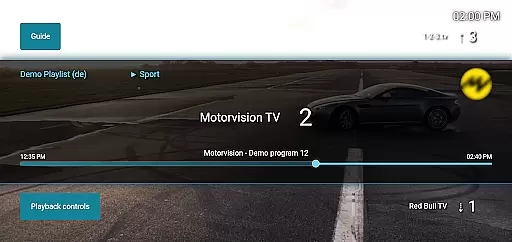
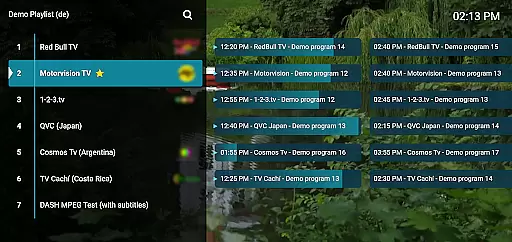
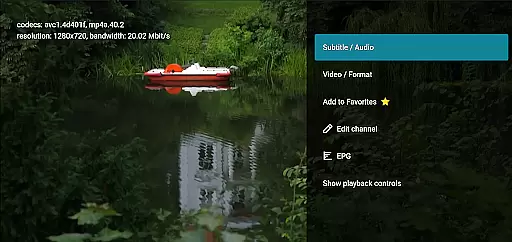
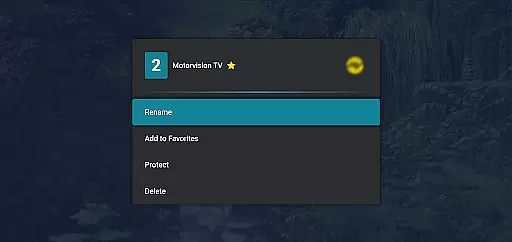
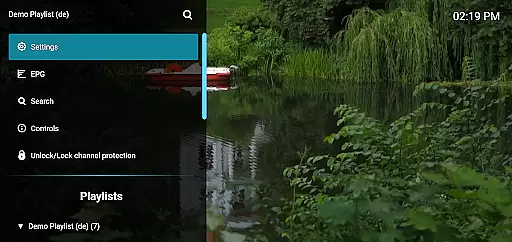
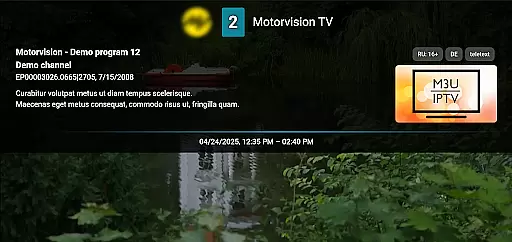
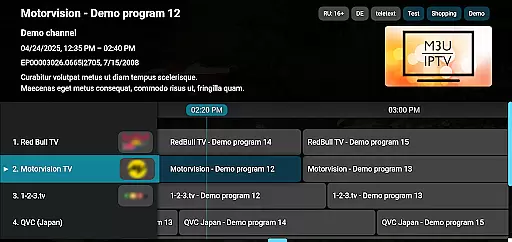
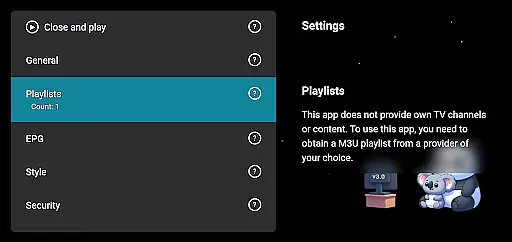
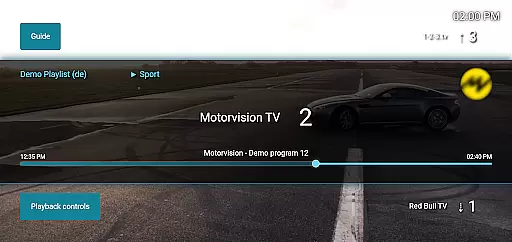
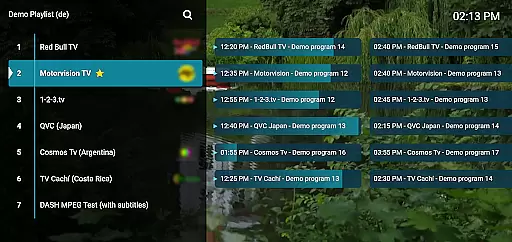
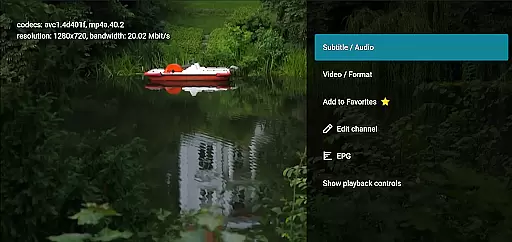
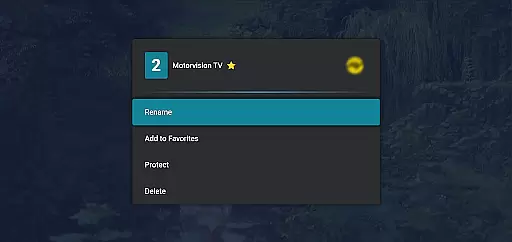
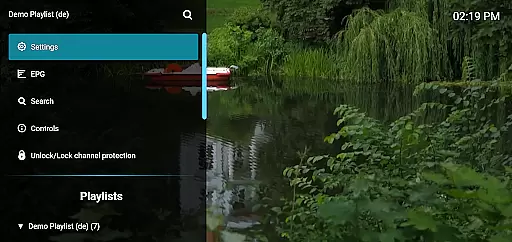
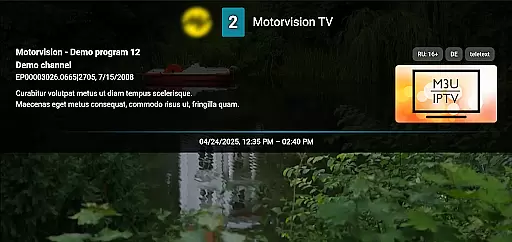
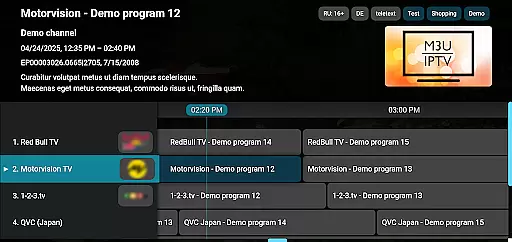
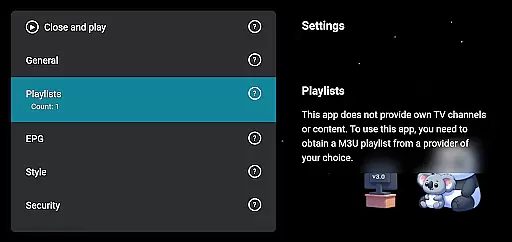
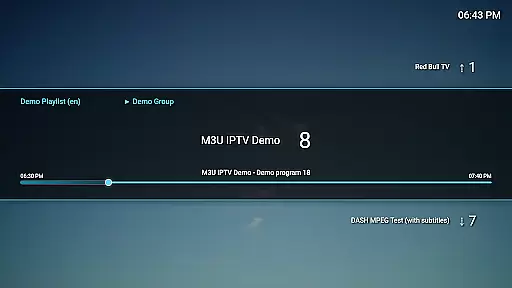
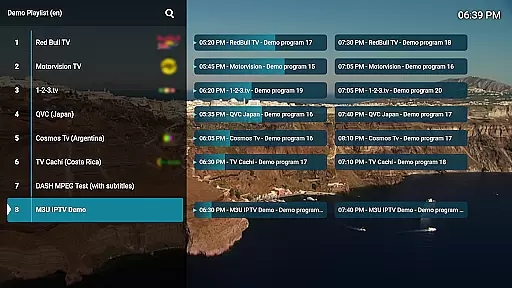
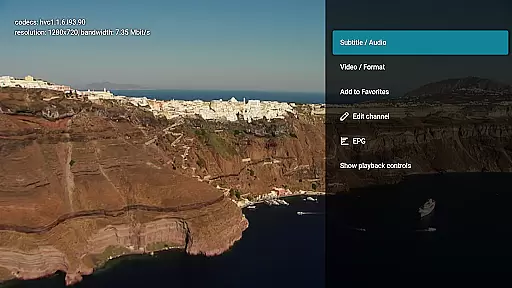
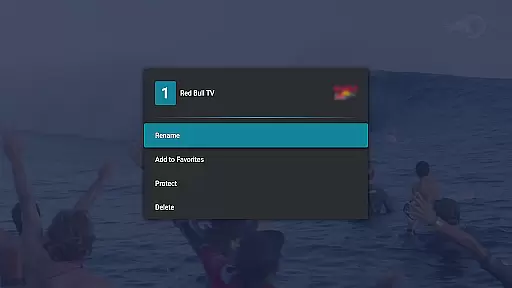
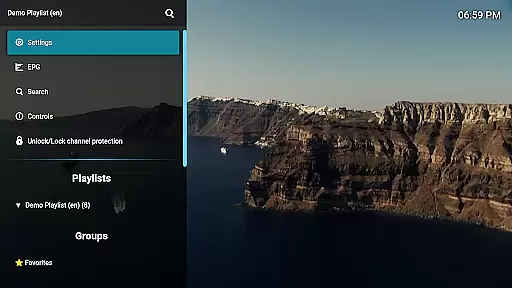
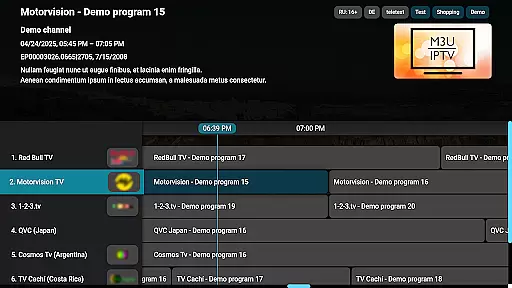
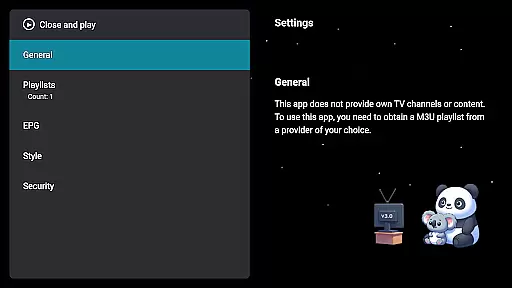
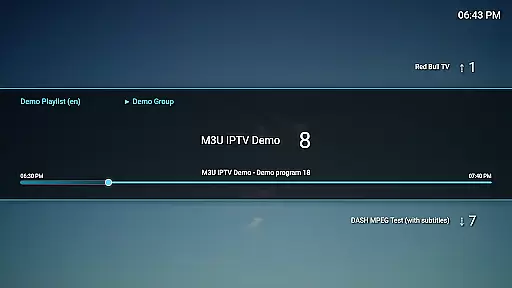
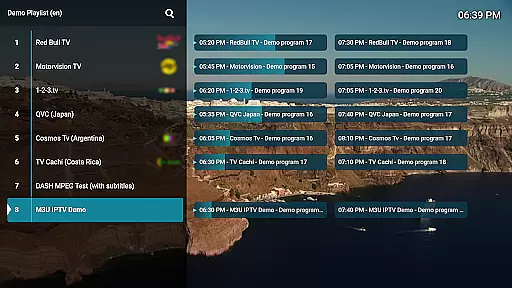
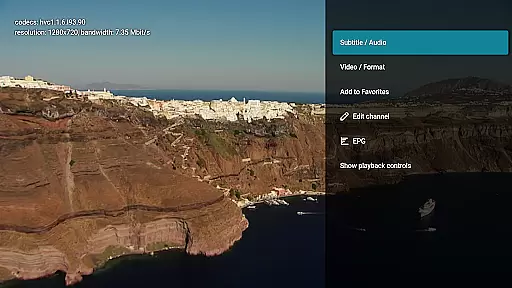
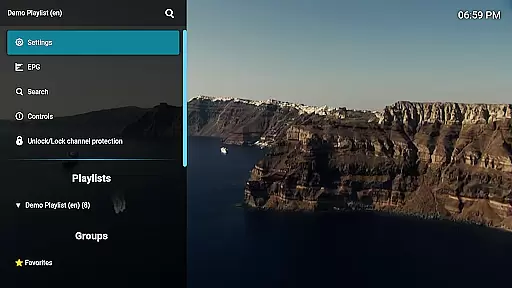
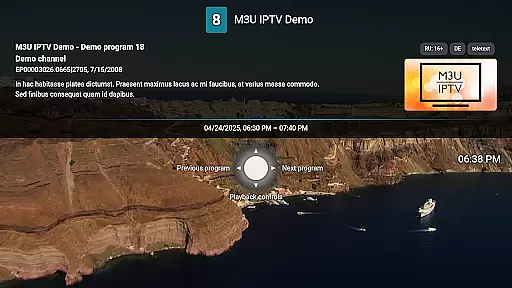
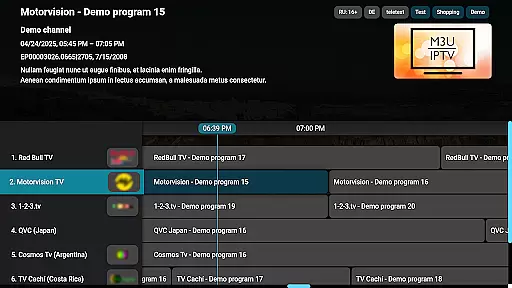
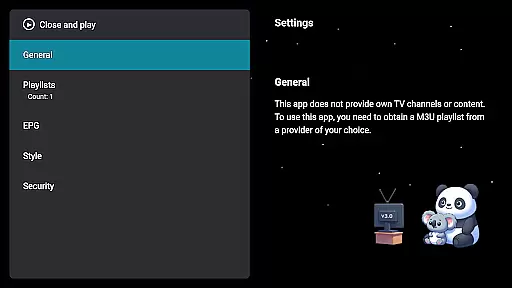
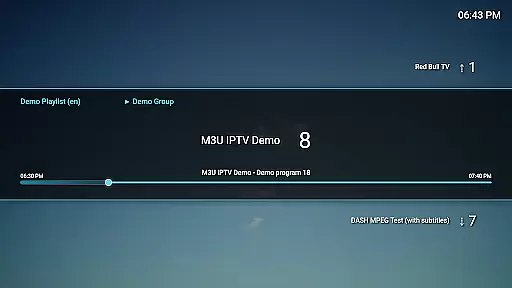
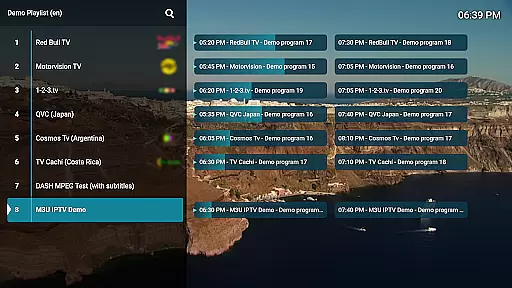
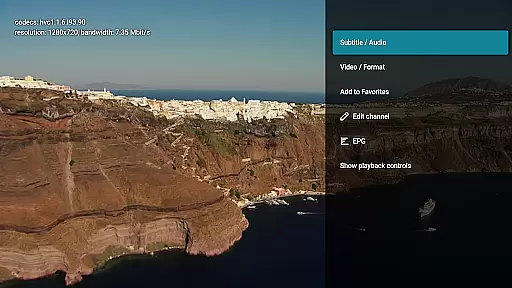
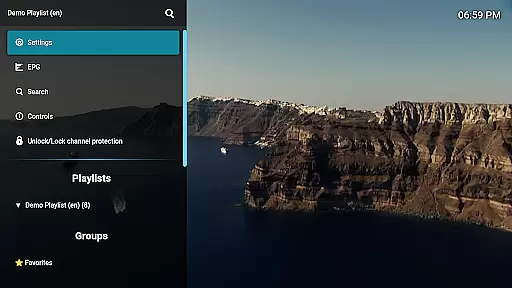
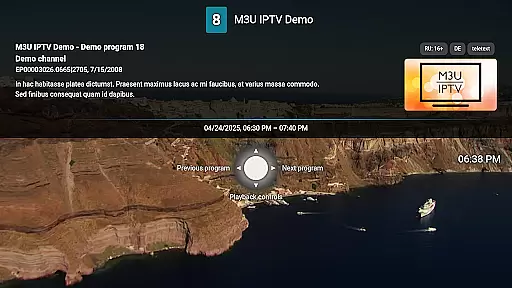
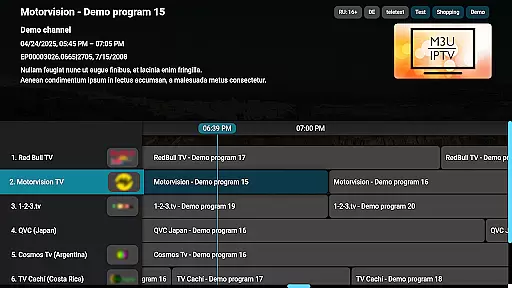
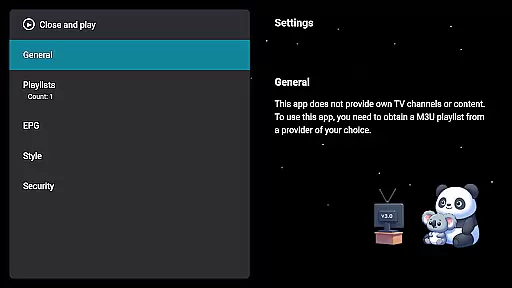
M3U IPTV Premium is a top-tier IPTV player designed for users seeking an ad-free, customizable streaming experience. It builds on the features of its free version by offering advanced tools and enhanced performance.
With support for M3U playlists, EPG integration, and unlimited playlists, this app provides full control over your IPTV content. The channel editor, catch-up functionality, and advanced playback controls make it a comprehensive solution for IPTV enthusiasts.
Whether you're managing personal IPTV streams or organizing channels with the intuitive editor, M3U IPTV Premium ensures a seamless streaming experience tailored to your preferences.
M3U IPTV Premium stands out with its robust feature set tailored for power users. The app supports unlimited M3U playlists, enabling users to switch between various IPTV sources effortlessly.
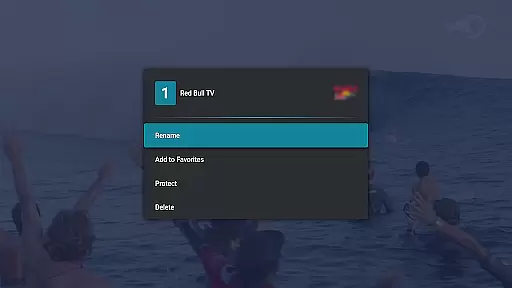
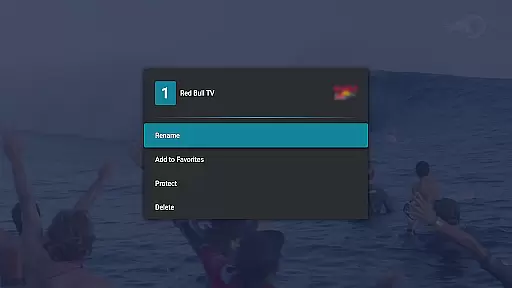
Advanced functionalities include EPG integration for TV schedules, customizable UI options, and channel protection via PIN locks. Catch-up and archive playback allow users to rewatch missed content, while the channel editor lets you rename, reorder, or remove channels.
The app also offers advanced playback controls and removes ads entirely, ensuring uninterrupted viewing. These features collectively deliver a premium IPTV experience that prioritizes customization and control.
Video format compatibility is a crucial feature for any video player, ensuring that users can enjoy content in various formats without technical hindrances. M3U IPTV Premium excels in this area by supporting M3U playlists, which are widely used for streaming multimedia over the internet.
The application allows users to stream their own IPTV content seamlessly, provided they have the appropriate playlist. This flexibility ensures that regardless of the source or format of your IPTV streams, you can easily integrate them into the app and enjoy a high-quality viewing experience.
By focusing on compatibility with M3U playlists, M3U IPTV Premium caters to both casual viewers and advanced users who require extensive control over their media sources. The ability to add unlimited playlists enhances this compatibility, making it simple to switch between different content libraries.
Ultimately, the robust video format compatibility offered by M3U IPTV Premium translates into an uninterrupted and versatile viewing experience. Users benefit from not only the wide range of supported formats but also the enhanced features like EPG integration and advanced playback controls, all contributing to a superior IPTV experience.
While M3U IPTV Premium does not focus on traditional video editing, it incorporates AI-powered features that enhance the user's control and interaction with their IPTV content. These smart functionalities contribute significantly to a more personalized and efficient viewing experience.
One standout feature is the customizable UI, allowing users to tailor the interface according to their preferences. This personalization extends to advanced playback controls, where AI algorithms assist in providing smooth pausing, rewinding, and fast-forwarding actions, ensuring that users maintain complete control over their viewing experience.
Additionally, the channel editor function benefits from intelligent design, enabling users to rename, reorder, or remove channels effortlessly. This level of customization is powered by underlying AI technologies that simplify complex tasks, making the app accessible even to those who may not be tech-savvy.
In summary, while M3U IPTV Premium might not offer conventional video editing tools, its AI-powered features provide significant value by enhancing user interaction and control. From customizable interfaces to advanced playback options, these innovations ensure a streamlined and enjoyable IPTV experience tailored to individual preferences.
Ad-free experience
Unlimited playlists
EPG integration
Catch-up functionality
Customizable UI
No included playlists
Requires technical setup
Premium cost
Limited beginner support
Device-specific issues

Watch full episodes of your favorite Cartoon Network and Cartoonito shows!
 3.50
3.50
AirMirror is Receiver for Screen Mirroring and Casting from Apple Devices.
3.60
KMPlayer Plus (Divx Codec) officially support Divx codec.
4.30
Play and download HD videos from all sources — fast, simple, and all-in-one.
4.3
Make your own Animations, Video and Photo Edits, Visual Effects, and more!
4.00
Watch IPTV on your Android device
4.60
Browser + Remote for Roku to stream webvideos, online movies and livestreams
4.60
Screen recorder with audio to take live videos & Screenshot in high quality!
4.70
Video&Drama Player All Format is a HD video player, music player
3.00
Flud is a simple and beautiful BitTorrent client for Android.
4.80
Video Trimmer, Video to MP3 Converter. Extract music from video, Easy & Fast.
4.80
Download videos and play them offline
4.70
Cast Videos from Web Browser, IPTV to Roku, Chromecast, DLNA, Smart TV +more
4.60
Cast movies, tv shows and live streams to Chromecast, Roku, DLNA, Fire TV & more
4.60
Fast, private downloading, video saving, social media
4.50
KineMaster, Your Ultimate Video Editor!
4.40
Fast & Private Video Downloader App. Save all videos easily from the Internet.
4.40
Web Browser for LG TV to stream webvideos, online movies and livestreams in HD
4.20
Powerful video player with advanced hardware acceleration and subtitle supports
4.20


User Reviews