
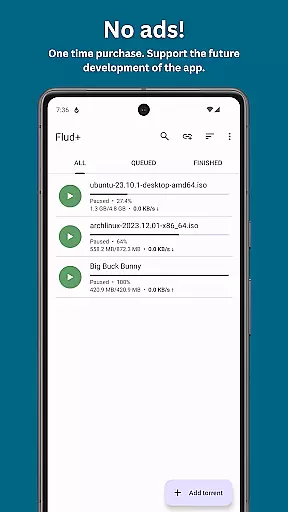
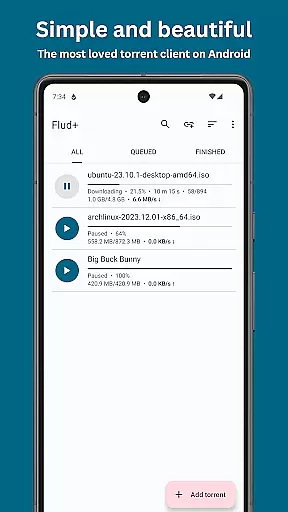
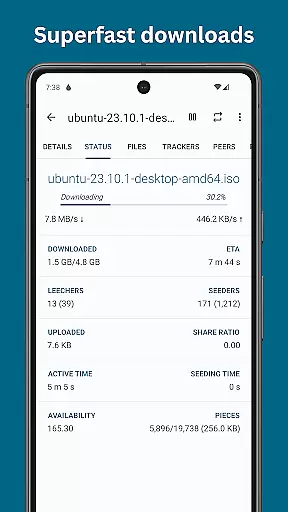
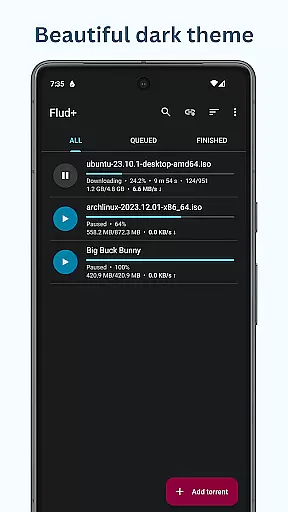
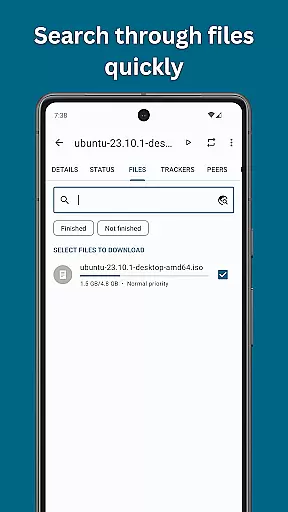
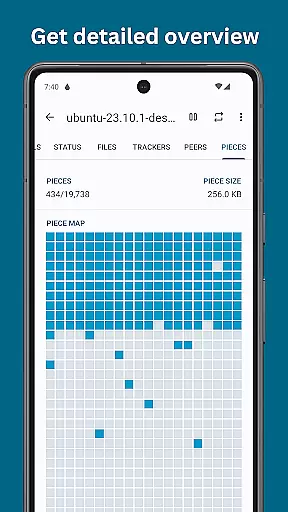
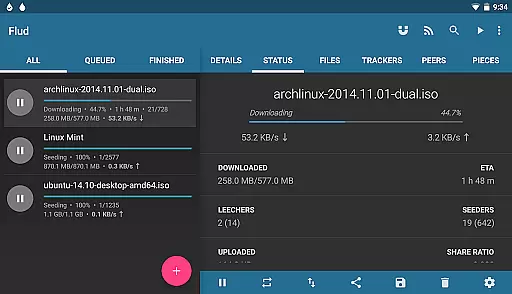
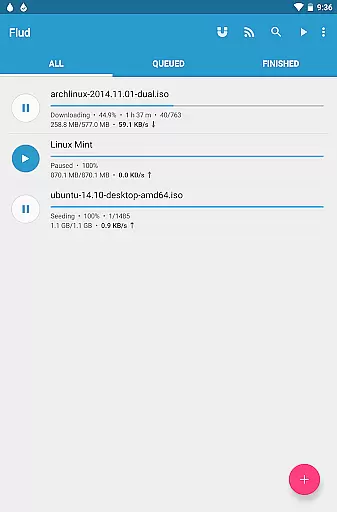
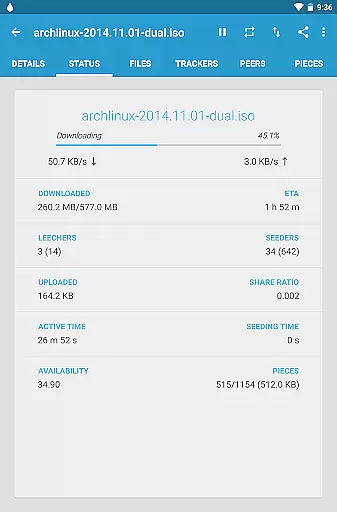
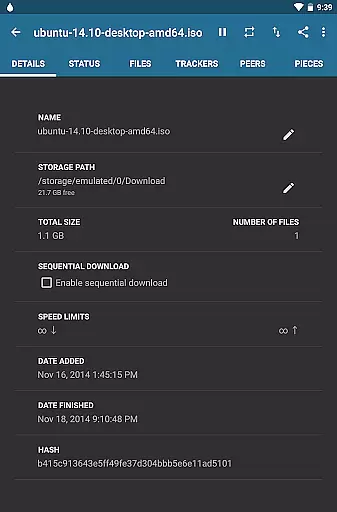
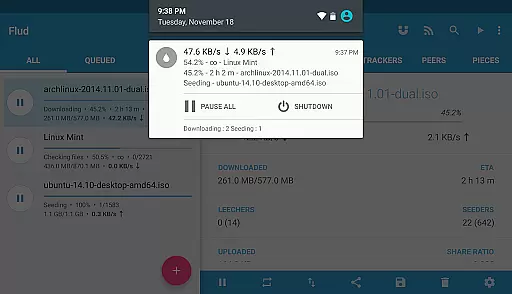
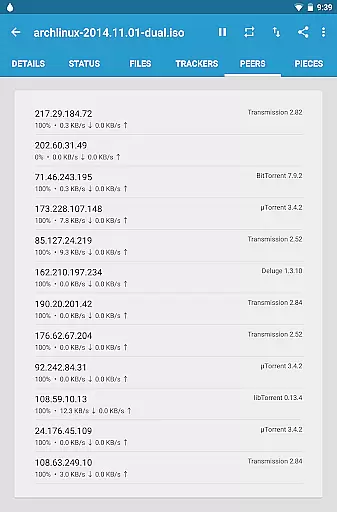
Flud+ is a premium BitTorrent client designed for Android users who desire an ad-free experience with advanced theming options. This app allows you to harness the full power of the BitTorrent protocol directly from your mobile device, making it easy to share and download files on the go.
With Flud+, you can enjoy unrestricted download and upload speeds, giving you the freedom to manage large files efficiently. The app supports a wide array of features including RSS feed integration, magnet links, and various network protocols like NAT-PMP and DHT. Whether you're downloading sequentially or moving files during the process, Flud+ offers a seamless experience tailored for both smartphones and tablets.
This application is perfect for users looking to optimize their torrenting activities without the clutter of ads, while enjoying additional customization options such as light and dark themes, and Material Design UI that enhances usability and aesthetics.
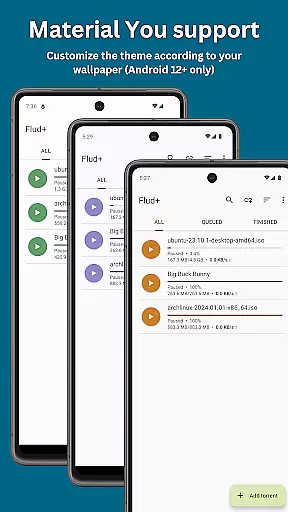
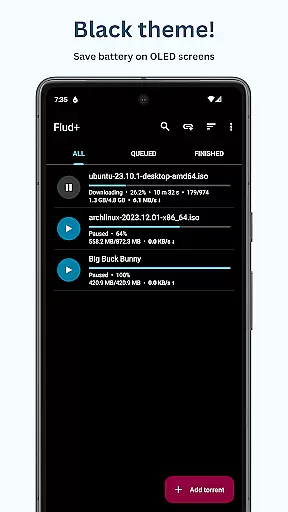
Flud+ stands out with its rich feature set tailored for avid torrent users. One of the key highlights is the absence of ads, providing an uninterrupted user experience. Additionally, exclusive theming options like Material You support and a black theme are available only in Flud+, allowing for personalized aesthetics.
The app includes powerful functionalities such as no speed limits on downloads/uploads, selective file downloading, and priority settings for files/folders. It also supports advanced protocols like µTP and PeX, ensuring efficient data transfer. With RSS feed support and automatic downloading, staying updated with your favorite content becomes effortless.
Moreover, Flud+ provides essential tools like encryption support, IP filtering, and proxy support for enhanced security. Users can also take advantage of WiFi-only download options and browser magnet link recognition, making torrent management both flexible and secure. These features collectively deliver a robust solution for managing torrent activities on Android devices.
Flud+ stands out in video format compatibility, ensuring users can download and manage torrent files with a wide array of video formats without any hitches. This feature is crucial for users who engage with diverse multimedia content.
The app supports torrents containing a large number of files and very big files, making it an ideal choice for downloading high-quality videos that might be larger in size. It's important to note that for devices with FAT32 formatted SD cards, the file size limit is 4GB.
With Flud+, you have the ability to select which files to download and specify file or folder priorities. This means you can efficiently manage your storage space by choosing only the video files you need.
Moreover, the recognition of magnet links from browsers enhances the user experience by simplifying the process of adding new downloads, thus streamlining access to desired video content across different platforms.
Although Flud+ does not focus on AI-powered editing features like some dedicated video editors, it offers robust tools for managing and optimizing torrent downloads, indirectly supporting your media library organization efforts.
The app provides advanced functionalities such as RSS feed support with automatic downloading and sequential downloading options. These features ensure that your video collection is always up-to-date without manual intervention, mimicking a smart management system.
Additionally, Flud+ includes theming features exclusive to its plus version, allowing users to customize their interface with material design and dark theme options. While not directly related to video editing, these customization capabilities enhance the overall user experience when handling multimedia files.
By offering encryption support, IP filtering, and proxy support for trackers and peers, Flud+ ensures a secure environment for your downloads. This security aspect is vital when dealing with potentially sensitive video content, providing peace of mind while managing extensive media libraries.
Ad-free experience
Advanced theming options
No speed limits
Material Design UI
Optimized for tablets
Paid version only
Limited to Android
No iOS support
Requires technical knowledge
Large file handling limit

Fast, private downloading, video saving, social media
 4.50
4.50
Connect 2 UVC devices for recording and broadcast video/audio stream
3.90
Powerful, professional, versatile teleprompter. Developed by an active film crew
4.00
1)AirPlay/DLNA Mirroring/Streaming, up to 4 connections; 2)Samba/NAS/DMS Player.
4.00
Video player with powerful streaming playback and various convenient features.
2.10
Explore the largest library of free GIFs, Stickers & Memes - or create your own!
3.90
Create, Publish & Maximize
4.70
Manage your YouTube channel on the go
4.40
Capture the moment and Cut
3.40
Video Player - Unlimited features, 30 days money back guarantee.
4.60
Watch a large amount of high-definition short drama content
4.60
Support 1000+ Video Format, Subtitle Download, mp3 & Background Play, Cast On TV
4.60
Cast to Chromecast, Xbox, Fire Stick, Roku, DLNA, Smart TV & No Feature Limited!
4.50
Browser for Fire TV to stream webvideos, online movies, livestreams in HD
4.40
Create & edit videos with AI
4.30
KMPlayer Plus (Divx Codec) officially support Divx codec.
4.30
AI Video Editor:AI Music, Text to Video,Text to Speech,Auto Caption,Video Effect
4.00
AirMirror is Receiver for Screen Mirroring and Casting from Apple Devices.
3.60
The essential companion to your Blue Iris PC software
2.50


User Reviews