
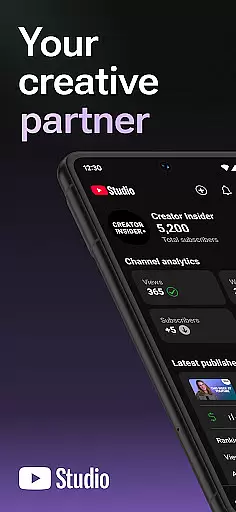
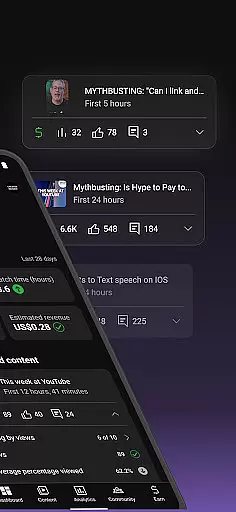
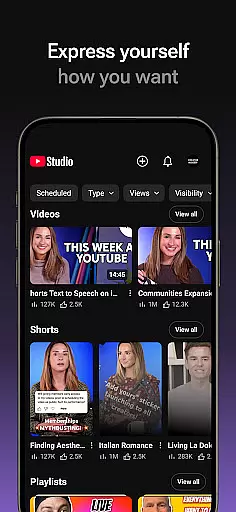
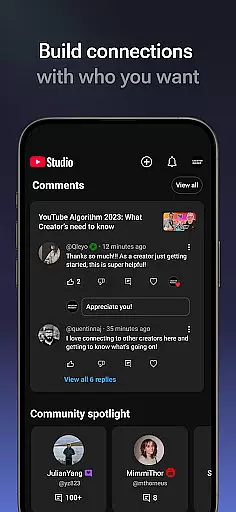
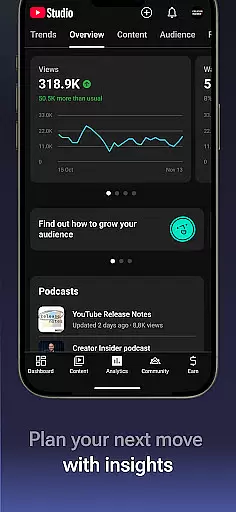
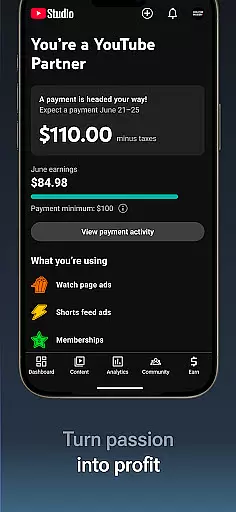
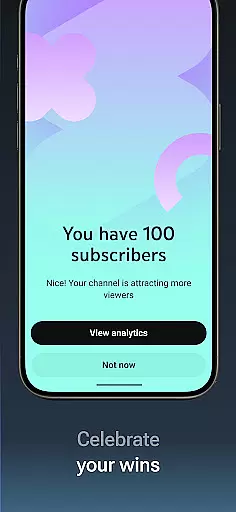
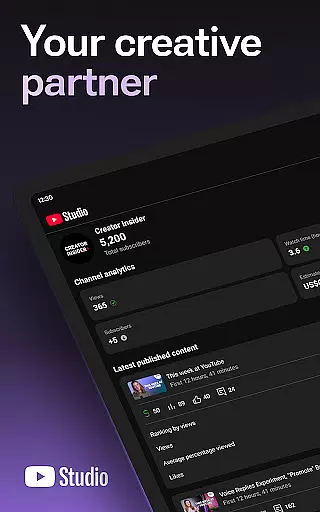
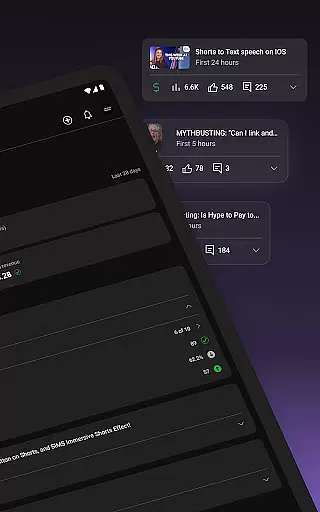
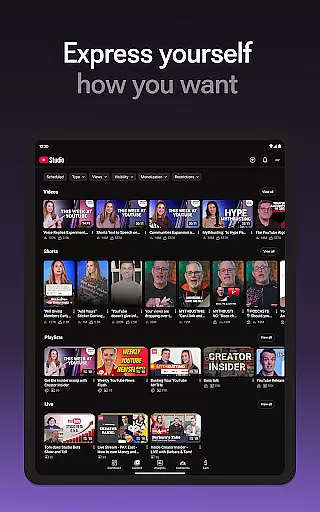
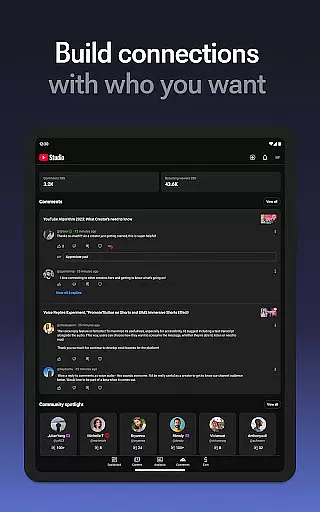
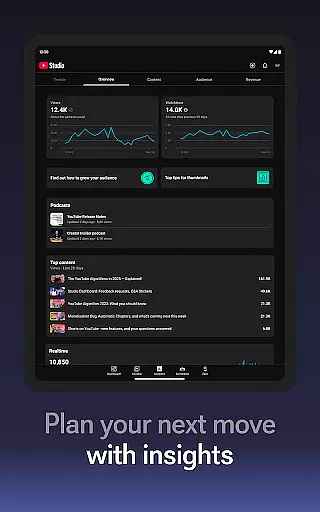
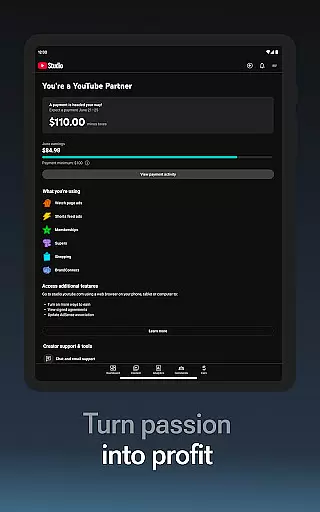

YouTube Studio is the official mobile app designed for content creators to manage their YouTube channels effectively. The app provides a comprehensive set of tools that allow users to monitor channel performance, engage with their audience, and customize content directly from their mobile devices. With features like the Channel Dashboard, detailed Analytics, and comment management, it offers everything needed to optimize a YouTube channel's growth and engagement.
The app is particularly useful for creators who need to stay connected with their audience while on the go. It enables them to make real-time updates to video details, apply for monetization through the YouTube Partner Program, and track how different types of content perform. This ensures that creators can continually refine their strategies based on accurate data, ultimately helping them build stronger connections with their viewers.
YouTube Studio stands out with its robust feature set tailored specifically for YouTube creators. One of the key highlights is the Channel Dashboard, which gives users an at-a-glance view of their channel's overall performance. This includes metrics such as views, watch time, and subscriber growth, all presented in an easy-to-understand format. Additionally, the app offers advanced Analytics, allowing users to drill down into specific content types like videos, shorts, and livestreams to understand what resonates most with their audience.
Beyond analytics, YouTube Studio excels in community management. Creators can sort and filter comments to prioritize important conversations, ensuring they maintain meaningful interactions with their viewers. The app also lets users update video information, change channel aesthetics, and even apply for monetization. These capabilities empower creators to not only track their success but actively shape their channel's direction and appearance, making it an indispensable tool for serious YouTubers.
Video format compatibility is a crucial feature for any video editing or player application, including YouTube Studio. This functionality ensures that creators can upload and manage videos in various formats without worrying about quality loss or conversion issues.
YouTube Studio supports a wide range of video formats, allowing content creators to focus on their creativity and audience engagement rather than technical limitations. Whether you're uploading standard MP4 files or high-resolution 4K videos, the app maintains the original quality while optimizing for streaming.
The benefit of this extensive format support is the flexibility it provides to creators. They can experiment with different types of content - from shorts to long-form videos - knowing that YouTube Studio will handle the technical aspects seamlessly. This feature saves time and effort in post-production, enabling creators to publish content more efficiently.
Moreover, the app's compatibility with multiple formats ensures that creators can reach a wider audience across different devices and platforms. This versatility is particularly valuable in today's diverse digital landscape, where viewers access content through various devices with different technical specifications.
AI-powered editing features represent a significant advancement in video production tools, and YouTube Studio incorporates several intelligent functionalities that enhance the content creation process. These AI-driven capabilities help creators optimize their videos and improve overall channel performance.
The app's AI technology analyzes video content to provide smart suggestions for improvements. This includes automatic caption generation, which not only makes content more accessible but also improves searchability and viewer retention. The AI system can also identify key moments in videos, helping creators create more engaging thumbnails and highlights.
Another valuable aspect of YouTube Studio's AI features is its ability to analyze audience behavior and suggest optimal video lengths, publishing times, and content formats based on historical data. This helps creators make informed decisions about their content strategy and maximize their reach and impact.
These intelligent editing tools significantly reduce the technical barriers to professional-quality video production. By automating complex tasks and providing data-driven recommendations, YouTube Studio empowers creators to focus on their creative vision while ensuring their content meets professional standards and resonates with their target audience.
User-friendly interface
Comprehensive analytics
Real-time updates
Monetization options
Comment management
Limited desktop features
Occasional bugs
Ads in the app
Complex navigation
Slow sync times

HD Video player all format, HD Videos, Cast & Subtitle. No annoying ads.
 4.60
4.60
Video Player - Unlimited features, 30 days money back guarantee.
4.60
Cast to Chromecast, Xbox, Fire Stick, Roku, DLNA, Smart TV & No Feature Limited!
4.50
Create photo video with music & template. AI video maker for stunning slideshow.
4.60
HD video maker with no watermark, no ads & vlog maker with music, PIP, text
4.50
High-Quality USB Camera Viewer & HDMI Display
4.70
Movie maker & video editing app with AI effects and green screen
4.30
Cast to Smart TV, Fire TV. Cast video, photo - Fast & Stable!
3.90
#1 Torrent App on Android ** No Ads Ever + Battery Saver **
4.80
Tik & Story Saver-Download ALL social media videos, photos & reels no watermark.
4.80
Flud is a simple and beautiful BitTorrent client for Android.
4.80
Download videos and play them offline
4.70
?100% FREE! Download & save videos? safely in this app. All formats supported.
4.60
Support 1000+ Video Format, Subtitle Download, mp3 & Background Play, Cast On TV
4.60
Download website videos fast&privacy
4.40
IPTV-Smarters Player Pro M3U - Watch Live Stream TV Channels with Chromecast
4.00
Make your own Animations, Video and Photo Edits, Visual Effects, and more!
4.00
HD video & music player - All format support with floating & PIP mode!
3.80
Play and download HD videos from all sources — fast, simple, and all-in-one.
4.4


User Reviews