
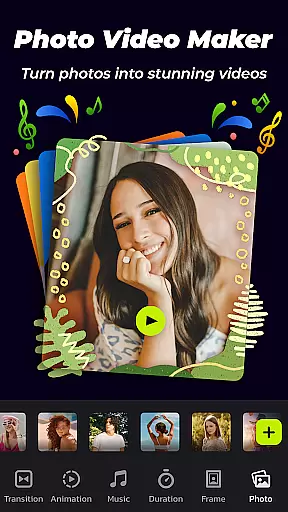
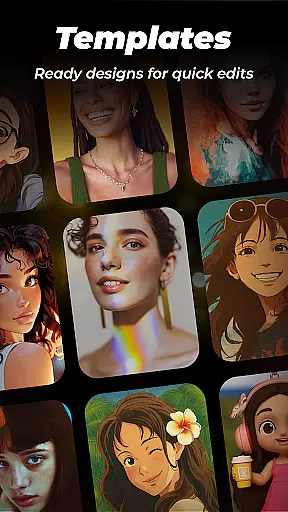
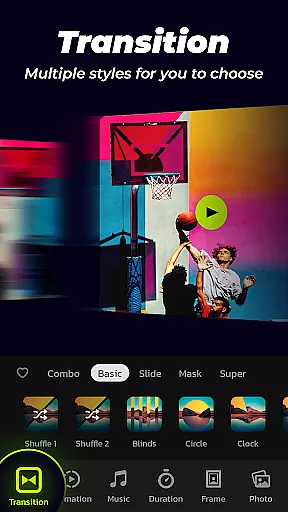

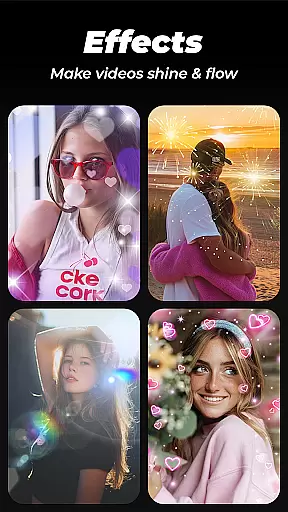
Photo Video Maker with Music - InSlide is a versatile video editing tool designed for creating engaging photo slideshows, music albums, and presentations. The app offers an intuitive interface that allows users to add music, transitions, animations, and frames to their projects.
With its robust feature set, InSlide caters to both casual users looking to share life moments on social media and professionals needing to create polished presentations. Its ability to export videos in resolutions up to 2K makes it suitable for various platforms like YouTube, TikTok, and Instagram.
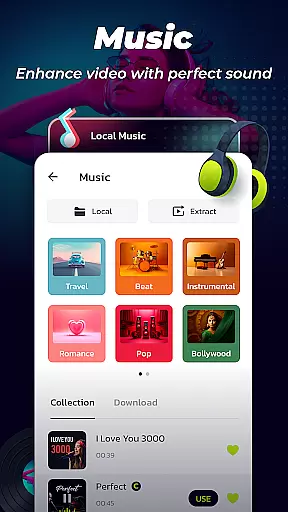
The app provides a comprehensive suite of features including abundant transition effects, customizable durations, and diverse music options. Users can choose from pre-loaded tracks across multiple genres or upload their own audio files.
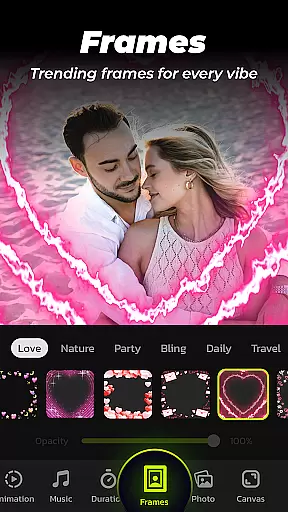
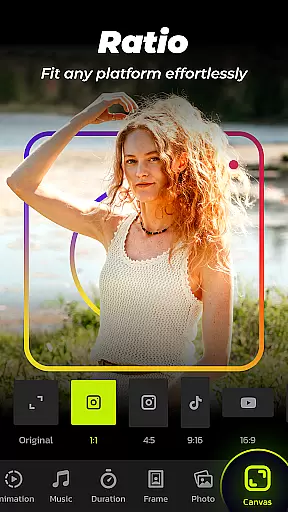
InSlide stands out with its one-click transition effects and categorized frames that enhance slideshow storytelling. The aspect ratio adjustment and resolution selection features ensure compatibility with different social media platforms and devices, while the video library helps organize and store created content efficiently.
Video format compatibility is a crucial feature for any video editing tool, ensuring that users can work with a wide range of file types. Photo Video Maker with Music - InSlide supports multiple formats, allowing creators to import and export videos without worrying about compatibility issues.
The app provides five resolution options, ranging from 480P to 2K, giving users the flexibility to choose the best quality for their needs. Whether it's for quick sharing on social media or high-quality presentations, InSlide ensures your videos maintain their integrity across platforms.
In addition to supporting various resolutions, the app also allows you to adjust the aspect ratio of your projects. This means you can easily tailor your creations for different platforms like YouTube, TikTok, or Instagram, making sure they display correctly every time.
With these robust video format compatibility features, Photo Video Maker empowers users to focus on their creative process without being limited by technical constraints. The ability to customize both resolution and aspect ratio ensures that your final product will look professional and polished, regardless of where it's viewed.
AI-powered editing features are revolutionizing the way we create and edit videos, making professional-quality results accessible to everyone. Photo Video Maker with Music - InSlide incorporates AI technology to simplify complex tasks such as adding transitions, animations, and music to your projects.
One standout feature is the one-click transition effect, which automatically applies smooth transitions between clips. This saves time and effort while still delivering visually appealing results. Additionally, the app offers an extensive library of categorized frames and themes, which are continuously updated, allowing users to enhance their slideshows with minimal effort.
InSlide also leverages AI to optimize video rendering times and improve overall performance. By intelligently processing data, the app ensures that even large projects render quickly and efficiently, without compromising on quality.
These AI-powered tools not only streamline the editing process but also open up new creative possibilities. Users can experiment with different styles and effects, knowing that the underlying technology will help them achieve polished and engaging results every time.
User-friendly interface
Extensive transition effects
Versatile music library
High-resolution exports
Efficient project management
Limited advanced tools
Occasional ads
Paid features
Storage requirements
Learning curve

Online Videos Player
 3.90
3.90
Client application for NextPVR software
3.00
VLC Remote lets you control your VLC Media Player on Mac, PC or Linux.
4.60
Download videos and play them offline
4.70
Browser for Sony TV to stream web videos, online movies and live tv
3.20
Flud is a simple and beautiful BitTorrent client for Android.
4.80
Cast movies, tv shows and live streams to Chromecast, Roku, DLNA, Fire TV & more
4.60
Video&Drama Player All Format is a HD video player, music player
3.00
Capture the moment and Cut
3.40
Watch IPTV on your Android device
4.60
Seamlessly connect and control your smart devices, anytime, anywhere with ease.
4.60
Cast to Chromecast, Xbox, Fire Stick, Roku, DLNA, Smart TV & No Feature Limited!
4.50
Fast video downloader & private browser. Save HD clips to watch offline.
4.40
Full HD Video mp3 Player, MP4 player play 1080p, File manager, Video Downloader
4.40
Video Downloader is an utility that can save videos and music from web sites
4.20
Video player with 4K & 1080P support, popup play, background play and subtitle.
4.20
1)AirPlay/DLNA Mirroring/Streaming, up to 4 connections; 2)Samba/NAS/DMS Player.
4.00
IPTV Player - Watch live TV from m3m & m3u8 playlist, stream IPTV on mobile
3.30
Powerful HD video player with support for all formats & subtitles.
4.5


User Reviews