
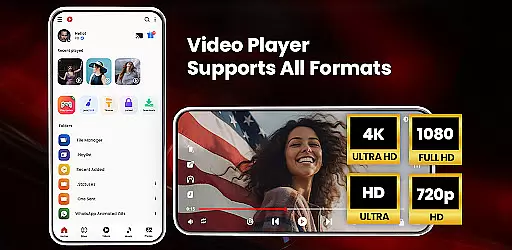
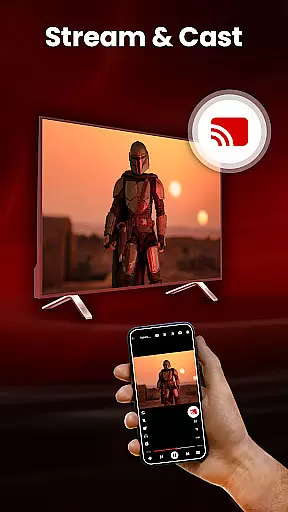
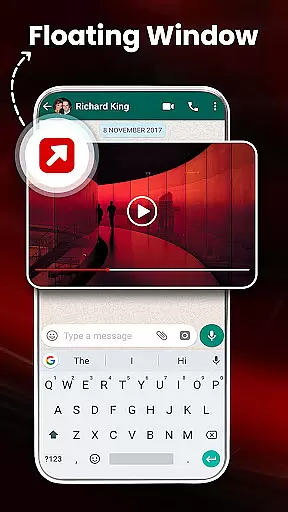
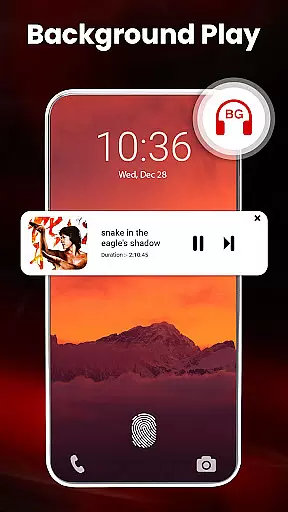
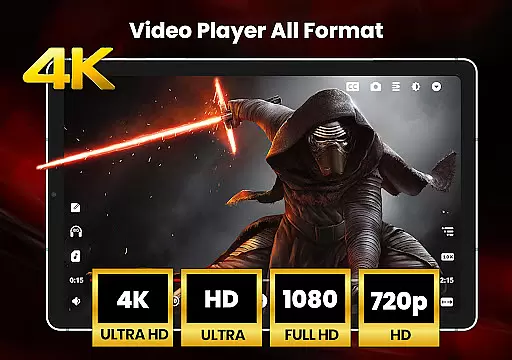
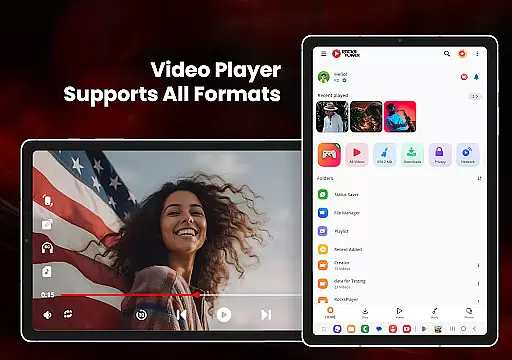
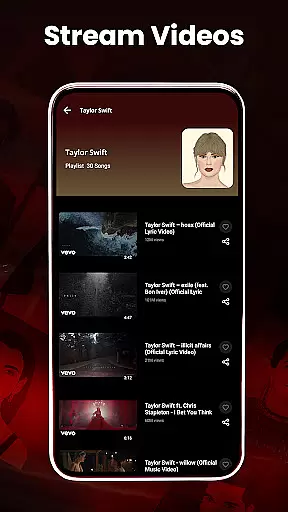
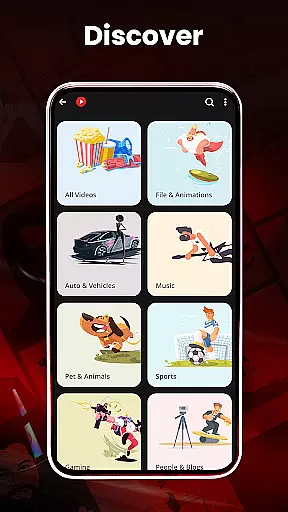
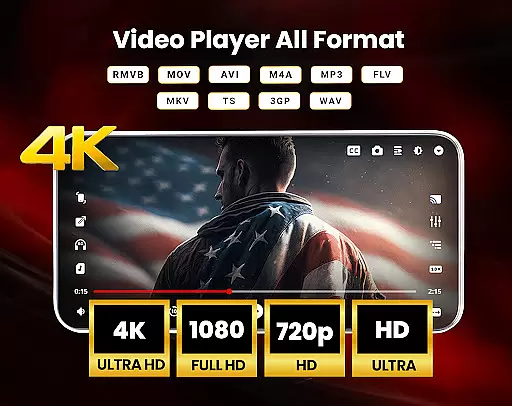
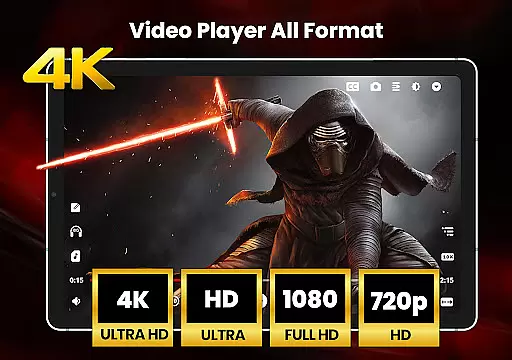
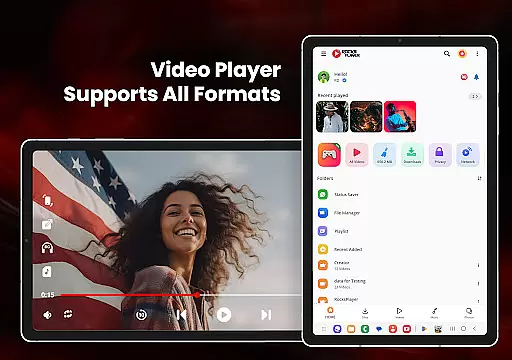
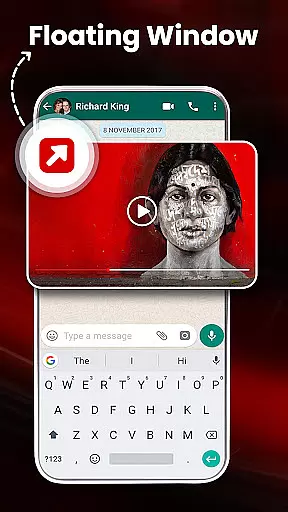
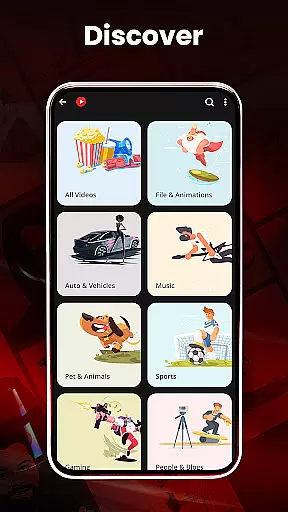

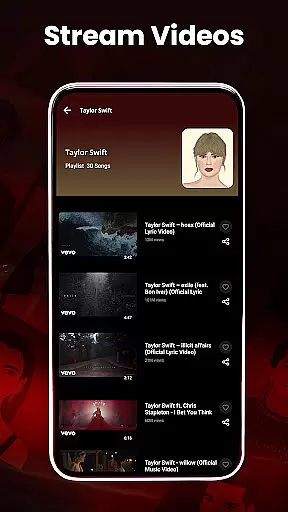
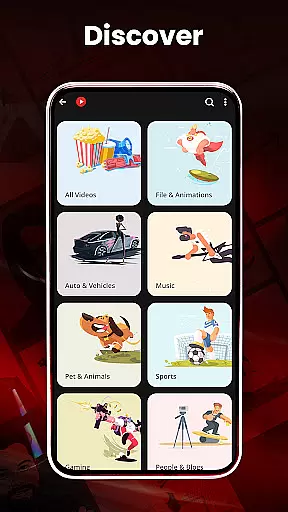
HD Video Player All Formats is a versatile media player designed for Android users who need comprehensive support for various video and audio formats. This app not only plays HD, Full HD, 4K, and Ultra HD videos smoothly but also offers advanced features like casting to TV, pop-up video playback, and background audio mode.
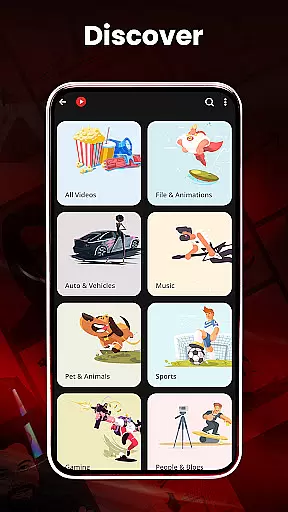
The application stands out with its powerful file management capabilities, including duplicate file scanning, video hiding, and cleaning functionalities. Whether you're managing playlists, organizing photo albums, or downloading videos from social media platforms, this all-in-one tool provides an efficient solution for all your media needs.
Perfect for users who require both high-quality playback and smart media management, the app ensures a seamless experience across different types of media files while maintaining optimal performance and user-friendly controls.
HD Video Player All Formats supports an extensive range of video and audio formats such as MKV, MP4, M4V, MOV, and more. It incorporates a built-in video downloader and MP3 player, making it easy to download and play media directly within the app. The hardware acceleration feature enhances video playback quality, especially for high-resolution files.
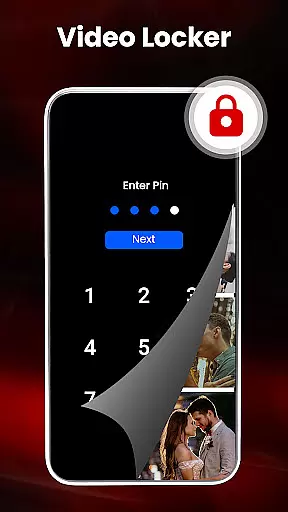
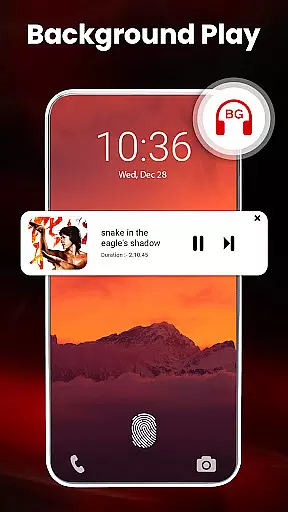
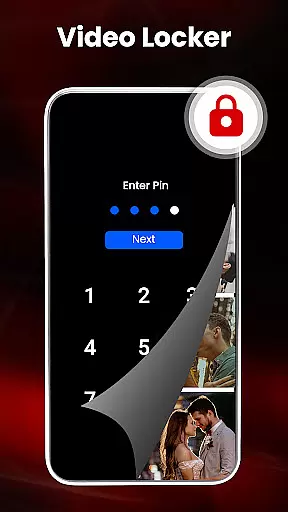
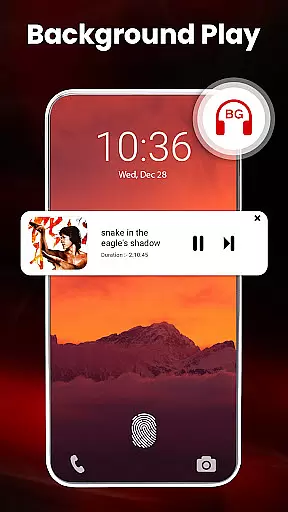
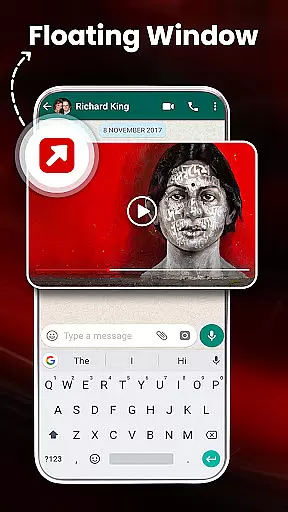
One of the standout features is the ability to cast videos to a TV directly from your Android phone. Additionally, the app allows for multi-tasking with options like picture-in-picture mode and background audio playback. Users can also enjoy advanced functionalities such as video locking, dual audio support, and playback speed adjustment.
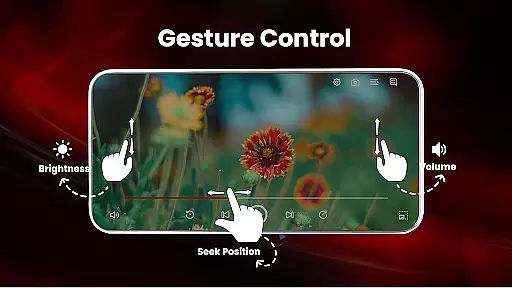
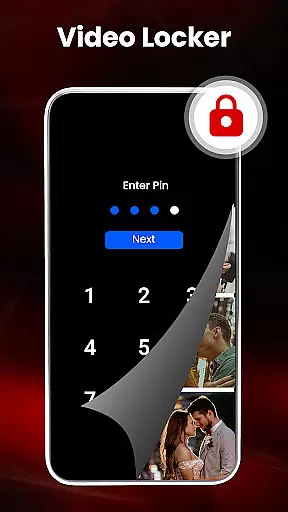
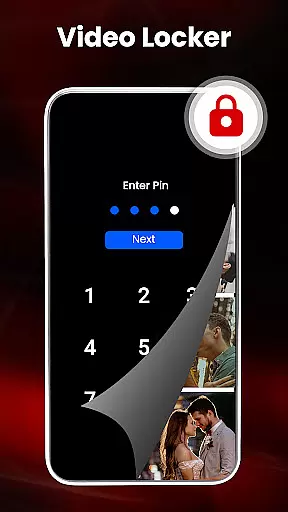
For those concerned about privacy, the app includes a video hider and secure pin protection. Smart gestures and customizable themes further enhance the user experience, providing intuitive control over volume, brightness, and playback progress. Overall, these features make HD Video Player All Formats a robust choice for managing and enjoying multimedia content.
Video format compatibility is a crucial feature for any video player application, and HD Video Player All Formats excels in this area. This app supports an extensive range of video formats including MKV, MP4, M4V, MOV, 3GP, FLV, WMV, TS, MP3, MPG, and more. Such wide-ranging support ensures that users can play virtually any video file they encounter without the need for conversion or additional software.
The app's ability to handle HD, Full HD, 4K, and Ultra HD video files makes it stand out as one of the best options for Android users who demand high-quality playback. Whether you're watching standard definition content or the latest high-resolution videos, this player guarantees smooth and uninterrupted playback. The inclusion of hardware acceleration with the new HW+ decoder further enhances the viewing experience by optimizing performance on your device.
For users, this means freedom and flexibility. You no longer have to worry about whether a particular video will play on your device. With HD Video Player All Formats, you can confidently download, transfer, and watch videos from various sources knowing that the app has you covered. This versatility not only saves time but also enriches the multimedia experience by removing technical barriers between you and your content.
While HD Video Player All Formats primarily focuses on video playback, it also incorporates AI-powered editing features that add significant value to its functionality. One notable feature is the smart gesture control, which allows users to easily adjust volume, playing progress, and brightness with simple swipes. This intuitive interaction reduces the learning curve for new users and streamlines the viewing experience for seasoned users.
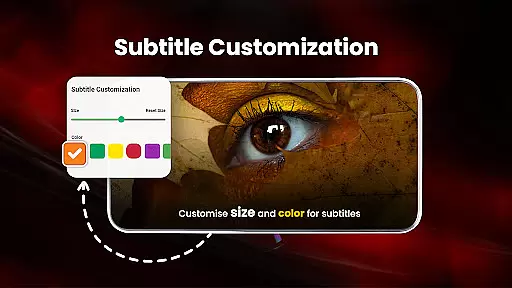
The app goes beyond basic playback controls by offering advanced functionalities such as playback speed adjustment, dual audio support, and multiple subtitle downloader capabilities. These features are enhanced by AI algorithms that ensure smooth transitions and accurate synchronization between audio and video tracks. Additionally, the built-in video downloader for social media platforms like Facebook and Instagram utilizes intelligent recognition technology to identify and process downloadable content efficiently.
For users, these AI-powered enhancements translate into a more personalized and efficient video consumption experience. The ability to customize playback settings, manage playlists, and utilize smart gestures creates a more engaging interface that adapts to individual preferences. Moreover, the integration of these advanced features within a video player demonstrates the app's commitment to providing a comprehensive multimedia solution that extends beyond mere playback capabilities.
User-friendly interface
Wide format support
Advanced privacy options
Efficient file management
High-quality playback
Occasional ads
Complex settings
Limited cloud integration
Heavy on storage
No live streaming

Online Videos Player
 3.90
3.90
HD Video player all format, HD Videos, Cast & Subtitle. No annoying ads.
4.60
Photo and Music Video Creator into Stunning Videos—Effortlessly
4.40
Video Trimmer, Video to MP3 Converter. Extract music from video, Easy & Fast.
4.80
HD video maker with no watermark, no ads & vlog maker with music, PIP, text
4.50
Support 1000+ Video Format, Subtitle Download, mp3 & Background Play, Cast On TV
4.60
Explore the largest library of free GIFs, Stickers & Memes - or create your own!
3.90
Manage your IPTV live channels and VOD playlists (no playlist included)
3.80
All in one multi protocols stream receiver for AirPlay, Cast and DLNA.
3.60
An easy-to-use and all-round screen recorder with audio
4.80
All in one HD video downloader & player for multiple formats with full privacy
4.70
Find, download, and play torrents with the official BitTorrent® Pro app
4.70
Fast & Private HD Video Downloader with Built-in Proxy Browser and Video Player.
4.50
KineMaster, Your Ultimate Video Editor!
4.40
Fast & Private Video Downloader App. Save all videos easily from the Internet.
4.40
Stream Web Videos to Chromecast, Samsung, LG, Sony, Roku, Fire TV, DLNA + more
4.00
AirMirror is Receiver for Screen Mirroring and Casting from Apple Devices.
3.60
Connect EasyCap or UVC devices for recording and broadcast video/audio stream
3.60
The essential companion to your Blue Iris PC software
2.50


User Reviews