
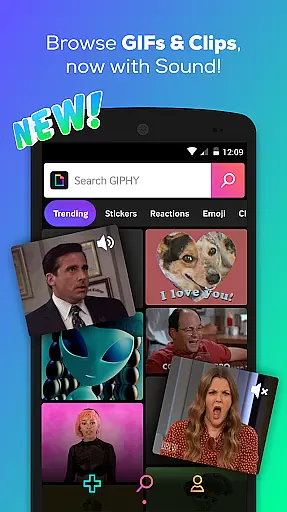
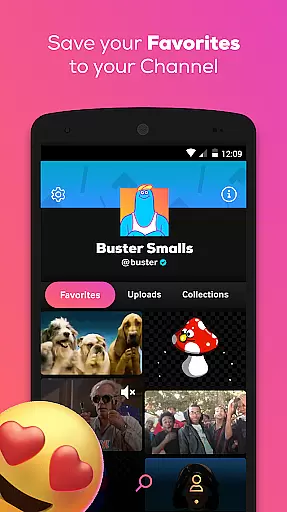
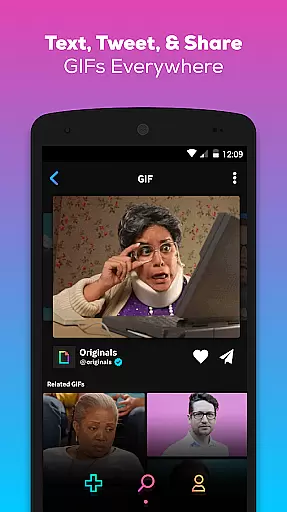
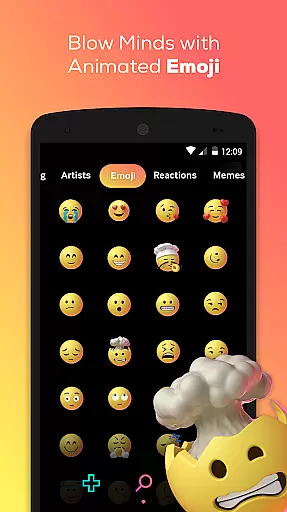
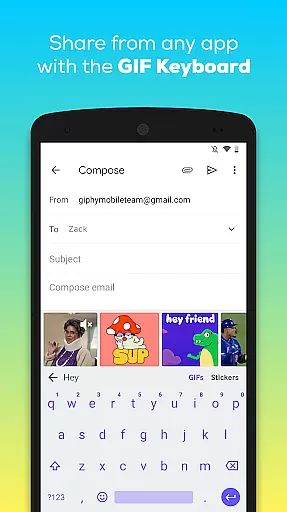
GIPHY is the premier platform for short-form, animated content, offering users access to the world's largest library of GIFs, Clips, and Stickers. Available on Android, this app allows you to search and share animated reactions across a multitude of social channels including Facebook Messenger, Instagram, and Snapchat.
With its powerful search functionality, GIPHY lets you explore pop culture through memes, TV, movies, music, sports highlights, and more. The app also features creation tools for making your own GIFs and stickers, complete with custom face filters and animated text options.
GIPHY stands out with its extensive features that cater to both casual users and content creators. The app provides an easy way to find the perfect animated content from a vast library, ensuring you can express yourself in conversations with unique GIFs and Clips.
Beyond searching and sharing, GIPHY offers creative tools such as an integrated camera for capturing moments and transforming them into GIFs or stickers. Users can layer animated stickers on messages, create shareable stickers, and even produce GIPHY Clips, which add sound to traditional GIFs for richer self-expression.
GIPHY offers extensive video format compatibility, ensuring users can search, create, and share animated GIFs, Clips, and Stickers across a multitude of platforms. This flexibility allows content to be seamlessly integrated into various social media channels such as Facebook Messenger, Instagram, and Snapchat.
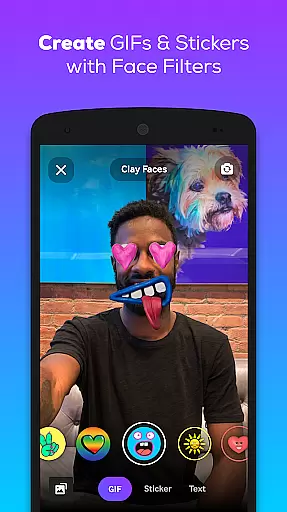
The app supports the creation of GIFs and Stickers using its built-in camera or by uploading personal content. With GIPHY's tools, users can craft unique animated stickers with custom face filters and animated text, making it easy to express emotions and reactions in a fun and engaging way.
Whether you're looking to react with a simple LOL or need an animated sticker to say 'thumbs up,' GIPHY ensures that your creations are compatible wherever they are shared. The platform's vast library is accessible directly from the GIPHY for Android keyboard, allowing users to find and send the perfect animated content without ever leaving their messaging app.
GIPHY incorporates AI-powered editing features that enhance the user experience by simplifying the creation process of GIFs and Stickers. These intelligent tools allow users to apply custom face filters and add animated text to their creations, providing a new level of personalization and creativity.
The AI technology within GIPHY aids in the discovery of content by suggesting relevant pop culture references, memes, TV, Movies, and Music. This helps users stay on top of trends and easily find content related to their favorite sports leagues, award shows, and real-time moments.
With these advanced editing capabilities, GIPHY makes it possible for users to produce professional-quality animations that bring conversations to life. Whether it's through layering animated stickers or creating Clips with sound, GIPHY's AI-powered features ensure that users have everything they need to communicate visually in today's digital age.
User-friendly interface
Extensive GIF library
Creative tools available
Integration with social apps
Regular content updates
Occasional loading issues
Limited editing options
Some features require login
Ads between searches
Heavy on data usage

Fast, private downloading, video saving, social media
 4.50
4.50
Your media, on your terms.
4.10
KMPlayer Plus (Divx Codec) officially support Divx codec.
4.30
Stream Web Videos to Chromecast, Samsung, LG, Sony, Roku, Fire TV, DLNA + more
4.00
Mix with Virtual DJ directly from your phone or tablet !
3.10
Browser for Fire TV to stream webvideos, online movies, livestreams in HD
4.40
Screen recorder with audio to take live videos & Screenshot in high quality!
4.70
Viddo: Generate Action Figure, AI Anime, AI kiss, AI hug Video from image & text
4.40
Manage your YouTube channel on the go
4.40
High-Quality USB Camera Viewer & HDMI Display
4.70
Support 1000+ Video Format, Subtitle Download, mp3 & Background Play, Cast On TV
4.60
Cast Videos from Web Browser, IPTV to Roku, Chromecast, DLNA, Smart TV +more
4.60
Cast movies, tv shows and live streams to Chromecast, Roku, DLNA, Fire TV & more
4.60
Fast video downloader & private browser. Save HD clips to watch offline.
4.40
Download website videos fast&privacy
4.40
Powerful, professional, versatile teleprompter. Developed by an active film crew
4.00
Connect 2 UVC devices for recording and broadcast video/audio stream
3.90
Live TV, anywhere in your home
3.80
Kodi media center, a free and open source cross-platform entertainment hub
3.60


User Reviews