
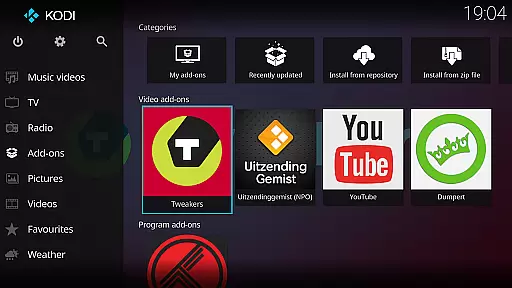
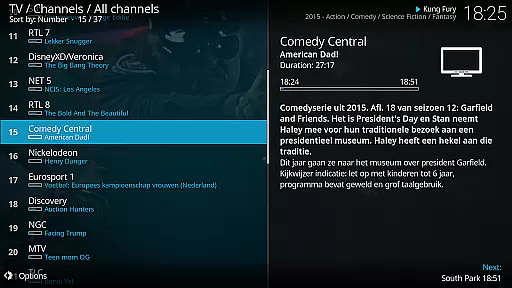
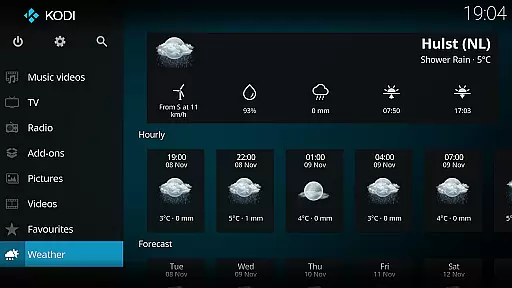
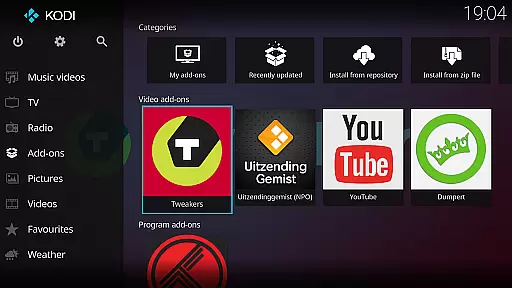
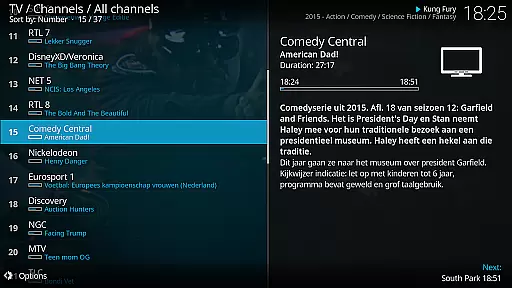
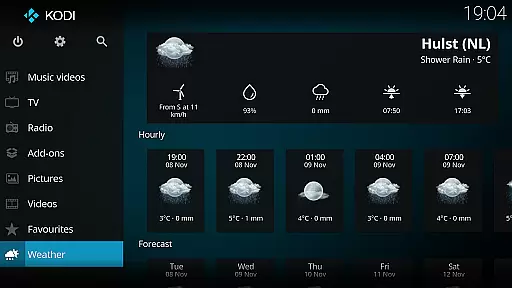
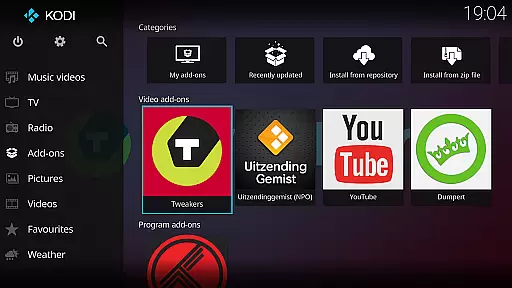
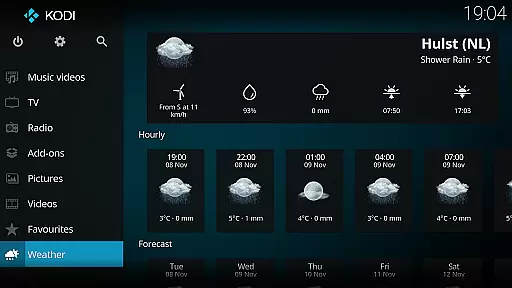
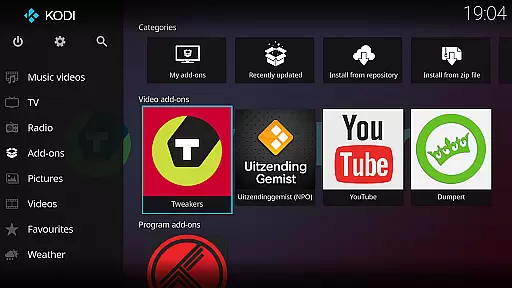
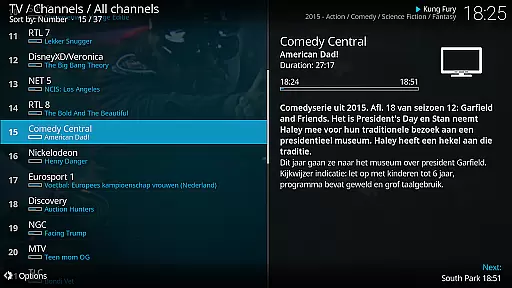
Kodi is an award-winning, free and open-source media player designed for home theater PCs. It features a 10-foot user interface optimized for living-room use with a remote control as the primary input device. The software allows users to easily browse and view videos, photos, podcasts, and music from various sources including hard drives, optical discs, local networks, and the internet.
With its powerful media management capabilities, Kodi serves as an entertainment hub for digital media. While it does not include any pre-loaded content, users can provide their own media or install third-party plugins to access freely available content. The platform supports multiple skins, including the standard Estuary skin and the mobile-friendly Estouchy skin, which enhances usability on larger phones and tablets.
Kodi's standout feature is its highly customizable user interface, allowing users to personalize their media experience. The software supports a wide range of media formats and sources, including local storage, network locations, and streaming services through third-party plugins. Its cross-platform compatibility enables seamless integration across different devices, making it ideal for home entertainment systems.
The application includes advanced features such as library management, metadata scraping, and playlist creation. Users can also enhance functionality by installing official and community-developed add-ons. With support for both standard and touch-optimized skins, Kodi provides an adaptable experience suitable for large-screen TVs and mobile devices alike. The software's open-source nature encourages continuous development and improvement by its active community.
Video format compatibility is a crucial feature for any media player, ensuring that users can enjoy a wide range of video content without worrying about unsupported file types. Kodi excels in this area by supporting an extensive array of video formats, from common ones like MP4 and AVI to more specialized codecs such as MKV and OGM.
This broad compatibility is achieved through Kodi's integration with powerful multimedia frameworks and codecs, which allows the platform to decode and play videos with different encoding standards seamlessly. Whether you're streaming from local storage or accessing content over a network, Kodi ensures smooth playback without the need for additional software or plugins.
For users, this means unparalleled flexibility in managing and enjoying their digital media libraries. You can easily play movies, TV shows, and personal recordings regardless of their original format, making Kodi a versatile solution for all your video playback needs.
Moreover, Kodi's commitment to open-source development ensures that its format support continues to evolve with emerging standards, providing users with future-proof performance and access to the latest video technologies.
While primarily known as a media player, Kodi also offers AI-powered editing features that enhance the user experience when managing large media libraries. These intelligent tools help automate tasks such as metadata scraping, thumbnail generation, and content organization, saving users significant time and effort.
The AI algorithms behind these features work by analyzing media files and automatically retrieving relevant information from online databases. This process includes fetching cover art, summaries, cast details, and other metadata, creating a rich and visually appealing library interface without manual input.
Users benefit from these smart features through improved content discoverability and a more organized media collection. The system can recognize duplicate files, categorize content based on various parameters, and even suggest similar media based on viewing habits.
Although not a replacement for professional video editing software, Kodi's AI-powered features provide valuable assistance in maintaining and enhancing home media libraries, making it easier than ever to create a personalized entertainment hub that meets individual preferences and viewing habits.
User-friendly interface
Highly customizable
Wide format support
Active community support
Cross-platform compatibility
No built-in content
Complex setup process
Resource-intensive
Limited mobile support
Third-party plugin dependency

Video Player - Unlimited features, 30 days money back guarantee.
 4.60
4.60
HD video & music player - All format support with floating & PIP mode!
3.80
Video Downloader is an utility that can save videos and music from web sites
4.20
1)AirPlay/DLNA Mirroring/Streaming, up to 4 connections; 2)Samba/NAS/DMS Player.
4.00
High-Quality USB Camera Viewer & HDMI Display
4.70
Download videos easily & play them all in one smart, powerful video manager.
3.40
Video Downloader, Multiple Resolution Options, Video Player
4.50
Enjoy your favorite videos and channels with the official YouTube app.
3.90
Capture the moment and Cut
3.40
Flud is a simple and beautiful BitTorrent client for Android.
4.80
An easy-to-use and all-round screen recorder with audio
4.80
Create & edit videos with AI
4.30
This app was created to edit the metadata of music files.
4.20
Web Browser for LG TV to stream webvideos, online movies and livestreams in HD
4.20
All format media Player, no need video converter any more!
4.00
Explore the largest library of free GIFs, Stickers & Memes - or create your own!
3.90
Connect EasyCap or UVC devices for recording and broadcast video/audio stream
3.60
Mix with Virtual DJ directly from your phone or tablet !
3.10
Client application for NextPVR software
3.00


User Reviews