
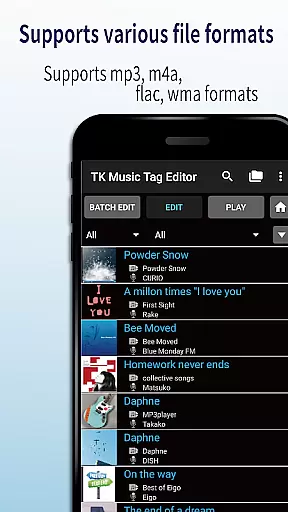
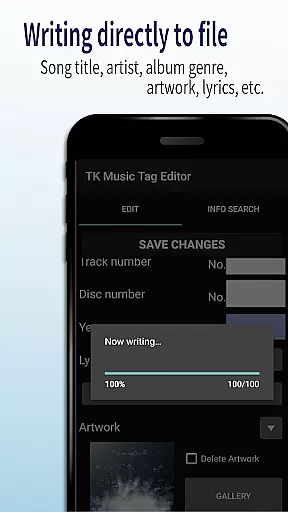
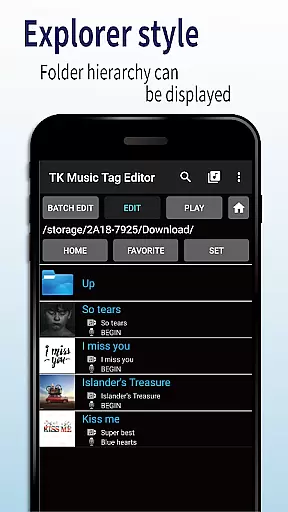
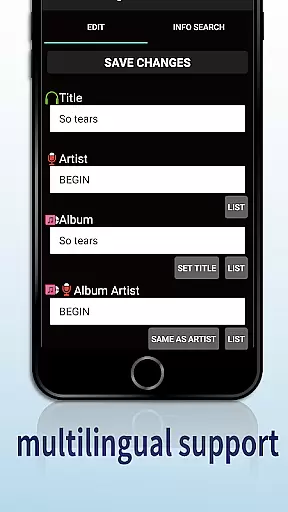
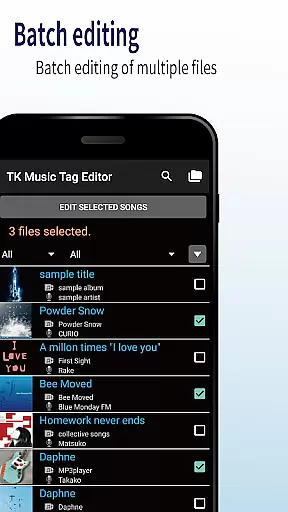
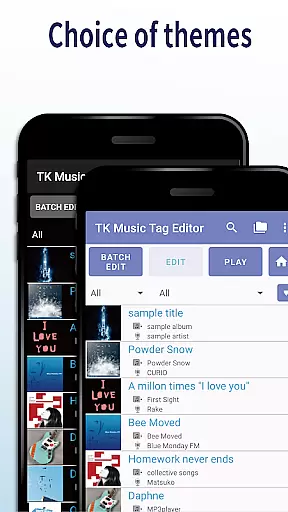
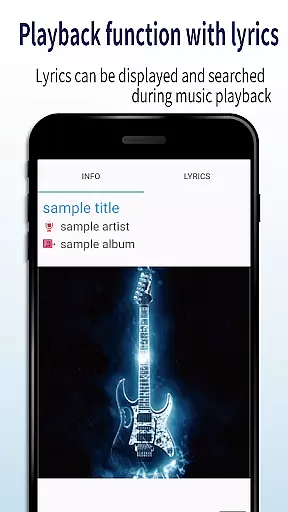
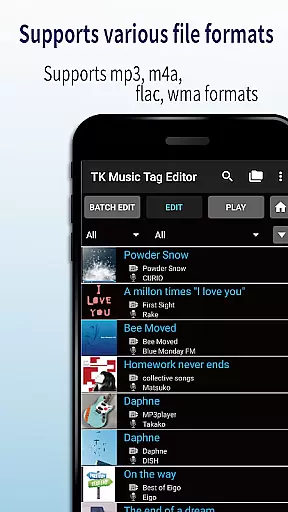
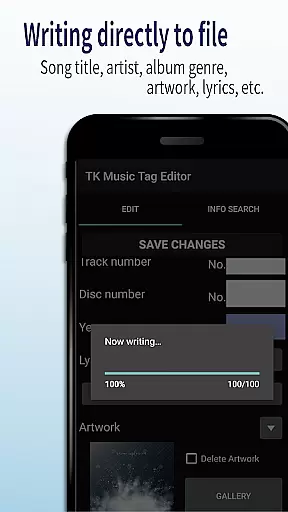
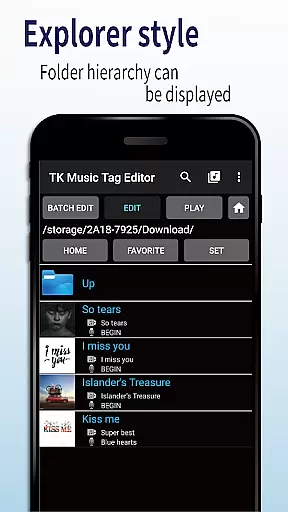
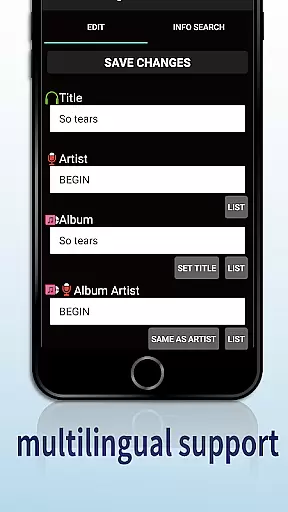
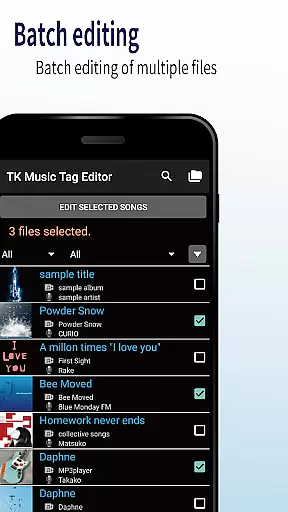
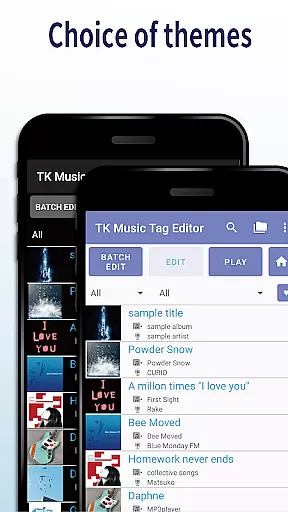
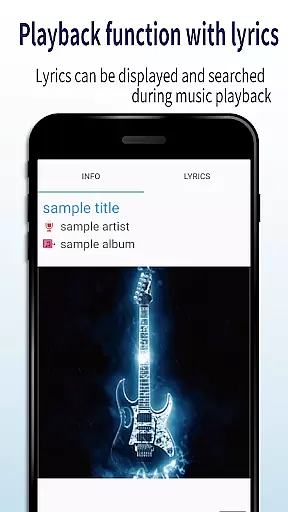
TK Music Tag Editor -Complete- is a comprehensive metadata editing tool designed for music enthusiasts who need precise control over their audio files. This app allows users to edit essential metadata fields such as artist, album, cover art, and lyrics directly within mp3, m4a, flac, and wma files. The changes are written directly into the music files, ensuring that the metadata remains intact across different devices, including PCs.
In addition to basic tag editing, the app offers advanced features like simultaneous filename editing, playlist creation, and support for multiple file formats. Whether you're organizing a large music library or preparing tracks for professional use, TK Music Tag Editor provides the tools needed to maintain accurate and consistent metadata.
This application is particularly useful for users who frequently transfer music between devices or need to standardize metadata for professional purposes. By providing reliable and permanent metadata solutions, it ensures your music collection remains well-organized and easily accessible.
TK Music Tag Editor -Complete- stands out with its robust feature set tailored for comprehensive music file management. One of its core capabilities is the direct writing of tags into music files, which ensures that metadata such as title, artist, album, cover art, and lyrics remain consistent across all devices. This eliminates the risk of losing valuable information when switching playback platforms.
The app also supports simultaneous editing of music filenames, allowing users to customize filenames based on specific patterns (e.g., "Song Title (Artist)"). Additionally, it includes a playlist creation feature, enabling users to organize their favorite tracks into easy-to-manage lists. With support for various file formats like mp3, m4a, flac, and wma, the app caters to a wide range of audio file types, even detecting mislabeled formats and offering extension corrections.
These features collectively provide users with an efficient way to manage large music libraries while maintaining consistency and accessibility. Whether you're a casual listener or a professional curator, TK Music Tag Editor -Complete- delivers the functionality needed to keep your music collection perfectly organized.
Video Players & Editors like TK Music Tag Editor -Complete- excel in their ability to handle a variety of file formats, ensuring that users can manage multimedia content without limitations. This app supports mp3, m4a, flac, and wma files, providing comprehensive metadata editing capabilities.
The application's strength lies in its direct writing to music files feature, which ensures that the metadata remains intact across different devices, including PCs. This means that regardless of where you access your files, all your edits related to artist, album, cover art, and lyrics are preserved.
For users, this compatibility translates into seamless integration into their existing digital ecosystems. Whether it's for personal collections or professional libraries, the ability to edit multiple formats consolidates the tools needed for media management, enhancing productivity and convenience.
In today's digital age, AI-powered editing features are revolutionizing how we interact with multimedia content. TK Music Tag Editor -Complete- incorporates intelligent functionalities that streamline the editing process, making it more efficient and user-friendly.
One standout feature is the simultaneous editing of music filenames, allowing users to change filenames easily based on predefined patterns such as 'Song Title (Artist)'. Additionally, the app offers playlist creation, enabling users to curate personalized lists of songs effortlessly.
These smart editing capabilities not only save time but also enhance the overall user experience by reducing manual input and potential errors. As a result, users can focus more on enjoying their media rather than managing it, making TK Music Tag Editor -Complete- an invaluable tool for anyone looking to optimize their digital music library.
User-friendly interface
Multi-format support
Direct tag writing
Playlist creation
Filename editing
No batch editing
Limited advanced options
Occasional bugs
Basic UI design
Requires careful use

Kodi media center, a free and open source cross-platform entertainment hub
 3.60
3.60
Cast Videos from Web Browser, IPTV to Roku, Chromecast, DLNA, Smart TV +more
4.60
Tik & Story Saver-Download ALL social media videos, photos & reels no watermark.
4.80
Create photo video with music & template. AI video maker for stunning slideshow.
4.60
AirMirror is Receiver for Screen Mirroring and Casting from Apple Devices.
3.60
GENRAL PRO - General Pro is the best video player that fully supports all formats.
4.70
Video Downloader, Multiple Resolution Options, Video Player
4.50
Browser for Sony TV to stream web videos, online movies and live tv
3.20
Viddo: Generate Action Figure, AI Anime, AI kiss, AI hug Video from image & text
4.40
Play ALL formats in 4K & HD. Video downloader, MP3 player, Chromecast & more.
4.80
Seamlessly connect and control your smart devices, anytime, anywhere with ease.
4.60
Add date and time watermark to photos and videos
4.50
Photo and Music Video Creator into Stunning Videos—Effortlessly
4.40
Video player, file manager for all formats, 4K/HD media player supports subtitle
4.30
KMPlayer Plus (Divx Codec) officially support Divx codec.
4.30
Web Browser for LG TV to stream webvideos, online movies and livestreams in HD
4.20
Powerful, professional, versatile teleprompter. Developed by an active film crew
4.00
HD video & music player - All format support with floating & PIP mode!
3.80
Live TV, anywhere in your home
3.80


User Reviews