
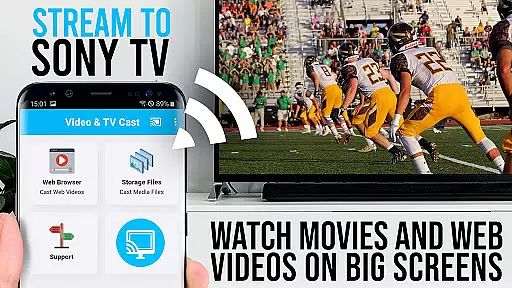
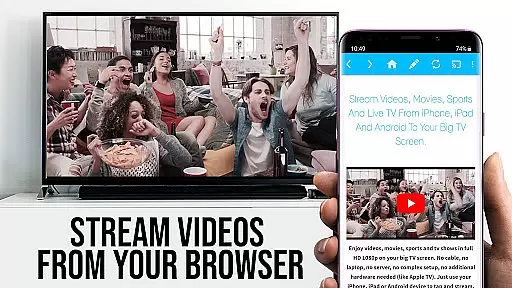
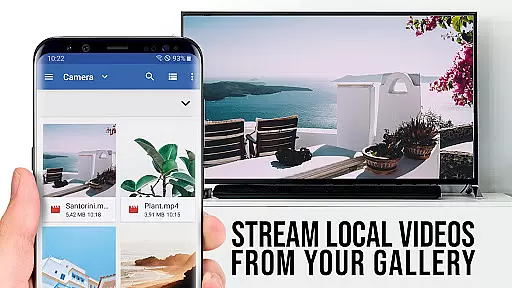
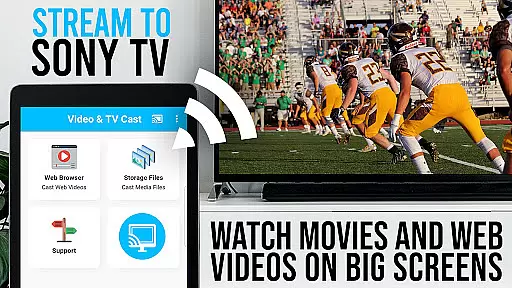
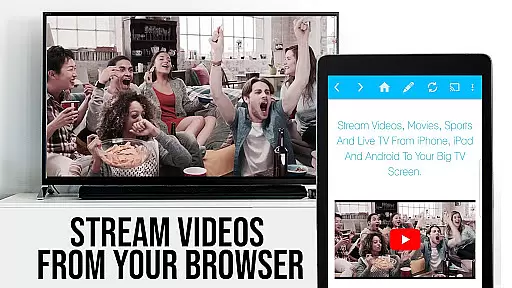
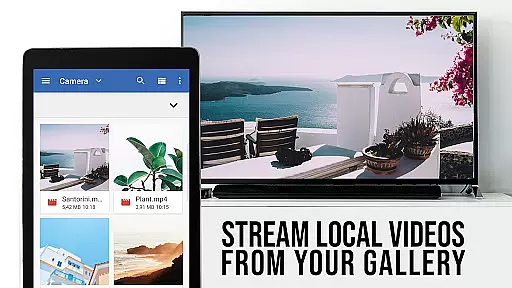
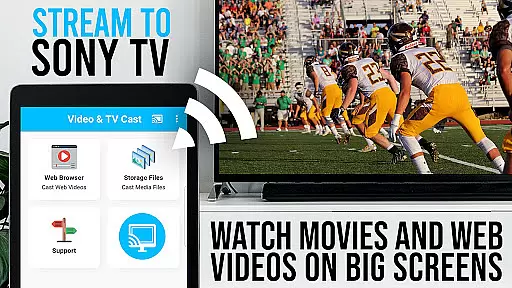
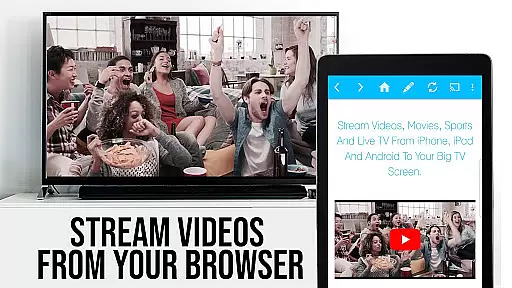
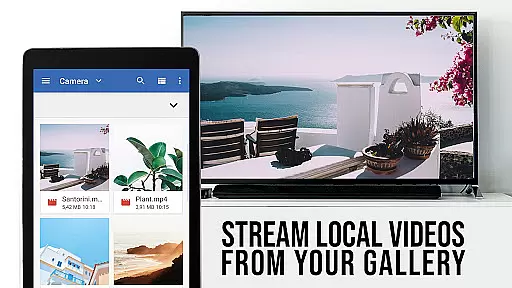
TV Cast Pro for Sony TV is the ultimate solution for streaming web videos, online movies, livestreams, and live-TV shows directly to your Sony TV. This app transforms your television into a versatile entertainment hub by supporting various video formats like mp4, m3u8, hls livestreams, and Full HD content without the need for an additional streaming box.
The PRO edition offers all premium features unlocked, allowing users to browse the web and cast any video with ease. By simply navigating to your preferred website and tapping on the embedded video, you can send it straight to your Sony TV. The app works exclusively with Sony TVs that have the built-in Video & TV Cast application, providing a seamless casting experience.
TV Cast Pro stands out with its advanced features designed for an optimal streaming experience. It includes a Remote Playbar for enhanced video control such as scrubbing, forward, rewind, play, pause, and stop functions while browsing.
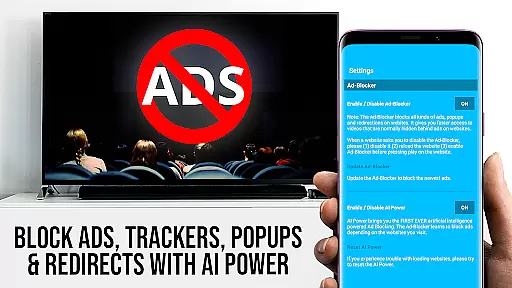
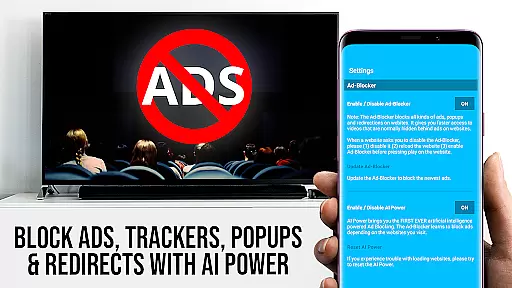
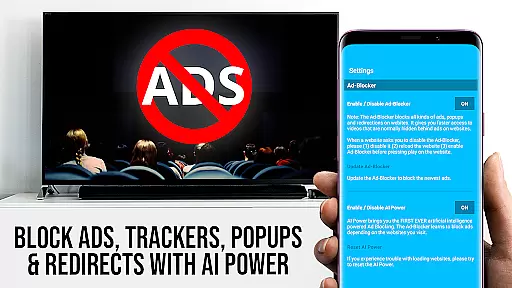
An integrated Ad-Blocker ensures an uninterrupted viewing session by blocking ads and popups on most websites, which can be toggled in the settings. Users also benefit from the ability to manage bookmarks directly within the browser, change the homepage, and switch to Desktop Mode to access desktop versions of websites.
Security is prioritized with minimal Android permissions required, safeguarding user data from unnecessary access. Please note that this app does not support DRM-protected content like Flash videos or services such as Google Play Movies, Netflix, Amazon, and HBO.
Video format compatibility is a crucial aspect of any video player application, ensuring that users can enjoy content in various formats without technical hindrances. TV Cast Pro for Sony TV excels in this area by supporting an extensive range of video formats including mp4, m3u8, and hls livestreams. This versatility allows users to stream web videos, online movies, and live TV shows directly on their Sony TVs without the need for additional streaming devices.
The app's comprehensive format support extends to video over https, making it possible to securely stream content from websites that utilize this protocol. With Full HD support, users are guaranteed a high-quality viewing experience, bringing out the best in their TV's display capabilities. Whether you're watching a movie or catching up on your favorite series, the clarity and detail offered by Full HD streaming enhance every moment.
For users who want to test the waters before committing to the PRO edition, the FREE version offers a glimpse into the app's capabilities. However, the PRO edition unlocks all premium features, providing unrestricted access to the full spectrum of video format compatibility. This ensures that no matter where your online explorations take you, TV Cast Pro for Sony TV will be ready to deliver your chosen content seamlessly to your big screen.
While TV Cast Pro for Sony TV focuses primarily on streaming and casting capabilities, its AI-powered editing features offer users an added layer of convenience and control. The Remote Playbar is one such feature, allowing for advanced video control while browsing. Users can scrub through videos, as well as use forward, rewind, play, pause, and stop functions, all from the comfort of their couch.
The Ad-Blocker is another standout feature, enhancing the viewing experience by blocking ads and popups on most websites. This not only streamlines the interface but also reduces interruptions, allowing users to focus on their content. The ability to enable or disable this feature at any time provides flexibility based on personal preferences or troubleshooting needs.
Additional PRO features include Bookmarks for easy access to favorite sites, Desktop Mode for loading desktop versions of websites, and the option to Change Homepage for a personalized browsing experience. These features collectively contribute to a more intuitive and customized user experience, setting TV Cast Pro apart as a versatile tool for both casual viewers and tech-savvy enthusiasts alike.
Seamless casting
No extra hardware
Ad-free experience
Advanced controls
Desktop mode available
Sony TVs only
No DRM support
Limited video formats
Device restarts needed
Occasional connectivity issues

Video player, file manager for all formats, 4K/HD media player supports subtitle
 4.30
4.30
Powerful, professional, versatile teleprompter. Developed by an active film crew
4.00
VLC Remote lets you control your VLC Media Player on Mac, PC or Linux.
4.60
Video player with powerful streaming playback and various convenient features.
2.10
KMPlayer Plus (Divx Codec) officially support Divx codec.
4.30
AirMirror Receiver - Screen mirroring/cast web videos to Android TV by AirPlay.
4.40
A Simple app to download Video & Music from the Internet.
4.70
Create, Publish & Maximize
4.70
Make videos you’re proud to share with Edits, a video editor for creators.
4.70
Browser + Remote for Roku to stream webvideos, online movies and livestreams
4.60
Search & download videos from net with all video downloader, auto-detect & safe.
4.60
Fast, private downloading, video saving, social media
4.50
Fast & Private HD Video Downloader with Built-in Proxy Browser and Video Player.
4.50
KineMaster, Your Ultimate Video Editor!
4.40
Video Downloader is an utility that can save videos and music from web sites
4.20
This app was created to edit the metadata of music files.
4.20
Stream Web Videos to Chromecast, Samsung, LG, Sony, Roku, Fire TV, DLNA + more
4.00
Connect 2 UVC devices for recording and broadcast video/audio stream
3.90
Powerful HD video player with support for all formats & subtitles.
4.1


User Reviews