
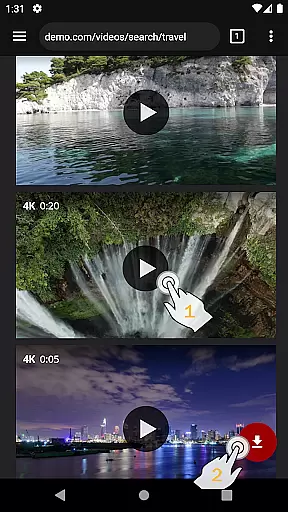
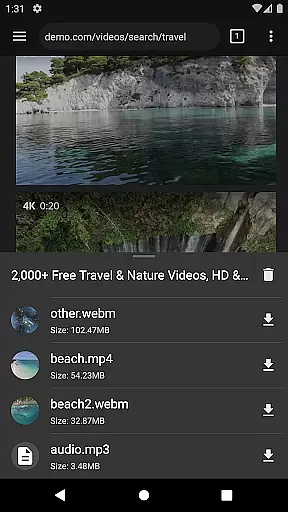

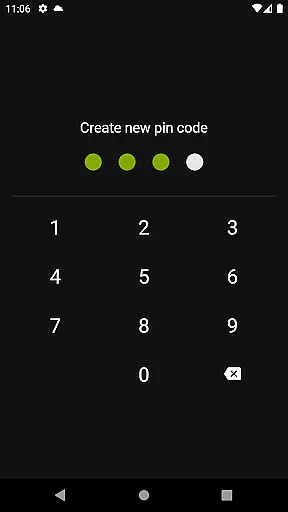
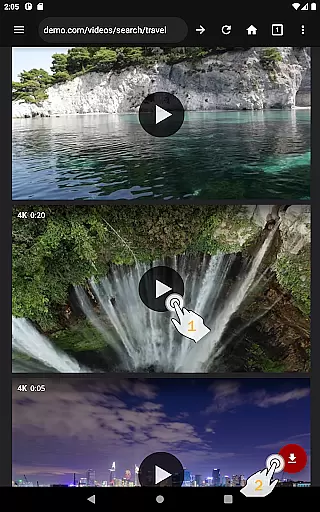
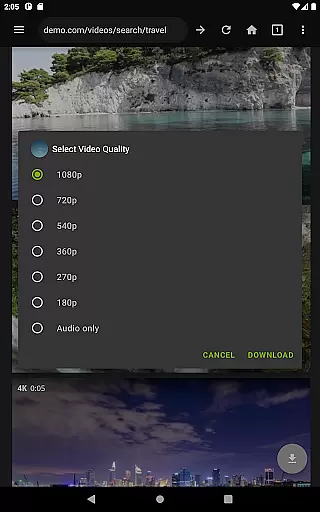
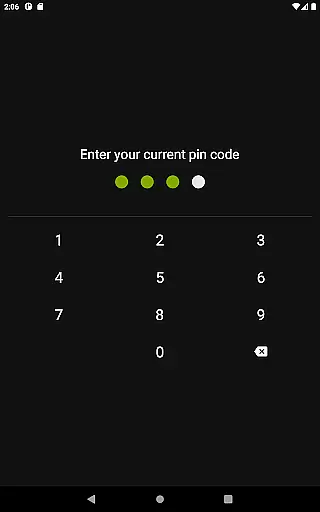
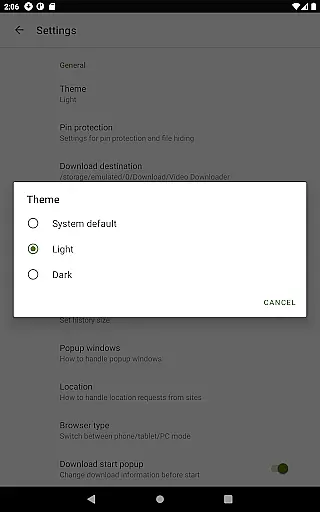
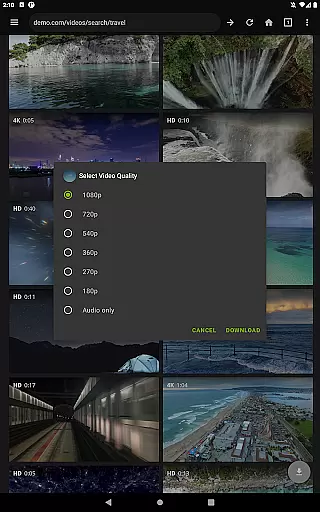
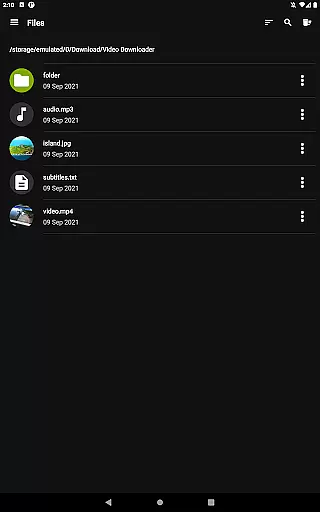
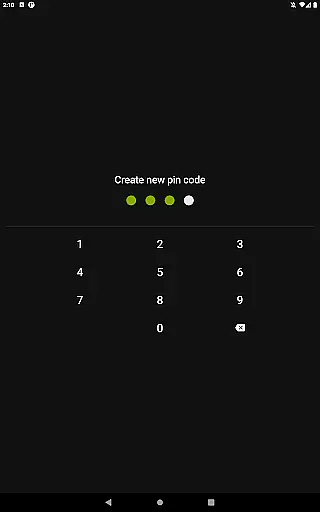
Video Downloader Pro is a premium application designed for users who need an efficient way to download and manage video content. The app offers the ability to download both static videos and live streams, allowing users to watch their favorite content offline at any time. With its private web browser feature, users can browse in incognito mode with PIN protection, ensuring privacy while downloading or streaming.
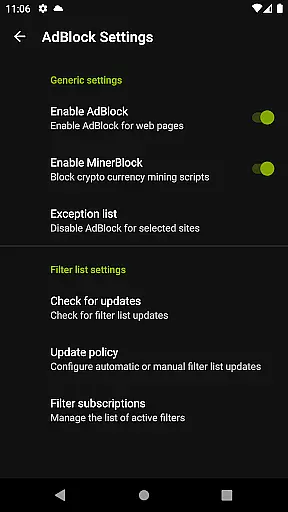
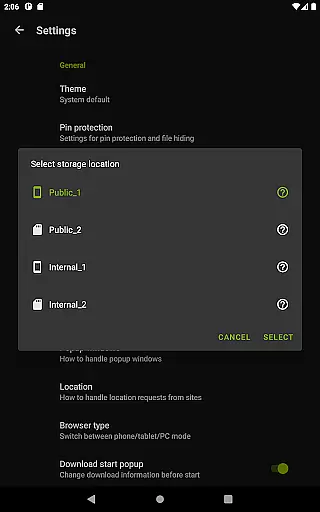
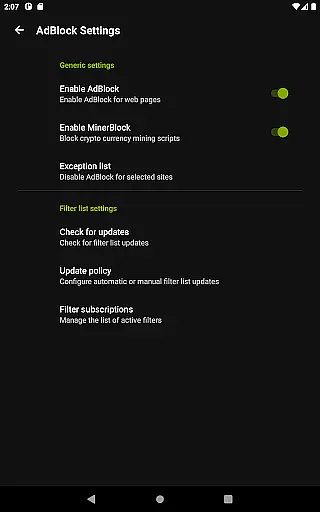
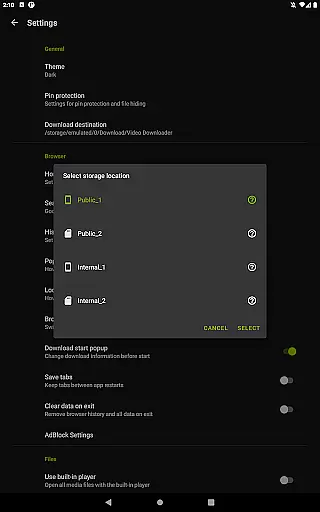
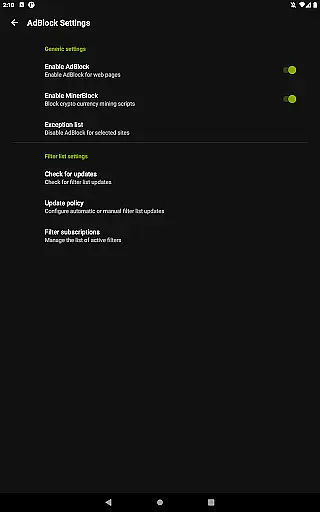
In addition to its core functionality, Video Downloader Pro includes advanced features such as a fully featured AdBlocker, multi-connection download manager, and support for multiple SD cards. These tools not only enhance the user experience but also provide faster downloads and better storage management. Whether you're looking to save videos for offline viewing or stream live events, this app provides a seamless solution tailored to meet your needs.
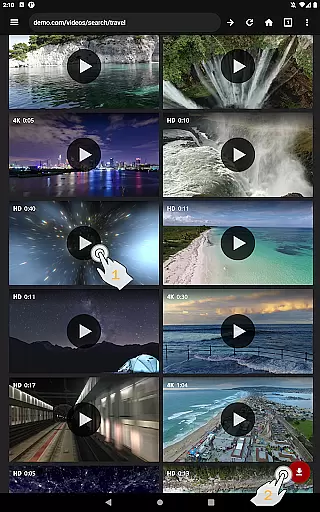
Video Downloader Pro stands out due to its comprehensive set of features that cater to various user requirements. One of the key highlights is the ability to download live video streams, which is part of the premium functionality offered in this version. This feature allows users to capture real-time events and watch them later without interruptions. Additionally, the app supports multiple file downloads simultaneously, enabling users to save several videos at once, thus saving time and effort.
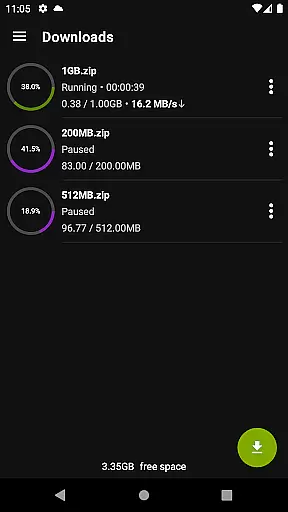
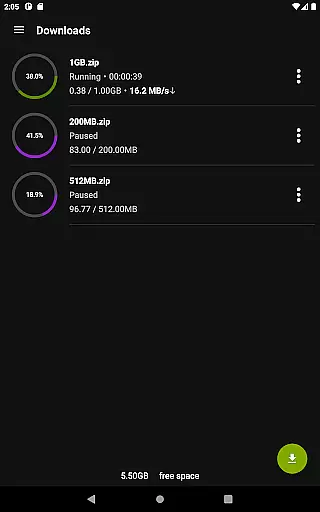
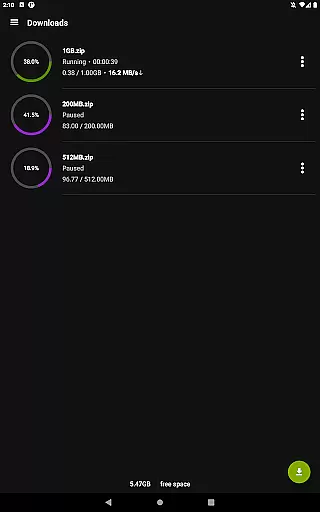
The app also includes a multi-connection download manager that significantly accelerates download speeds by utilizing multiple connections. Users benefit from pause, resume, and remove options for downloads, providing flexibility and control over their download tasks. Furthermore, the app supports files larger than 4GB, making it suitable for high-quality video content. With priority email support and a 48-hour money-back guarantee, Video Downloader Pro ensures customer satisfaction and reliability.
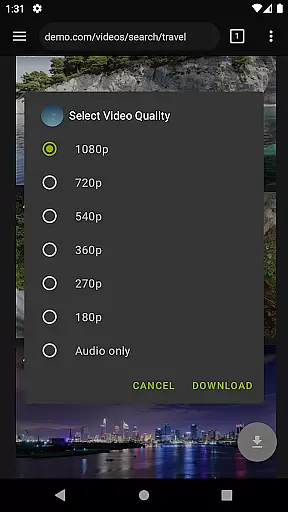
Video Downloader Pro stands out with its extensive video format compatibility, ensuring users can download and enjoy videos in their preferred formats. The application supports a wide range of video formats including MP4, AVI, MKV, and more, making it versatile for various user needs.
This broad compatibility is crucial for users who wish to view content on different devices without worrying about format support. Whether you're downloading high-definition movies or simple tutorial clips, Video Downloader Pro ensures that your content is accessible in the best possible quality.
The app's multi-connection download manager further enhances this feature by accelerating downloads several times, regardless of the video format. This means users can quickly obtain their desired content in the optimal format for their viewing pleasure.
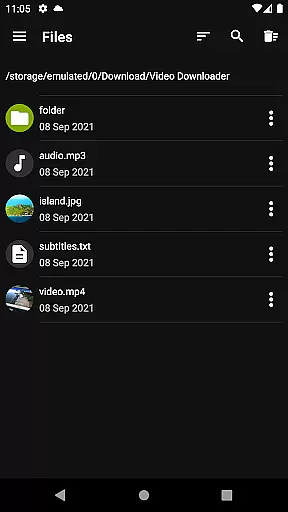
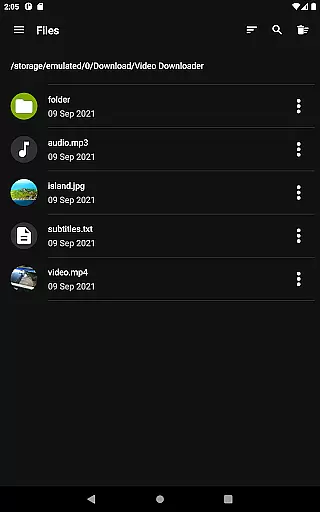
Moreover, the inclusion of multiple SD card support allows for flexible storage options, accommodating large video files across different formats. With Video Downloader Pro, users are guaranteed a seamless experience from download to playback, affirming its position as a top-tier video downloading solution.
While primarily known for its downloading capabilities, Video Downloader Pro also integrates AI-powered editing features that elevate the user experience beyond just acquiring video content. These intelligent tools allow users to effortlessly enhance their downloaded videos, adding a layer of personalization and creativity.
The AI-driven enhancements include automatic video stabilization, color correction, and smart cropping, which collectively ensure that every video maintains professional-grade quality. Such features are particularly beneficial for users looking to repurpose downloaded content for projects or social media sharing.
In addition to these automated adjustments, the app offers intuitive manual controls for those who prefer a hands-on approach to video editing. Users can easily trim clips, adjust audio levels, and apply custom filters, all within the same platform used for downloading.
By combining robust downloading functionality with sophisticated AI-powered editing features, Video Downloader Pro positions itself as an all-in-one solution for both acquiring and refining video content, catering to both casual viewers and content creators alike.
Ads removed
Premium functionality
Money back guarantee
Priority support
Multi-file downloads
Requires permission
Legal restrictions
Paid version
Complex setup
Limited free features

Kodi media center, a free and open source cross-platform entertainment hub
 3.60
3.60
HD Video player all format, HD Videos, Cast & Subtitle. No annoying ads.
4.60
Video Player - Unlimited features, 30 days money back guarantee.
4.60
?100% FREE! Download & save videos? safely in this app. All formats supported.
4.60
Video Trimmer, Video to MP3 Converter. Extract music from video, Easy & Fast.
4.80
Fast & Private Video Downloader App. Save all videos easily from the Internet.
4.40
Cast to Smart TV, Fire TV. Cast video, photo - Fast & Stable!
3.90
Manage your IPTV live channels and VOD playlists (no playlist included)
3.80
Browser for Fire TV to stream webvideos, online movies, livestreams in HD
4.40
Tik & Story Saver-Download ALL social media videos, photos & reels no watermark.
4.80
Find, download, and play torrents with the official BitTorrent® Pro app
4.70
VLC Remote lets you control your VLC Media Player on Mac, PC or Linux.
4.60
Fast video downloader & private browser. Save HD clips to watch offline.
4.40
KMPlayer Plus (Divx Codec) officially support Divx codec.
4.30
Powerful Video Editor & Photo Editing App —— Quick Edits & Stunning Effects!
4.30
VLC for Android is the best open source video and music player, fast and easy!
4.10
Stream Web Videos to Chromecast, Samsung, LG, Sony, Roku, Fire TV, DLNA + more
4.00
Connect EasyCap or UVC devices for recording and broadcast video/audio stream
3.60
Powerful HD video player with support for all formats & subtitles.
4.4


User Reviews