
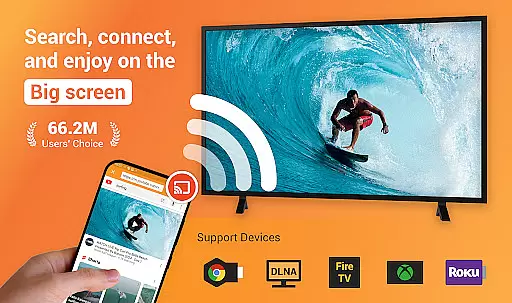
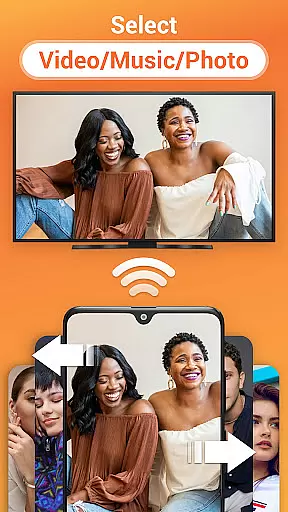
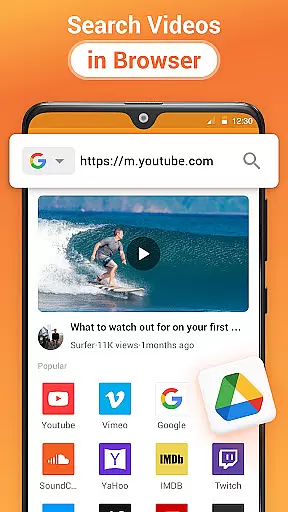
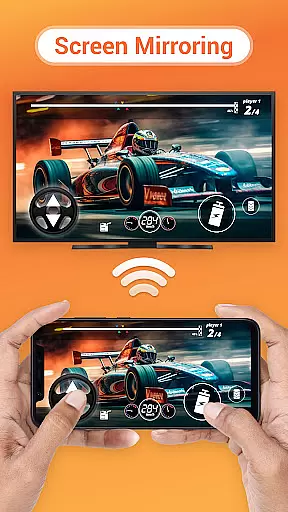
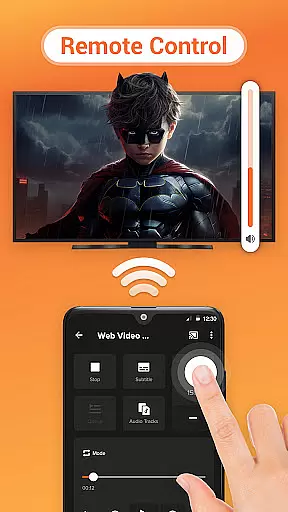
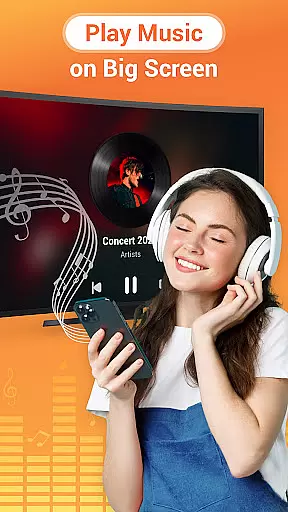
Cast to TV is a versatile media casting application that allows users to stream online videos, live streams, and local multimedia content including videos, music, and images to various devices such as TVs, Chromecast, Roku, Amazon Fire Stick, Xbox, Apple TV, and other DLNA-enabled devices. The app offers an intuitive interface for controlling playback on the connected device directly from your phone, providing functionalities like pause, volume adjustment, forward/rewind, and track navigation.
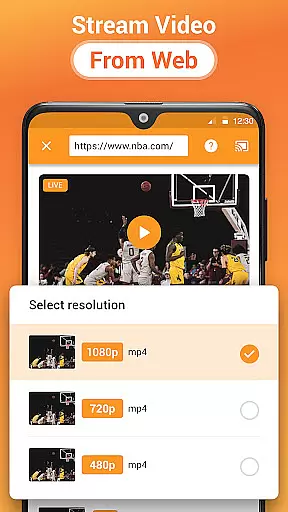
Beyond its core casting capabilities, Cast to TV features a built-in browser for web video casting, supports local playback with advanced options like shuffle, loop, and repeat modes, and automatically identifies media files on your device or SD card. Whether you're looking to enjoy movies at home or share photos during gatherings, this app ensures seamless streaming experiences across multiple platforms.
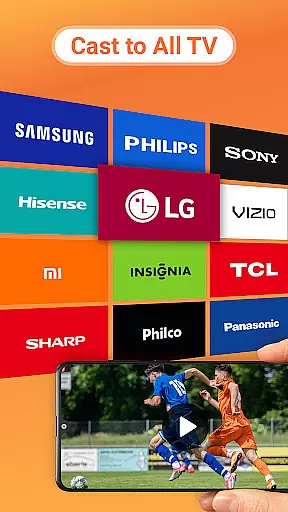
One of the standout features of Cast to TV is its comprehensive compatibility with a wide range of devices including Chromecast, smart TVs from brands like Samsung and LG, gaming consoles such as Xbox, and streaming sticks like Roku and Amazon Fire TV. This broad support makes it easy for users to connect their mobile devices to virtually any modern television setup without worrying about specific hardware requirements.
The app also excels in user control over media playback. Users can effortlessly manage TV operations through their smartphones—adjusting volume levels, skipping tracks, or rewinding live streams. Additionally, the inclusion of a dedicated Play Queue allows organizing multimedia content efficiently while enjoying uninterrupted entertainment sessions. With these robust functionalities combined, Cast to TV delivers a superior casting experience tailored for both casual viewers and tech-savvy enthusiasts alike.
Cast to TV, Chromecast & Roku stands out with its extensive video format compatibility, ensuring that users can cast virtually any type of video content to their TV or preferred streaming device without hassle. This app supports a wide array of formats, making it versatile for different user needs and preferences.
The application automatically identifies video files on your device and SD Card, streamlining the casting process. Whether you're looking to cast local videos, online streams, or even live sports and gaming sessions, this app facilitates seamless transmission to a variety of devices including Chromecast, Roku, and smart TVs from brands like Samsung, LG, and Sony.
Users benefit from not just casting convenience but also playback flexibility. The app allows media to be played in shuffle, loop, or repeat modes, catering to various viewing preferences. This ensures an uninterrupted and personalized entertainment experience, enhancing user engagement and satisfaction.
While Cast to TV, Chromecast & Roku primarily focuses on casting capabilities, it incorporates AI-powered features that enrich the user experience. One notable feature is the automatic identification and organization of media files, which simplifies access and casting. This intuitive functionality saves time and enhances ease of use.
The built-in browser exemplifies another layer of AI integration by enabling web video casting with minimal effort. Users can effortlessly search and cast online content, enjoying an optimized viewing experience on larger screens. Such features underscore the app's commitment to leveraging technology for user convenience.
Moreover, the app's design emphasizes accessibility and control, allowing users to manage playback settings directly from their mobile devices. With options to adjust volume, forward, rewind, and navigate through playlists, users enjoy a dynamic and interactive interface. These AI-enhanced capabilities ensure that Cast to TV, Chromecast & Roku remains a top choice for those seeking efficient and enjoyable media sharing solutions.
User-friendly interface
Wide device compatibility
Advanced playback controls
Efficient media management
Seamless streaming performance
Dependent on stable Wi-Fi
Limited by device codecs
Potential connection issues
No offline functionality
Occasional lag in casting

Online Videos Player
 3.90
3.90
Auto video maker with music & exclusive filters. Video editing made simple.
4.50
GENRAL PRO - General Pro is the best video player that fully supports all formats.
4.70
All in one HD video downloader & player for multiple formats with full privacy
4.70
Fast & Private Video Downloader App. Save all videos easily from the Internet.
4.40
Livestream, news, & gaming content. Watch, chat, and upload. Join Rumble today!
3.80
Enjoy your favorite videos and channels with the official YouTube app.
3.90
Create, Publish & Maximize
4.70
Capture the moment and Cut
3.40
Flud is a simple and beautiful BitTorrent client for Android.
4.80
HD video maker with no watermark, no ads & vlog maker with music, PIP, text
4.50
Movie maker & video editing app with AI effects and green screen
4.30
Web Browser for LG TV to stream webvideos, online movies and livestreams in HD
4.20
LumaFusion: The Ultimate Storytelling Experience for Video Editing
4.10
All format media Player, no need video converter any more!
4.00
Stream Web Videos to Chromecast, Samsung, LG, Sony, Roku, Fire TV, DLNA + more
4.00
Explore the largest library of free GIFs, Stickers & Memes - or create your own!
3.90
AirMirror is Receiver for Screen Mirroring and Casting from Apple Devices.
3.60
Browser for Sony TV to stream web videos, online movies and live tv
3.20


User Reviews