
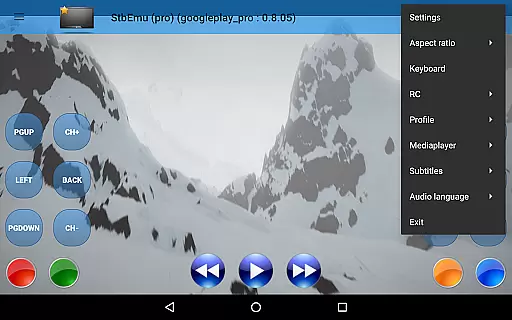
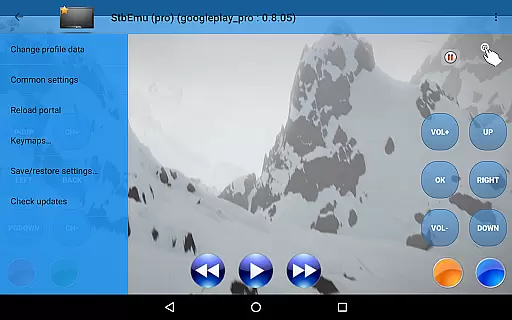
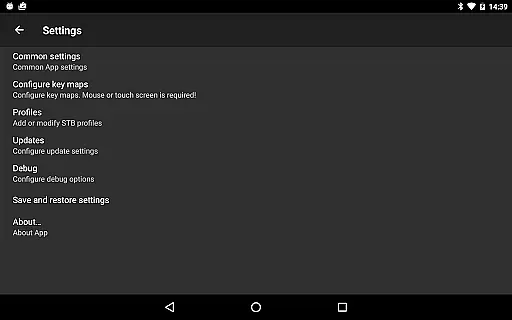
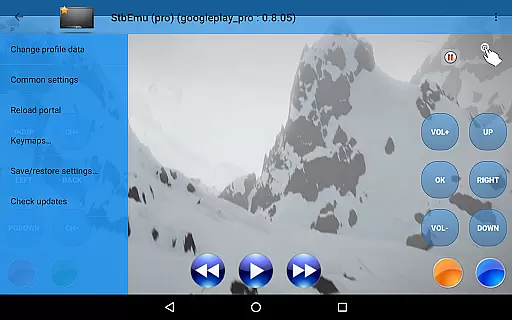
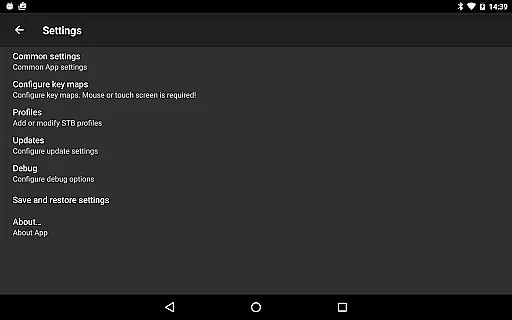
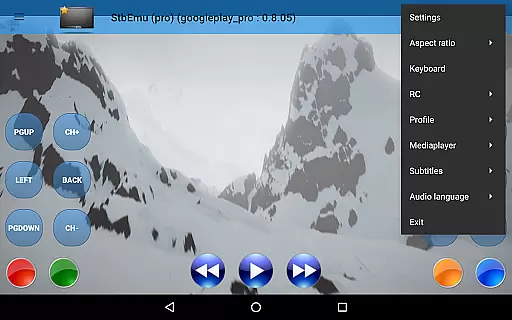
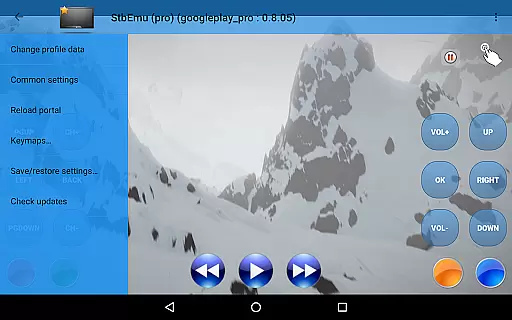
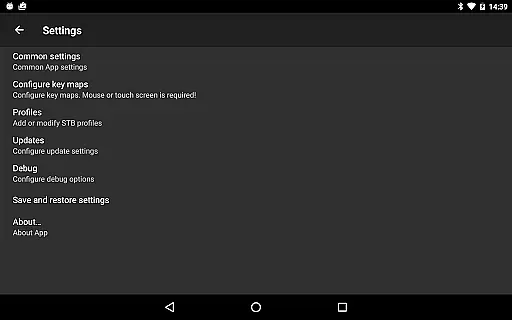
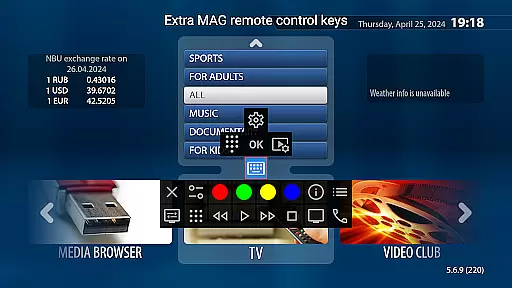
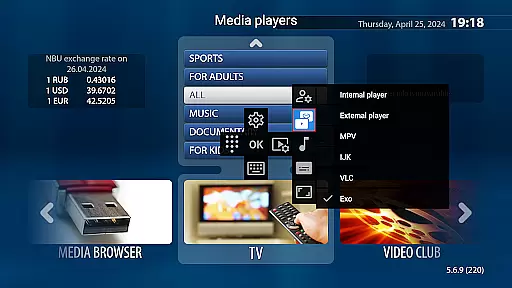
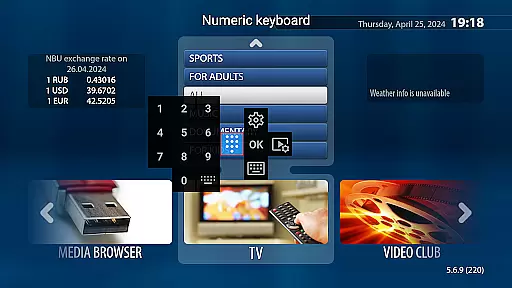
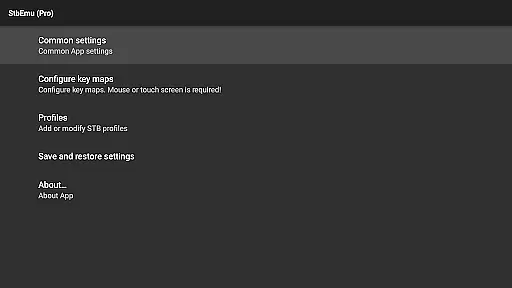
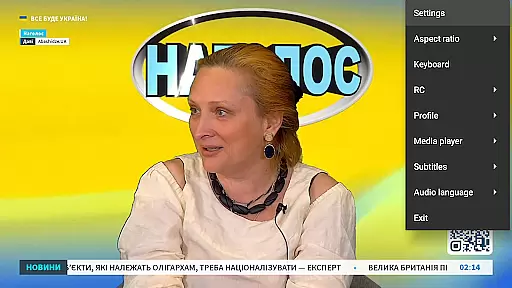
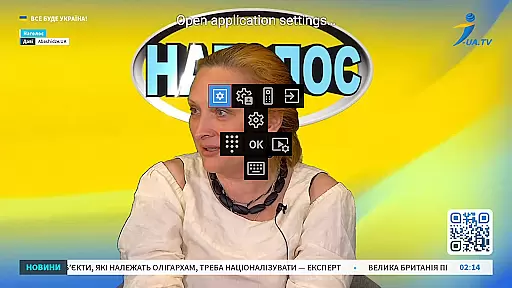

StbEmu (Pro) is a specialized video player app designed for IPTV services, tailored to users familiar with IPTV configurations. This app provides advanced tools to stream content from an IPTV provider, but requires manual setup to function correctly.
The app is pre-configured with a demo IPTV portal for testing purposes, making it easier for experienced users to evaluate its capabilities. However, users must configure the app according to their IPTV provider's specifications before using it for personal streaming needs. StbEmu (Pro) does not support m3u playlists or similar formats, focusing instead on delivering a customizable IPTV experience through proper configuration.
With its extensive settings and options, StbEmu (Pro) offers a powerful solution for users seeking a dedicated IPTV player that can be fine-tuned to their specific requirements. By accessing the detailed documentation available online, users can unlock the full potential of this app for an optimized streaming experience.
StbEmu (Pro) stands out due to its highly customizable nature, allowing users to adjust settings to match their IPTV provider's requirements. The app includes advanced configuration options such as network settings, EPG source customization, and channel list management, ensuring a personalized streaming experience.
One of the key features is its compatibility with various IPTV portals, though initial setup is required. Users can access a comprehensive wiki guide that explains each setting in detail, empowering them to configure the app accurately. This ensures optimal performance and reliability when streaming content.
While StbEmu (Pro) does not support m3u playlists, it focuses on providing a seamless connection to IPTV services through alternative methods. Its strict configuration process ensures that only experienced users can fully utilize its capabilities, offering a robust solution for those who need precision and control over their IPTV streaming environment.
Video format compatibility is a crucial feature for any video player application like StbEmu Pro. This ensures that users can enjoy a wide range of video content without worrying about format support issues.
The app supports various popular video codecs and container formats used by IPTV providers. This includes H.264, H.265 (HEVC), and other industry-standard codecs, allowing seamless playback of HD and 4K content. The comprehensive format support makes it suitable for advanced users who require high-quality streaming.
Users benefit from not having to convert or transcode video files before playback. The app's robust decoding capabilities handle most video streams directly from IPTV providers, saving time and computational resources.
This extensive format compatibility demonstrates the app's commitment to delivering professional-grade IPTV experience. However, users should note that proper configuration is required to achieve optimal performance across different video formats.
While StbEmu Pro primarily focuses on IPTV playback, its AI-powered editing features provide valuable tools for enhancing the viewing experience. These intelligent features help optimize video quality and stream processing.
The application incorporates advanced algorithms that automatically adjust video parameters based on network conditions. This includes dynamic bitrate adjustment and resolution optimization, ensuring smooth playback even with varying internet speeds. The AI components work behind the scenes to maintain consistent video quality.
Additionally, the app offers smart channel sorting and program guide optimization features. These tools use machine learning to analyze user preferences and viewing habits, creating personalized IPTV experiences. The more you use the app, the better it becomes at predicting your favorite channels and programs.
Although these AI features require initial configuration, they significantly enhance the overall functionality once set up correctly. Users gain access to both powerful editing tools and intelligent automation features that adapt to their specific IPTV needs.
Highly customizable settings
Compatible with multiple IPTV providers
Comprehensive documentation for setup
Advanced network configuration options
Optimized for experienced users
Not beginner-friendly
Requires manual configuration
No m3u playlist support
Limited use without IPTV provider details
Potential setup complexity

Video player, file manager for all formats, 4K/HD media player supports subtitle
 4.30
4.30
Watch a large amount of high-definition short drama content
4.60
Cast to Chromecast, Xbox, Fire Stick, Roku, DLNA, Smart TV & No Feature Limited!
4.50
Search & download videos from net with all video downloader, auto-detect & safe.
4.60
HD video maker with no watermark, no ads & vlog maker with music, PIP, text
4.50
All format media Player, no need video converter any more!
4.00
Seamlessly connect and control your smart devices, anytime, anywhere with ease.
4.60
Flud is a simple and beautiful BitTorrent client for Android.
4.80
Create, Publish & Maximize
4.70
An easy-to-use and all-round screen recorder with audio
4.80
Download videos and play them offline
4.70
VLC Remote lets you control your VLC Media Player on Mac, PC or Linux.
4.60
Browser for Fire TV to stream webvideos, online movies, livestreams in HD
4.40
Your media, on your terms.
4.10
Powerful, professional, versatile teleprompter. Developed by an active film crew
4.00
Online Videos Player
3.90
Cast to Smart TV, Fire TV. Cast video, photo - Fast & Stable!
3.90
AirMirror is Receiver for Screen Mirroring and Casting from Apple Devices.
3.60
The essential companion to your Blue Iris PC software
2.50


User Reviews