
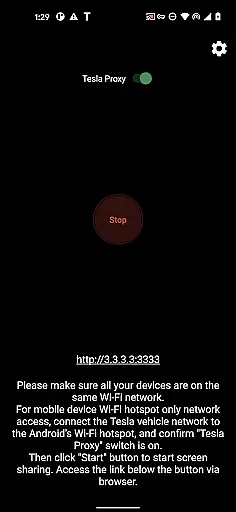
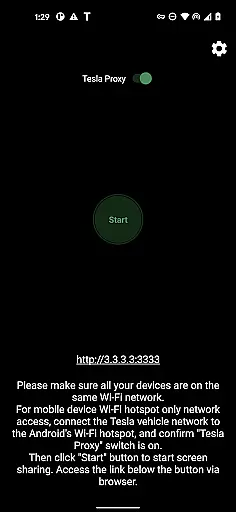
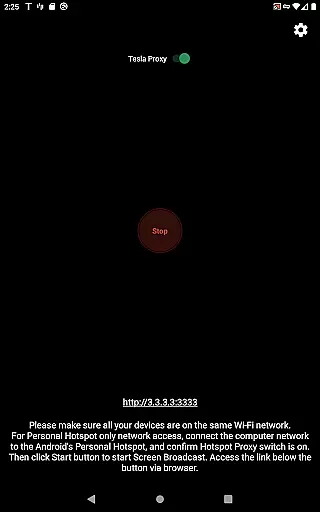
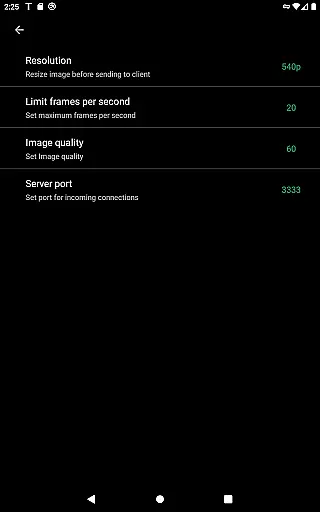
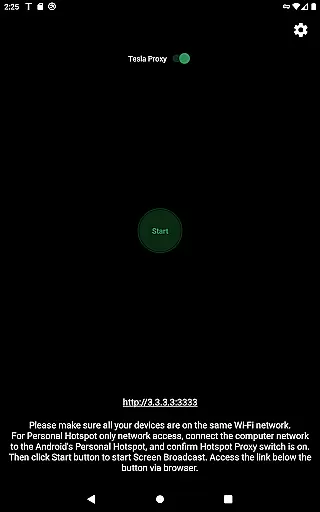
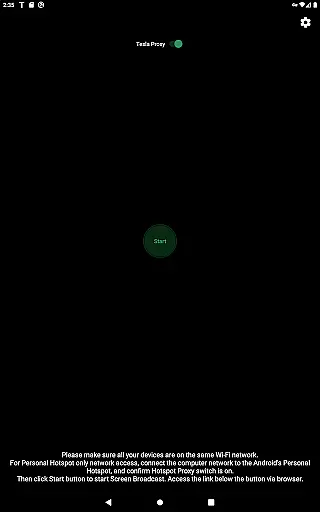
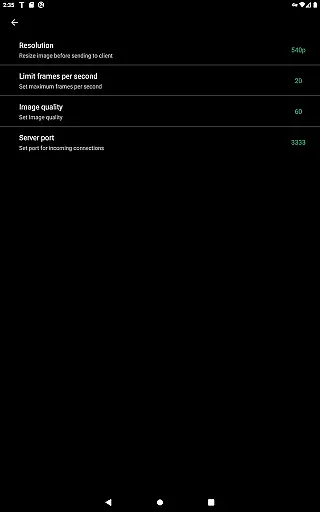
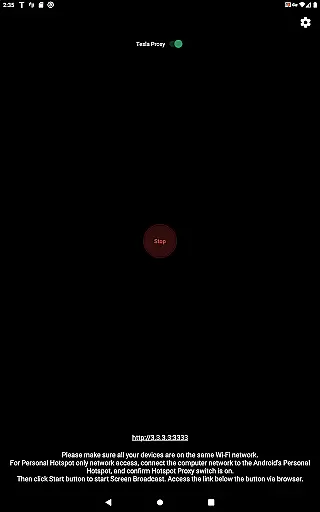
TeslaMirror is an innovative application that allows users to mirror their Android device screens directly onto Tesla vehicle displays. This app supports Tesla models with MCU2/3 hardware, including Model 3, Model Y, and newer versions of Model S and X. With a simple setup process involving hotspot connection and browser access, it offers a seamless mirroring experience.
The app provides multiple streaming options such as H.264/H.265 for high-quality video and MJPEG mode for basic screen sharing. It also features lossless audio support for Android 10+ devices and remote control functionality. Whether you want to display navigation apps or media content, TeslaMirror enhances the in-car entertainment and information experience while ensuring user privacy through its secure local server setup.
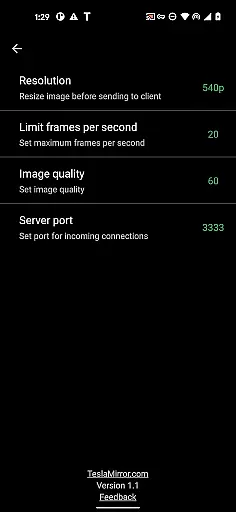
TeslaMirror stands out with its specialized compatibility for Tesla vehicles equipped with MCU2/3 systems. The app supports advanced streaming protocols like H.264 and H.265, offering resolutions up to 1080p at varying frame rates depending on the vehicle's hardware capabilities. For older MCU2 systems, it provides optimized settings such as 540p@30fps using H.264 encoding.
One of the key highlights is its lossless audio feature available for Android 10+ users, delivering superior sound quality compared to Bluetooth alternatives. Additionally, TeslaMirror includes a remote control function allowing users to interact with their phones via the car’s touchscreen or a connected mouse. These features collectively create a comprehensive solution for extending smartphone functionality safely within a parked vehicle environment.
In the realm of automotive technology, TeslaMirror stands out by offering users an innovative way to mirror their Android device's screen onto their Tesla's infotainment system. This feature provides detailed vehicle information directly on the large Tesla display, enhancing the driving and ownership experience.
By ensuring that your Teslau2019s infotainment system is updated to the latest version and connecting it to your Android phoneu2019s mobile hotspot, TeslaMirror allows for seamless integration. The app supports Tesla models with MCU2/3 hardware, including Model 3, Model Y, and newer versions of Model X and S. This compatibility ensures that users can access a wide array of detailed vehicle information, from performance metrics to entertainment options.
The value of having such detailed vehicle information at your fingertips is immense. Drivers can easily monitor their vehicle's status, control smart features, and even enjoy personalized entertainment without taking their eyes off the road for too long. This level of integration not only simplifies accessing crucial vehicle data but also significantly enhances the overall user experience within the vehicle.
TeslaMirror offers a transparent pricing model by providing a free 144-hour trial period upon purchase through Google Play. This approach allows potential users to fully explore the app's capabilities and ensure it meets their needs before committing financially. If unsatisfied, users can request a refund by contacting TeslaMirror support with their order details.
This model of price transparency is particularly beneficial in the Auto & Vehicles category, where consumers are often concerned about hidden fees or unmet expectations. By clearly communicating the terms of purchase and offering a satisfaction guarantee, TeslaMirror builds trust with its users.
Moreover, TeslaMirroru2019s straightforward pricing strategy underscores its commitment to delivering value. Users understand exactly what they are paying for, which includes advanced features like H.265 video support for superior quality streaming and lossless audio. Such transparency not only aids in making informed decisions but also enhances customer satisfaction and loyalty.
User-friendly interface
High-quality streaming
Secure local connection
Remote control capability
Lossless audio support
No DRM content support
Limited to parked cars
Requires specific hardware
Complex initial setup
Potential connectivity issues

ODB2 based monitoring application for the Chevy Bolt (2017-2021)
 4.00
4.00
Realtime Charts is a plugin for the Torque Pro App (OBD 2 & Car)
4.20
Autolist - The Largest Selection of Local Used Cars and Trucks
4.50
Control maps, media and messaging, with the Google Assistant while you drive
4.10
1M+ high-quality auto parts at your fingertips. Fitment guaranteed.
4.70
Take state-specific DMV permit tests and ace the exam.
3.90
Shop cars & see your financing
4.60
Marathon ARCO Rewards members earn rewards & apply the rewards for fuel savings!
4.80
PayByPhone: A quick and easy way to pay for parking.
3.80
Practice the drills within MotoJitsu Master Riding Program Volume 1 & 2!
4.80
DMV practice test 2025: Driver License permit test & written test for all states
4.70
Autotrader is your online solution for buying and selling new and used cars.
4.40
Ultimate OBD2 Car Scanner: Diagnostics, Service and Modification Tool
4.30
* This app needs an adapter cable and a certain OBD2 adapter to work *
4.20
By enthusiasts, for enthusiasts
4.00
BlueDriver® is a Premium Diagnostic OBD2 Scan Tool. www.BlueDriver.com
3.90
Blink Charging Mobile app makes finding an EV charger an intuitive experience.
3.80
Mobile Phone Parking - So easy to park
3.70
Ferrari inspired analog & digital watch face with quick access and premium style
4.4


User Reviews