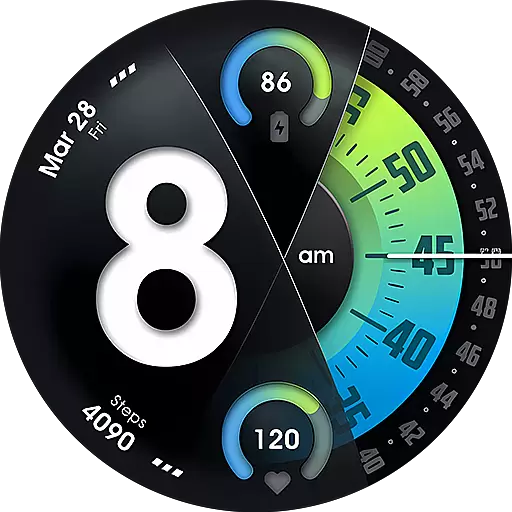
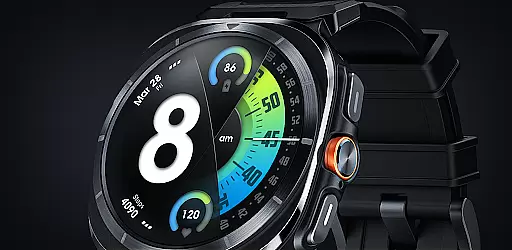
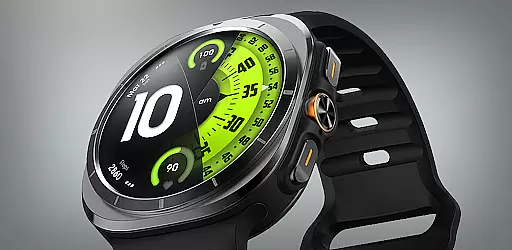
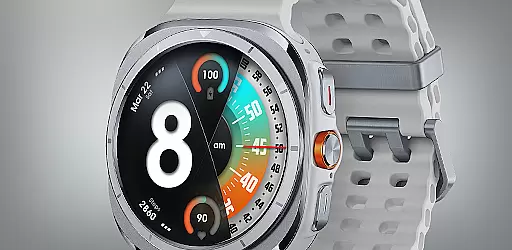
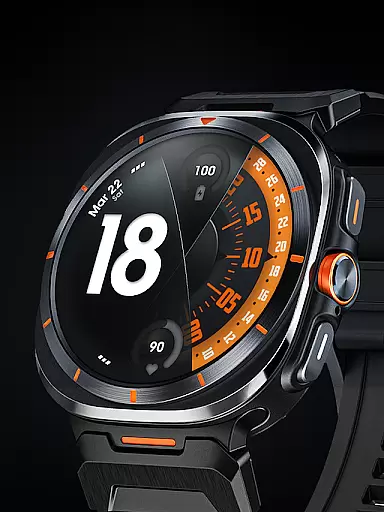
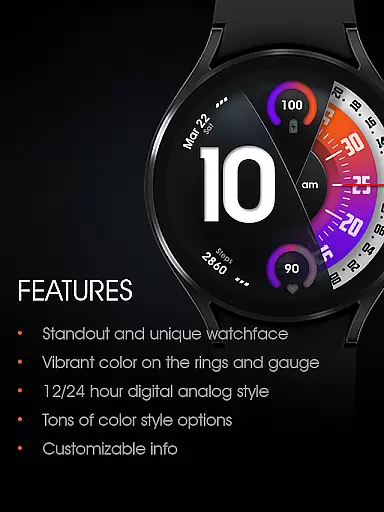
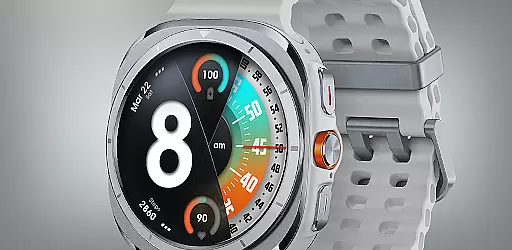
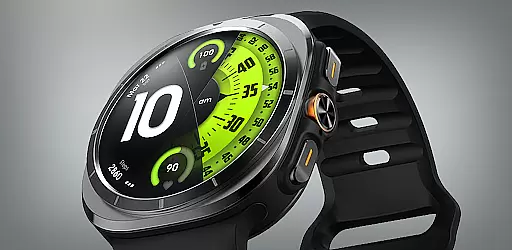
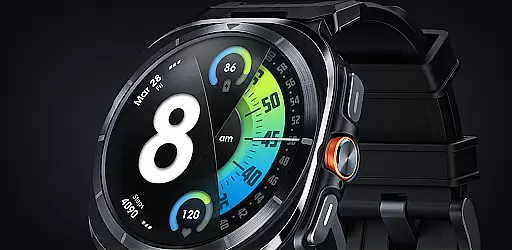
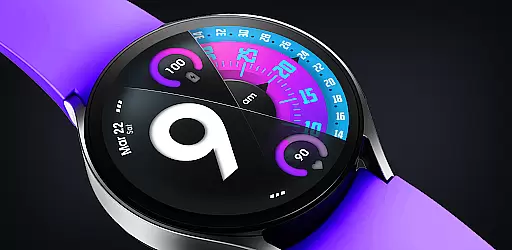
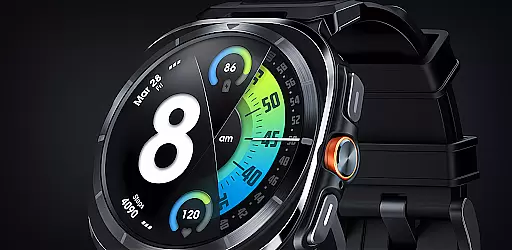
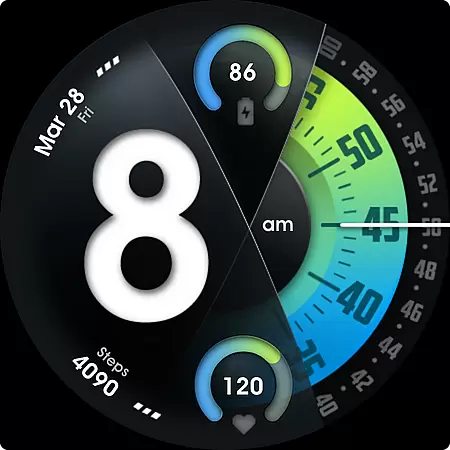
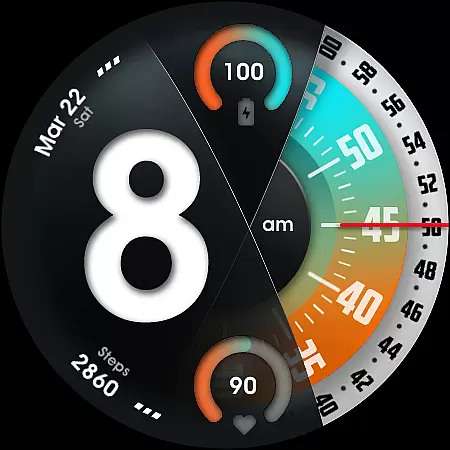
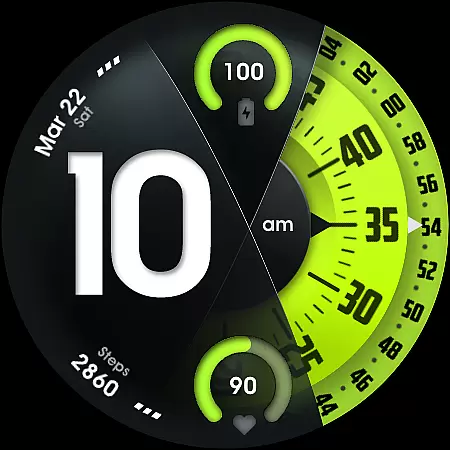
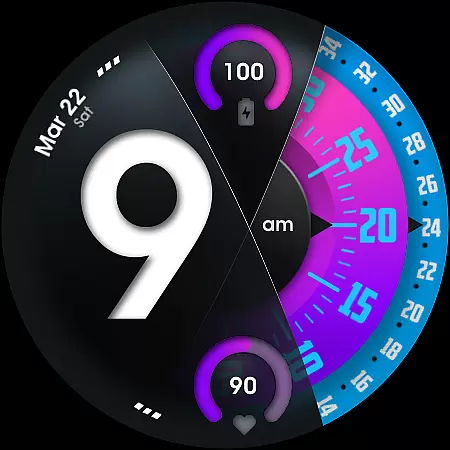
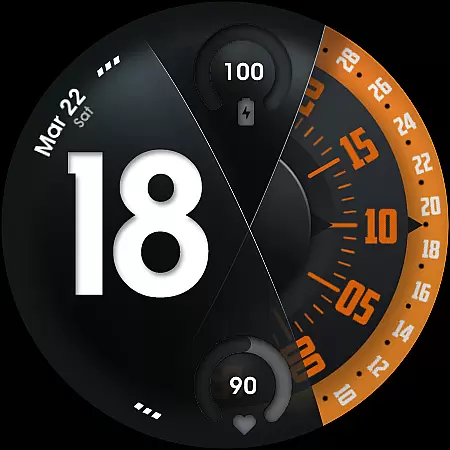
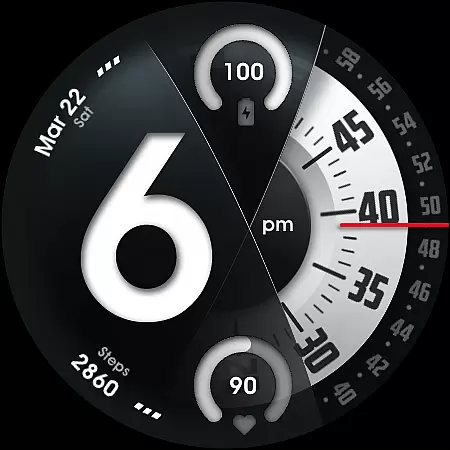
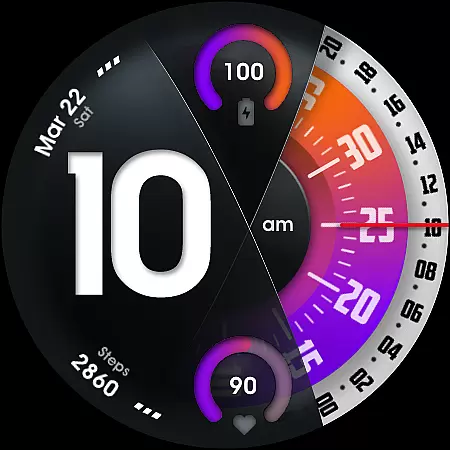
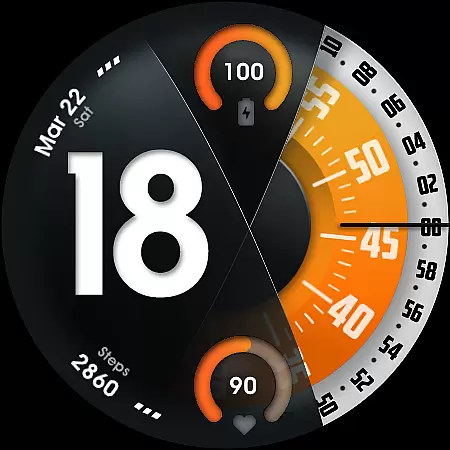
UsA Florencia Neo is a redesigned watch face for Wear OS devices, offering a unique blend of digital and analog styles. This application stands out with its modern aesthetic that combines digital hours with classic analog minute and second hands. Compatible with Wear OS 4 or newer, this app supports Galaxy Watch 4/5/6/7/8 Series, Pixel Watch series, and other Wear OS devices.
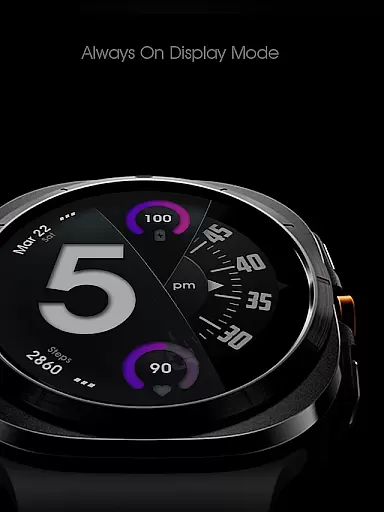
The watch face provides essential features such as battery information, heart rate monitoring, and customizable design elements. Users can choose from various color combinations, customize second-hand styles, and manage complications directly from their watch. Its special Always On Display (AOD) mode ensures time visibility even when the watch is idle, albeit with increased battery consumption.
UsA Florencia Neo offers a comprehensive set of features designed to enhance user experience on Wear OS devices. The watch face displays time in either 12 or 24-hour formats, adapting to user preferences set within the phone's date and time settings. It includes practical functionalities like battery level indicators and heart rate monitoring, which syncs with the built-in heart rate settings of the device.
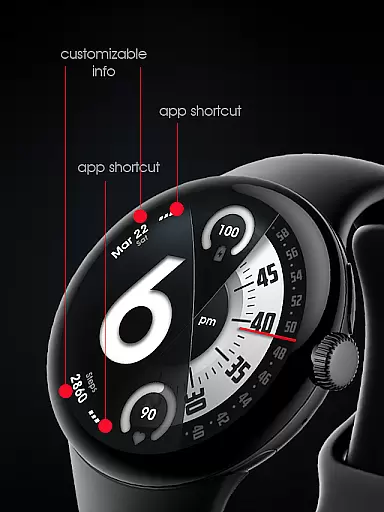
Customization options abound with multiple color styles, second-hand designs, and line index indicators. Additionally, users can configure two custom info complications and two custom app shortcuts, allowing personalized access to frequently used apps and information. The specially designed AOD mode ensures minimal power usage while maintaining time visibility, though it may impact battery life.
This watch face requires specific permissions, notably body sensor access for real-time heart rate data display. All personalization and settings adjustments can be made directly on the watch through intuitive menus, ensuring ease of use without compromising functionality.
Companion app integration is essential for a seamless wearable experience. UsA Florencia Neo ensures that your watch face settings are effortlessly synchronized with your smartphone. This synchronization allows for real-time updates and management of your watch face directly from your phone.
The app provides an intuitive interface where users can customize every aspect of the watch face, from digital-analog styles to color combinations. With just a few taps, you can adjust the seconds blade styles, line index indicators, and even manage custom shortcut complications. This level of control ensures that your watch face is truly personalized to your preferences.
Moreover, the companion app supports automatic installation on compatible devices. Once purchased, the watch face should begin installing on your watch within moments, streamlining the setup process. After installation, accessing the new design is as simple as navigating to the downloaded section in your watch's face list.
This integration extends to health metrics as well, syncing heart rate data with built-in sensors. Users can view their current heart rate directly on the watch face, providing valuable insights into their fitness levels without needing to access separate apps or devices.
Ensuring broad device compatibility is crucial for maximizing user accessibility. UsA Florencia Neo is designed to work seamlessly with Wear OS API 33+ (Wear OS 4 or newer), making it compatible with a wide range of modern smartwatches. This includes popular models like the Galaxy Watch 4/5/6/7/8 Series, Pixel Watch series, and other devices running Wear OS 4 or newer.
The watch face leverages the advanced capabilities of these platforms, offering features such as battery information gauges, heart rate monitoring, and customizable complications. These functionalities not only enhance the aesthetic appeal but also provide practical utility by keeping users informed about their device status and health metrics.
Installation is straightforward, requiring users to make purchases using the same Google account registered on their watches. Upon purchase, the installation begins automatically, ensuring a hassle-free setup process. Compatibility with multiple devices means that users can enjoy a consistent experience across different hardware, enhancing overall satisfaction and usability.
Additionally, the Always On Display (AOD) feature is optimized for low power consumption during idle times, although it may slightly increase battery usage. This balance between functionality and efficiency highlights the thoughtful design approach taken to cater to diverse user needs while maintaining optimal performance.
Unique design aesthetic
Customizable features
Heart rate integration
Battery indicator
Always On Display
Battery consumption
Limited compatibility
Requires setup
No data storage
Premium cost

Animated Watch Face and Customizable with 24 Backgrounds. Perfect for Christmas!
 3.90
3.90
Wear Os Watch Face - Animated Snow - Sesonal for Christmas & Winter
4.1
Christmas is near, let's count together the days left until Santa comes
4.4
Analog watch face with 8 complications and expedition styling
4.5
Let's celebrate Thanksgiving - Wear Os watch face
4.20
The most customizable minimal watch face. For Wear OS 5.0, API 34+ and later
4.70
Bold, Modern Hybrid Watch Face for Wear OS. 10 Colors, Rich Info Display.
4.30
Minimalistic design modern digital watch face.
4.2
Track airplanes and follow flights with our real-time flight tracker
4.50
Beautiful, colorful and practical watch face. For Wear OS devices.
5.00
Period, ovulation & pregnancy tracker. Fertility insights & menstrual calendar.
4.90
Reliable phone calls with spam protection, caller ID and more helpful features
4.40
Find EV charging stations
4.30
The ultimate destination for kids ages 3-8 to explore the Marvel Universe!
4.30
A customizable Christmas watch face for Wear OS with a countdown.
4.20
Embrace the festive spirit with our Christmas Countdown watchface for Wear OS
4.10
Wear Os Watch Face - Animated Snow Effect & Magic Spark - 6 Scenes
4.10
Professional weather radar and more
3.90
Stunning modern digital watch face with 7 complications and strong contrast
4.5


User Reviews