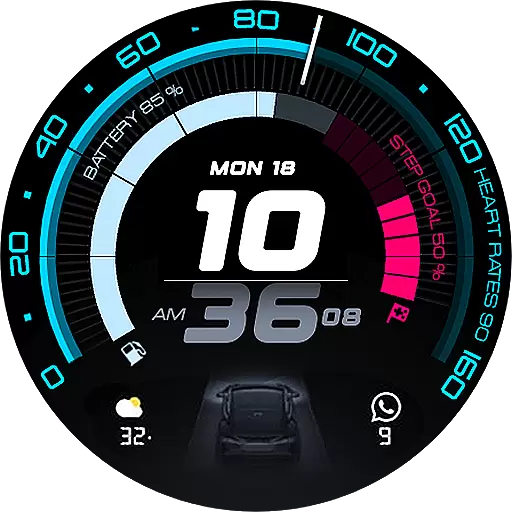
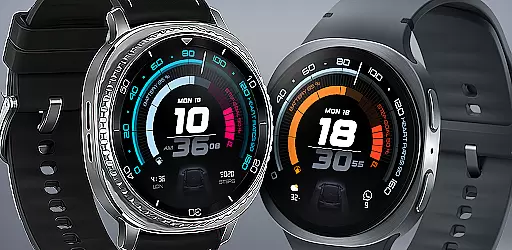
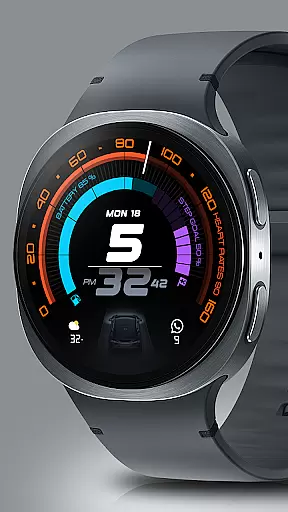
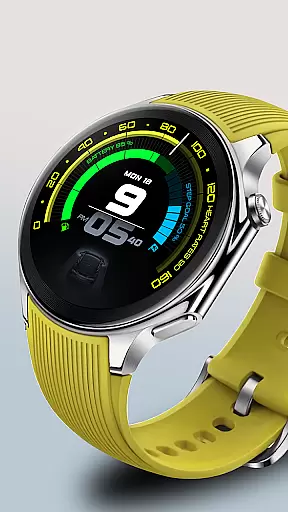
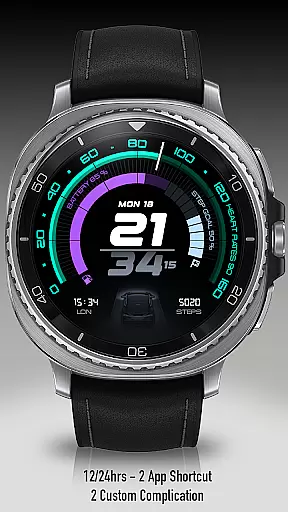
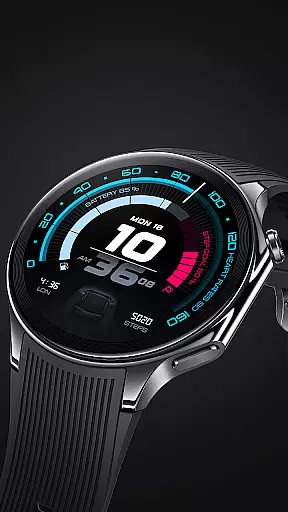
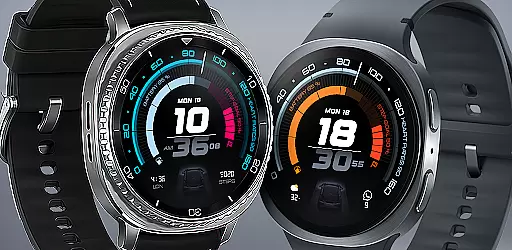
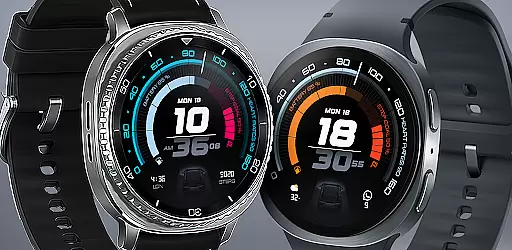
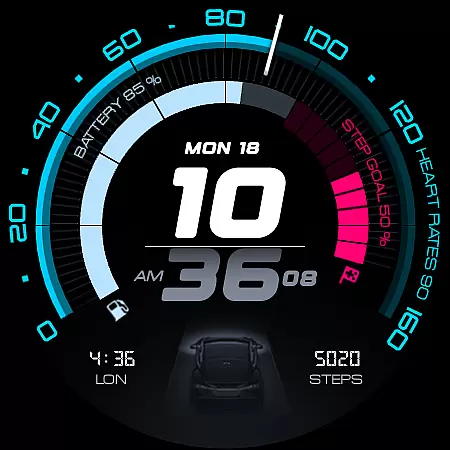
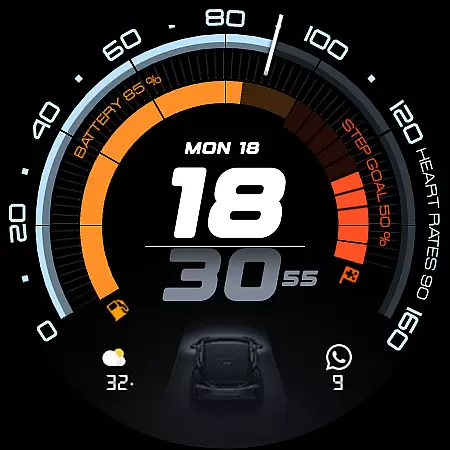
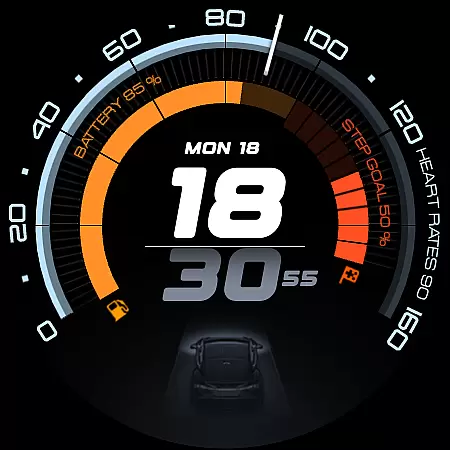
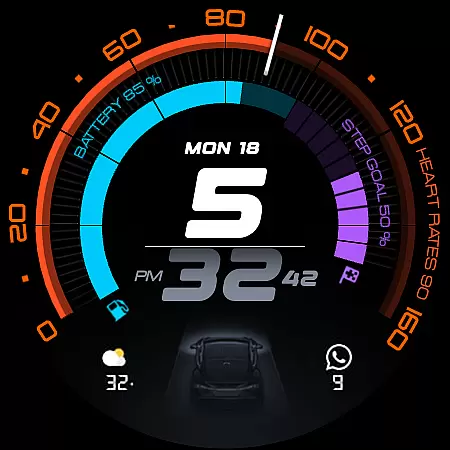
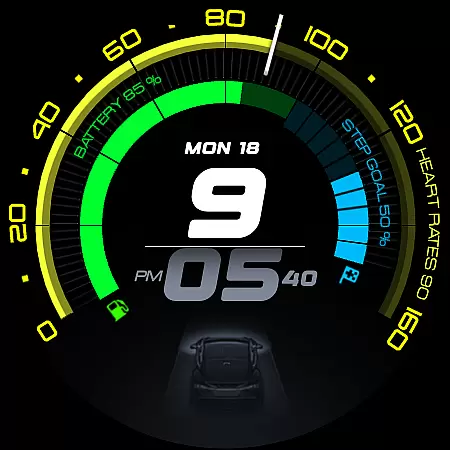
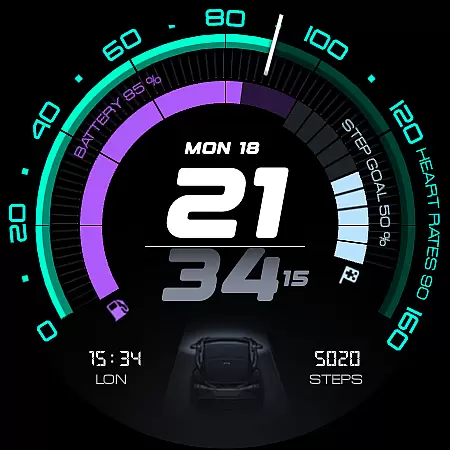
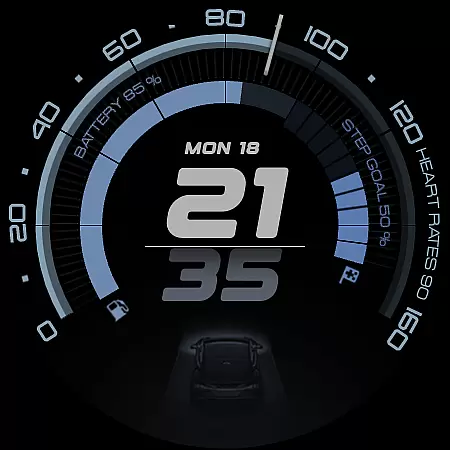
ARS Acceleration is a high-performance watch face designed for smartwatch users who value both style and functionality. It features a dynamic, automotive-inspired interface with bold digital time display and vibrant color-coded activity arcs. The watch face provides essential health and fitness tracking, including real-time heart rate, step count, battery level, and weather updates, all integrated into a sleek design.
This watch face is perfect for those who want quick access to critical information at a glance. Whether you're monitoring your daily activity or checking the weather, ARS Acceleration adapts seamlessly to your lifestyle. With customizable complications, dual app shortcuts, and support for both 12/24-hour time formats, it offers maximum convenience and personalization.
ARS Acceleration stands out with its vibrant and modern design inspired by high-performance sports dials. The watch face features bold digital time display and color-coded activity arcs that make it easy to track your progress throughout the day. With real-time health and fitness tracking, users can monitor their heart rate, step count, and other essential metrics without needing to open additional apps.
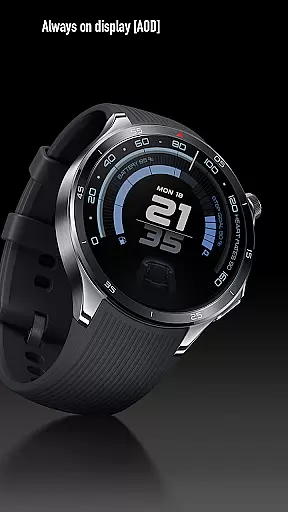
Customization is key with ARS Acceleration. Users can personalize their experience with customizable complications, dual app shortcuts, and the choice between 12/24-hour time formats. The Always-On Display ensures that critical information is accessible even when the watch is idle, adapting seamlessly from a bold daytime look to a subtle nighttime display.
Designed for performance, this watch face transforms your smartwatch into a powerful tool for everyday use. Its sleek, automotive-inspired design not only looks great but also enhances usability by integrating essential features like weather updates and battery level indicators directly on the main screen.
Companion app integration is essential for Android Wear applications like ARS Acceleration. This feature ensures that the smartwatch and its companion smartphone app work seamlessly together.
ARS Acceleration offers a dynamic interface where users can sync their activity data, customize watch face settings, and receive real-time updates directly from their phone. The synchronization allows for an uninterrupted flow of information, making it easier to manage health metrics and personal preferences.
Users benefit from this integration by having all their essential data in one place. Whether it's tracking daily steps or receiving weather updates, the companion app enhances the overall functionality of the watch face.
This cohesive ecosystem not only simplifies user interaction but also enriches the experience by providing timely and relevant information at a glance.
Wear OS and device compatibility are crucial for ensuring that applications like ARS Acceleration run smoothly across various devices. This compatibility guarantees that users can enjoy a consistent experience regardless of their hardware.
ARS Acceleration is designed to support a wide range of Wear OS devices, offering features such as bold digital time display, vibrant activity arcs, and health tracking. These elements adapt flawlessly to different screen sizes and resolutions, maintaining the integrity of the design.
By focusing on broad compatibility, ARS Acceleration ensures that users with different smartwatch models can access its powerful tools. This includes customizable complications and dual app shortcuts, which enhance usability and convenience.
Ultimately, robust Wear OS and device compatibility make ARS Acceleration a versatile choice for anyone seeking both style and function in their smartwatch experience.
High-performance design
Real-time health tracking
Vibrant activity arcs
Customizable complications
Sleek automotive-inspired look
Limited to Android Wear
Requires compatible device
Premium features may cost extra
Design might not suit all tastes
Battery usage could be high

Diet tracker for weight loss - track calories, food and macros. Simple and easy!
 4.70
4.70
A Wintery Snow Globe on Your Wrist; now celebrating Christmas!
4.2
A heartwarming Christmas scene featuring a cute image of Santa and Rudolf
4.1
Deck out your Wear OS Watch face with a beautifully decorated pine wreath!
4.50
Watch face designed for Thanksgiving Day. 7 Background Styles included.
3.20
A modern hybrid informative watch face for Wear OS designed by BALLOZI
4.80
Premium hybrid watch face with many customizations for Wear OS devices.
4.40
Track your active life in one place and share the journey with friends.
4.40
Toyota app currently supports 2010 or newer vehicles (2018 or newer for Hawaii).
4.50
Beautiful, colorful and practical watch face. For Wear OS devices.
5.00
The most customizable hybrid watch face. For Wear OS 5.0, API 34+ and later
4.70
MyNISSAN® lets you remotely control your car from your phone.*
4.50
Fast and smart typing with Emojis, GIFs, and more
4.50
Digital watch face with big numbers and many customization for Wear OS devices
4.40
A white realistic classic analog watch face with many customization options.
4.40
Your music, your playlists, and more—offline and unlimited.
4.20
Embrace the festive spirit with our Christmas Countdown watchface for Wear OS
4.10
The #1 source of faces for your smartwatch!
4.00
Stunning modern digital watch face with 7 complications and strong contrast
4.4


User Reviews