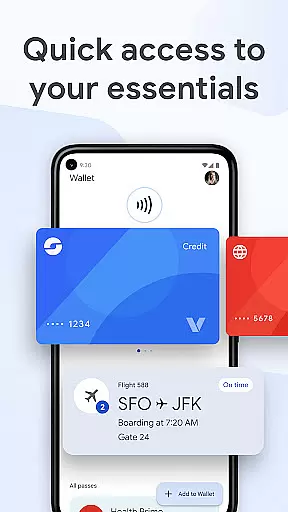
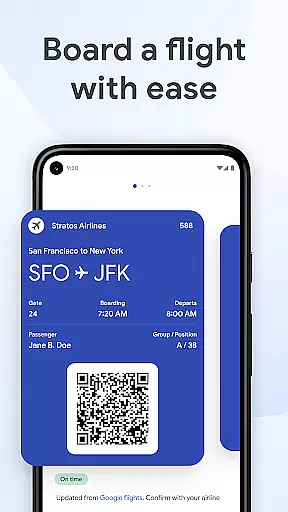
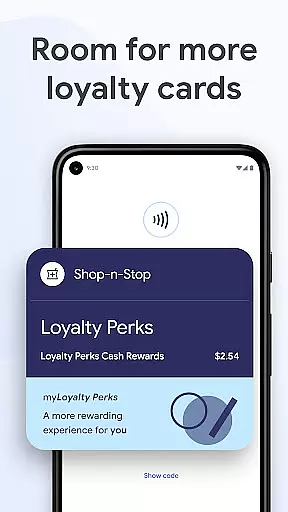
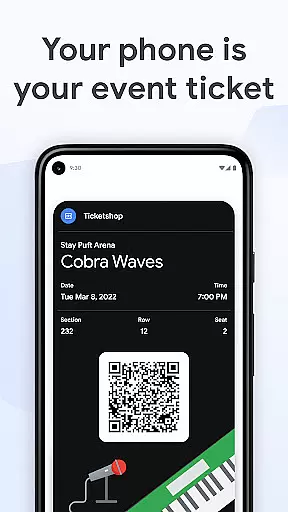
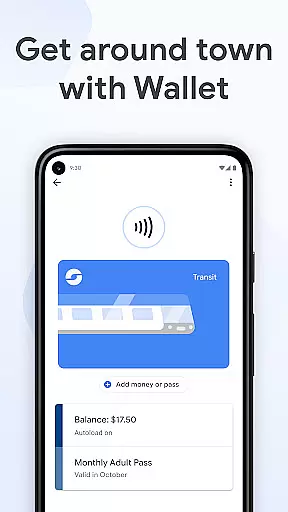
Google Wallet is a versatile digital wallet solution designed specifically for Android Wear and Android devices, allowing users to carry their essential cards, tickets, passes, and even digital car keys in one secure place. With its seamless integration across Google services, the app provides quick access to everything you need through your phone's quick settings, the dedicated Wallet app, or even via Google Assistant.
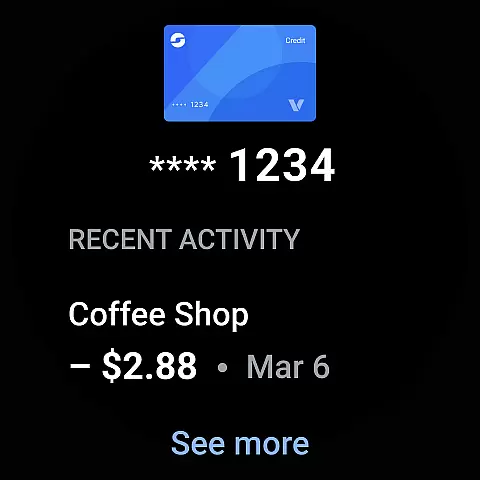
The application shines with its ability to suggest relevant items at the right time, such as boarding passes on travel days, ensuring you never miss an important detail. It also supports helpful features like receipt tracking, location-based transaction details, and real-time updates from Google Search for flight information. Whether you're commuting, shopping, or traveling, Google Wallet offers a convenient and secure way to manage your essentials.
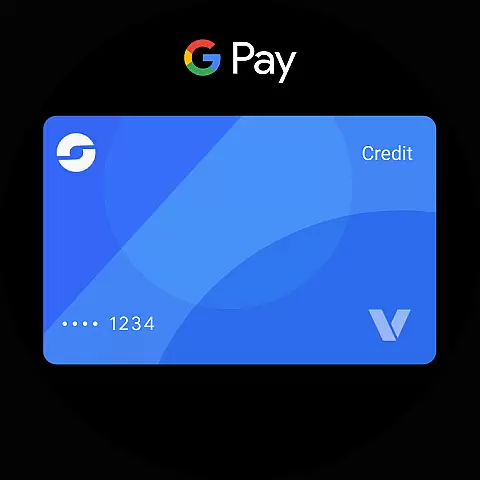
Above all, Google Wallet prioritizes safety and privacy by incorporating advanced Android security measures, including 2-Step Verification and remote data erasure. This ensures that your payment information and personal data remain protected while enabling functionalities like tap-to-pay without exposing your actual credit card number. Available on Android phones (Lollipop 5.0+), Wear OS, and Fitbit devices, it delivers both accessibility and peace of mind.
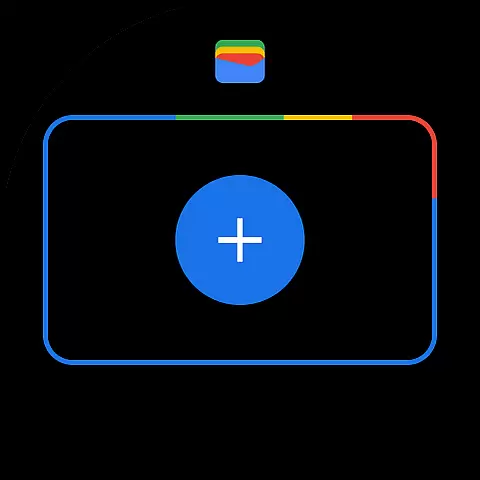
One of the standout features of Google Wallet is its multi-accessibility options, which include quick settings, the Wallet app homescreen shortcut, and hands-free access via Google Assistant. For Wear OS users, complications on the main watch face provide instant access to stored credentials, making it ideal for situations where carrying a phone might be inconvenient.
Beyond payments, Google Wallet supports various types of digital content, such as transit passes, event tickets, loyalty cards, and exclusive US-only features like digital driver’s licenses and car keys. Its intelligent suggestion system enhances user experience by notifying you about relevant items, like boarding passes before a flight. Additionally, the app integrates seamlessly with other Google services, syncing Calendar events, Assistant notifications, and Maps to offer tailored benefits like point balance displays during shopping.
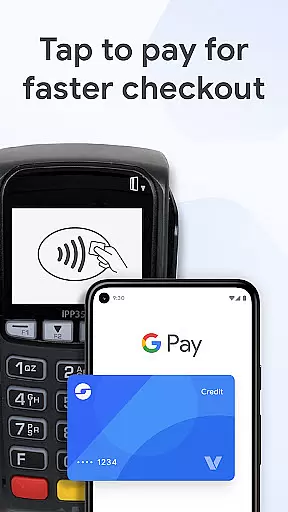
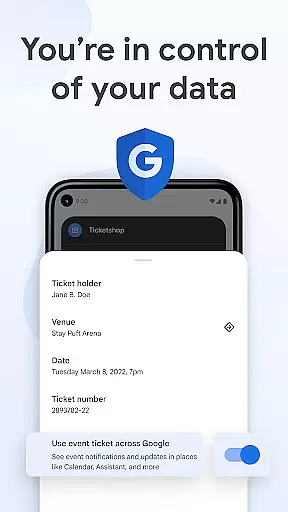
Security remains central to Google Wallet's design, employing cutting-edge Android protections such as Find My Phone and remote data wiping. The tap-to-pay functionality ensures your financial transactions stay private, as businesses do not receive your real credit card number. Furthermore, customizable privacy controls give users full authority over their shared data, reinforcing trust and transparency.
Google Wallet offers seamless companion app integration, ensuring that your essential information is always accessible across multiple devices. By syncing with the Wear OS main watch face, users can instantly access their digital cards and tickets directly from their smartwatch.
The integration extends beyond just wearable devices. Within the Android ecosystem, Google Wallet works harmoniously with other Google services like Google Maps, Calendar, and Assistant. This interconnected functionality allows for real-time updates and notifications, such as gate changes or flight delays, to be seamlessly delivered across all linked devices.
For users, this means unprecedented convenience and reliability. Whether you're using your phone's quick settings, engaging with Google Assistant, or checking your Wear OS watch, Google Wallet ensures that your vital information is available when and where you need it most.
This level of integration not only enhances user experience but also reinforces the security and privacy of personal data. Advanced Android security features, including 2-Step Verification and remote data erasure, ensure that your information remains protected across all integrated platforms.
Google Wallet boasts extensive compatibility with Wear OS and other Android devices, making it a versatile choice for users invested in the Android ecosystem. Available on all Android phones running Lollipop 5.0 and above, as well as Wear OS and Fitbit devices, Google Wallet ensures broad accessibility.
One of the standout features is its ability to function smoothly on Wear OS watches. Users can add complications to their watch face for instant access to their digital wallet, streamlining the process of making payments or presenting tickets without needing to reach for their phone.
Despite its wide compatibility, some features may not be available for supervised accounts. However, for the majority of users, Google Wallet delivers a consistent and reliable experience across different devices. This cross-device functionality is supported by robust security measures inherent to Android, safeguarding user data regardless of the device in use.
By prioritizing compatibility and security, Google Wallet provides a dependable solution for managing digital cards, tickets, and more, enhancing both convenience and peace of mind for its users.
Fast and easy access
Secure payment methods
Intelligent suggestions
Seamless Google integration
Advanced privacy controls
Limited Wear OS features
US-only driver license support
Not all supervised accounts
Occasional update delays
Device compatibility issues

A customizable Christmas watch face for Wear OS with a countdown.
 4.20
4.20
Embrace the holiday spirit with this magical animated watch face!
4.40
A watch face that fuses motorsport precision with contemporary smartwatch design
4.4
Deck out your Wear OS Watch face with a beautifully decorated pine wreath!
4.50
Stunning modern digital watch face with 7 complications and strong contrast
4.0
Bold weather Digital watchface with forecast & optional animated background
4.40
Hyper-Realistic Airplane Dashboard Watch Face With 10 Skins and Custom AOD
4.00
A digital watch face that celebrates Christmas.
4.00
Back up your contacts & access them anywhere
4.30
Christmas Theme Watch Face for Wear Os
5.00
Christmas - Festive - Christmas Village - Winter - Christmas lights
5.00
A modern premium sporty hybrid watch face for Wear OS by Ballozi
4.70
The most customizable minimal watch face. For Wear OS 5.0, API 34+ and later
4.70
To-Do List: daily schedule planner, task organizer, to do reminder app, calendar
4.60
Stylish, Energizing and Modern Watch Face crafted by Dominus Mathias.
4.50
Current temperature, weather hourly, weather radar by the weather forecast app
4.40
Premium hybrid watch face with many customizations for Wear OS devices.
4.40
"PER27 Galaxy Digital" is a digital Wear OS watch face designed by PERSONA
4.10
Wear Os Watch Face - Animated Snow Effect & Magic Spark - 6 Scenes
4.10


User Reviews