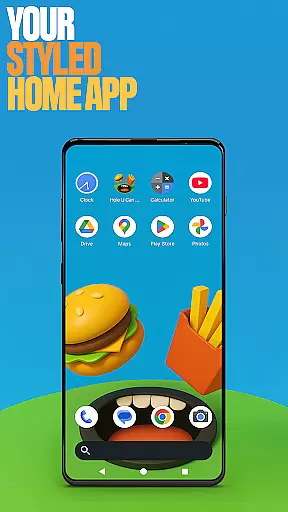
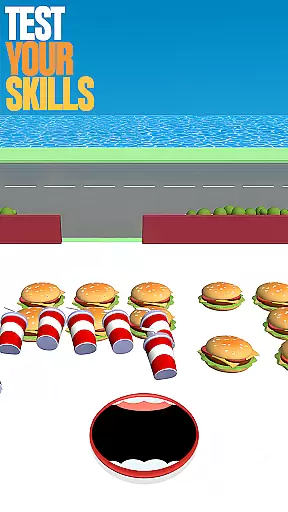
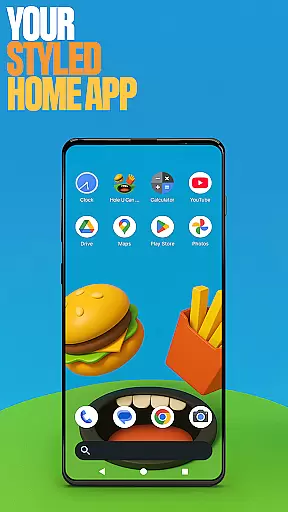
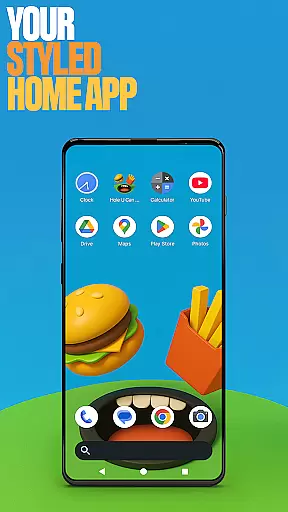
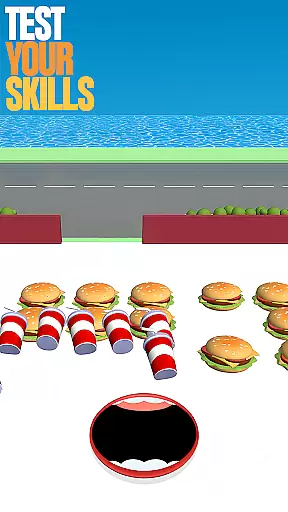
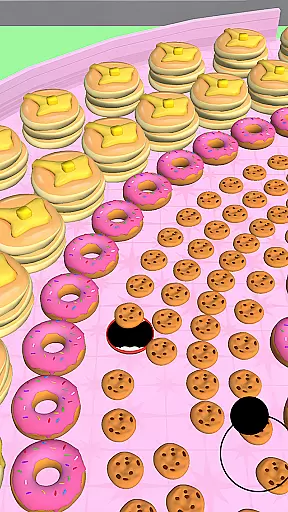
Hole U Can Eat Home App is a dynamic personalization tool designed to enhance your device's interface with flexible layouts and customizations. This launcher offers unique features such as game-style wallpapers inspired by the Hole U Can Eat game, allowing users to immerse themselves in a playful environment while using their devices.
With options for custom icon shapes, gestures, and accent colors, this app provides a personalized user experience that keeps your home screen exciting and functional. Users can hide apps for privacy and enjoy seamless navigation through customizable gestures. Whether you're looking to revamp your device's aesthetics or improve usability, Hole U Can Eat Home App delivers both style and control.
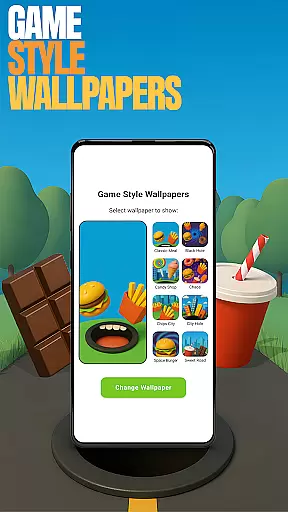
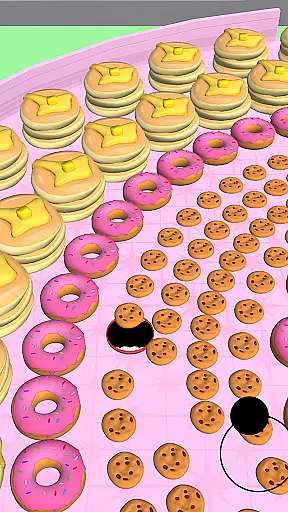
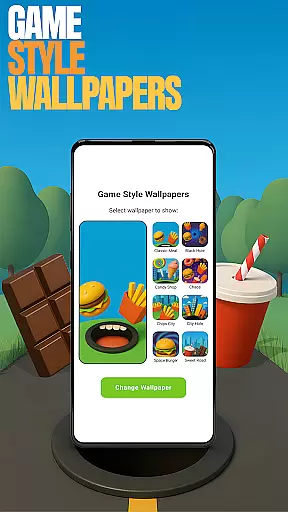
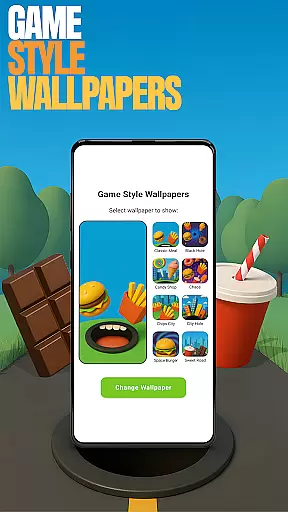
The app boasts an array of features that cater to various customization needs. Game Style Wallpapers let you add unique designs to your home screen, invoking the fun and chaos of the Hole U Can Eat game. By long-pressing on the home screen and selecting 'Game Style Wallpapers,' users can easily apply these vibrant backgrounds.
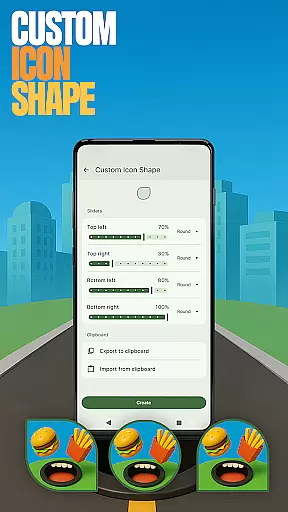
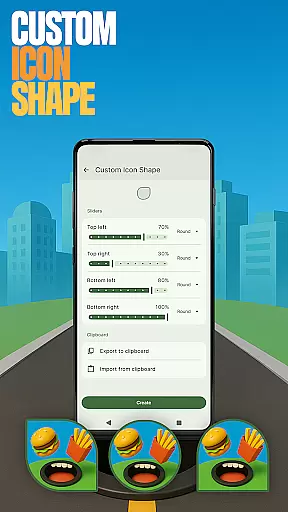
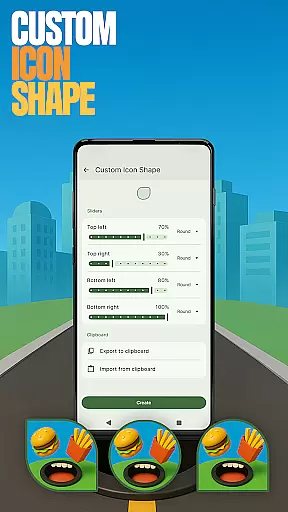
Custom Icon Shapes allow for further personalization, enabling users to alter the look of their app icons. Through the 'Custom Icon Shape' option, accessed similarly by long-pressing the home screen, you can give your device a distinct appearance. Additionally, Custom Gestures streamline app access and settings navigation, enhancing usability. These features collectively ensure that each user's experience is tailored to their preferences, offering both aesthetic appeal and practical functionality.
Customization is at the heart of Hole U Can Eat Home App, offering users a wide array of personalization options to truly make their device their own. With features like Custom Icon Shapes and Accent Color settings, users can tailor the visual aesthetics to match their personal style.
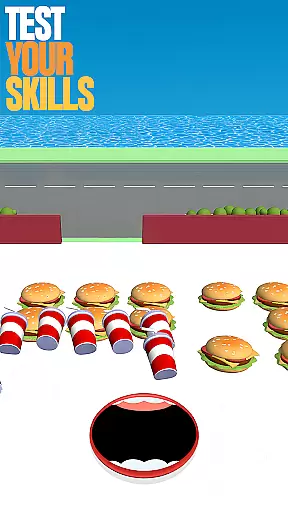
The app provides Game Style Wallpapers that bring a playful touch to your home screen, inspired by the popular game Hole U Can Eat. These wallpapers not only enhance the look but also offer an engaging user experience every time you unlock your device.
Beyond just looks, the app includes functional customizations such as Custom Gestures and Hidden Apps. Users can set up unique gestures for faster access to frequently used apps or hide private apps for discreet control over their content.
All these customization options ensure that users have a personalized and dynamic interaction with their devices, making daily usage more enjoyable and efficient while reflecting individual preferences and needs.
Hole U Can Eat Home App excels in theme compatibility, ensuring that all customizations work seamlessly across different devices and screen sizes. Whether you're using a smartphone or tablet, the app's design adapts fluidly, maintaining visual consistency and functionality.
The Theme Compatibility feature extends to various operating system versions, allowing users to enjoy the latest personalization trends without worrying about software limitations. This ensures that everyone can benefit from the app's offerings regardless of their device's specifications.
Moreover, the app supports third-party themes, giving users even more freedom to experiment with new looks. By integrating smoothly with external resources, it enhances creativity and allows for limitless personalization possibilities.
With reliable theme compatibility, Hole U Can Eat Home App guarantees a cohesive and visually pleasing experience, empowering users to express themselves fully through their device's appearance while enjoying consistent performance.
Highly customizable
Unique game-style wallpapers
Intuitive gesture controls
Private app hiding feature
Vibrant accent color options
May change existing layout
Limited to Android devices
Requires manual setup
No iOS compatibility
Potential learning curve

Stunningly Different look with Line Icons and Neon Colors
 4.60
4.60
Add cute Shimeji pets to screen, interact with them and relax with cute motions
4.60
Shimeji adds cute animated characters to your screen, lively and fun.
4.70
Over 28,000 high quality icons to bring color & homogeneity to your phone.
4.60
Ultimate Gallery Lock App - Hide Pictures, Videos and Lock Apps Instantly!
4.60 4.10
4.10
set a new experience for the Android mobile phone
4.20
Amazing letter fonts in your messages and social statuses
4.70
Install amazing sticker packs: endless styles, always cool.
4.70
Wallpaper HD 4K Live - Thousands of high-quality Anime backgrounds for you.
4.80
Choose your keyboard with RGB colors effect, themes, fonts, emojis.
4.60
Stylish Pink Cute Hippo keyboard with 10000+ customized keyboard themes!
4.60
Beautiful realistic hybrid watch face with numerous customization options.
4.50
Customizable screen pets that play, climb, and keep you company.
4.50
A light in the dark, a unique style and an andless cutomization!
4.30
Your home screen, just the way you like it.
4.30
Customizable flower power digital watch face for Wear OS watches.
4.00
Ultimate widget creator. Design custom widgets for a truly unique home screen!
3.90
Adorable pets roam and play right on your phone screen!
3.30


User Reviews