
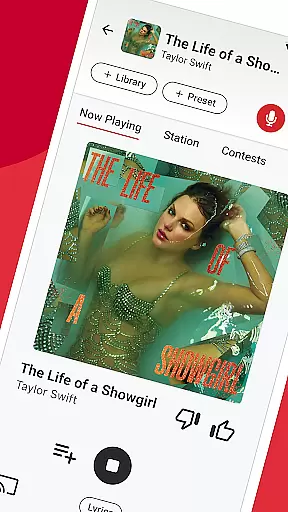

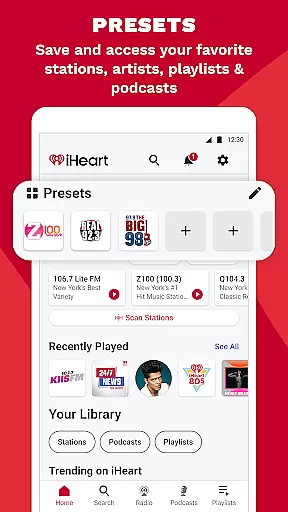
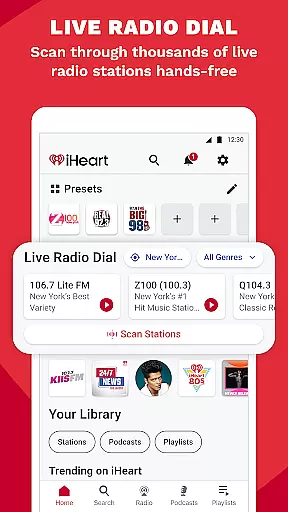



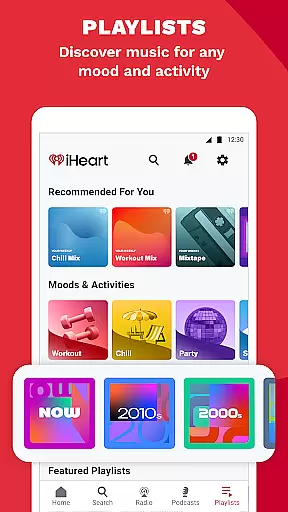
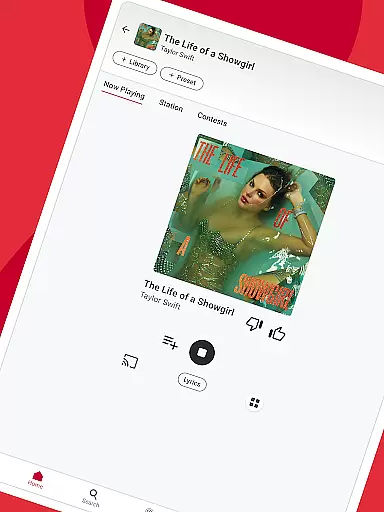

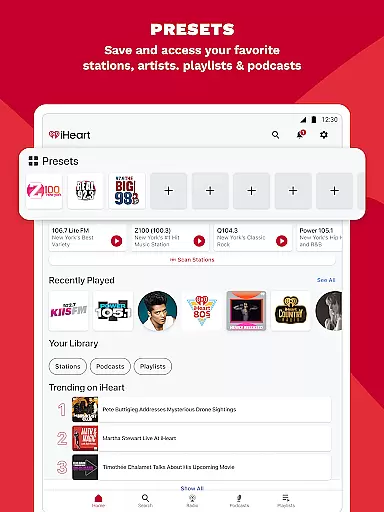
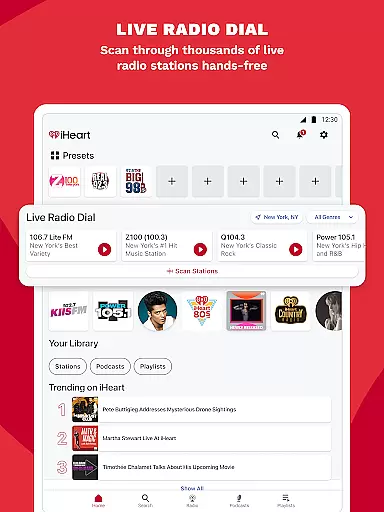
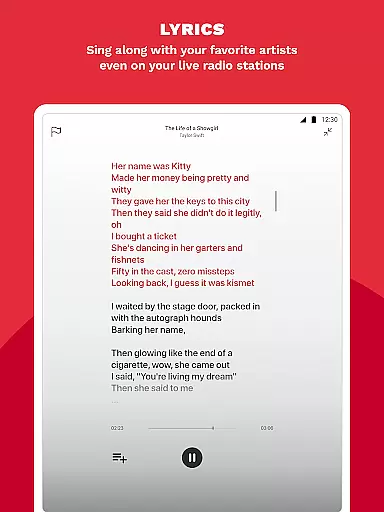
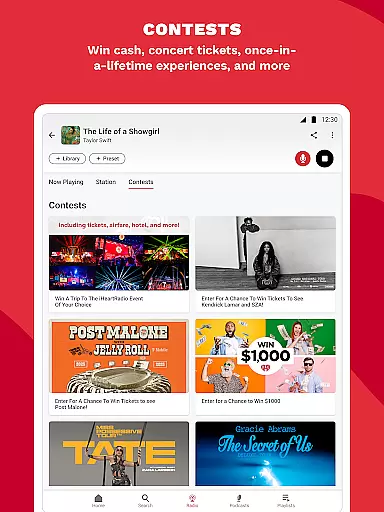
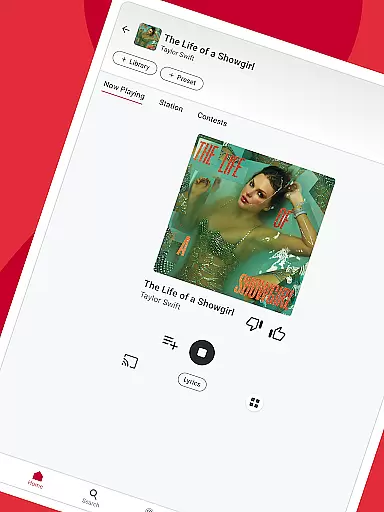

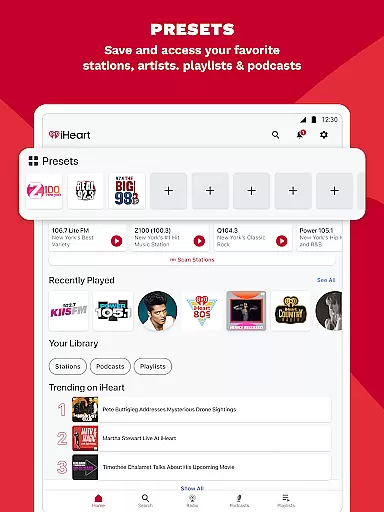
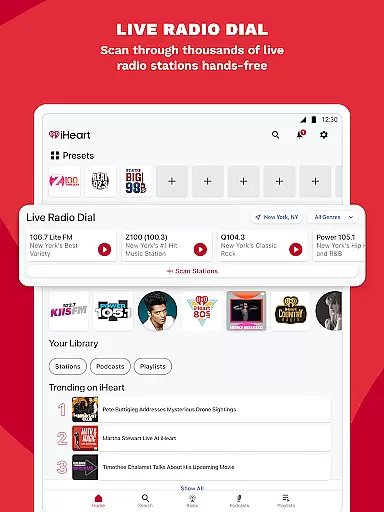
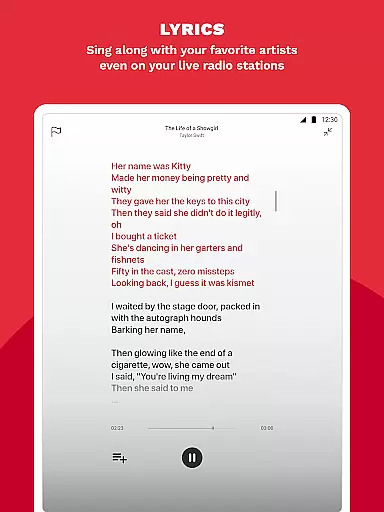
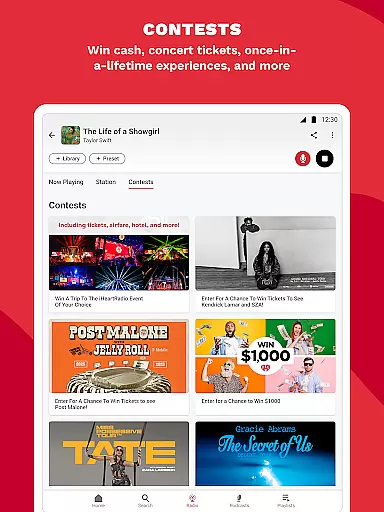
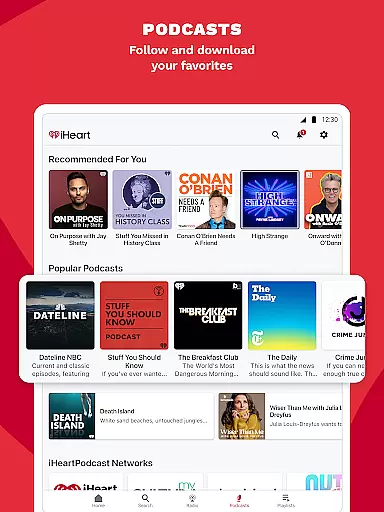
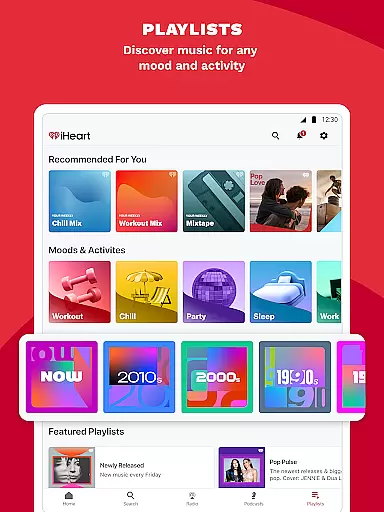
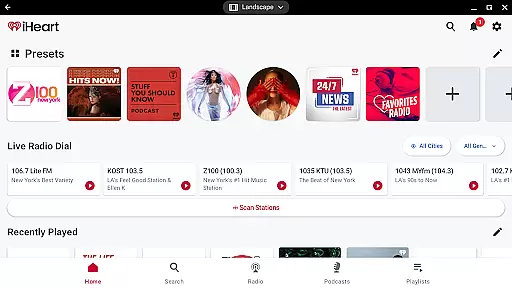
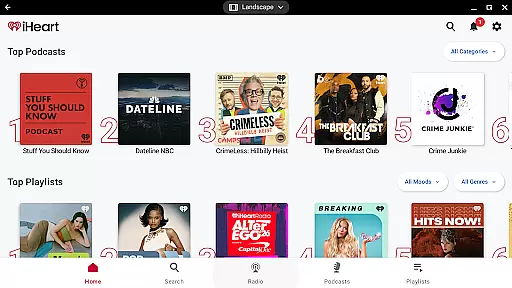
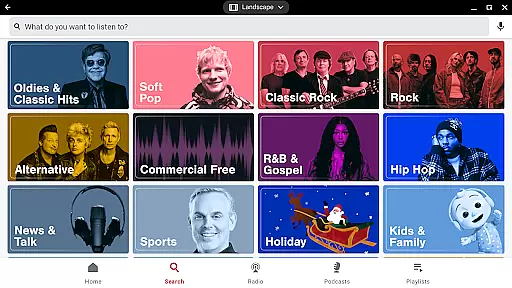
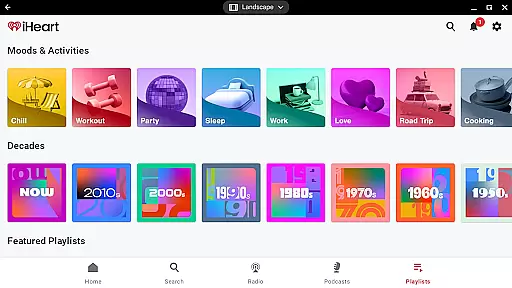
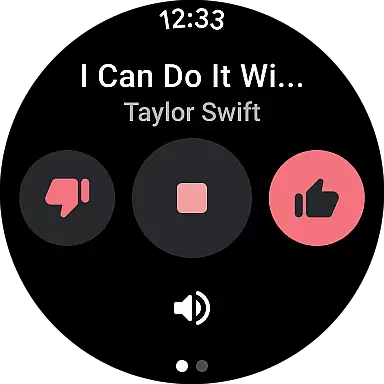
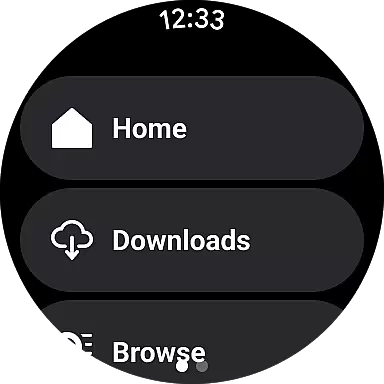
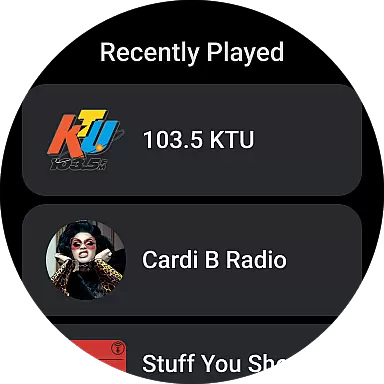
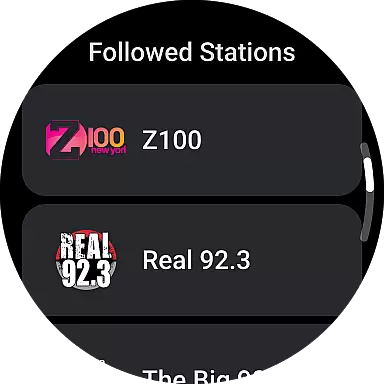

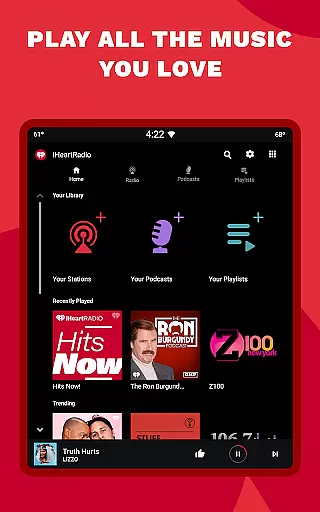
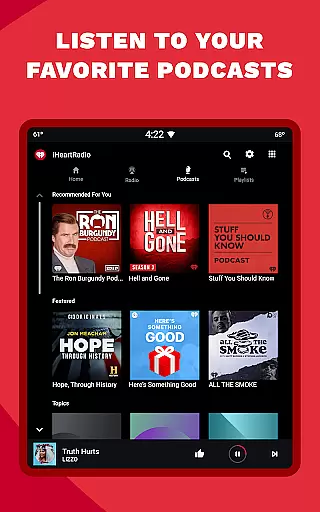
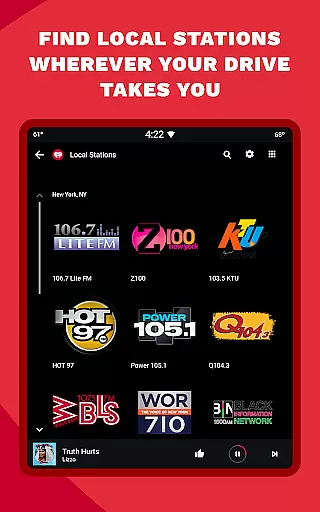
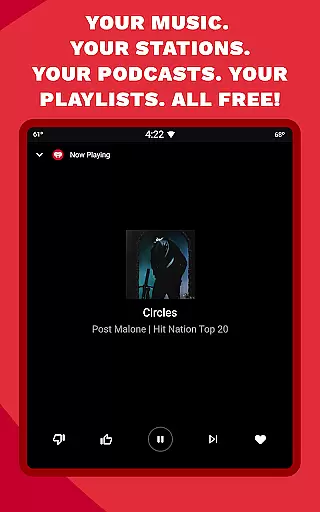
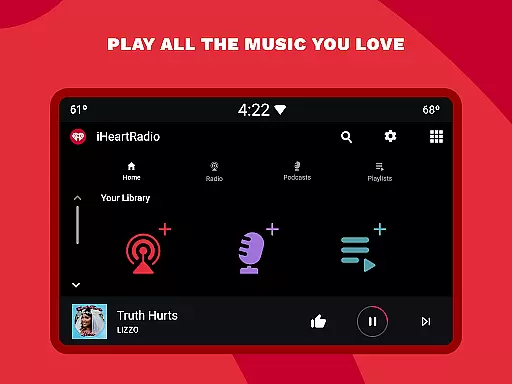

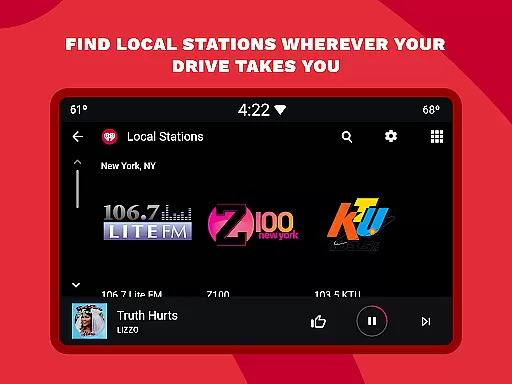
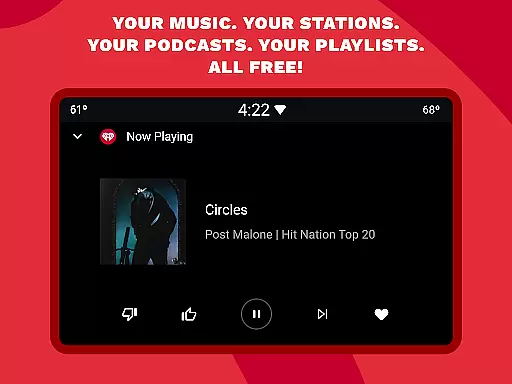
iHeartRadio is a versatile audio app that brings together live radio, on-demand music, and podcasts in one platform. Designed for Android Wear, it allows users to enjoy their favorite content seamlessly across devices. The app features thousands of live radio stations, curated playlists, and popular podcasts, making it an all-in-one solution for music and information needs.
One standout feature is its integration with Android Auto, enabling users to access travel-friendly playlists while driving. Whether you're looking for holiday music, sports commentary, or engaging podcasts, iHeartRadio delivers a personalized listening experience tailored to your preferences.
This app is particularly useful for those who want instant access to both local and global content without interruptions. With options for offline listening and ad-free modes through premium subscriptions, iHeartRadio ensures you stay connected wherever you go.
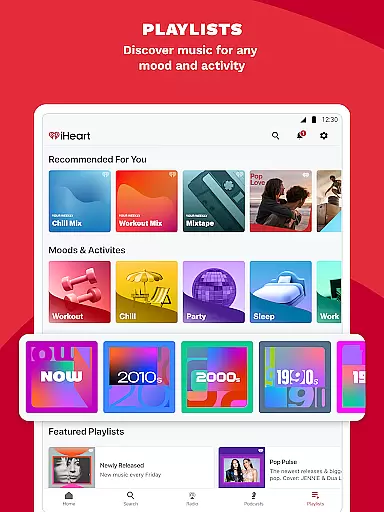
iHeartRadio offers a comprehensive set of features designed to enhance user experience. First, the app provides access to over a thousand live radio stations, including local AM/FM channels and global streams. This wide variety caters to different tastes, from music genres like pop and hip-hop to talk shows and sports commentary.
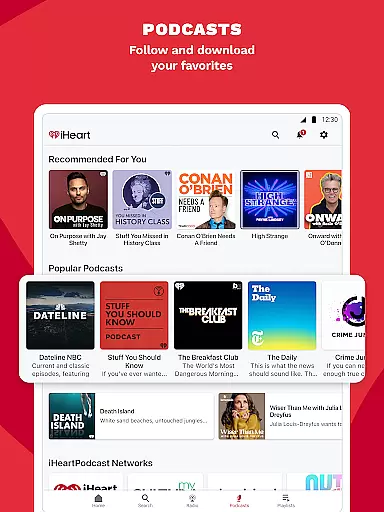
In addition to live streaming, iHeartRadio includes a rich library of podcasts covering topics such as true crime, self-improvement, and current events. Users can adjust playback speed and download episodes for offline use. The app also supports interactive functionalities, allowing listeners to engage with radio hosts via Talkback mic during live broadcasts.
Premium subscribers benefit from additional perks, including ad-free listening, unlimited skips, and the ability to save tracks for offline playback. These features make iHeartRadio not just a source of entertainment but also a customizable tool for staying informed and entertained throughout the day.
Companion app integration is essential for a seamless user experience across multiple devices. iHeart excels in this area by offering robust synchronization between its mobile app and Wear OS devices.
The application ensures that your music playlists, podcasts, and radio stations are readily available on your smartwatch. This allows users to control their audio content directly from their wrist, providing unmatched convenience.
With real-time updates, any changes made on the mobile app instantly reflect on the wearable device. Whether you're adjusting your playlist or switching radio stations, the transition is smooth and immediate.
This integration enhances accessibility, making it easier for users to enjoy their favorite content without needing to reach for their phone. It's an ideal solution for those who value multitasking and efficiency in their daily routines.
Ensuring broad compatibility with various Wear OS devices is crucial for maximizing user accessibility. iHeart has been optimized to work seamlessly with a wide range of smartwatches running on Wear OS.
The app supports different models from leading manufacturers, ensuring that regardless of your device, you can enjoy a consistent and high-quality experience. This includes popular brands such as Samsung, Fossil, and TicWatch, among others.
By focusing on universal compatibility, iHeart guarantees that users won't face limitations based on their hardware choice. The app maintains its full functionality across all supported devices, from playing music to managing podcasts.
Moreover, regular updates ensure ongoing compatibility with new Wear OS devices as they enter the market. This commitment to compatibility underscores iHeart's dedication to delivering a versatile and reliable service to its users.
User-friendly interface
Extensive station variety
Podcast speed adjustment
Offline listening mode
Live sports coverage
Ads in free version
Limited offline features
Premium subscription cost
Occasional buffering
Complex navigation

Snowflake Rose Gold Watch Face - Digital, modern, & sleek with GYRO effect.
 4.10
4.10
A Wintery Snow Globe on Your Wrist; now celebrating Christmas!
4.4
A modern premium sporty hybrid watch face for Wear OS by Ballozi
4.70
3 Complications. All shadow on/off. 30 Themes color palette...
4.5
Digital watch face with big numbers and many customization for Wear OS devices
4.40
Real-time weather radar with temperatures, warnings, hurricanes, and widgets
4.80
Minimalistic design modern digital watch face.
4.0
Viewer for Wyze/Yi/Eufy/Arlo/ONVIF/RTSP/P2P IP cams w/ adv. features & DIY DVR
4.00
Fitbit is dedicated to helping people lead healthier, more active lives.
4.10
Hybrid watch face for Wear OS with customizable complications by Matteo Dini MD
4.70
Walking app for weight loss: walk & step tracker, pedometer, indoor treadmill
4.60
Deck out your Wear OS Watch face with a beautifully decorated pine wreath!
4.50
Stylish, Energizing and Modern Watch Face crafted by Dominus Mathias.
4.50
Bold weather Digital watchface with forecast & optional animated background
4.40
Premium hybrid watch face with many customizations for Wear OS devices.
4.40
Animated Watch Face and Customizable with 24 Backgrounds. Perfect for Christmas!
3.90
Wear Os Watch Face - Animated Snow - Sesonal for Christmas & Winter
4.0
Analog watch face with 8 complications and expedition styling
4.5
Stunning modern digital watch face with 7 complications and strong contrast
4.2


User Reviews