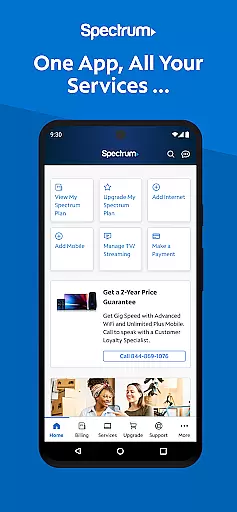
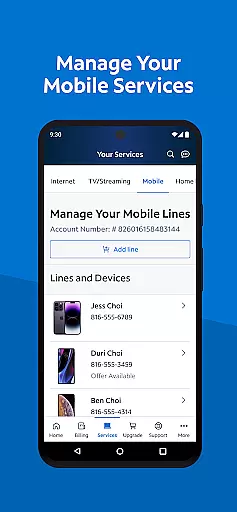
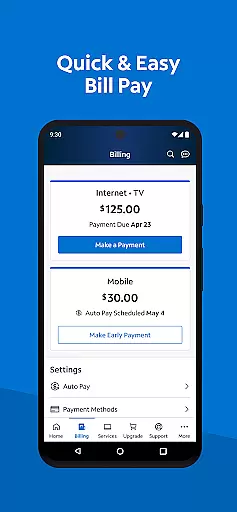
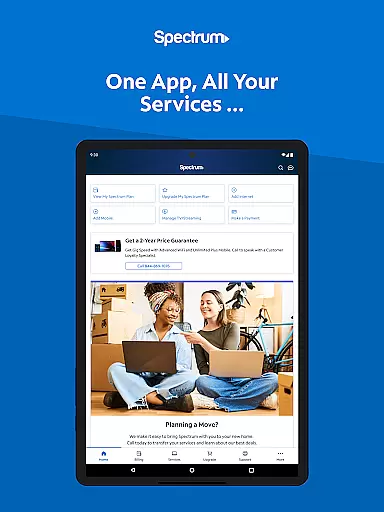
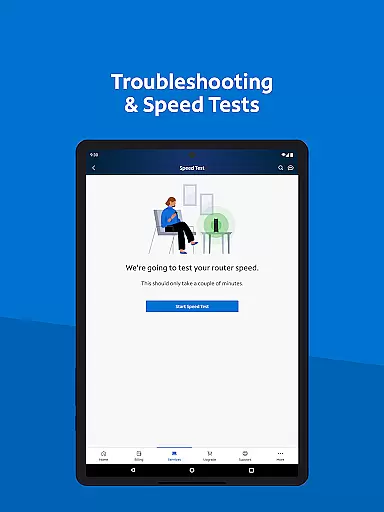
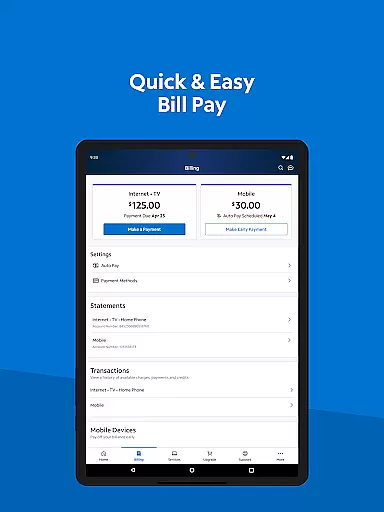
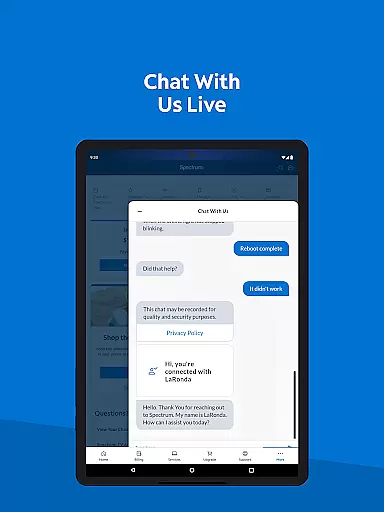
My Spectrum is a comprehensive tool designed for residential customers to manage all Spectrum services in one place. The app allows users to handle billing for Spectrum Mobile, Internet, TV, and Home Phone services with features like Auto Pay and paperless billing. It also provides the ability to monitor mobile data usage, receive important notifications, and troubleshoot WiFi issues.
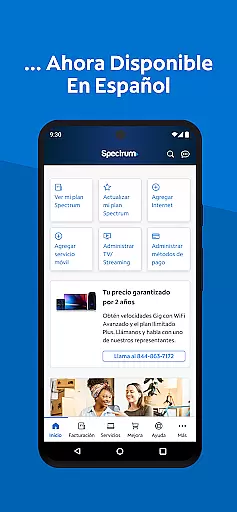
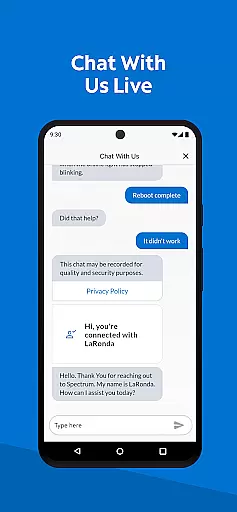
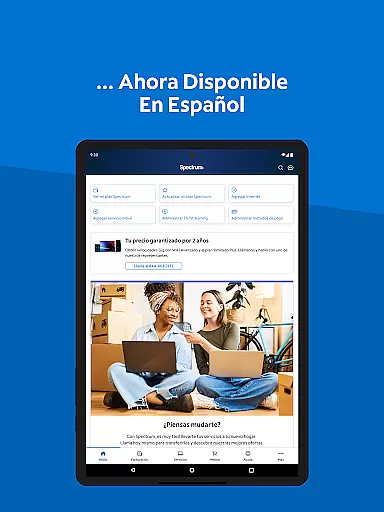
In addition to managing services, My Spectrum offers enhanced support options such as live chat and technician tracking. Users can customize their TV and streaming experiences and access other Spectrum apps for news, sports, and entertainment. With language preferences available in English and Spanish, this app ensures accessibility for a diverse user base while delivering convenience and control over your Spectrum services.
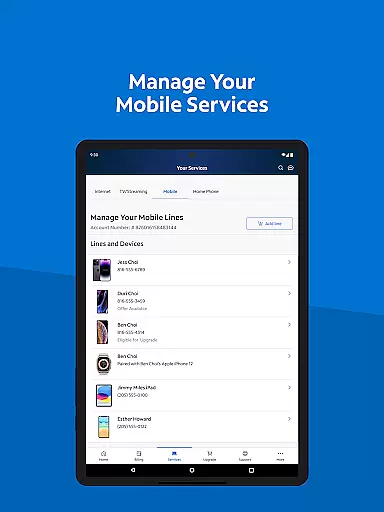
My Spectrum stands out with its robust set of features tailored for service management. Users can pay bills effortlessly, enroll in Auto Pay, and schedule one-time payments. The app's capability to toggle between English and Spanish makes it accessible to a wider audience. For mobile services, users can check data usage, manage plans, and activate new lines directly from the app.
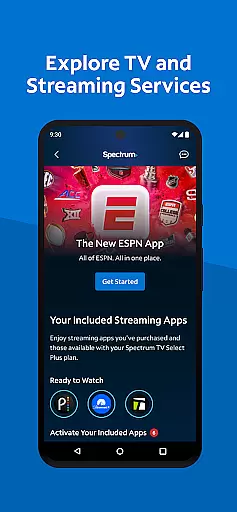
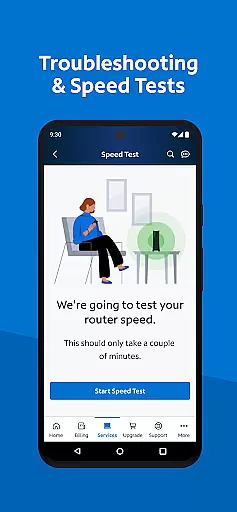
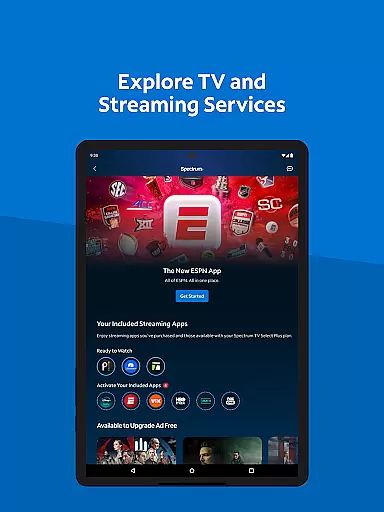
The app keeps users informed with notifications on billing and outages, while offering advanced tools like dual Speed Test for troubleshooting internet connections. Additionally, users can explore TV channel lineups, manage streaming subscriptions, and customize their viewing experience. Enhanced support features include self-installation guides, live customer service chat, and an improved support section for quick answers, ensuring a seamless user experience.
When it comes to managing your Spectrum services, the My Spectrum App excels in providing accurate and effective core functionalities. The app allows users to seamlessly handle their Spectrum Mobile, Internet, TV, and Home Phone billing with precision. By enrolling in Auto Pay, scheduling one-time payments, and opting for paperless billing, customers can ensure that all transactions are processed correctly and on time.
The app also offers advanced tools for managing mobile services, such as checking data usage and adding new lines, ensuring that users have up-to-date and reliable information at their fingertips. With features like enhanced dual Speed Test and nationwide access to Spectrum WiFi hotspots, the app delivers a robust experience that maintains high standards of performance and reliability.
Furthermore, the My Spectrum App provides simplified support options, including self-installation guides and live customer service chat, which enhance user satisfaction by resolving issues efficiently. This comprehensive suite of features ensures that every interaction with the app is both productive and reliable, affirming its role as an essential tool for Spectrum customers.
The My Spectrum App stands out for its simple and intuitive interface, making it accessible even for those who may not be tech-savvy. Upon opening the app, users are greeted with a clean home screen that consolidates all necessary functionsu2014such as bill payment, service management, and supportu2014in one place. This straightforward layout ensures that users can quickly find and utilize the features they need without any hassle.
Switching between English and Spanish language preferences is effortlessly managed through a toggle switch, catering to bilingual users and enhancing accessibility. Additionally, the app's design emphasizes ease of navigation, allowing users to manage their streaming subscriptions, view channel lineups, and customize their TV experience with just a few taps.
Moreover, the newly designed support section enables quick searches for answers, while options to chat with customer service or track technicians add another layer of convenience. These thoughtful design elements contribute to an overall user-friendly experience, ensuring that managing Spectrum services is as intuitive as possible.
User-friendly interface
Comprehensive service management
Live customer support
Auto Pay functionality
Multi-language support
Limited to Spectrum customers
Occasional bugs reported
Advanced features require subscription
High data usage
Geographical limitations

Easily install aab(Android App Bundle) files on your Android device with our app
 4.80
4.80
Just one-tap to easy translate in any language after calls within seconds.
4.20
Just swipe the edge to do something!
4.40
Unit and currency converter with easy and simple UI.
4.80
Family Locator, Share location, StayConnect with your family in real time
3.90
Mirror your screen to Chromecast and Android TV - Super fast and simple
4.60
Connect wirelessly to your computer to watch movies, browse the web, play games
5.00
Clean up your phone, find files, play media, and share files offline
4.50
fast and easy mp3 music downloader
4.80
Learn the vast amount of system information about device and monitor it's state
4.70
NFC Tools can read and write NFC tags.
4.70
Keep track of your Palia friendships, tasks, and inventory with Palia Notebook
4.60 4.50
4.50
Signal Strength, Mobile, Wifi, Speed Test, Bad Signals, Cellular, 5G, LTE, 4G
4.20
Screen Mirroring with sound for Samsung TV, LG TV, Sony TV, Smart TV and Browser
4.20
View detailed information about your Nissan Leaf the dealer never shows you.
4.10
Amateur Radio app for APRS: Track friends, exchange messages, get tactical info.
3.90
Create your own live wallpaper or check out thousands already made presets
3.90
card-reader app
2.20


User Reviews