
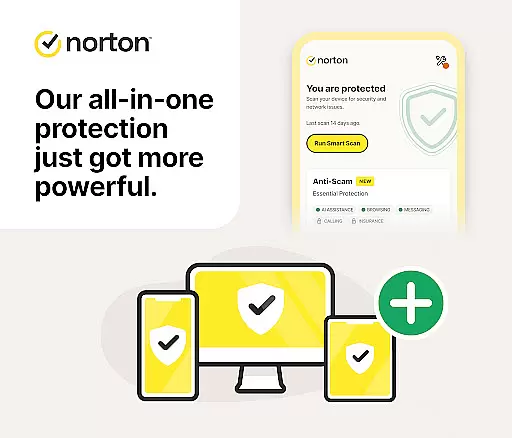

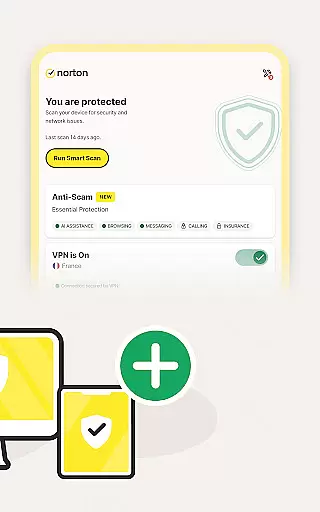
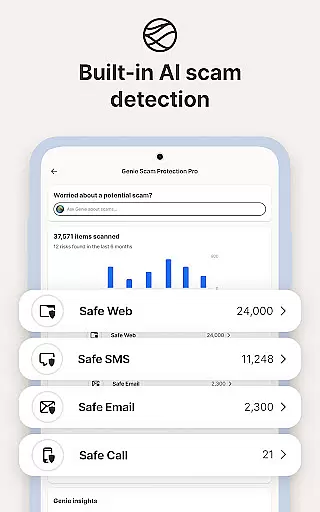



Norton 360 Antivirus & Security is a comprehensive mobile security solution designed to protect your device from various online threats. The app combines advanced AI-powered features with essential security tools to deliver robust protection. Key functionalities include malware scanning and removal, real-time virus protection, scam detection across multiple communication channels, and a secure VPN for private browsing.
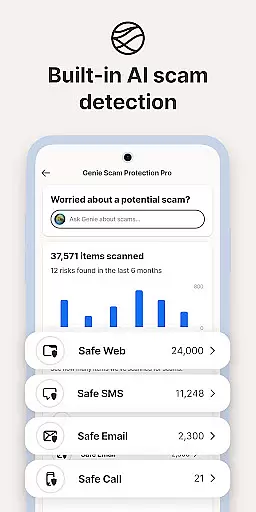
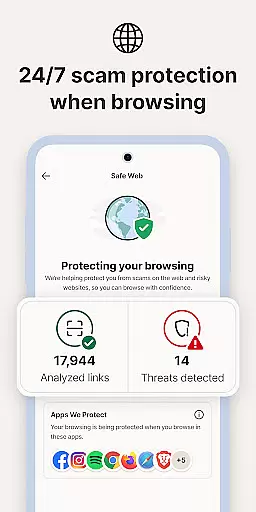
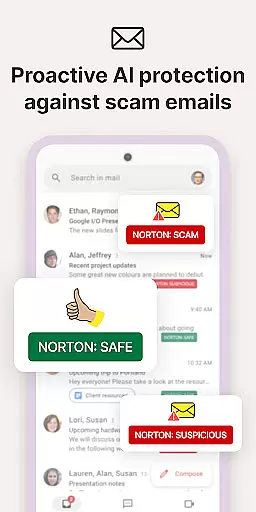
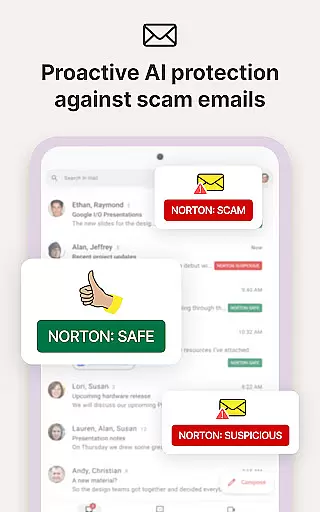
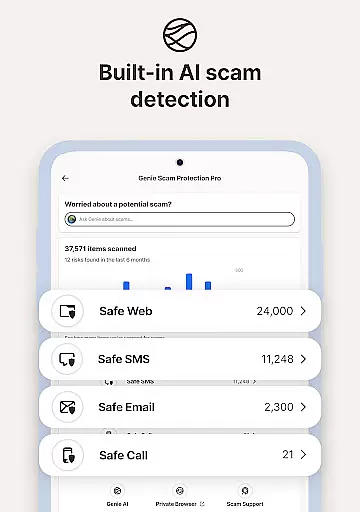
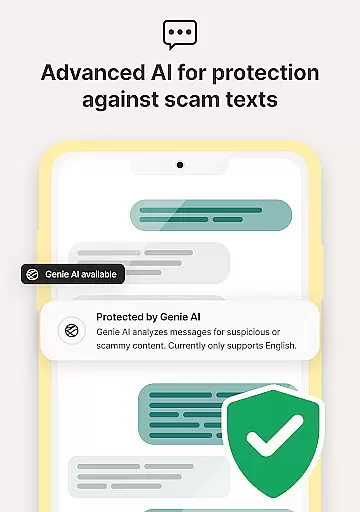
The application's standout feature is its Scam Protection Pro, which uses artificial intelligence to safeguard users against sophisticated phishing attempts through email, web, SMS, and phone calls. Additional components like Norton Genie - an AI assistant, Safe SMS, Safe Web, and Safe Call provide multi-layered protection while browsing, shopping, or communicating. These features collectively ensure maximum security for both personal and financial data.
Particularly useful for frequent online shoppers and travelers, Norton 360's combination of WiFi Security scanning, Ad Tracker Blocker, and Dark Web Monitoring makes it an indispensable tool for maintaining digital safety in today's interconnected world.
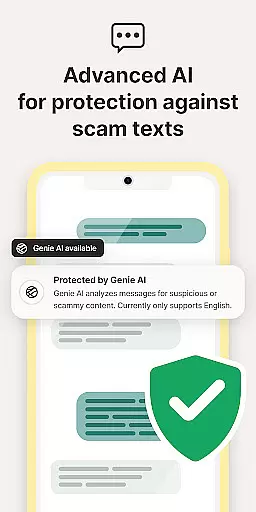
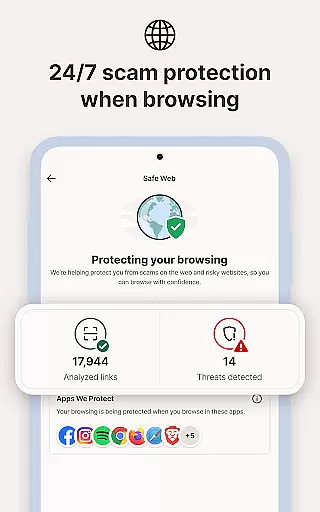
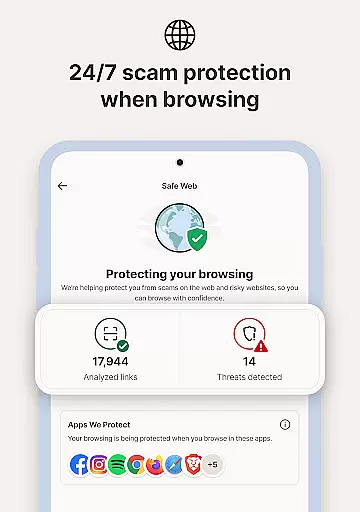
Norton 360 incorporates several innovative features that set it apart from traditional antivirus solutions. The app utilizes advanced AI algorithms across its entire feature set, beginning with the Norton Genie assistant that helps users identify potential scams in messages and YouTube videos. Its Safe SMS functionality employs artificial intelligence to filter out spam text messages containing phishing links, while Safe Web actively scans visited websites for possible scam indicators.
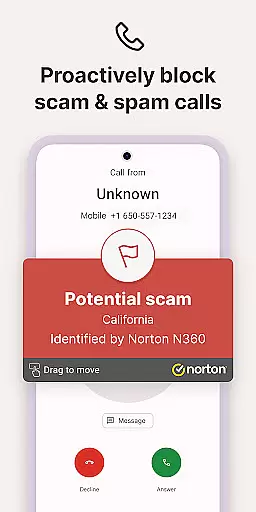
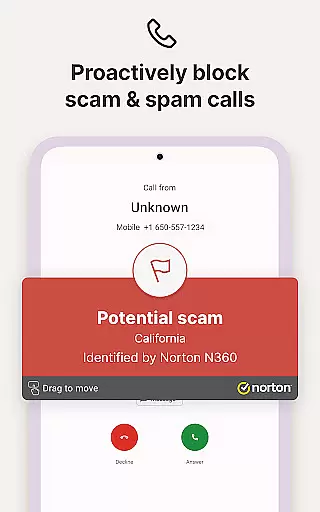
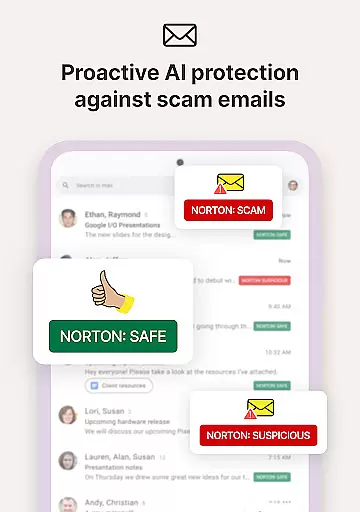
One of the most valuable aspects is its comprehensive approach to scam protection. The Safe Call feature proactively blocks suspicious incoming calls, while Safe Email provides continuous monitoring of your inbox against potential threats. The built-in App Advisor function goes beyond basic scanning by analyzing both new and existing applications for vulnerabilities including malware and privacy leaks.
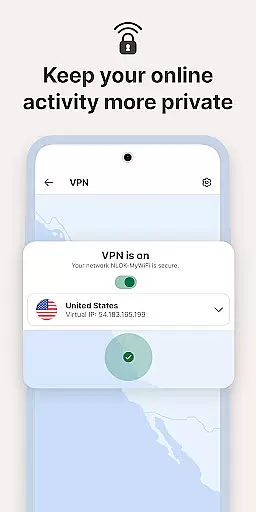
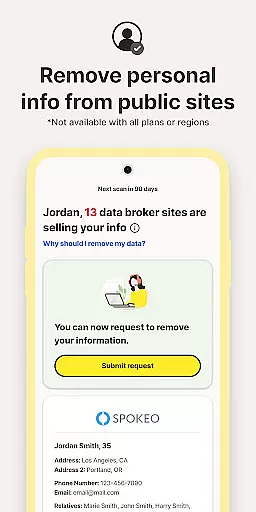
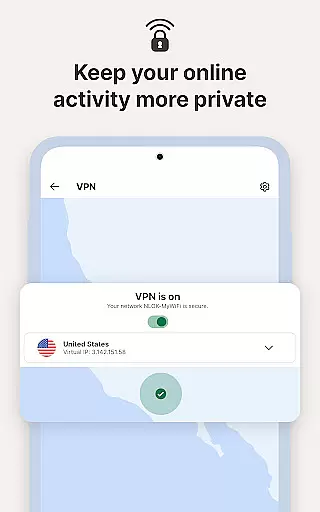
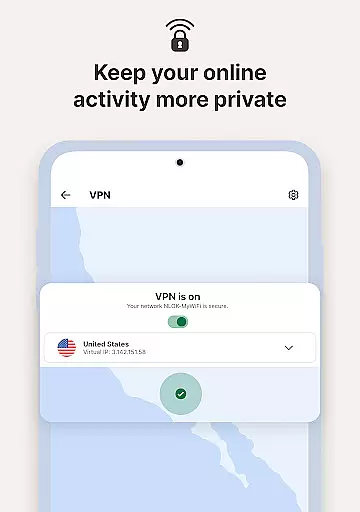
Additional notable features include bank-grade encryption through its Secure VPN service (where available), detailed WiFi network vulnerability scanning, and Dark Web Monitoring that alerts users to potential personal information breaches. These features work together to create a robust protective shield around your digital presence.
Norton 360 Antivirus & Security stands out for its precision and effectiveness in delivering core security functions. The app employs advanced AI-powered malware protection to detect and eliminate threats in real-time, ensuring your device remains safeguarded against viruses, ransomware, and privacy leaks.
The antivirus engine performs comprehensive scans of apps and files, providing timely alerts when malicious content is detected. This proactive approach allows users to remove harmful apps before they cause damage. Additionally, the built-in virus cleaner ensures that any identified threats are thoroughly neutralized.
Beyond malware protection, Norton 360 includes a robust VPN feature that secures your online activities with bank-grade encryption. This ensures your private information remains protected while browsing, shopping, or streaming. The app also offers Wi-Fi security scans to alert users of vulnerable networks, further enhancing their protection in public or unsecured environments.
With these accurate and effective tools, Norton 360 empowers users to maintain a secure digital presence, offering peace of mind through reliable threat detection and prevention.
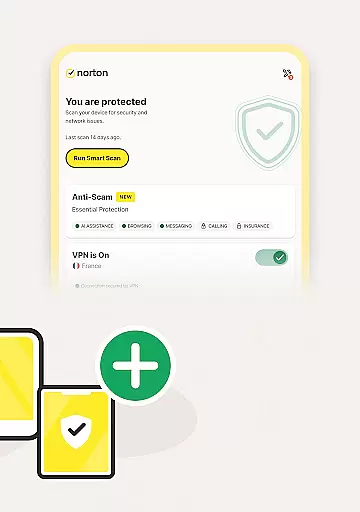
A user-friendly interface is crucial for ensuring that security features are accessible to users of all technical backgrounds. Norton 360 Antivirus & Security excels in this area by providing an intuitive design that simplifies navigation and key operations. From the moment users open the app, they are greeted with a clean layout that organizes essential tools into easily identifiable sections.
The main dashboard displays quick access buttons for core functions such as virus scanning, VPN activation, and Wi-Fi security checks. This logical arrangement minimizes the learning curve, allowing users to initiate important security tasks with just a few taps. Moreover, the app provides clear instructions and visual cues during setup processes, making it easy to configure advanced features like scam protection and ad tracker blocking.
Norton 360 also incorporates smart notifications that guide users through necessary actions, such as removing detected threats or updating security settings. These prompts are designed to be straightforward and actionable, reducing confusion and helping users maintain optimal protection without feeling overwhelmed.
By combining powerful security features with an intuitive interface, Norton 360 ensures that even non-technical users can effectively manage their device's safety, enhancing overall usability and satisfaction.
Advanced AI protection
Comprehensive scam coverage
Real-time threat detection
Multi-platform security
Regular feature updates
Paid subscription model
Limited free trial period
VPN restrictions in some countries
Resource-intensive operation
Complex feature set

FV File Manager Pro, Fast and powerful file manager for Android
 4.60
4.60
Canon PRINT is a companion app for your Canon printer.
4.60
View detailed information about your Nissan Leaf the dealer never shows you.
4.10
Making emulation easy for everyone!
4.30
With videos, electrical calculators, and built-in ebook, Ugly’s has your answer.
4.50
Mirror your screen to Fire TV - Super fast and simple
4.40
Powerful collection of electronics tools and reference.A must for any enthusiast
4.90
The ultimate tool for network analysis, wifi scanning and problem detection.
4.90
The Ultimate Flex Drivers Utility App - Convenient Tapping & Block Filters
4.70
Easily install aab(Android App Bundle) files on your Android device with our app
4.80
Fast Video Downloader, Movie Downloader, Torrent Downloader & Adblock Browser
4.70
Connect instantly to a fast, encrypted VPN with one tap
4.60
Just swipe the edge to do something!
4.40
Quickly check the frequency of the Earth
4.30
MS-DOS in your pocket. Play old DOS games anywhere you are ;)
4.10
A convenient photo, video, and file recovery tool.
4.00
Unleash gamepad precision for ultimate mobile gaming dominance.
3.90
PDF Reader - Document Viewer: Read, Manage & Organize Your Documents
3.10
Save any video in HD - paste the link, download fast and watch offline.
4.1


User Reviews