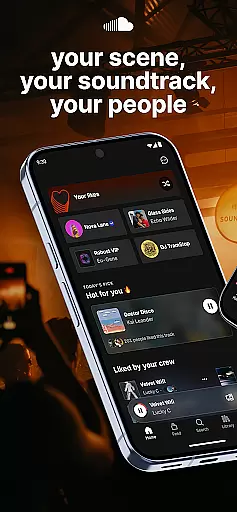
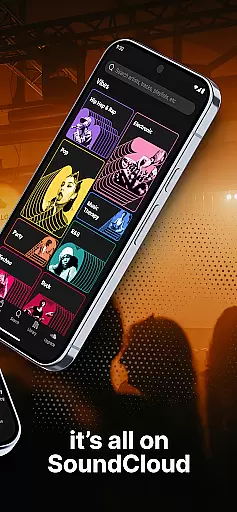


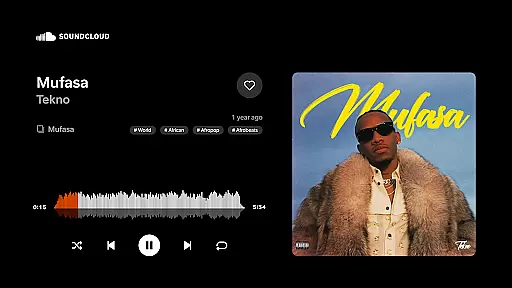
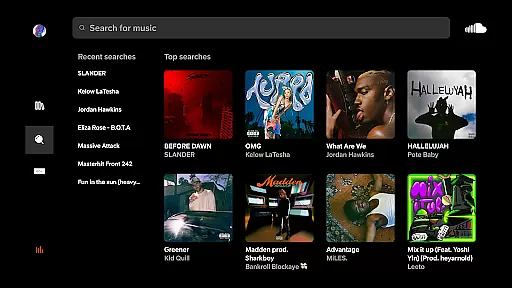
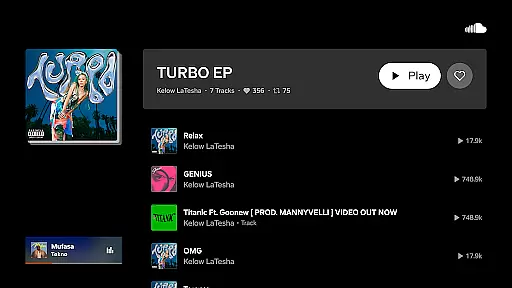
SoundCloud is the premier destination for music discovery and community engagement. As a leading social sound platform, it allows users to explore an extensive library of tracks across genres, connect with artists, and uncover trending music through its Discover Feed. The app's unique features foster meaningful interactions between creators and listeners.
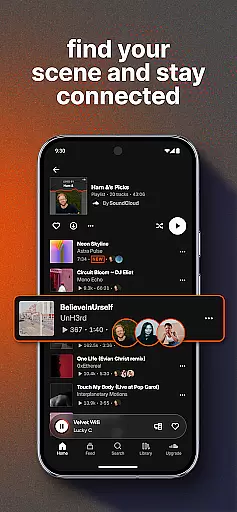
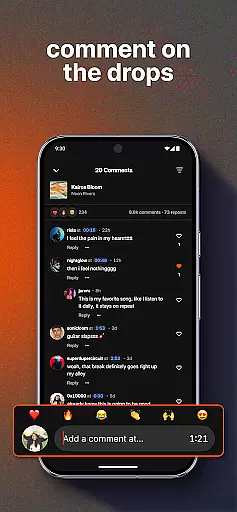
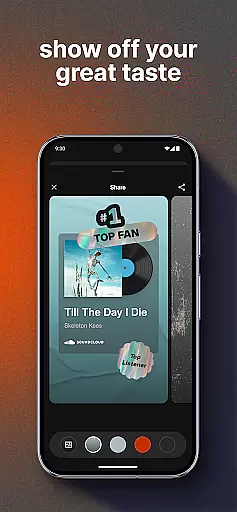
One standout capability is the Suggested Follows system that helps users expand their musical network. Listeners can engage with favorite artists through Quick Reactions and Comments while earning recognition through First & Top Fans lists. The Messaging Bubbles feature enables seamless communication and track sharing among iOS users.
This application particularly shines in creating both digital and real-world music experiences. Users can cast playlists to devices for IRL moments while staying connected through social features like DMs and shared playlists. SoundCloud transforms passive streaming into an interactive community experience where musical taste becomes a social currency.
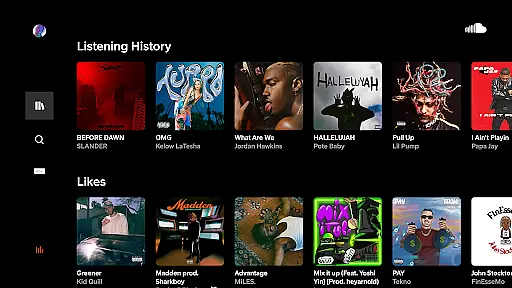
SoundCloud distinguishes itself through innovative social and discovery features that enhance music exploration. The Discover Feed provides personalized recommendations through Hot For You and trending track lists, while Liked By indicators showcase what friends are enjoying. These elements create a dynamic ecosystem where users can both consume and contribute to musical trends.
The platform's social capabilities extend beyond basic streaming. Messaging Bubbles enable private conversations and track sharing among iOS users, while Quick Reactions allow instant feedback on tracks. The Suggested Follows feature helps users expand their network strategically, connecting with like-minded music enthusiasts and artists who align with their tastes.
Unique engagement opportunities set SoundCloud apart from competitors. The First & Top Fans system rewards dedicated listeners with visible recognition, encouraging deeper artist-fan relationships. With Cast to Devices functionality, users can bring their digital playlists into physical spaces, creating seamless transitions between online and offline listening experiences.
Companion app integration is essential for users who want a seamless experience between their mobile devices and wearable technology. SoundCloud offers robust companion app features that ensure your music discovery journey continues uninterrupted, whether you're on your phone or smartwatch.
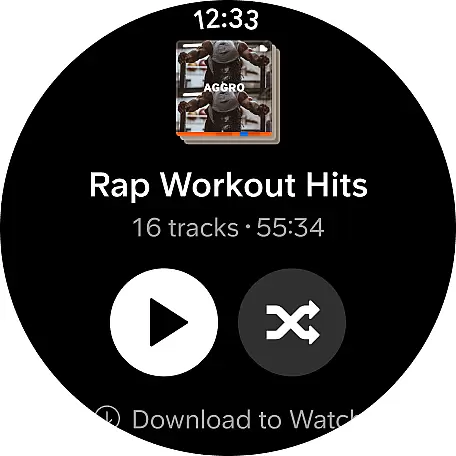
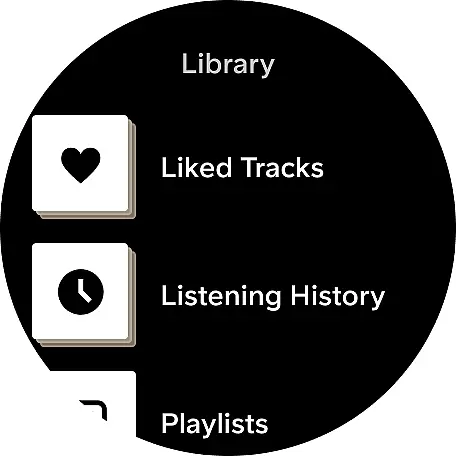
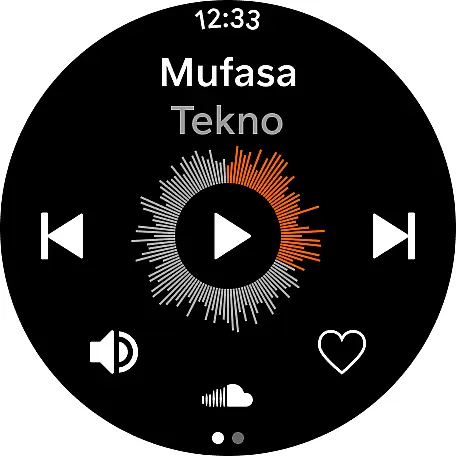
The SoundCloud Android Wear app allows users to control their music playback directly from their wearable device. This means you can play, pause, skip tracks, and adjust volume without needing to reach for your phone. The synchronization between the mobile app and the wearable version is designed to be fast and reliable, ensuring that your listening experience remains smooth and enjoyable.
Additionally, SoundCloud's companion app integration supports messaging and social interactions. Users can send quick reactions and comments to their favorite artists and even share playlists with friends directly from their wearable device. This interconnected ecosystem enhances user engagement by making it easier to interact with the SoundCloud community anytime, anywhere.
By leveraging these integrated features, SoundCloud ensures that users remain connected to their personalized soundtracks and communities, regardless of the device they are using. This level of integration not only enhances convenience but also enriches the overall user experience, making it a top choice for those who value connectivity and ease of use.
Wear OS and device compatibility is crucial for users who rely on wearable technology to stay connected and entertained. SoundCloud's Android Wear app is meticulously designed to offer broad compatibility with various Wear OS devices, ensuring that users can enjoy their favorite music and social features without limitations.
SoundCloud supports a wide range of Wear OS devices, providing users with the flexibility to choose the best hardware that suits their lifestyle. Whether you own a smartwatch from leading brands like Samsung, Fossil, or Wear OS-specific devices, SoundCloud guarantees a consistent and high-quality experience across all compatible devices.
Beyond basic compatibility, SoundCloud optimizes its performance on each supported device. This includes tailoring user interfaces to fit different screen sizes and resolutions, ensuring that navigation remains intuitive and visually appealing. By focusing on these details, SoundCloud delivers a superior user experience that feels native to each device.
Moreover, regular updates and bug fixes are provided to maintain optimal functionality and address any compatibility issues that may arise. This commitment to continuous improvement underscores SoundCloud's dedication to offering a reliable and enjoyable service, making it an excellent choice for users seeking a versatile and compatible music streaming solution on their Wear OS devices.
User-friendly interface
Extensive music library
Innovative social features
Personalized discovery feed
Artist-fan engagement tools
Limited free tier
Occasional audio quality issues
Ads in free version
Regional restrictions
Storage requirements high

Watch the sharpness of the sky on your wrist..
 3.70
3.70
Precision analog watch face with 7 complications and style options
4.2
Wear Os Watch Face - Animated Snow Effect & Magic Spark - 6 Scenes
4.10
Reliable phone calls with spam protection, caller ID and more helpful features
4.40
Get helpful reminders, take progress photos and find answers to your questions.
3.90
The Chevron App allows you to pay for fuel from the comfort of your car!
4.80
Funny animated watch face for Thanksgiving
4.3
Stylish, Energizing and Modern Watch Face crafted by Dominus Mathias.
4.50
A realistic hybrid watch face with many customization options.
4.60
Diet tracker for weight loss - track calories, food and macros. Simple and easy!
4.70
WTW M17 is a premium and luxurious hybrid watch face
4.70
Easy Voice Recorder is your everyday companion to record important moments.
4.70
Simple, helpful messaging by Google
4.60
Fast and smart typing with Emojis, GIFs, and more
4.50
Christmas watch face. For Wear OS devices.
4.30
A customizable Christmas watch face for Wear OS with a countdown.
4.20
Daily Weather forecast with 15 weather images for Day & Night plus Big Bold time
4.10
Stay in touch with your friends and family using LINE!
3.40
A Wintery Snow Globe on Your Wrist; now celebrating Christmas!
4.2


User Reviews