












Suno is a revolutionary AI music creation app that empowers users to transform their creative ideas into fully-produced songs and beats effortlessly. Powered by the world's most advanced AI music model, this application enables anyone from casual music enthusiasts to professional artists to generate high-quality music tracks without needing any musical instruments.
The app offers an intuitive interface where users can create music through simple text prompts, audio recordings, or even images and videos. With features like automatic song generation, customizable lyrics creation, and personalized playlist management, Suno provides a complete music production studio in your pocket. Whether you're looking to produce chart-topping hits or simply explore your musical creativity, Suno makes music creation accessible to everyone.
Suno stands out with its comprehensive suite of music creation tools. The app's core feature is its ability to generate complete songs from basic text prompts, allowing users to create up to 10 tracks daily for free. Its advanced AI model can interpret various input methods including humming, tapping beats, or uploading audio files, making music creation incredibly versatile.
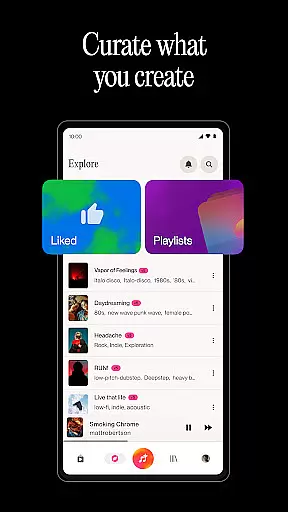
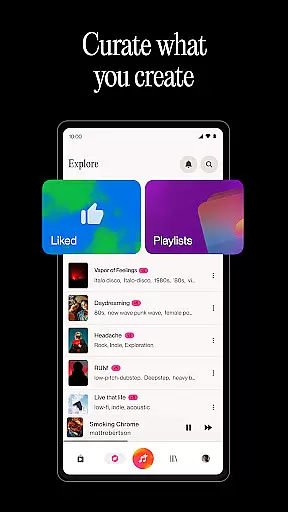
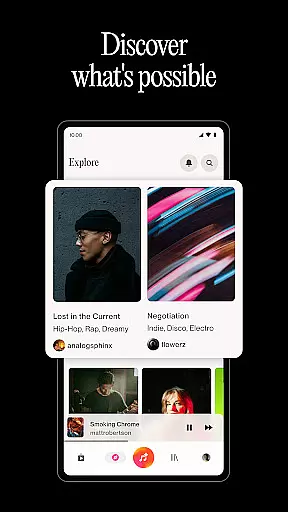
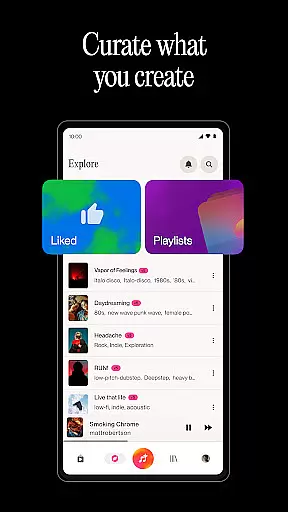
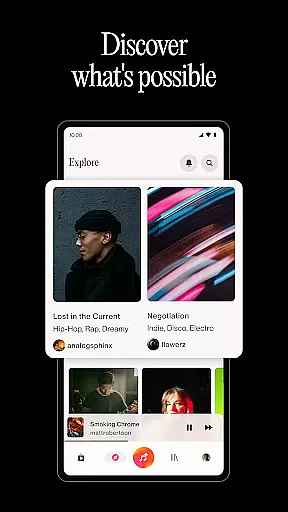
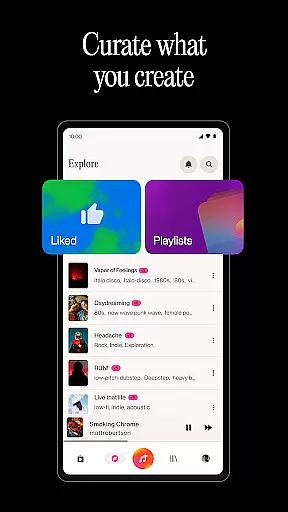
Beyond basic song generation, Suno offers sophisticated tools for lyric writing across multiple genres, from emotional ballads to energetic rap verses. The app's playlist management system lets users organize their creations into mood-based collections, while its social discovery features enable users to explore trending AI-generated music across different genres. Professional users can take advantage of advanced editing capabilities, including vocal adjustments and melody fine-tuning, giving them complete control over their musical output.
When it comes to music creation applications like Suno, the size and authenticity of the music library are crucial factors. A vast music library ensures that users have access to a wide range of tracks, beats, and instrumentals, which is essential for creating diverse playlists and discovering new music.
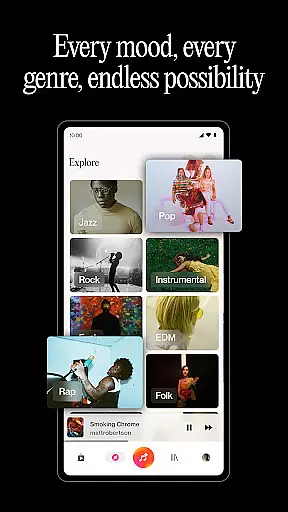
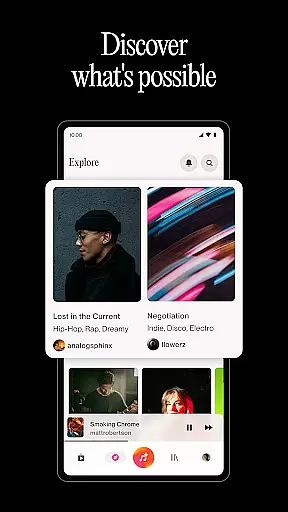
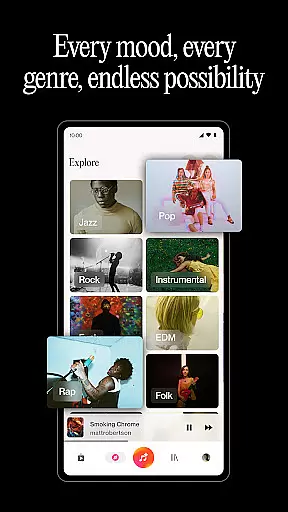
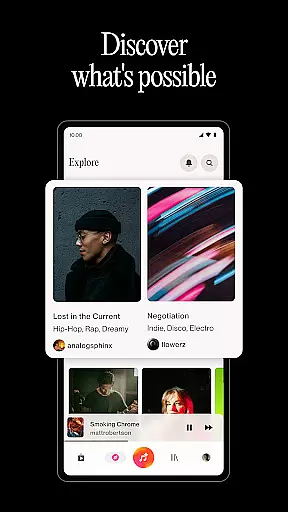
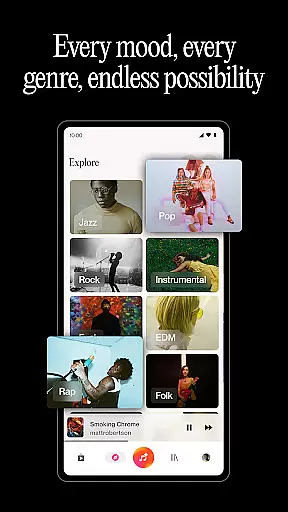
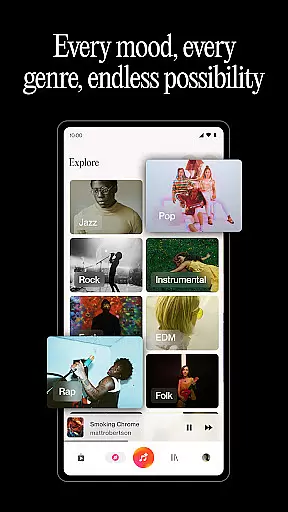
Suno leverages its extensive database to provide users with an impressive selection of AI-generated songs across various genres such as rock, rap, hip hop, and pop. This diversity not only inspires users but also allows them to explore different musical styles and find fresh favorites by browsing trending music within the app.
The application also emphasizes copyright authenticity, ensuring that all AI-generated content respects intellectual property rights. By doing so, Suno provides peace of mind to creators who wish to share their music without infringing on existing works. This commitment to copyright compliance enhances the credibility of the platform and supports ethical music creation.
Ultimately, Suno's comprehensive music library empowers users to create, discover, and connect with music in a way that is both innovative and respectful of legal standards, making it a reliable tool for anyone looking to dive into music production.
Audio quality is a pivotal aspect of any music-related application, especially one that generates music through AI like Suno. High-quality audio output ensures that the nuances of each track, beat, and instrumental are preserved, providing an immersive listening experience for the user.
Suno offers various audio quality options that cater to different preferences and needs. Users can fine-tune their creations, adjusting vocals, tweaking structures, and editing melodies to match their vision. This level of customization allows for professional-grade music production that rivals traditional methods.
In addition to offering adjustable audio parameters, Suno supports multiple audio formats, giving users flexibility in how they produce and export their music. Whether it's for personal enjoyment or professional distribution, having these options at hand elevates the overall value of the application.
By prioritizing audio quality and format compatibility, Suno positions itself as a top-tier music creation tool that serves both amateur enthusiasts and seasoned artists seeking high-fidelity sound in their projects.
User-friendly interface
Advanced AI music model
Versatile input options
Free daily song generation
Comprehensive editing tools
Limited free tracks per day
Subscription required for pro features
Occasional AI interpretation errors
Learning curve for advanced tools
Internet connection needed

 4.70
4.70
SqueezePlayer turns your Android phone or tablet into a SqueezeBox on its own!
4.60
Taal player that lets you sing any Indian & Western song with Tabla & Tanpura
4.60
DJ Music Mixer - DJ Remix: remix songs, make beat music & record mix of DJ.
4.40
Simple & Intuitive Metronome
4.70
Offline Music Player&MP3 Player with themes, equalizer, lyrics, music play mode
4.60
Responsive piano with great sounds, graphics, and songs
4.80
Sing, record, and create music together — enhanced by smart voice tools.
4.00
Play your music offline without limits
4.80
24,000 free audio books and no ads!
4.90
Brian Eno and Peter Chilvers’ acclaimed music app Bloom, radically reinvented.
4.80
Listen to live FM radio stations, sports, music and news on global radios online
4.70
Ultimate Sonos Controller
4.70
Over 100 million tracks available for high quality streaming and download
4.60
Visualize the guitar fretboard, master scales & play through changes like a pro!
4.50
Manage your Sonos system directly from your home-screen!
4.40
Your HD audio recorder on the go for music, meetings, ambience, animal sounds…
4.30
No wifi music app. Mp3 offline. Tuner radio, young radio music. Music downloader
4.20
The only true audiophile music player with Hi-Fi audio rendering and DSP engine
3.90


User Reviews