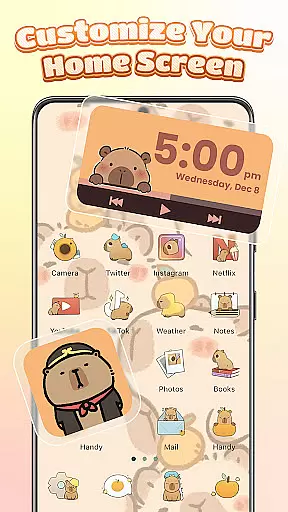
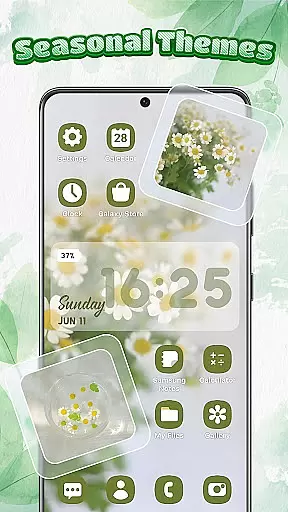
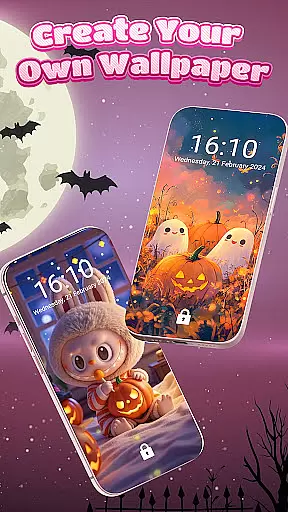
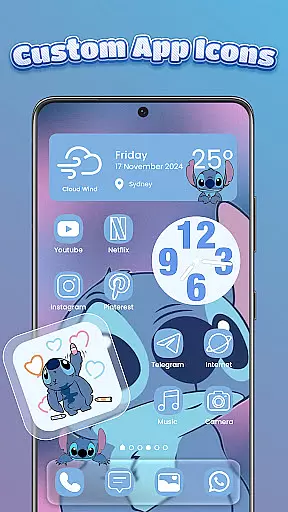
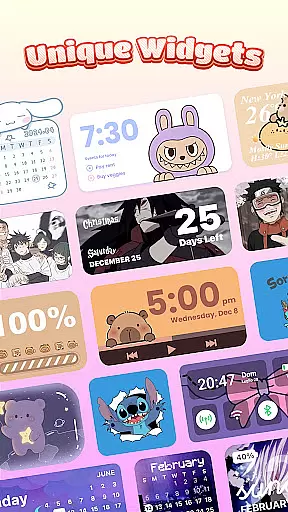
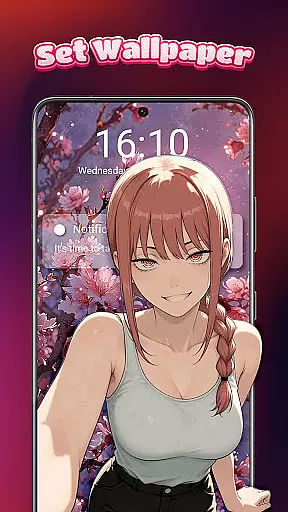
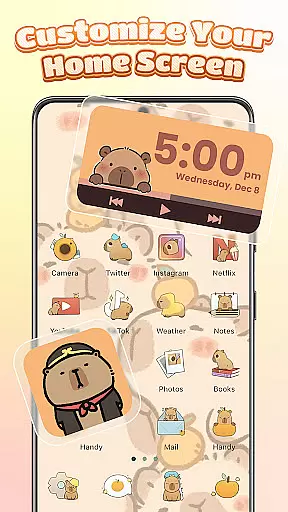
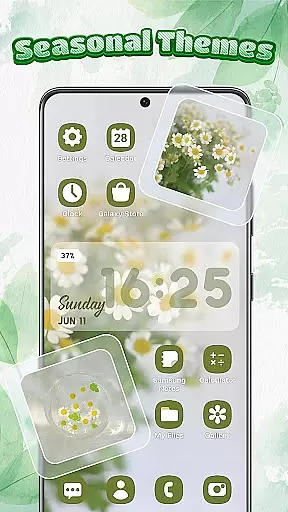
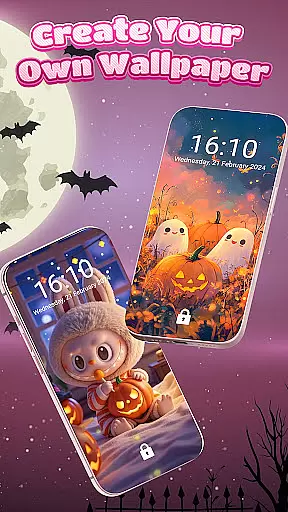
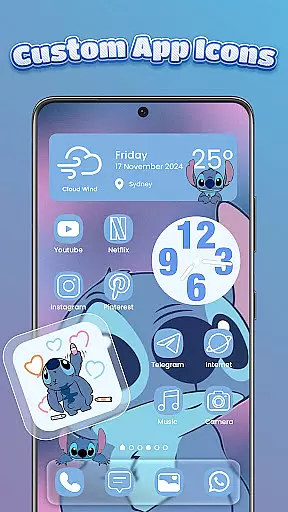
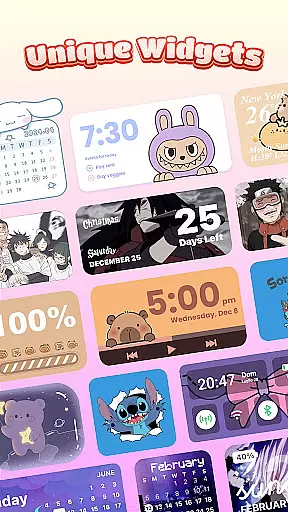
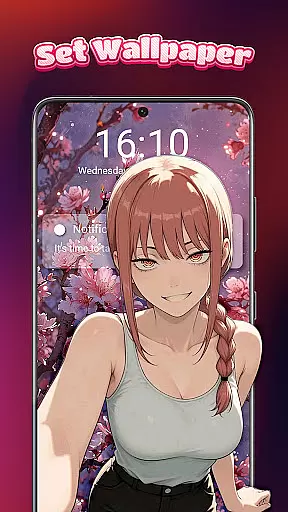
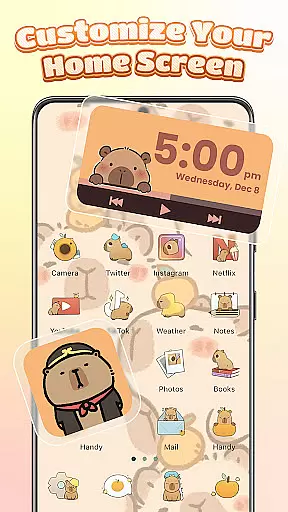
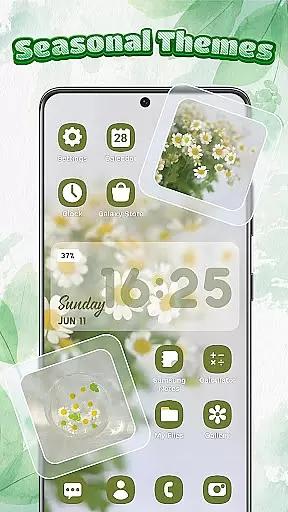
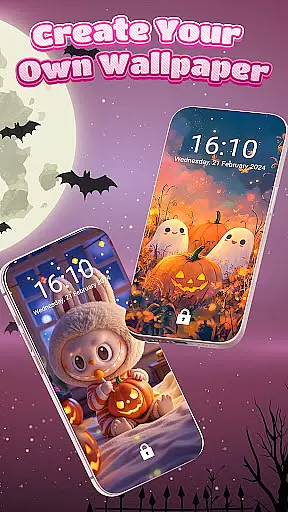
Themebox is a comprehensive personalization app designed for Android users who want to customize their home screens with unique themes, icon packs, and widgets. This app offers over 1000 beautifully crafted themes, allowing users to tailor every aspect of their phone's appearance.
The app includes an intuitive icon changer that supports DIY customization of styles, fonts, colors, and transparency. Users can also access interactive color widgets for battery status, weather, calendar, and more, which seamlessly integrate with their chosen themes. Additionally, Themebox features a smart control center for quick access to essential system settings.
Whether you prefer anime, pastel, minimalist, or vintage aesthetics, Themebox provides daily theme updates and exclusive releases to keep your device looking fresh and personalized.
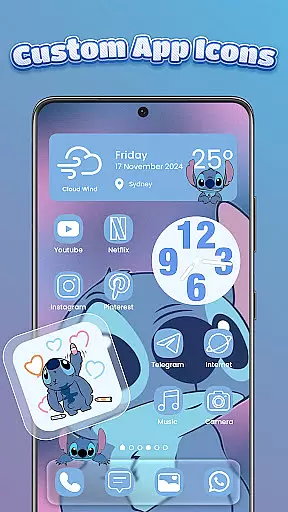
Themebox stands out with its extensive range of customization options. The app icon changer allows users to apply new looks to their apps with just one tap, offering full control over font styles, colors, and transparency levels. This feature ensures that each user's home screen reflects their personal style.
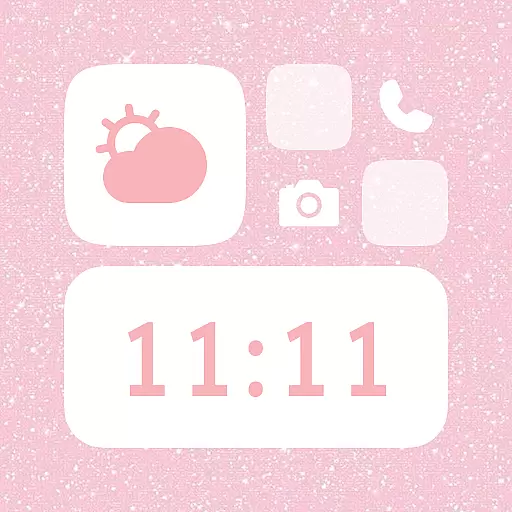
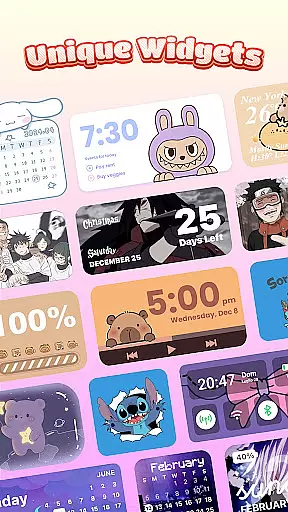
Beyond icons, Themebox offers a variety of color widgets including battery status, calendar, weather, and image widgets that can be personalized with photos from your gallery. These widgets not only enhance functionality but also maintain aesthetic consistency across the home screen.
The inclusion of a floating smart control center further elevates the user experience by providing quick access to system settings. With regular updates and a lightweight design, Themebox delivers both performance and style, making it an ideal choice for those passionate about aesthetics and personalization.
Themebox stands out in the realm of personalization by offering an extensive array of customization options that cater to every user's unique style and preference. With over 1000 beautifully designed themes, the app allows users to transform their home screens into personalized works of art.
The app icon changer feature is a game-changer, providing a vast selection of icon packs that range from cute and colorful to sleek and modern designs. Users can mix and match styles, adjust fonts, colors, and transparency, ensuring that each app icon not only serves a functional purpose but also reflects personal aesthetics.
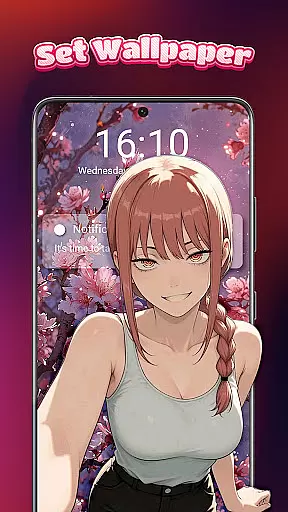
Beyond icons, Themebox extends its customization prowess to widgets and wallpapers. The color widgets are not just visually appealing but also interactive, offering functionalities like battery status, calendar, weather updates, and more, all matching the chosen theme of the useru2019s home screen.
This level of customization empowers users to create a cohesive and personalized smartphone experience that resonates with their individuality, making daily interactions with their devices more enjoyable and engaging.
Ensuring seamless integration across various Android devices, Themebox excels in theme compatibility, allowing users to apply their custom designs without worrying about inconsistencies or functionality issues. This compatibility is crucial for maintaining the visual harmony and operational fluidity of customized home screens.
Each theme within Themebox is crafted to ensure it works harmoniously with different device models and screen sizes, preserving the integrity of design elements while optimizing usability. Whether it's an anime-inspired layout or a minimalist design, users can trust that their chosen aesthetic will be faithfully represented.
In addition to visual consistency, Themebox's themes support a wide range of functionalities including smart control centers and interactive widgets. These features remain accessible and visually consistent, regardless of the theme applied, enhancing both form and function.
By prioritizing theme compatibility, Themebox guarantees that users enjoy a frustration-free customization experience, where creativity is the only limit to designing the perfect home screen environment.
User-friendly interface
Extensive theme library
Customizable widgets
One-tap icon changes
Daily theme updates
Limited iOS support
Some features require permissions
Premium themes cost extra
Occasional bugs reported
Learning curve for new users

A launcher for Samsung Good Lock and Good Guardians modules without ads
 4.70
4.70
Gun Chase - Let the chase begin.
4.80
Art & Emoji Keyboard with Cool Fonts, Cute Themes and Custom Designs.
4.40
More than 3000+ themes and 9000+ wallpapers for everybody!
4.10
Run multiple accounts of the same app on a single device
4.10
⭐ OneUI inspired Fluffy Icon Pack – Soft. Stylish. Standout. ⭐
4.5
Color phone with cool effects for call screen, flash alert & ringtones music
4.50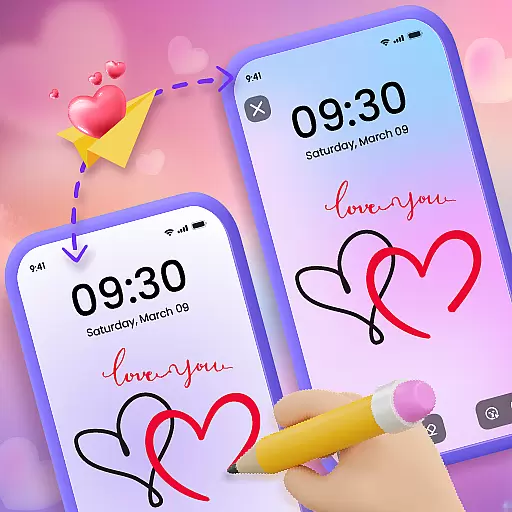
Unleash Your Creativity and Connect with Loved Ones with Lockscreen Drawing!
4.20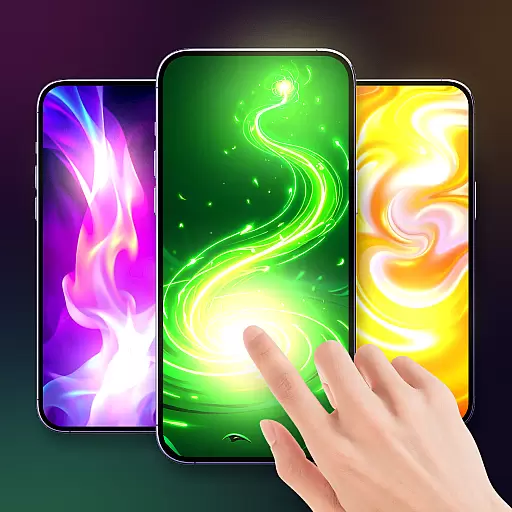
Magic fluids wallpaper 4D: Relax with stunning fluid simulation wallpaper app
4.20
Dark icon pack based on One 8
4.80
A Colorful and Minimal icon pack in an Outline Style - Over 13,600 icons!
4.70
Nothing Icon pack with more than 3750+ highly crafted icons.
4.70
Over 28,000 high quality icons to bring color & homogeneity to your phone.
4.60
Choose your keyboard with RGB colors effect, themes, fonts, emojis.
4.60
Ninja Turtles Cowabunga SE watch face for Wear OS
4.50
Vibrant Adaptive Icons with Material You and Enhanced Monet Colors.
4.50
Fingerprint Lock Screen & Live Animations with 4K Wallpapers as Live Wallpaper
4.40
Romantic Kiss Stickers App. Start romantic messaging now!
4.30
Your go to Weather App & Home Screen. Get your weather at a swipe of a finger!
3.80


User Reviews