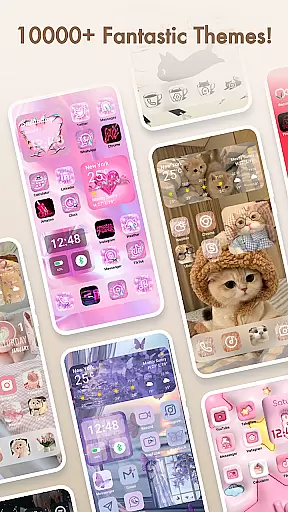
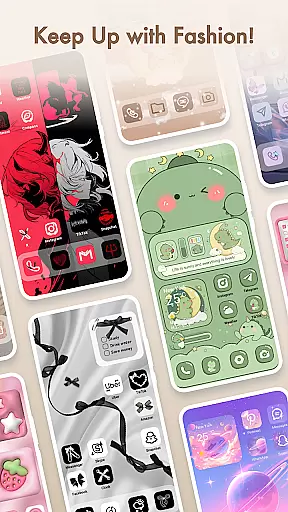
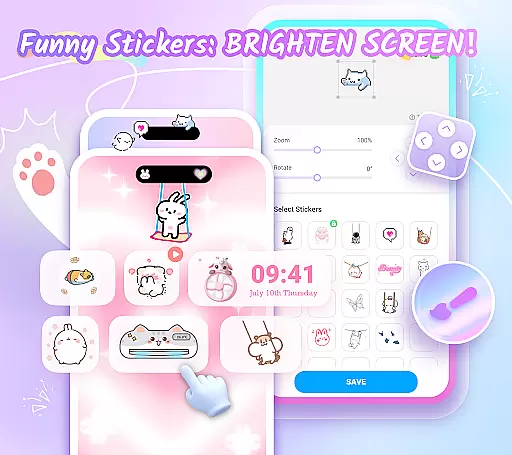
Themepack - App Icons, Widgets is a comprehensive personalization app for Android users who want to design their own home screen themes. With over 10,000 functional widgets, icons, and wallpapers, this app offers extensive customization options including personalized widgets and icon creation. It allows users to express their unique style through dynamic and interactive elements such as battery indicators, calendars, clocks, weather updates, and control panels.
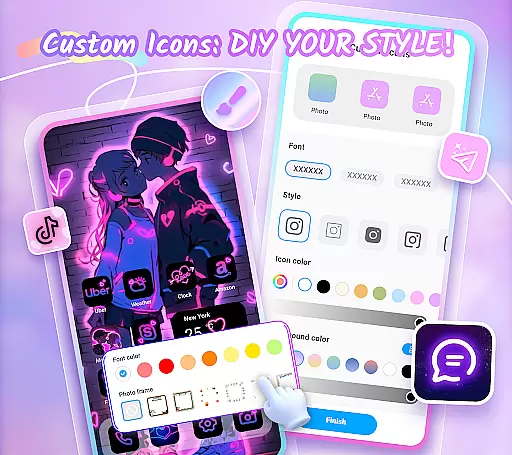
The app's standout feature is its DIY capabilities. Users can customize icons with different styles, fonts, colors, and transparency levels, giving their device a truly personal touch. Additionally, the app provides visually appealing backgrounds and wallpapers spanning various themes like K-pop, anime, neon, sports, and festivals. This makes it easy to refresh the look of your home screen with just one click while saving time and effort.
Themepack caters to those looking to be creative designers of their smartphone interfaces. Its rich selection of professionally designed content ensures that users have everything they need to make their devices reflect their personality and mood. Whether you're interested in aesthetic enhancements or practical functionalities, Themepack delivers both form and function in an intuitive package.
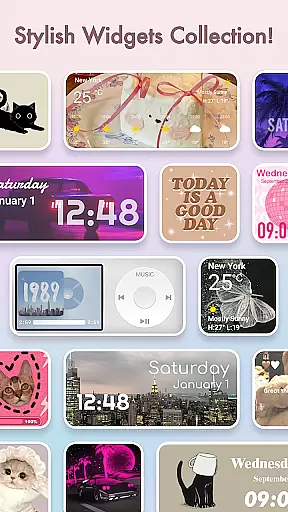
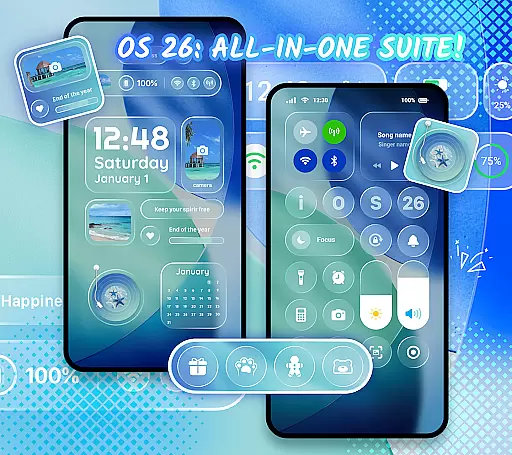
Themepack - App Icons, Widgets stands out due to its diverse range of features tailored for personalizing Android devices. One key aspect is the availability of stylish and custom widgets. These include battery widgets showing power status, dynamic image effect widgets, calendar widgets, clock widgets, weather widgets, and control panel widgets. Each widget type transforms the traditional appearance of the home screen by adding interactive and visually engaging elements.
Beyond widgets, Themepack offers robust DIY icon customization. Users can choose from various icon styles, fonts, colors, transparency settings, and background colors. This flexibility allows for creating distinctive icons that match individual preferences. Renaming apps with cool fonts further enhances the ability to tailor the device’s aesthetics according to user desires.
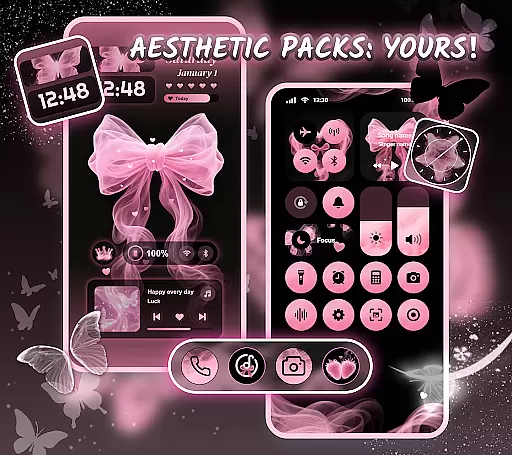
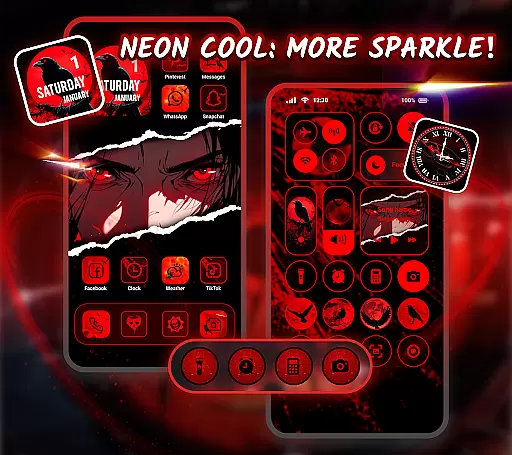
Another significant feature is the vast library of visually pleasing backgrounds and wallpapers. Themes cover popular categories such as K-pop, anime, neon lights, sports, and seasonal events. The app simplifies the process of applying these themes with one-click additions, making it effortless to revamp the home screen. Regular updates ensure fresh content, keeping the customization experience exciting and relevant.
Themepack offers an extensive range of customization options that allow users to personalize their Android home screens like never before. With over 10,000 functional widgets, icons, and wallpapers, the app provides a comprehensive suite for those looking to express their unique style.
The app includes various widget categories such as battery indicators, dynamic image effects, calendars, clocks, weather updates, and control panels. These widgets not only serve practical purposes but also add an element of surprise by transforming the traditional appearance of the screen.
Users can further customize their experience by selecting images from their gallery to create personalized widgets. This feature empowers users to showcase their creativity and tailor their device's aesthetics according to their preferences.
By offering diverse icon styles, fonts, colors, transparency levels, and background options, Themepack ensures that each user can craft a home screen that is truly one-of-a-kind. The ability to rename apps with cool fonts adds another layer of personal expression, making it an ideal choice for design enthusiasts.
Theme compatibility in Themepack ensures that all visual elements work seamlessly together to create cohesive and visually appealing home screens. Whether you're interested in aesthetic backgrounds or specific themes like K-pop, anime, neon, sports, or festivals, Themepack has got you covered.
The app provides a wide array of pre-designed themes that cater to different tastes and interests. Users can apply these themes with just one click, saving time and effort while achieving professional-looking results. Each theme is crafted by top designers who understand the importance of visual harmony.
For users seeking convenience without compromising on quality, Themepack's one-click replacement feature simplifies the process of applying new themes. This ease of use makes it accessible even for those who may not have advanced technical skills but still want a stylish and personalized device interface.
With regular updates introducing fresh content, Themepack maintains its position at the forefront of theme innovation. By continuously expanding its library with trendy designs and seasonal themes, the app keeps users engaged and excited about customizing their devices.
User-friendly interface
Extensive customization options
Regular content updates
Variety of aesthetic themes
DIY icon and widget capabilities
Requires accessibility permissions
Some features may feel overwhelming
Premium content might require payment
Occasional performance lags
Limited iOS compatibility

Wear Os Watch Face - Seasonal - Animated Snow Effect - 9 Animals
 4.20
4.20
Sparkle your screen with Glitter Wallpapers For Girls and Cute Backgrounds!
4.80
Run multiple accounts of the same app on a single device
4.10
Stylish Pink Cute Hippo keyboard with 10000+ customized keyboard themes!
4.60
Your go to Weather App & Home Screen. Get your weather at a swipe of a finger!
3.80
Crystal-clear, square icon provides a sleek and sophisticated visual upgrade
4.00
One 8 icons glass color version
4.80
Enjoy a variety of amazing live wallpapers and colorful EDGE lighting borders!
4.80
Install amazing sticker packs: endless styles, always cool.
4.70
Wallpaper HD 4K Live - Thousands of high-quality Anime backgrounds for you.
4.80
Customizable Glass widgets. Over 360+ stunning widgets and more!
4.70
350+ widgets with a premium glass-style finish, perfect for home & lock screens.
4.70
Unique Android Launcher
4.60
Zip lock screen with magic wallpaper to decorate your phone with fun zipper lock
4.60 4.50
4.50
Themes - Widget & Wallpaper: Customize home screen, icon changer w unique themes
4.30
App Icon Changer & Shortcut Creator. Customize your icons without any watermarks
4.30
Adult video chat, dating, making friends, random matching
4.20
Create unique, fun emojis with Funny Emoji Maker! Unlimited creativity!
4.00


User Reviews