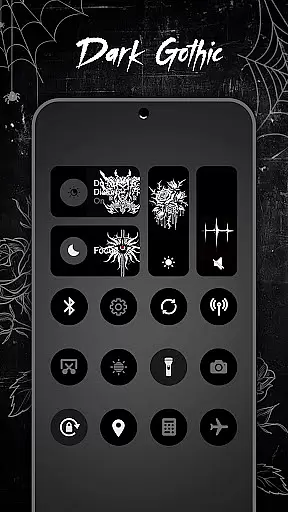
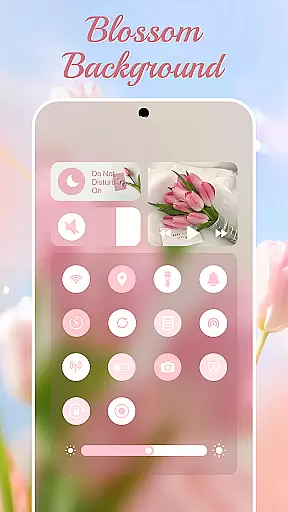
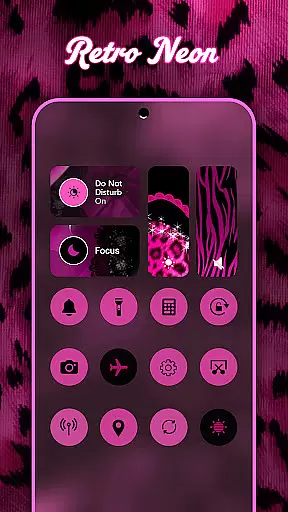
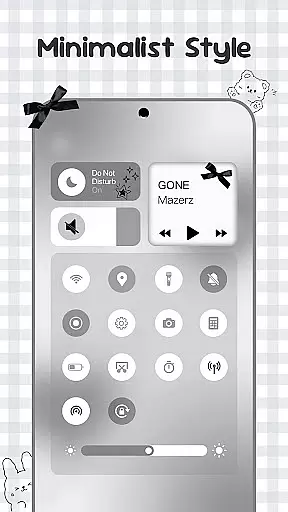
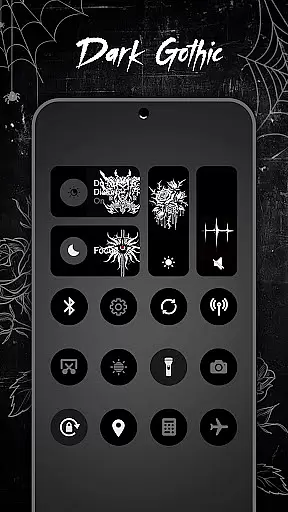
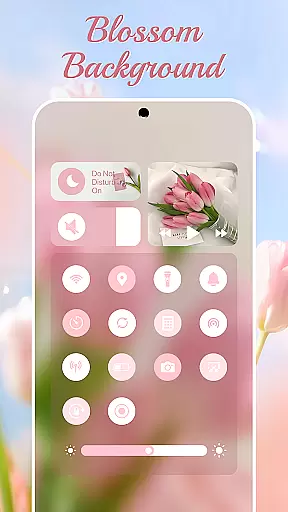
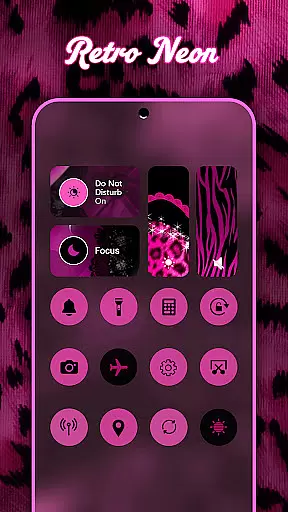
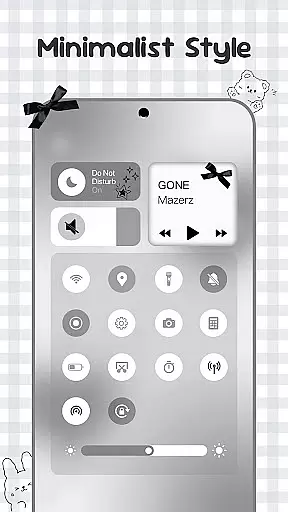
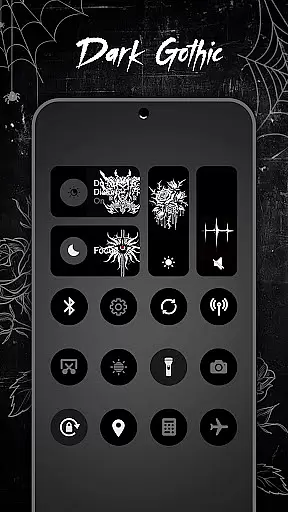
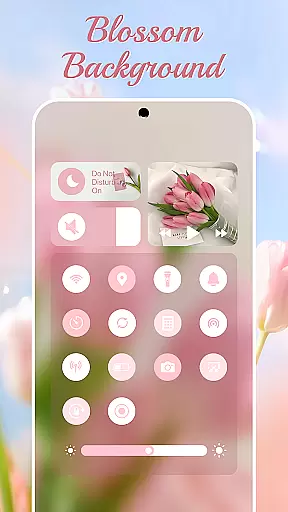
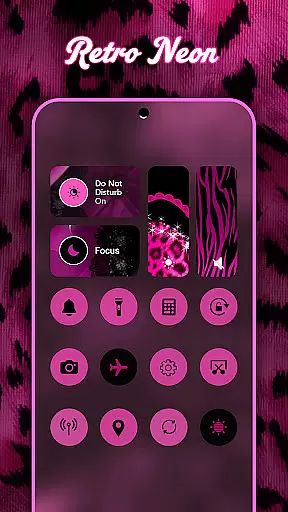
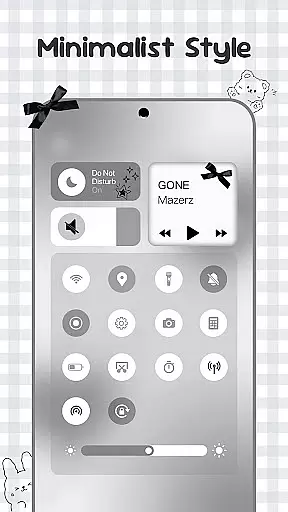
Control Widget is a highly customizable quick settings panel for Android devices, offering users both aesthetic appeal and functional control. Designed with modern mobile aesthetics in mind, this app allows users to personalize their device's interface through thousands of themed options including anime, K-pop, neon gradients, minimalism, and more.
The app provides essential tools such as brightness and volume adjustment, Wi-Fi and Bluetooth toggles, Do Not Disturb mode, screenshot and screen recording capabilities, and flashlight activation. With one-tap access, users can instantly transform their control panel to match their mood or home screen theme. Control Widget is the ultimate companion for Android users looking to elevate their device's functionality and appearance.
Control Widget stands out with its extensive personalization options and user-friendly design. The app offers thousands of aesthetic themes, allowing users to curate their device's look from collections inspired by popular culture, art styles, and seasonal themes. These live style updates ensure that users can switch their control panel theme anytime to suit their preferences.
In addition to its visual appeal, Control Widget integrates smart tools seamlessly into its interface. Users can adjust brightness and volume with smooth sliders, toggle Wi-Fi, Bluetooth, and Airplane Mode connections instantly, and activate Do Not Disturb mode to silence distractions. Practical screen tools like screenshot capture, screen recording, and rotation lock provide added convenience. This combination of stylish design and practical functionality makes Control Widget an indispensable tool for Android users seeking both beauty and utility in their device's control panel.
Control Widget offers an extensive range of customization options, allowing users to tailor their Android device's control panel to match their personal style. With thousands of aesthetic themes available, including Anime, K-pop, neon gradients, minimalism, and more, users can curate a unique look that resonates with their preferences.
The app provides live style updates, enabling users to switch panels anytime to align with their mood or home screen aesthetics. This feature ensures that the control panel is not just a tool for device management but also an extension of the user's personality and creativity.
One-tap magic transformation allows users to instantly change the entire control panel, offering a seamless experience where what you see is what you get. This intuitive approach to customization empowers users to express themselves freely while maintaining the functionality of quick access to essential settings.
Theme compatibility in Control Widget ensures that every chosen design integrates smoothly with the user's device, preserving visual consistency across wallpapers, icon packs, and widgets. The app is crafted to complement any aesthetic, making it a versatile choice for those who value both form and function in their mobile experience.
Users can request custom themes, taking part in the design process to ensure their vision is realized. This level of personal involvement in theming enhances user engagement and satisfaction, as the control panel becomes a true reflection of individual taste and style.
With sleek and sync-ready themes, Control Widget guarantees that all elements of the Android interface work harmoniously together. Whether users prefer a minimalist approach or vibrant designs, the app delivers a cohesive look that elevates the overall aesthetic of their device without compromising on usability.
Highly customizable
User-friendly interface
Stylish design options
Comprehensive control features
Regular theme updates
Requires accessibility permissions
May drain battery faster
Premium themes cost extra
Occasional bugs reported
Limited iOS compatibility

Stunningly Different look with Line Icons and Neon Colors
 4.60
4.60
A Colorful and Minimal icon pack in an Outline Style - Over 13,600 icons!
4.70
A light in the dark, a unique style and an andless cutomization!
4.30
Transform your phone with Launcher iOS 26 - Smooth & elegant iOS experience
4.50
Turn your lock screen into fun with smile live wallpapers & animated wallpapers!
2.50
Customizable screen pets that play, climb, and keep you company.
4.50
200+ Material Inspired Widgets
4.50
350+ widgets with a premium glass-style finish, perfect for home & lock screens.
4.70
Your home screen, just the way you like it.
3.80
Dark icon pack based on One 8
4.80
Wallpaper HD 4K Live - Thousands of high-quality Anime backgrounds for you.
4.80
A retro cartoon style watch face and a punch right in the face of the copyright
4.60
Handcrafted pixel art icons, widgets & wallpapers
4.60 4.50
4.50
AI-powered Copilot. Personalized keyboard with gifs, stickers & themes
4.40
Adult video chat, dating, making friends, random matching
4.20
Magic fluids wallpaper 4D: Relax with stunning fluid simulation wallpaper app
4.20
Customizable flower power digital watch face for Wear OS watches.
4.00
Transfer your live wallpapers from Windows to Android using Wallpaper Engine!
4.00


User Reviews