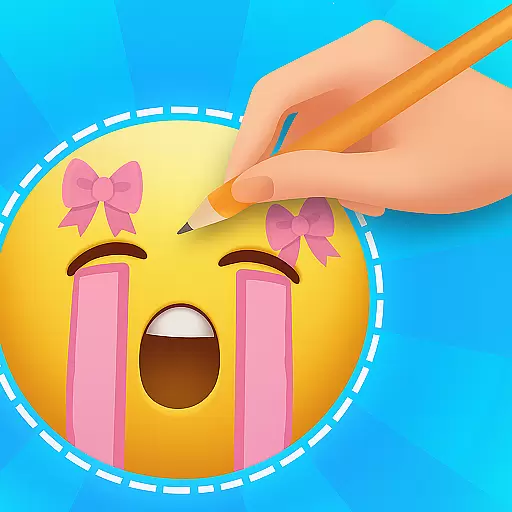
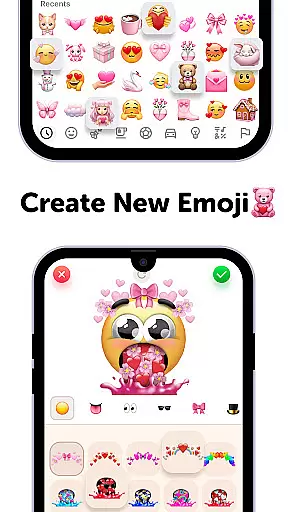
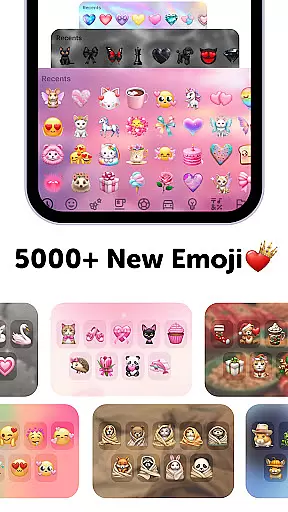
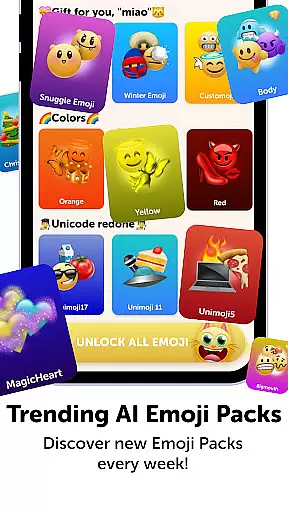
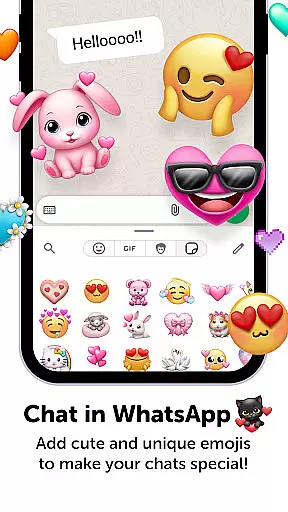
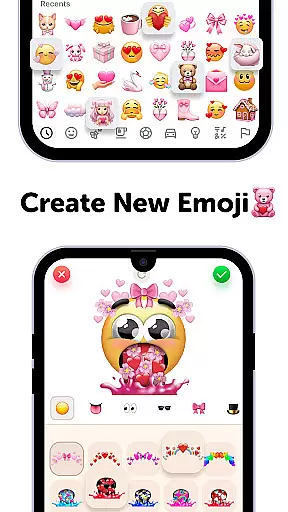
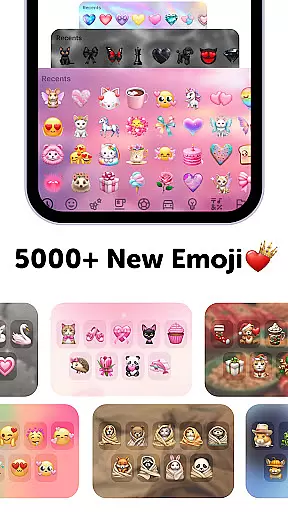
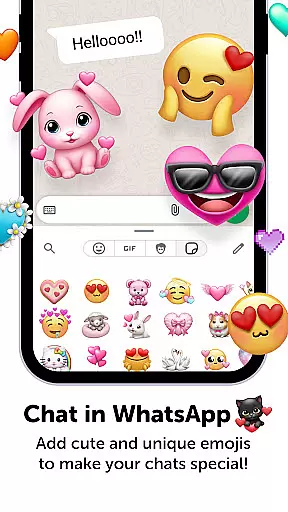
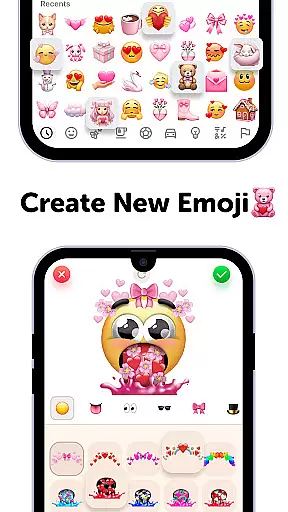
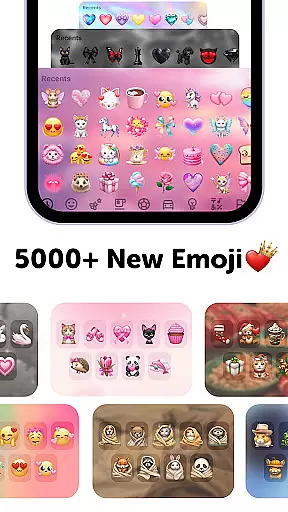
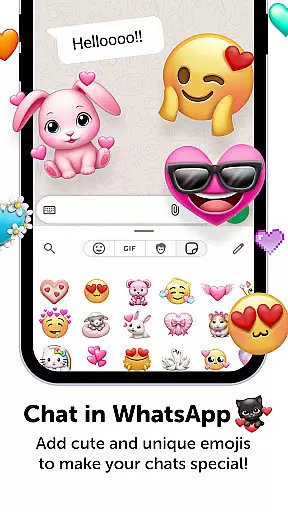
Emoji Up is a creative emoji maker app that allows users to design custom emojis and stickers. With an intuitive interface, it offers a complete emoji kitchen where you can mix bases, eyes, mouths, and more to create unique designs.
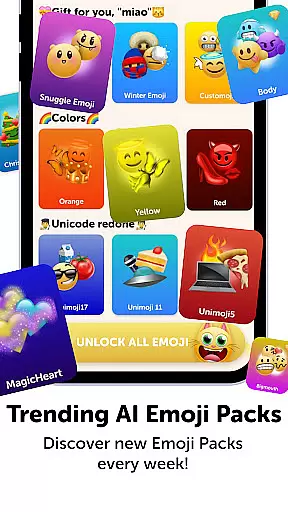
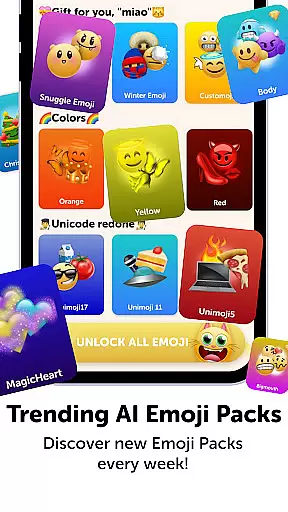
The app also features engaging games like 'Emoji Puzzle Blitz Game' where users solve emoji puzzles to win rewards. These include stickers, keyboards, GIFs, themes, fonts, and wallpapers. You can export your creations and use them on popular social platforms.
This app is perfect for those who want to express themselves through personalized emojis. Whether you're a casual user or a dedicated emoji artist, Emoji Up provides the tools to bring your creativity to life.
Emoji Up stands out with its comprehensive emoji customization options. The emoji maker lets you combine different elements such as bases, eyes, and mouths to craft one-of-a-kind emojis. This feature ensures endless possibilities for creativity.
In addition to the emoji maker, the app includes the 'Emoji Puzzle Blitz Game'. This IQ game challenges users to match 3 emojis and progress through levels to earn 'Mystery Emoji Packs'. These packs contain exclusive emojis, stickers, and other content to enhance your emoji library.
Users can export their custom emojis and stickers directly to social networks like TikTok, Instagram, and WhatsApp. This seamless integration makes it easy to share your creations and showcase your emoji artistry with friends.
Customization is at the heart of Emoji Up, offering users a rich palette to express their creativity. The app provides an extensive range of options for creating unique emojis and stickers, allowing you to mix various emoji bases, eyes, mouths, and more.
This level of customization ensures that your emojis can be as unique as your fingerprint. Whether you're in the mood for something cute or cool, the emoji kitchen feature lets you whip up creations that are truly your own, setting your expressions apart in the digital world.
With Emoji Up, you're not just selecting pre-made emojis; you're crafting personalized icons that convey exactly how you feel or what you want to say. This ability to customize down to the smallest detail makes all the difference in personal communication.
Emoji Up doesn't just stop at creating custom emojis; it extends its functionality to ensure seamless theme compatibility across different platforms. Once crafted, your emojis and stickers can be exported and used on popular social networks like TikTok, Instagram, and WhatsApp.
This compatibility means that no matter where you choose to communicate, your personalized emojis will integrate smoothly, maintaining their quality and appearance. It bridges the gap between varied applications, ensuring your emojis look as intended, whether shared via message or post.
The assurance of consistent representation across platforms enhances user engagement and expression, making every interaction more vibrant and personal. With Emoji Up, your digital persona remains cohesive and colorful, wherever you go.
User-friendly interface
Variety of customization options
Engaging puzzle game
Rewarding prize system
Social media integration
Contains in-app purchases
Limited free features
Some items require subscription
Ads may appear frequently
Advanced tools need unlocking

Customizable Glass widgets. Over 360+ stunning widgets and more!
 4.70
4.70
Capture moments that pass like a storm, second by second.
4.2
Winter's Journey: digital watch face for Galaxy Watch & Wear OS
4.80
Ultimate Gallery Lock App - Hide Pictures, Videos and Lock Apps Instantly!
4.60 4.50
4.50
Choose your keyboard with RGB colors effect, themes, fonts, emojis.
4.60
Adorable pets roam and play right on your phone screen!
3.30
Create unique, fun emojis with Funny Emoji Maker! Unlimited creativity!
4.00
Transform your phone with stunning video wallpapers and a unique, personal touch
3.80
Wallpaper HD 4K Live - Thousands of high-quality Anime backgrounds for you.
4.80
Nothing Icon pack with more than 3750+ highly crafted icons.
4.70
Ultra realistic high quality analog watch face for Wear OS.
4.60
Over 28,000 high quality icons to bring color & homogeneity to your phone.
4.60
Embrace the Night. Unleash the power of darkness with Raven Dark Icon Pack
4.60
Beautiful realistic hybrid watch face with numerous customization options.
4.50
Vibrant Adaptive Icons with Material You and Enhanced Monet Colors.
4.50
Launcher OS™ Pro without ads help make your phone simple and pretty
4.30
Magic fluids wallpaper 4D: Relax with stunning fluid simulation wallpaper app
4.20 3.50
3.50


User Reviews