
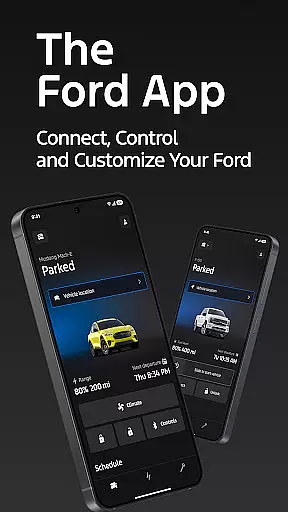
The Ford app is a comprehensive tool designed to enhance your Ford vehicle experience through advanced connectivity features. It allows users to remotely control their vehicles, access key information, and manage essential services from their mobile devices.
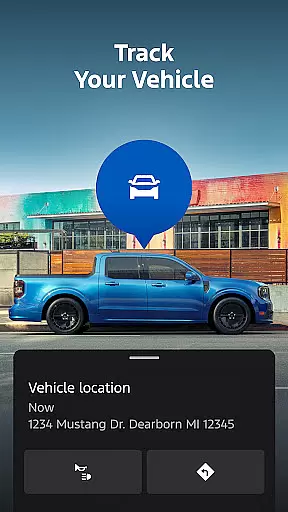
Core functionalities include remote start, lock and unlock capabilities, vehicle status monitoring, and GPS tracking. The app also supports electric vehicle management, service scheduling, and connected services like BlueCruise. With regular updates and integration with Wear OS smartwatches, the Ford app provides a seamless and modern driving experience.
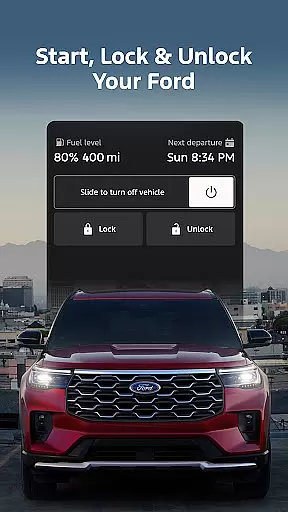
The Ford app offers an impressive range of features that cater to both convenience and vehicle management. Remote features allow users to start their vehicle, lock and unlock doors, and check fuel levels directly from their smartphone or smartwatch.
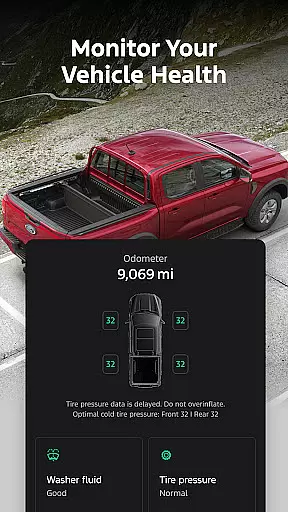
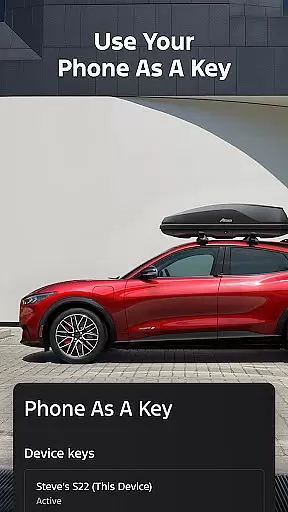
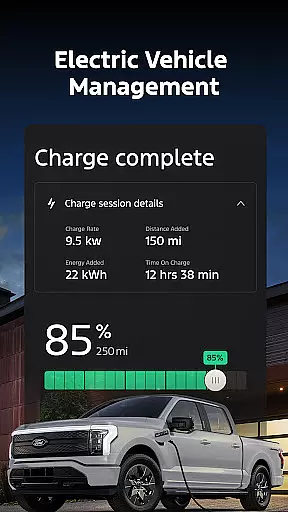
For electric vehicle owners, the app provides detailed charging information, preconditioning options, and public charging station locations. The vehicle management section enables users to monitor maintenance needs, schedule service appointments, and even use their phone as a digital key.
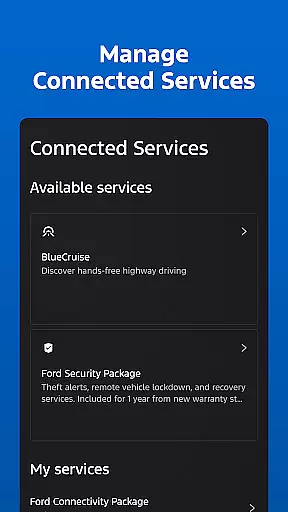
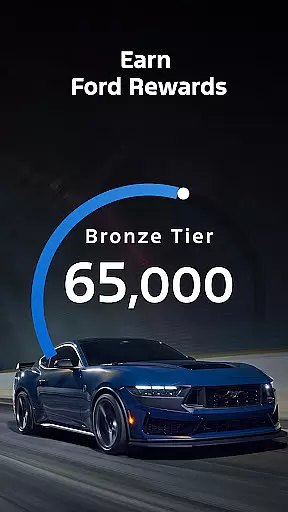
Additional connected services include over-the-air software updates, Ford Rewards program integration, and security packages. These features collectively create a sophisticated ecosystem that keeps drivers connected to their vehicles at all times.
Companion app integration is essential for users who want seamless connectivity between their smartphones and wearable devices. The Ford app excels in this area by offering a comprehensive suite of features that work harmoniously across different platforms.
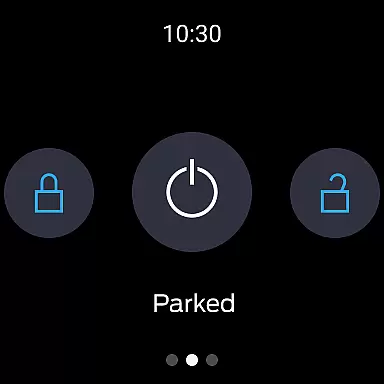
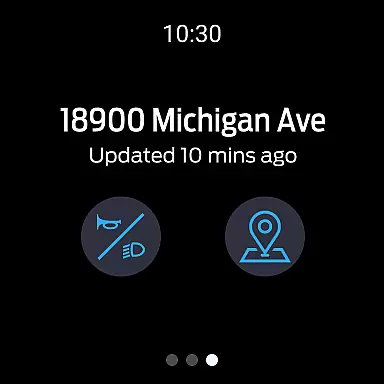
Through the Ford app, users can access remote start, lock and unlock, vehicle stats, and GPS tracking directly from their Wear OS smartwatches. This ensures that you are always connected to your vehicle, no matter where you are. The ability to send commands and check vehicle status right from your wrist enhances convenience and peace of mind.
The integration extends to over-the-air software updates, which can be scheduled through the Ford app or directly in the vehicle. This means your vehicle's software is always up-to-date, providing you with the latest features and security enhancements without needing to visit a dealership.
By leveraging companion app integration, Ford ensures that users have a unified and efficient experience, making vehicle management easier and more intuitive than ever before.
Wear OS/device compatibility is crucial for ensuring that wearable technology functions seamlessly with your primary devices. The Ford app supports a wide range of Wear OS smartwatches, allowing users to enjoy an uninterrupted connection with their vehicles.
This compatibility enables users to utilize key features such as remote start, lock and unlock, and vehicle status checks directly from their wrists. Such functionality not only adds a layer of convenience but also ensures that users can quickly respond to any vehicle-related notifications or alerts.
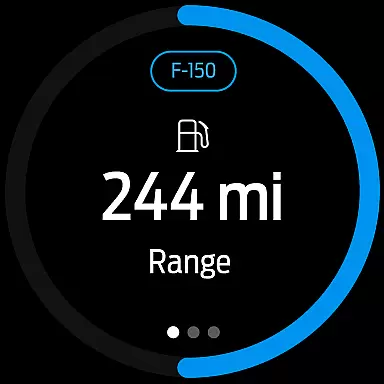
In addition to basic controls, the Ford app provides detailed vehicle information like fuel or range status and electric vehicle charge levels on Wear OS devices. This ensures that users are always informed about their vehicle's condition, even when they are on the go.
Overall, the robust Wear OS/device compatibility offered by the Ford app enhances user experience by providing reliable and accessible tools that integrate smoothly into daily life, making vehicle management both effortless and efficient.
User-friendly interface
Comprehensive vehicle control
Regular feature updates
Electric vehicle support
Integrated rewards system
Limited vehicle compatibility
Requires active data plan
Some features need subscription
Occasional connectivity issues
Varies by market region

Current temperature, weather hourly, weather radar by the weather forecast app
 4.40
4.40
Beautiful artistic animated digital watch face, with a customizable layout!
4.40
Wear Os Watch Face - Animated Snow Effect & Magic Spark - 6 Scenes
4.10
3 Complications. All shadow on/off. 30 Themes color palette...
4.1
Stay in touch with your friends and family using LINE!
3.40
A modern hybrid informative watch face for Wear OS designed by BALLOZI
4.80
Viewer for Wyze/Yi/Eufy/Arlo/ONVIF/RTSP/P2P IP cams w/ adv. features & DIY DVR
4.00
A white realistic classic analog watch face with many customization options.
4.40
Track airplanes and follow flights with our real-time flight tracker
4.50
Retro digital watch face with customizable colors and a unique lighting effect
4.60
Kia Access makes getting your vehicle information easier than ever
4.60
A realistic hybrid watch face with many customization options.
4.60
Deck out your Wear OS Watch face with a beautifully decorated pine wreath!
4.50
Digital watch face with big numbers and many customization for Wear OS devices
4.40
Your music, your playlists, and more—offline and unlimited.
4.20
"PER27 Galaxy Digital" is a digital Wear OS watch face designed by PERSONA
4.10
Structured watch face with seven complications and modular UI elements
3.90
A full-featured Amazon Alexa voice assistant that can show you things.
3.70
Hybrid Vibrant Health Watch Face for Wear OS
4.4


User Reviews