
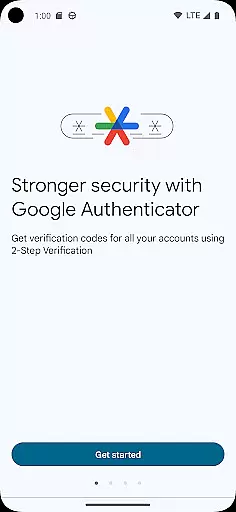
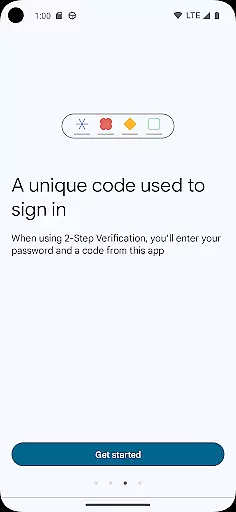
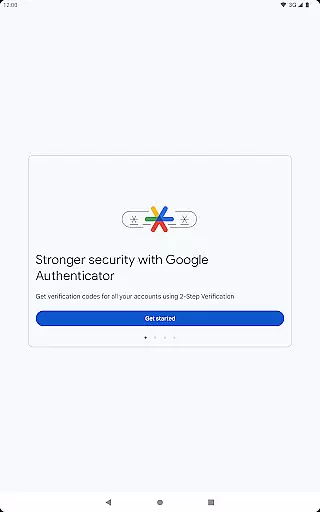
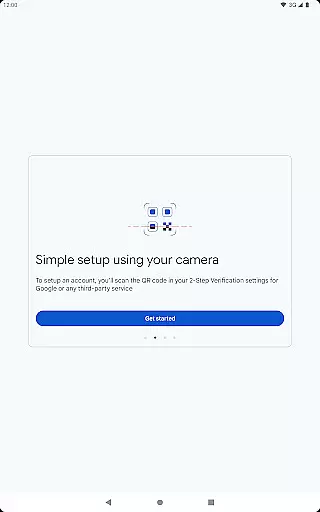
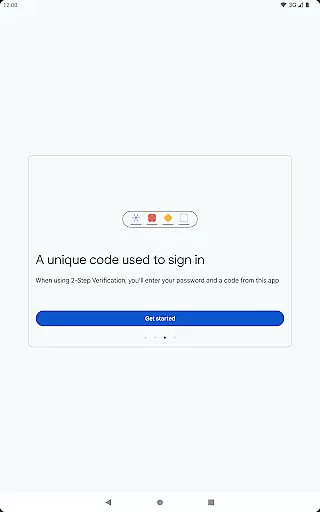
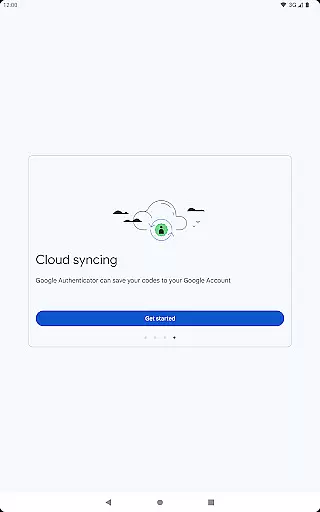


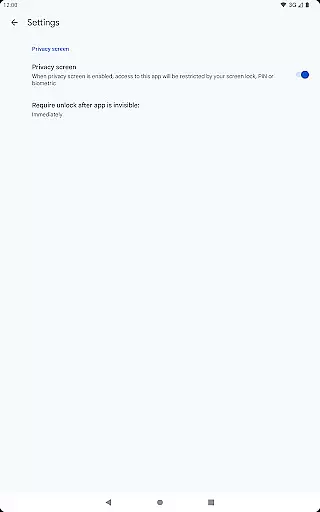
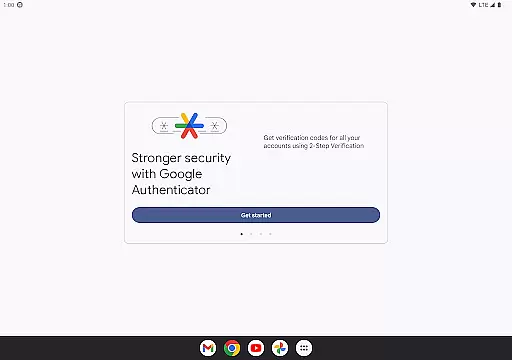
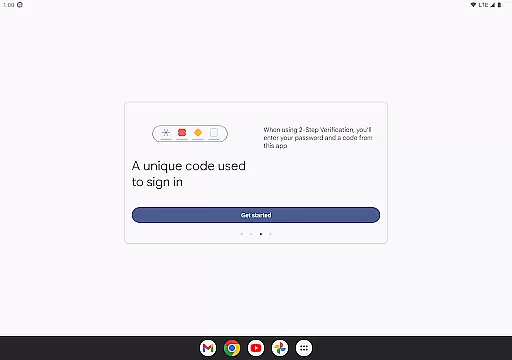
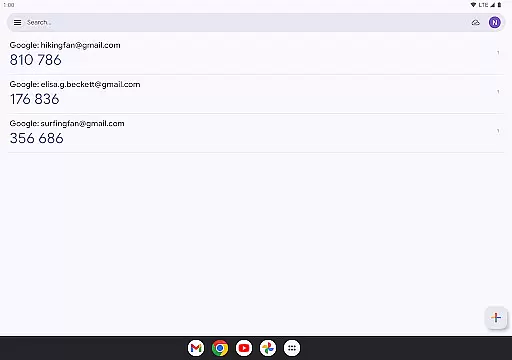
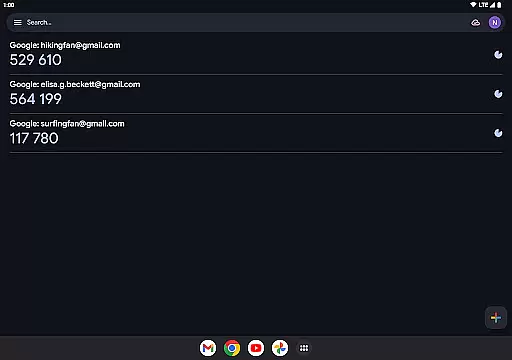
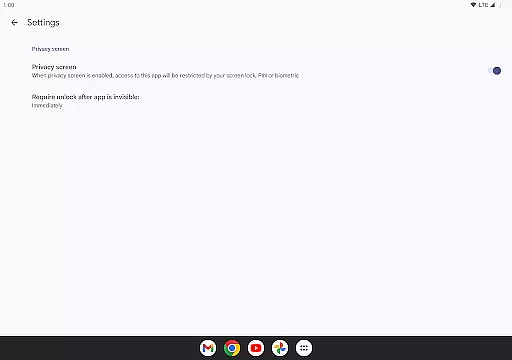
Google Authenticator is a security tool that provides an additional layer of protection for your online accounts through two-factor authentication. When signing in, users must enter both their password and a unique code generated by the app on their mobile device. This ensures enhanced account safety even if passwords are compromised.
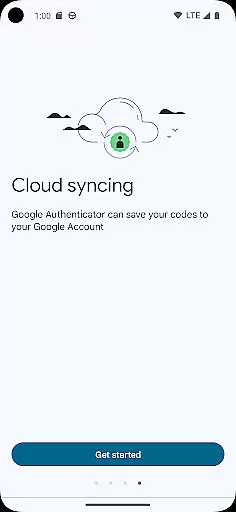
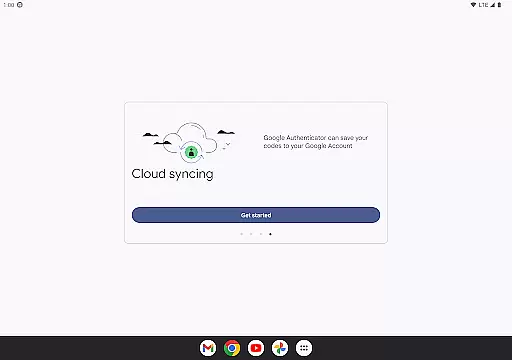
The app operates without requiring an internet or cellular connection, making it reliable in any situation. It supports syncing of verification codes to your Google Account, automatic setup via QR codes, multiple account management, and both time-based and counter-based code generation. These features make it versatile for various security needs.
Whether you're accessing your Google Account or other services that support two-step verification, Google Authenticator offers peace of mind by keeping your credentials secure while ensuring accessibility across devices.
Google Authenticator stands out with its robust set of features designed to maximize security and convenience. One key feature is its ability to generate time-sensitive codes offline, ensuring uninterrupted access even without an internet connection. This functionality is crucial for users who travel frequently or find themselves in areas with poor connectivity.
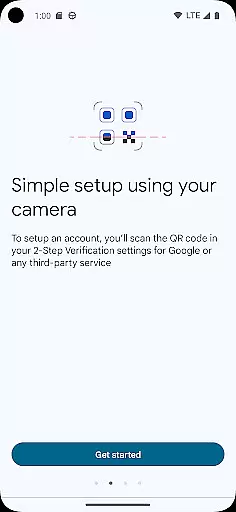
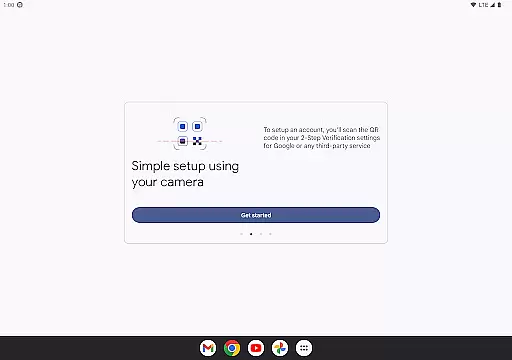
Another notable aspect is the seamless integration with Google Accounts, allowing users to sync their authenticator data across multiple devices. By scanning QR codes during setup, users can quickly link their accounts without manual entry errors. The app also supports managing several accounts simultaneously, eliminating the need to switch between different authentication apps.
Additionally, Google Authenticator allows transferring accounts from one device to another using QR codes, simplifying the process when upgrading phones. With options for both time-based and counter-based code generation, this app adapts to diverse user preferences and requirements, offering a comprehensive solution for modern digital security challenges.
Google Authenticator excels in providing precise and effective two-factor authentication. The app generates time-based or counter-based codes that serve as the second verification step for your online accounts, ensuring an added layer of security beyond just passwords.
The core functionality is designed to work seamlessly even without an internet connection, making it reliable in various scenarios. This offline capability ensures that users can always access their verification codes, regardless of network availability.
By supporting multiple account management and automatic setup through QR codes, the app streamlines the process of adding and managing different services. This makes it not only accurate in code generation but also highly effective in enhancing account security across various platforms.
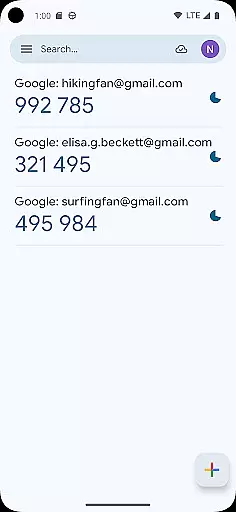
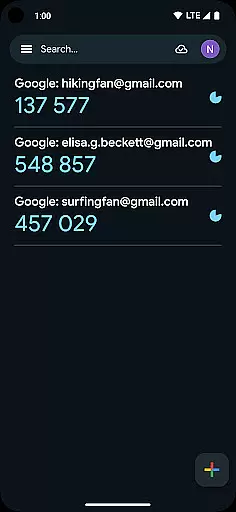
The interface of Google Authenticator is crafted to offer a straightforward and intuitive user experience. Upon opening the app, users are greeted with a minimalistic design that displays the essential informationu2014account names and corresponding verification codesu2014in a clear and organized manner.
Adding new accounts is made simple through QR code scanning, which eliminates manual input errors and speeds up the setup process. This ease of use extends to transferring accounts between devices, where a QR code scan effortlessly moves all data to a new phone.
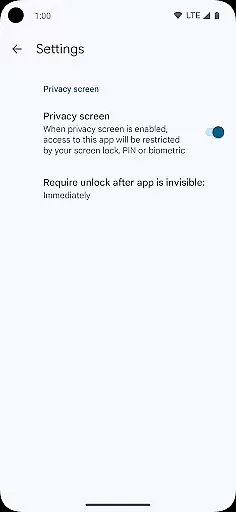
Despite its powerful security features, the app maintains a clean and uncluttered interface, ensuring that users of all technical backgrounds can navigate and utilize its functions without a steep learning curve.
Enhanced Security
Offline Code Generation
Multi-Account Support
Easy Setup via QR
Cross-Device Syncing
No Built-In Backup
Limited Customization
No Desktop Version
Occasional Sync Issues
Manual Entry Required

pdf merge, word to pdf, jpg to pdf, edit pdf, convert to pdf and much more!
 4.20
4.20
A convenient photo, video, and file recovery tool.
4.00
Complete kernel toolbox with features to manage and tweak your rooted device
4.30
Enjoy smooth gameplay with Game Booster
4.90
Quickly & easily calculate the spacing of handrail balusters
4.20
Keep track of your Palia friendships, tasks, and inventory with Palia Notebook
4.60
A non-root local ADB shell client. READ BELOW!
3.40
Making emulation easy for everyone!
4.30
Enjoy a smooth mobile reading experience!
3.60
Navigate with Ease and Style
4.90
Fast Video Downloader, Movie Downloader, Torrent Downloader & Adblock Browser
4.70
Carry a FTP server in your pocket and avoid USB cables for file transfer
4.20
A simple app to back up and restore SMS & MMS messages and call logs.
4.10
Family Locator, Share location, StayConnect with your family in real time
3.90
Fun lie-detection pranks for friends and parties.
3.80
This app unlocks the Pro features of the Central for DayZ app
3.60
card-reader app
2.20
Transfer Files, APK from Phone to Watch & Install.
4.3
Unlock your Essential Key. Create custom shortcuts to your favorite apps!
4.5


User Reviews