
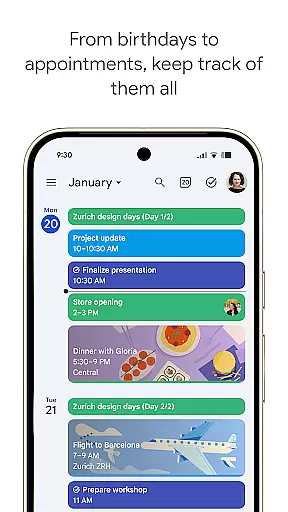
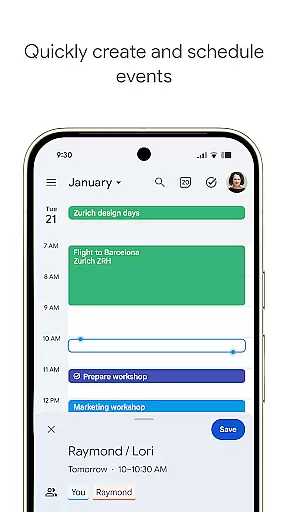
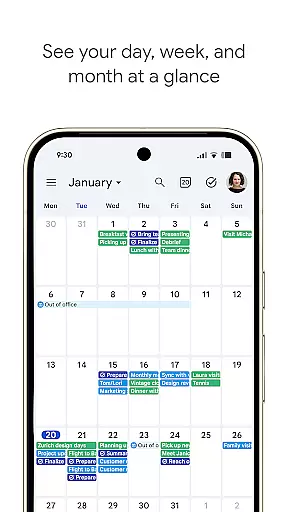
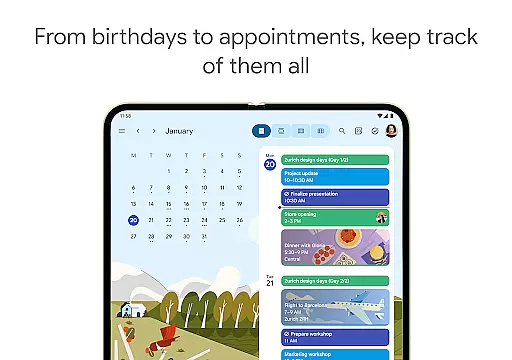
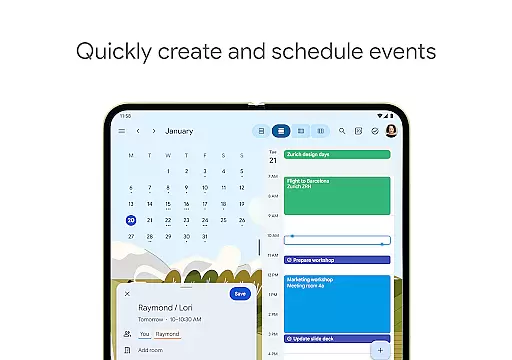
Google Calendar is the official calendar app designed for Android phones, tablets, and Wear OS devices. It helps users stay organized and plan their day efficiently. With features like automatic event addition from Gmail, multiple calendar views, task management, and seamless synchronization across devices, it ensures you never miss an important event or meeting.
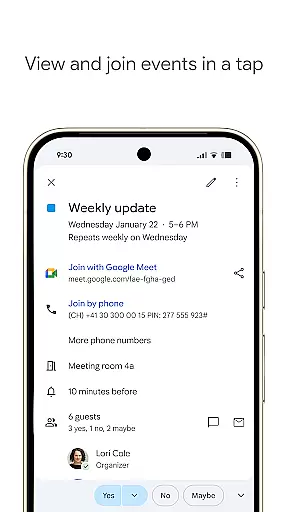
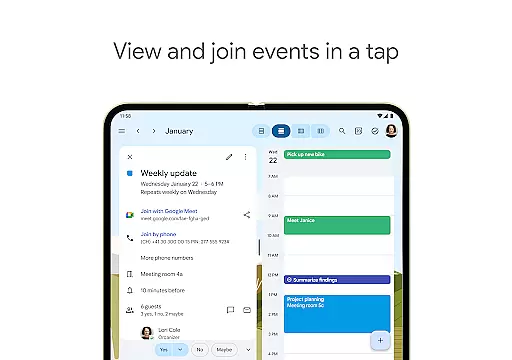
The app supports hybrid work environments by integrating Google Meet video calls into calendar events. It also allows professional booking pages for client appointments and enables teams to collaborate effectively through shared calendars and document attachments. Whether for personal use or team collaboration, Google Calendar provides a comprehensive solution for time management and productivity.
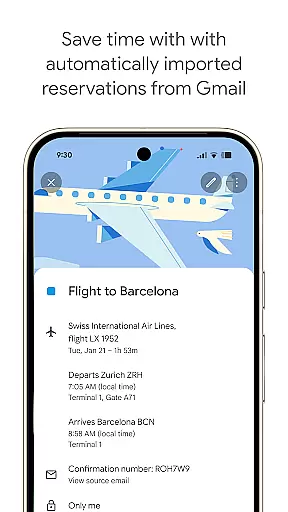
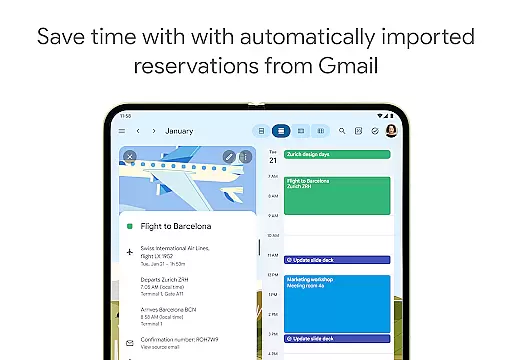
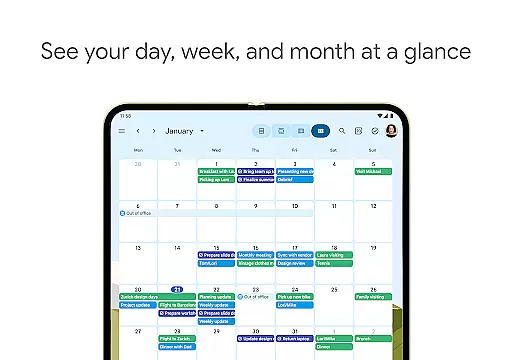
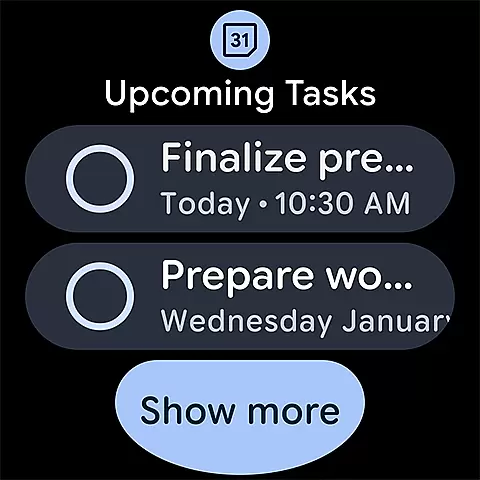
Google Calendar offers a rich set of features that enhance productivity and organization. The app automatically adds events from Gmail such as flight details, hotel bookings, and restaurant reservations. Users can easily switch between month, week, and day views, and manage tasks alongside their events within the calendar interface.
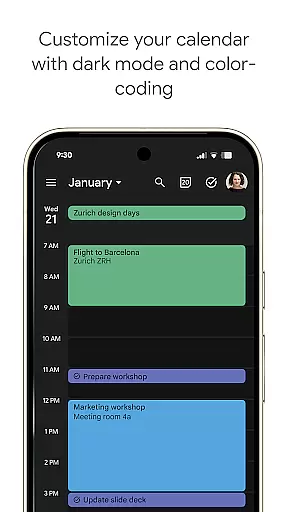
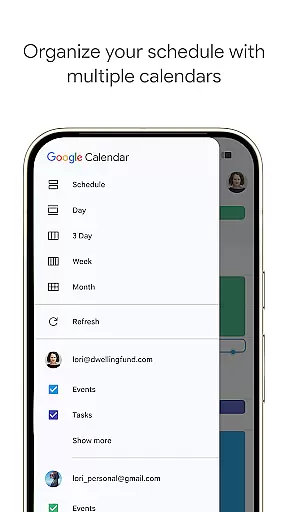
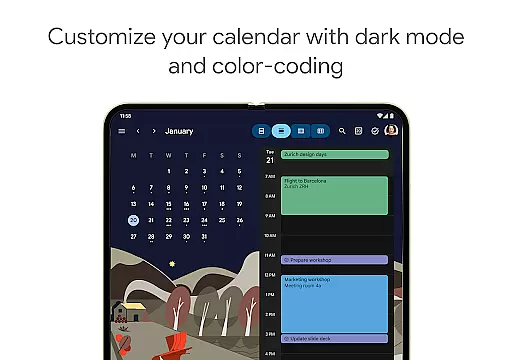
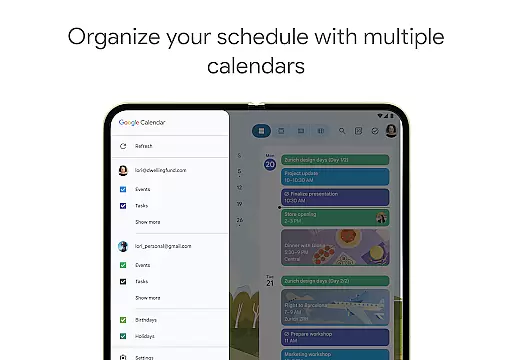
Customization options include light or dark mode and color-coded events, allowing users to personalize their experience. The app also supports full-screen task lists and integrates with other calendars on your device, including Exchange. For team collaboration, Google Calendar allows sharing and layering of multiple calendars, attaching documents to events, and scheduling meetings based on team availability.
Security is ensured with enterprise-level privacy and data protection, making it reliable for both personal and professional use. These robust features make Google Calendar a versatile tool for managing your schedule and enhancing team productivity.
Companion app integration is essential for users who want a seamless experience across multiple devices. Google Calendar excels in this area by ensuring that your events, tasks, and settings are synchronized effortlessly between your Android phone, tablet, and Wear OS device. This synchronization allows you to transition smoothly from one device to another without missing any important details.
The app automatically updates your calendar with events from Gmail, such as flight, hotel, and restaurant reservations, ensuring all your plans are centralized. Whether you're at home using your tablet or on the go with your Wear OS device, Google Calendar keeps everything up-to-date and accessible. This ensures that no matter where you are, your schedule is always within reach.
Moreover, shared calendars allow family, friends, and colleagues to stay informed by viewing, adding, or modifying events. This collaborative feature enhances communication and coordination among teams and personal contacts. With Google Calendar's companion app integration, staying organized and connected has never been easier or more efficient.
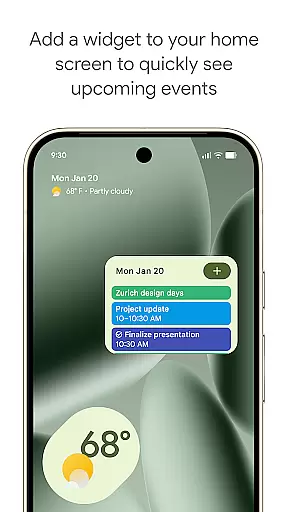
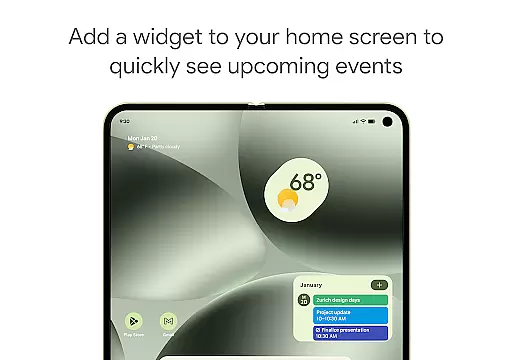
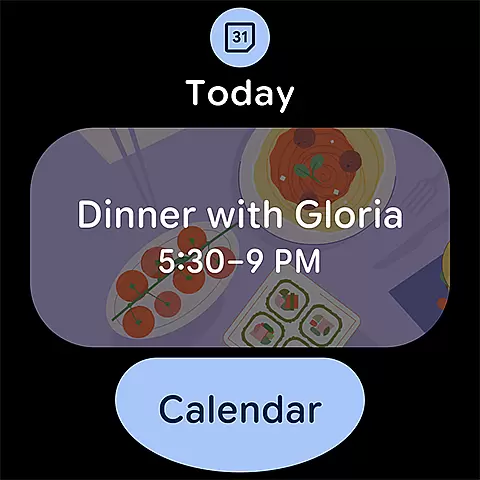
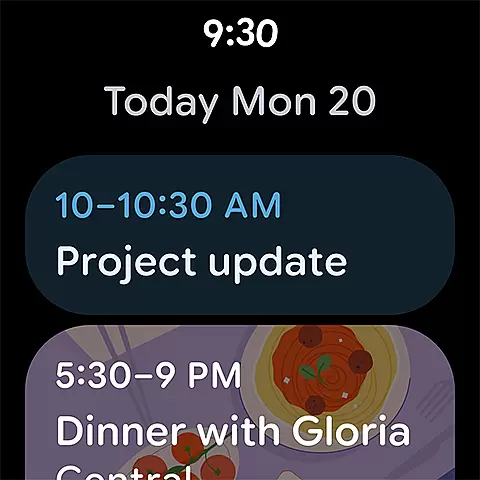
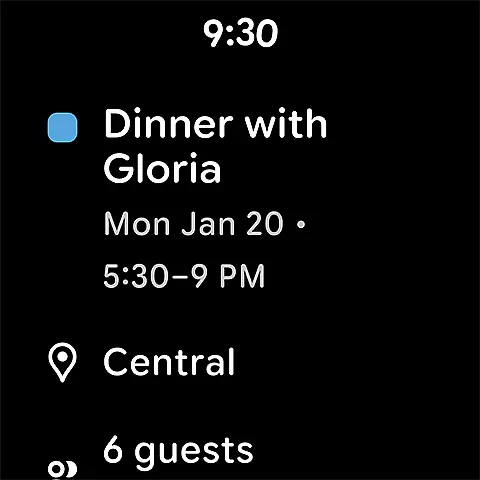
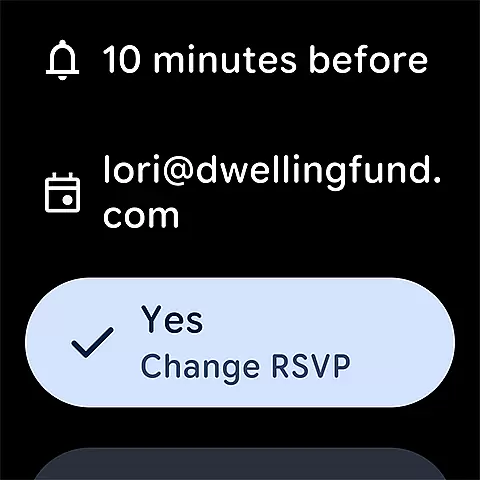
Google Calendar offers robust compatibility with Wear OS devices, making it an ideal choice for users who rely on smartwatches for their daily schedules. The app supports tiles and complications, allowing quick access to your events and tasks directly from your watch face. This ensures that even when you're on the move, you can easily keep track of your day without needing to pull out your phone.
In addition to supporting Wear OS, Google Calendar provides a consistent experience across all Android devices. You can switch between month, week, and day views with ease, ensuring that your preferred view is always available. This flexibility is crucial for users who need to manage their time effectively while away from their desks.
Furthermore, the app's ability to integrate with other Google tools, such as Google Meet, enhances its utility. By adding video calls to calendar events, users can collaborate efficiently in hybrid work environments. With enterprise-level privacy and data security, Google Calendar ensures that your information remains safe and confidential, providing peace of mind whether you're using a phone, tablet, or Wear OS device.
User-friendly interface
Seamless cross-device sync
Integrated task management
Customizable views and themes
Enterprise-level security
Limited offline functionality
Requires Google account
Occasional sync issues
No built-in reminders
Ads in free version

A Wintery Snow Globe on Your Wrist; now celebrating Christmas!
 4.0
4.0
MyNISSAN® lets you remotely control your car from your phone.*
4.50
Easy Voice Recorder is your everyday companion to record important moments.
4.70
Sleek, highly customizable watch face inspired by Galaxy Watch Circle Dashboard.
4.4
Digital watch face. For Wear OS devices.
4.40
Minimalistic design modern digital watch face.
4.0
Daily Weather forecast with 15 weather images for Day & Night plus Big Bold time
4.10
Simple, helpful messaging by Google
4.60
Track your active life in one place and share the journey with friends.
4.40
Christmas Theme Watch Face for Wear Os
5.00
A modern premium sporty hybrid watch face for Wear OS by Ballozi
4.70
Rose gold watch face with festive lights & customizable features.
4.60
Gym & home workout plans with strength training, exercise tracking, HIIT & more.
4.60
Ideal for surviving in the wasteland left after nuclear fallout
4.50
Current temperature, weather hourly, weather radar by the weather forecast app
4.40
Christmas watch face. For Wear OS devices.
4.30
Elegant animated Christmas tree with multiple customization options
4.20
sleep, alarm, snoring, stress, healing, focus, sound therapy, circadian rhythm
4.10
an Analog Watch Face for winter season with freeze winter background for Wear OS
4.2


User Reviews