
Google Keep is a versatile note-taking application designed specifically for Android Wear and other Android devices. It allows users to quickly capture thoughts, manage to-do lists, and stay organized through various methods such as text notes, voice memos, and photos. With advanced security measures, it ensures your information remains private while offering seamless synchronization across all your devices including phones, tablets, computers, and Wear OS devices.
The app excels in providing quick access to notes with features like widgets, tiles, and complications on wearable devices. Whether you need to jot down a quick note or set a reminder for later, Google Keep ensures that the right note is available at the right time. Its powerful organizational tools like color-coding and labels make it easy to find what you need fast, enhancing productivity and efficiency.
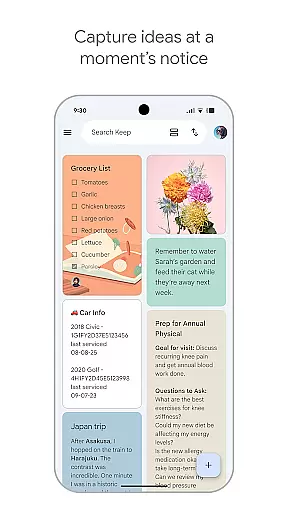
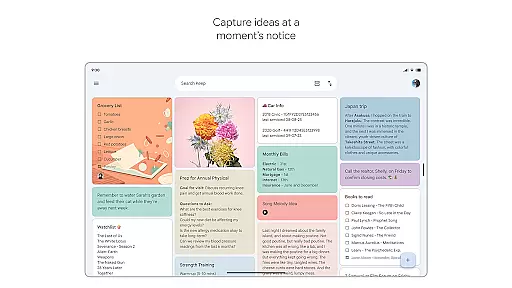
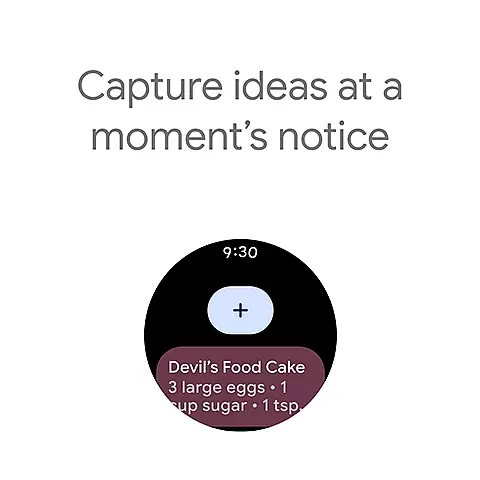
Google Keep offers a rich set of features tailored to enhance personal productivity and organization. One of its standout capabilities is the ability to capture ideas in multiple formats - text, voice, and images. This flexibility ensures that users can record their thoughts in the most convenient way possible, whether they are on the go or at their desks.
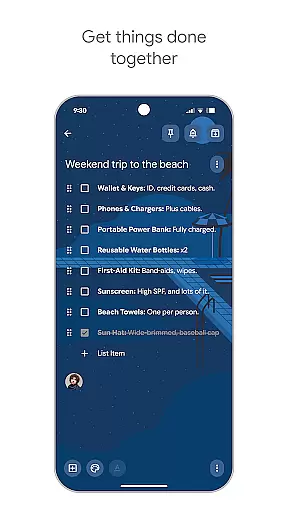
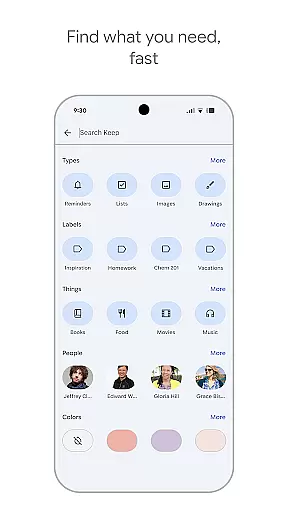
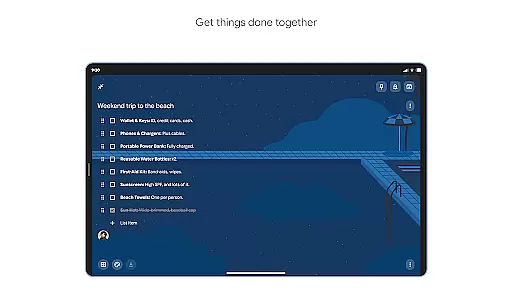
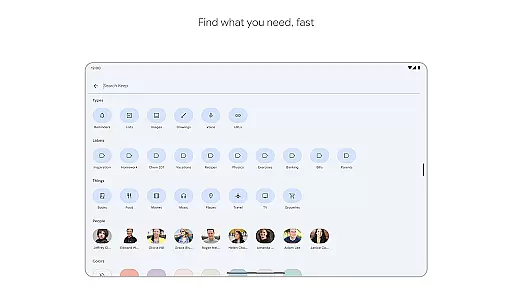
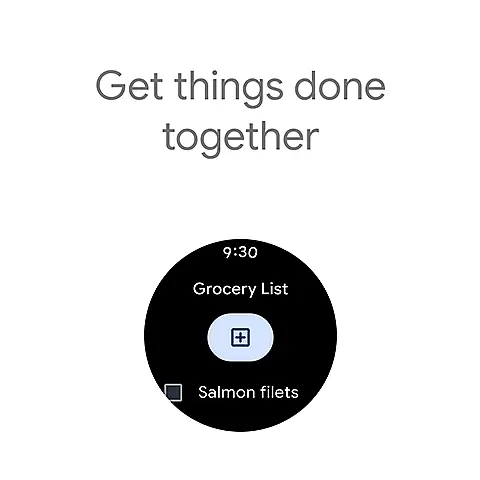
Another significant feature is its collaboration tool, which allows users to share notes with friends and family. This is particularly useful for managing shared tasks like grocery shopping or planning trips. Additionally, Google Keep's advanced search functionality and organizational tools like labels and color-coding help users quickly locate specific notes. The app also supports reminders, ensuring that important tasks or notes are not forgotten. These features collectively provide a comprehensive solution for managing personal and shared information efficiently.
Companion app integration is essential for users who want a seamless experience across multiple devices. Google Keep offers robust companion app features that ensure your notes, lists, and reminders are always in sync.
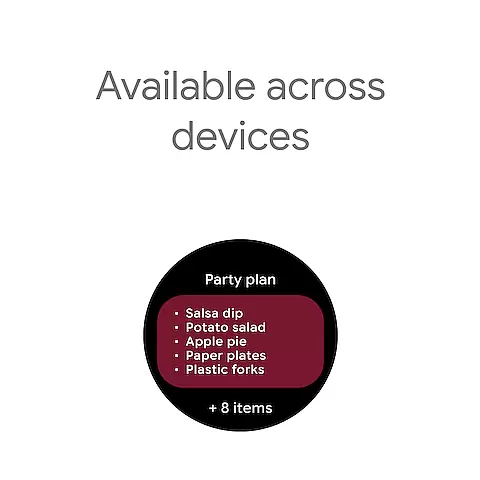
The app supports real-time synchronization between your phone, tablet, computer, and Wear OS device. This means any note you create or edit on one device will instantly appear on all others, ensuring you never miss an important update.
Google Keep's Wear OS integration goes beyond simple syncing. You can add tiles and complications to your smartwatch, allowing you to capture thoughts or access important notes with just a tap. This makes it incredibly convenient to jot down ideas or check your grocery list without needing to take out your phone.
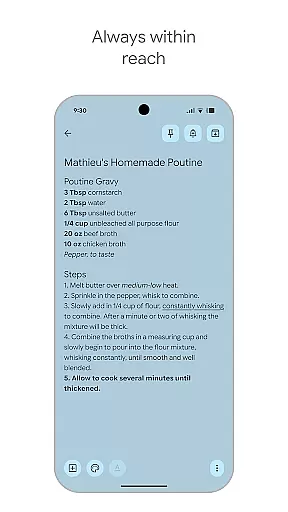
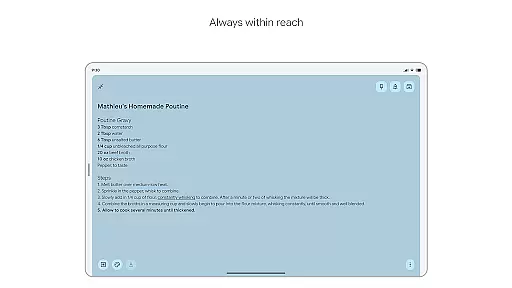
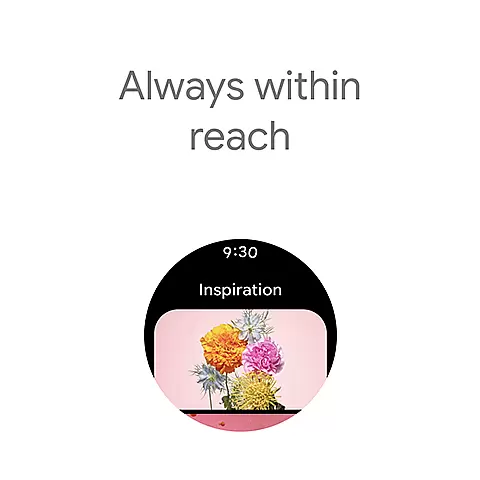
By leveraging widgets and shortcuts, Google Keep ensures that your most important notes are always within reach, no matter which device you're using. This comprehensive integration enhances productivity and keeps you organized, wherever you are.
For users invested in the Wear OS ecosystem, compatibility with your devices is crucial. Google Keep excels in this area by offering extensive support for Wear OS devices, ensuring a smooth and intuitive user experience.
The app provides dedicated features tailored for Wear OS, such as voice memos and quick capture options. These functionalities allow you to easily record thoughts or create reminders directly from your smartwatch, making it ideal for situations where using your phone isn't practical.
Google Keep also allows you to pin notes to your Wear OS home screen using tiles. This feature lets you access frequently used notes with minimal effort, streamlining your workflow and keeping essential information at your fingertips.
With its commitment to cross-device functionality, Google Keep ensures that whether you're on your phone, tablet, or Wear OS device, your notes are always accessible and up-to-date. This level of compatibility underscores Google Keep's dedication to providing a versatile and reliable note-taking solution.
User-friendly interface
Seamless cross-device sync
Versatile note capturing
Advanced security features
Efficient search and organization
Limited formatting options
No native PDF export
Basic collaboration features
Occasional sync issues
Ads in free version

Gym Log & Workout Tracker | Fitness Journal, Training & Weight Lifting Planner
 4.90
4.90
MyNISSAN® lets you remotely control your car from your phone.*
4.50
A modern premium sporty hybrid watch face for Wear OS by Ballozi
4.70
Stylish digital watch face for Wear OS devices with customizable features
4.4
Monitor health with the stress test and pulse checker in the heart rate app.
4.60
Period, ovulation & pregnancy tracker. Fertility insights & menstrual calendar.
4.90
Stay in touch with your friends and family using LINE!
3.40
Retro digital watch face with customizable colors and a unique lighting effect
4.60
Control your Samsung Smart TVs, appliances, and SmartThings-compatible devices
4.60
The most customizable hybrid watch face. For Wear OS 5.0, API 34+ and later
4.70
Walking app for weight loss: walk & step tracker, pedometer, indoor treadmill
4.60
Deck out your Wear OS Watch face with a beautifully decorated pine wreath!
4.50
Bold, Modern Hybrid Watch Face for Wear OS. 10 Colors, Rich Info Display.
4.30
Watch face for Wear OS.
4.20
Daily Weather forecast with 15 weather images for Day & Night plus Big Bold time
4.10
Watch the sharpness of the sky on your wrist..
3.70
Watch face designed for Thanksgiving Day. 7 Background Styles included.
3.20
Artistic Digital Watchface
4.4
Minimalistic design modern digital watch face.
4.5


User Reviews