








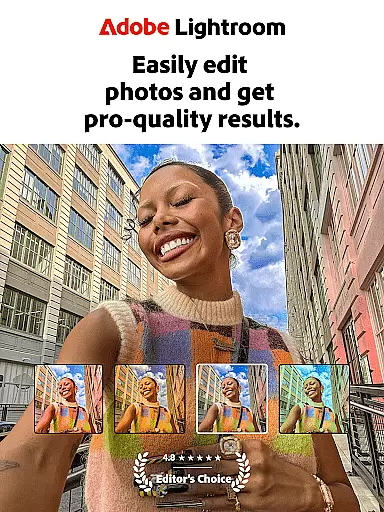

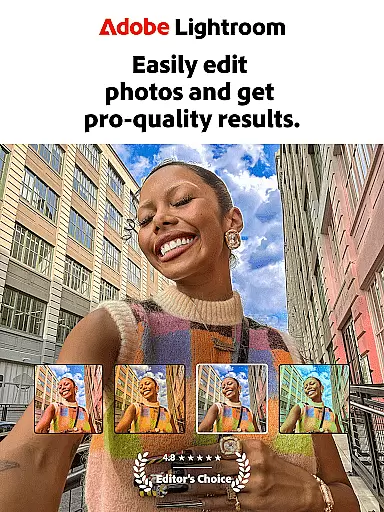
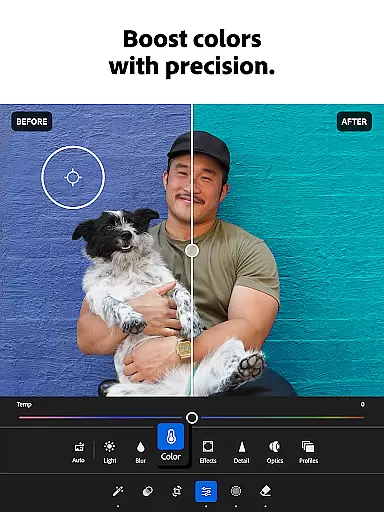
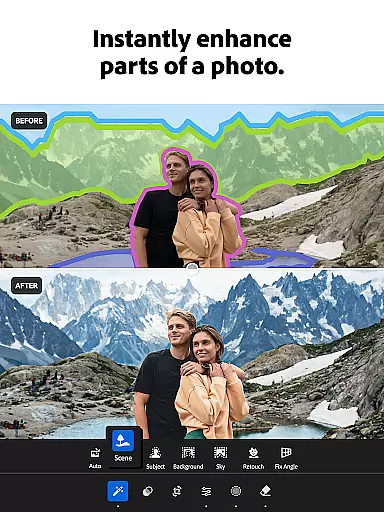

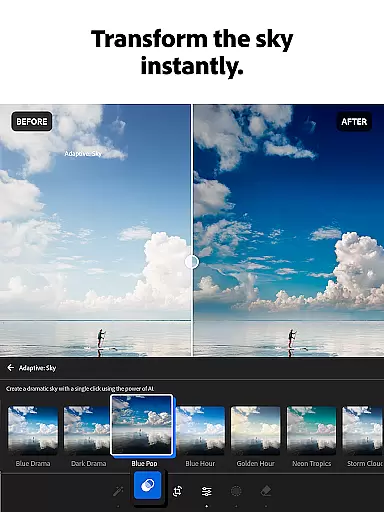
Adobe Lightroom is a comprehensive photo and video editor designed to make every photo special through its easy yet powerful editing tools. This mobile application allows users to retouch photos, enhance photo quality, and even edit videos with professional results. Whether you're curating a social feed or capturing life's moments, Lightroom provides the necessary tools to create shareworthy images.
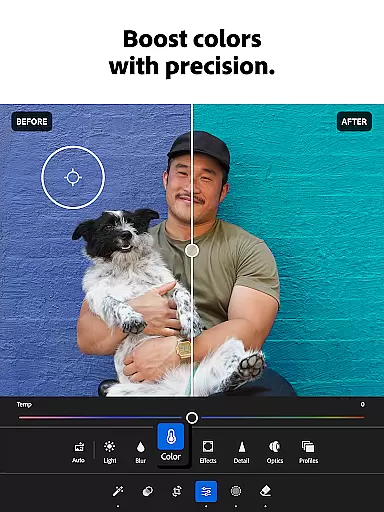
The app stands out with features like one-tap enhancements, adaptive presets, and AI-powered editing suggestions. Users can adjust lighting, apply color grading, and experiment with various filters. With capabilities such as batch editing and community-shared presets, Adobe Lightroom caters to both amateur photographers looking for quick edits and professionals seeking refined control over their work.
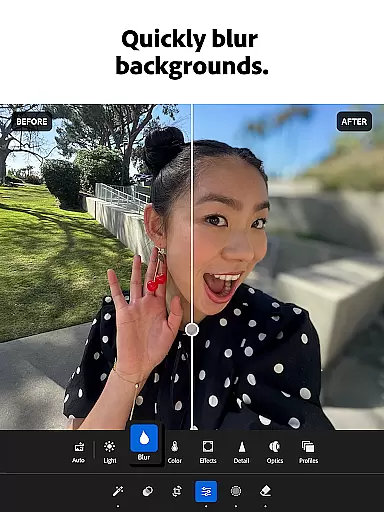
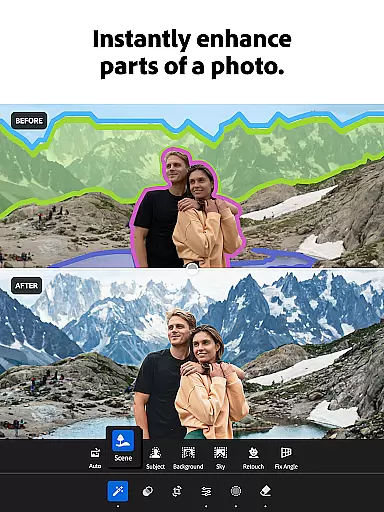
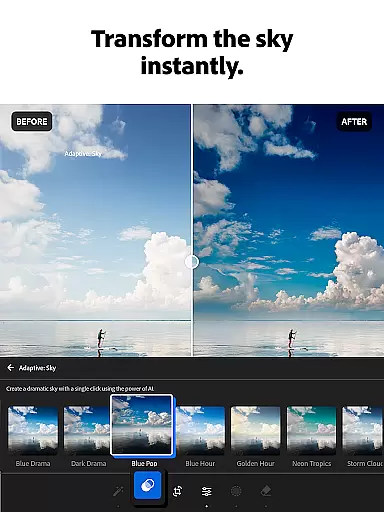
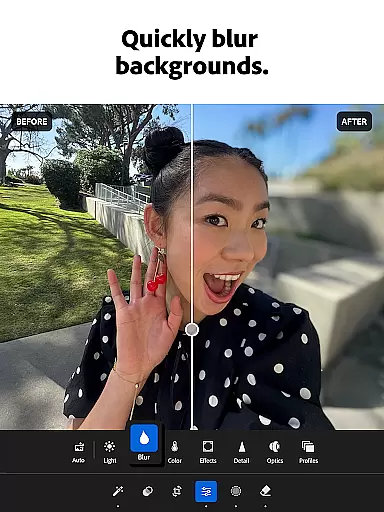
Adobe Lightroom offers an extensive suite of photo editing tools that cater to all levels of expertise. The Quick Actions and Adaptive Presets allow users to enhance photo quality in seconds, while custom presets enable the creation of unique signature looks. Advanced features include professional-grade options to adjust exposure, highlights, shadows, and add effects like bokeh.
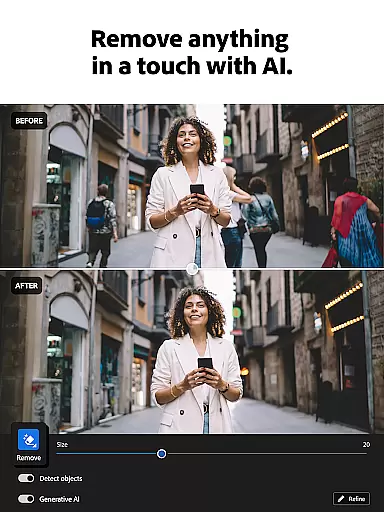
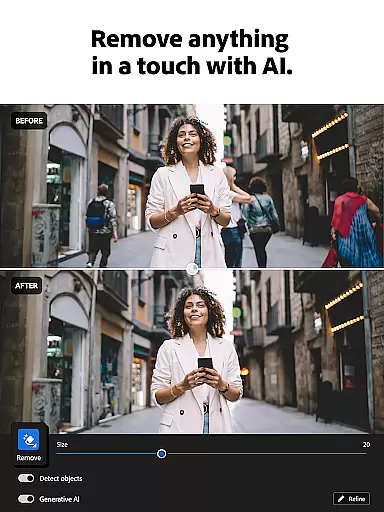
In addition to photo editing, Lightroom supports video editing with functionalities for light, color adjustments, and applying presets. The Generative Remove tool helps erase unwanted objects from photos, ensuring clean and polished results. Furthermore, the app fosters a creative community where users can browse and share presets, drawing inspiration from photo enthusiasts worldwide.
Real-time capture and preview functionality is essential for photographers who need to ensure their shots are perfect before they even take them. With Lightroom Photo & Video Editor, users can see exactly how different settings will affect their photos before capturing the moment. This feature allows for adjustments in exposure, white balance, and other critical parameters on-the-fly.
The application provides a live view of your scene with all edits applied instantly, which means you can tweak your settings until you achieve the desired effect. Whether you're shooting in challenging lighting conditions or aiming for a specific mood, this real-time feedback empowers you to make informed decisions about your photography.
For videographers, the ability to preview edits in real time ensures that every clip meets professional standards without requiring extensive post-production work. By offering such precise control over both photo and video capture processes, Lightroom enhances creativity while saving time during editing stages.
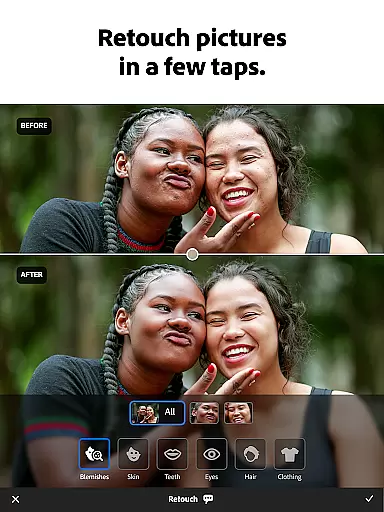
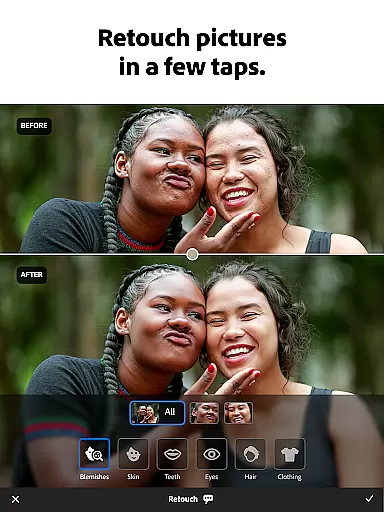
AI beauty and enhancement features have revolutionized digital photo editing by providing tools that enhance natural beauty without making images look overly processed. In Lightroom Photo & Video Editor, AI-driven enhancements allow users to refine skin tones, smooth imperfections, and highlight facial features with remarkable subtlety.
This sophisticated technology intelligently identifies areas of improvement within an image, ensuring that enhancements remain true to life. Users can apply these adjustments globally across an entire photo or focus on specific regions, giving them unparalleled flexibility in achieving their vision.
Moreover, Lightroomu2019s AI capabilities extend beyond simple retouching; it also offers advanced options like object removal and background blurring, all designed to maintain the authenticity of the original shot. These powerful yet intuitive tools enable creators at any skill level to produce stunning visuals that retain their genuine character.
User-friendly interface
Powerful editing tools
AI-powered suggestions
Batch editing capabilities
Vibrant user community
Premium features locked
Subscription-based model
Steep learning curve
Resource-intensive
Limited free options

Gallery show photo, video, slideshow, is perfect 3D effect private photo albums.
 4.80
4.80
Photo Album Watch Face shows your favorite pictures as a Watchface.
1.90
Long exposure camera with computational photography
2.60
All-in-One Editor & AI Photo Enhancer, Beautify & Retouch, Collage, Cartoonify
4.20
Search, tag and rate your way to an organized image gallery
4.40
Edit like a pro with Hypic. Apply filters, AI effects, & magic touch.
4.40
Photo Exif Editor allows to view, add and modify EXIF data of multiple photos
4.50
Unblur, enhance & restore photos with powerful AI photo enhancer tools.
4.60
Edit photos with the picture generator: PS2 & AI Clay filters, cartoon effects.
4.50
Create funny photos and videos with the popular Time Warp Scan filter.
4.90
Pro version: AR sun/moon tracker for any date. Tool for photographers & planners
4.90
AI Photo Editor with 100+ Filters, Effects! Remove BG, Retouch & Photo Enhancer.
4.80
Your personal guide to the sun and moon. Plan ahead, visualize and predict!
4.70
The original Rarevision VHS look seen everywhere!
4.70
Enhance, retouch & create your story - Share the moment with Photoshop Express.
4.60
AI photo editor with hair editor, retouch tools, hair color changer & filters!
4.50
AI portrait generator and polaroid AI selfie, fun AI generated AI photo creator!
4.30
Transform Photos: Edit, Beautify and Craft Memories & Make Collages!
4.10
Pet Camera
3.70


User Reviews