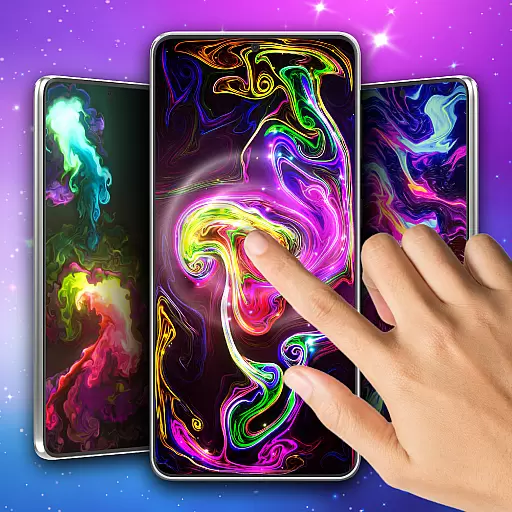
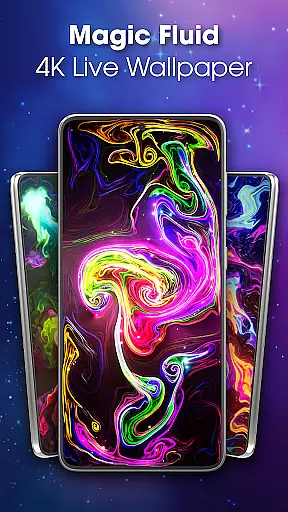
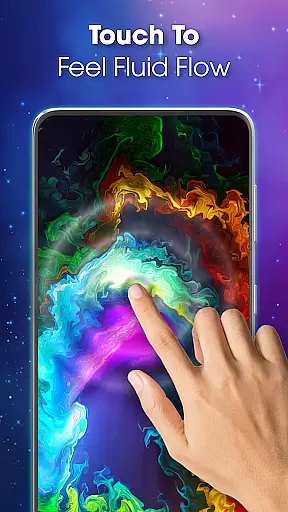
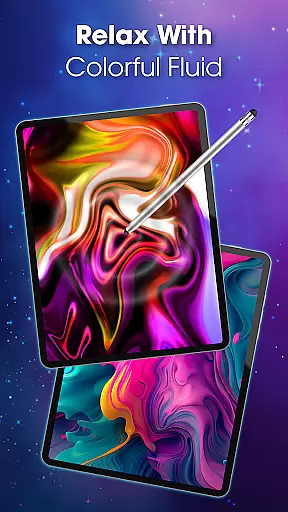
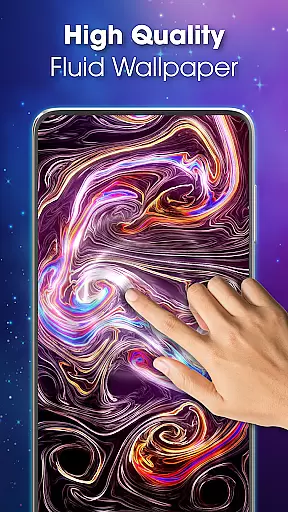
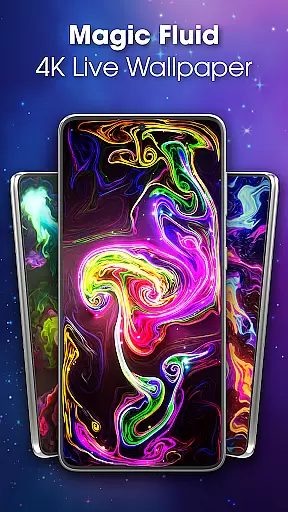
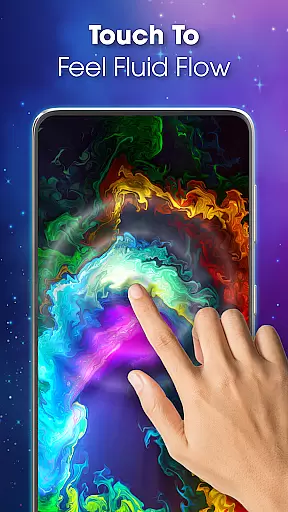
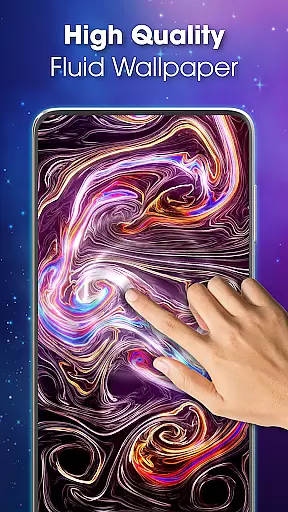
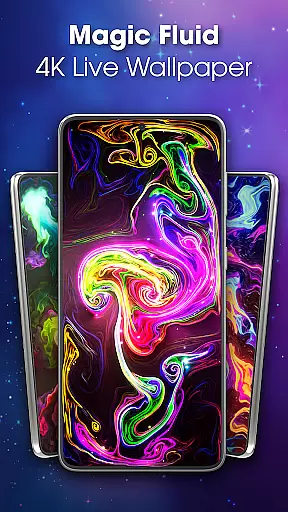
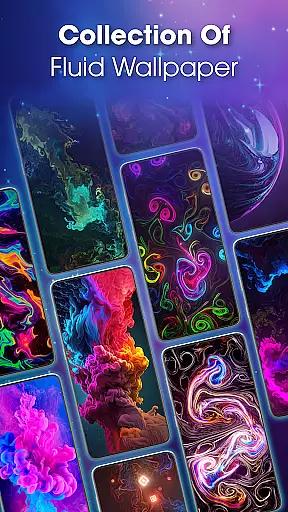
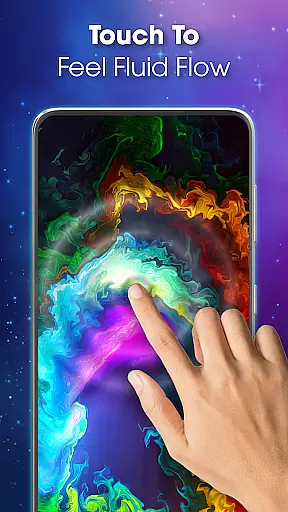
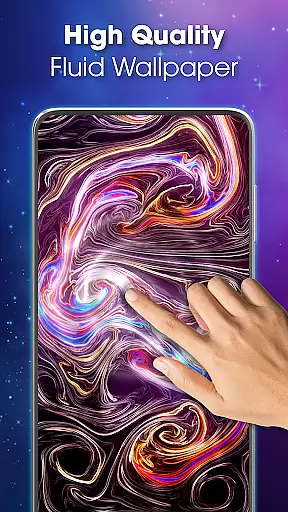
Magic Fluid Live Wallpaper 4D is an innovative personalization app that transforms your device's screen into a mesmerizing canvas of fluid animations. This app offers users the ability to interact with colorful, flowing designs that react to touch and movement.
With its 4K quality wallpapers and customizable features, you can tailor each animation to match your mood or style. The app provides both aesthetic appeal and relaxation through its smooth, interactive magic fluid simulations. Whether for personal enjoyment or creative inspiration, this wallpaper app enhances your digital experience.
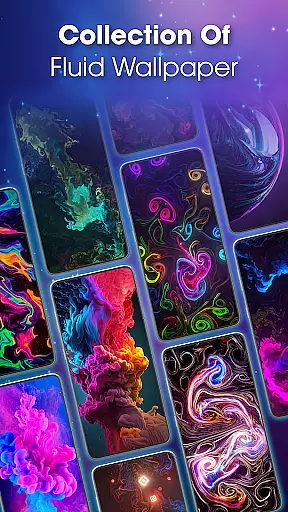
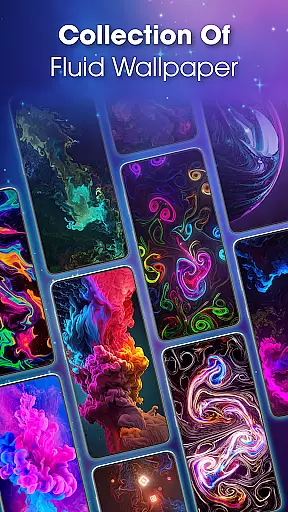
The Magic Fluid Live Wallpaper 4D app boasts a range of impressive features designed to enhance user interaction. One key feature is the extensive gallery of high-quality, interactive wallpapers that come in various themes such as abstract art and nature-inspired designs.
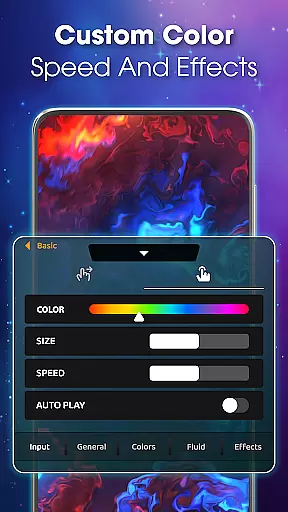
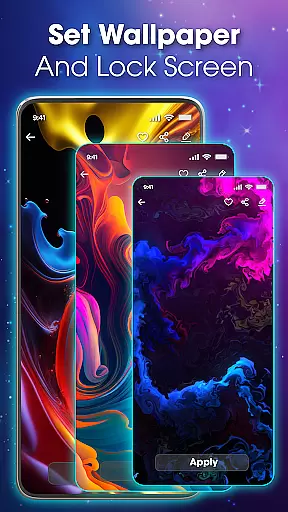
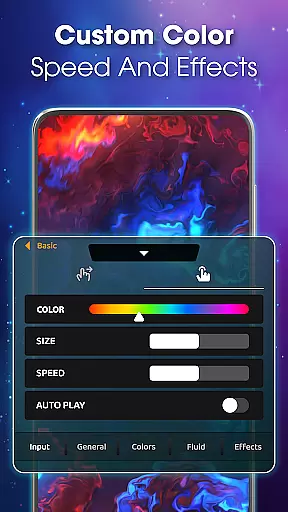
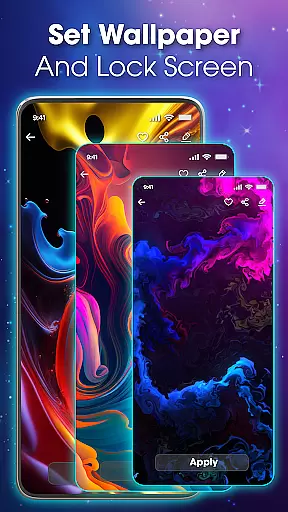
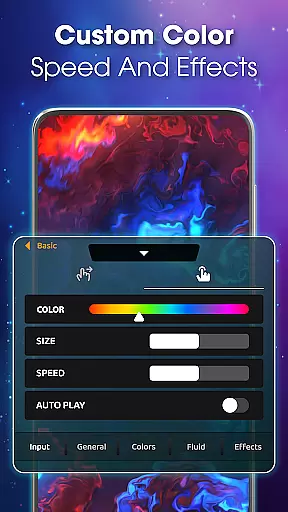
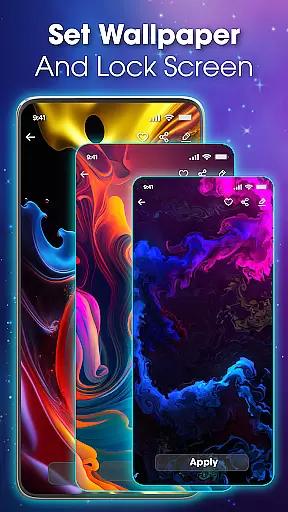
Users can customize their own live wallpapers by adjusting color schemes, flow speeds, and special effects. The app also allows setting these dynamic wallpapers on both home screens and lock screens with ease. Its interactive capabilities provide not only visual pleasure but also serve as a tool for relaxation through engaging with the fluid animations.
Magic Fluid live wallpaper 4D offers a rich array of customization options that allow users to tailor their device's appearance to match their personal style. With the ability to modify color schemes, flow speeds, fluid dynamics, and special effects, this app provides an extensive toolkit for personalization.
The app stands out by enabling users to create their own interactive magic fluid wallpapers. This feature ensures that each user can design a unique interface that reflects their mood and preferences on any given day. The level of control over the aesthetics of the live wallpaper is both comprehensive and user-friendly.
Users will appreciate how these customization features contribute not only to the visual appeal but also to the functionality of their devices. By choosing from a gallery of 4K quality interactive wallpapers or crafting something entirely new, individuals can achieve a personalized computing experience that is both engaging and expressive.
Theme compatibility in Magic Fluid live wallpaper 4D ensures that users can enjoy a seamless integration with their deviceu2019s existing themes. Whether you prefer abstract art, nature-inspired designs, or futuristic patterns, the app supports a wide range of styles, making it versatile for all tastes.
This application excels in providing high-quality fluid animations that are compatible with various theme settings. Users can preview their chosen fluid theme before applying it, ensuring satisfaction with the final look of their screen. This feature eliminates guesswork and enhances user experience by delivering exactly what is expected.
Moreover, setting a liquid fluid wallpaper as your main or lock screen is straightforward and hassle-free. With just a few taps, your selected theme becomes an integral part of your deviceu2019s interface, offering both beauty and ease of use. This compatibility enriches the overall aesthetic while maintaining operational simplicity.
User-friendly interface
High-definition animations
Variety of themes
Customizable options
Relaxation benefits
May drain battery faster
Consumes more memory
Limited free options
Potential performance issues
Not suitable for all devices

Make your phone look simple & luxury, like iDevice
 4.60
4.60
AI-powered Copilot. Personalized keyboard with gifs, stickers & themes
4.40
Add cute Shimeji pets to screen, interact with them and relax with cute motions
4.60
Wallpaper HD 4K Live - Thousands of high-quality Anime backgrounds for you.
4.80
Design your screen with unique, vibrant clocks
3.80
Crystal-clear, square icon provides a sleek and sophisticated visual upgrade
4.00
300+ Stunning and well-designed widgets inspired by NOTHING.
4.70
Fast SMS & group chat - use GIFs and emojis from your home screen launcher.
4.50
Install amazing sticker packs: endless styles, always cool.
4.70
Dark icon pack based on One 8
4.80
Stunningly Different look with Line Icons and Neon Colors
4.60
300+ widgets inspired by Material You and Material 3 expressive design.
4.60
Customizable screen pets that play, climb, and keep you company.
4.50 4.50
4.50 4.50
4.50
App Icon Changer & Shortcut Creator. Customize your icons without any watermarks
4.30
Transform your phone with stunning video wallpapers and a unique, personal touch
3.80
HappyLighting is a Bluetooth lamp control software.
3.40
Adorable pets roam and play right on your phone screen!
3.30


User Reviews