
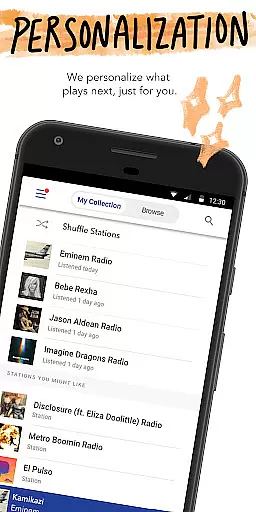
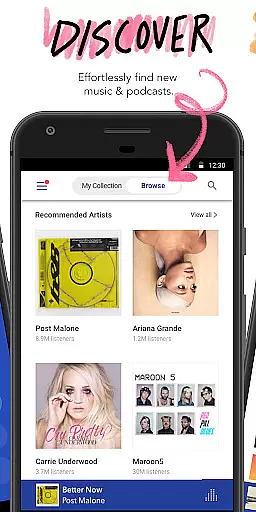
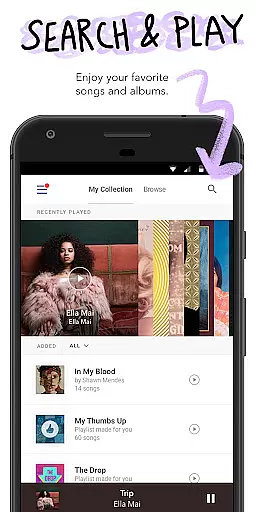
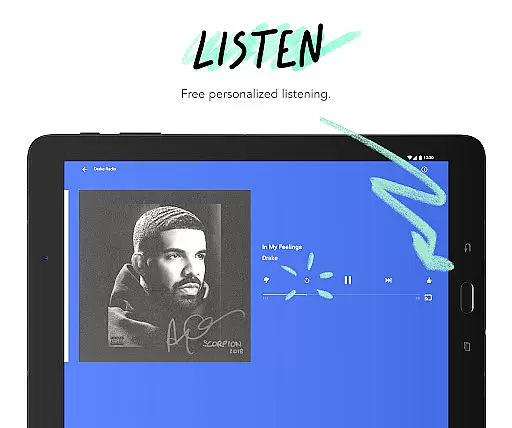
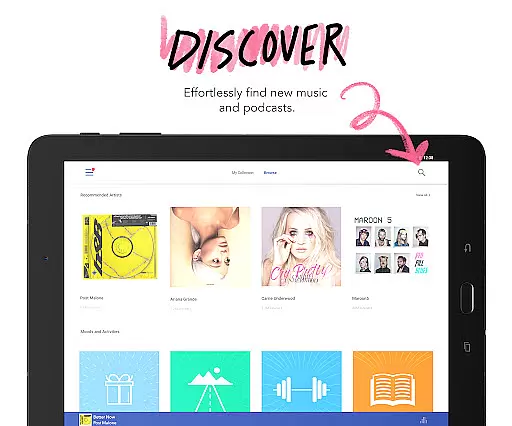
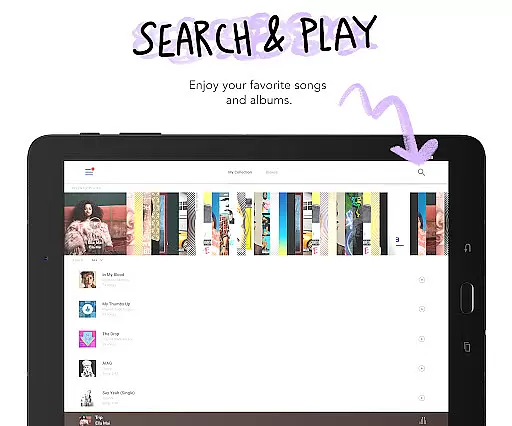
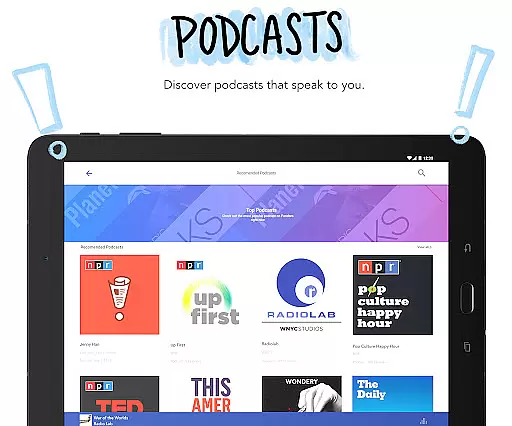

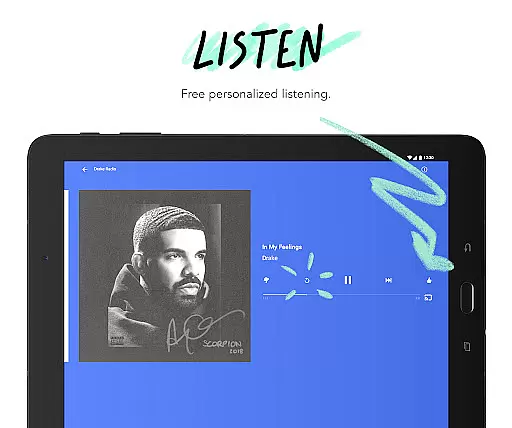
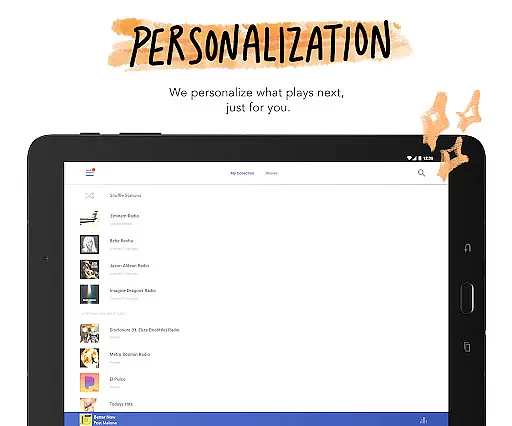
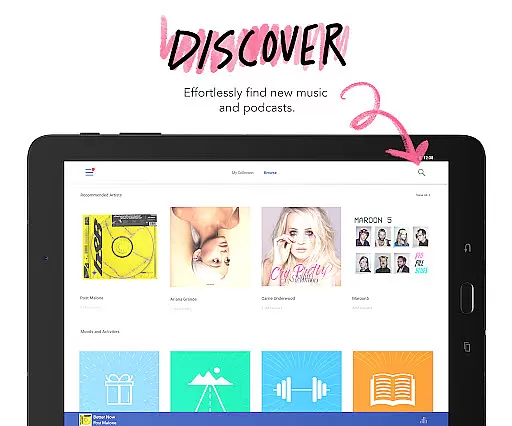
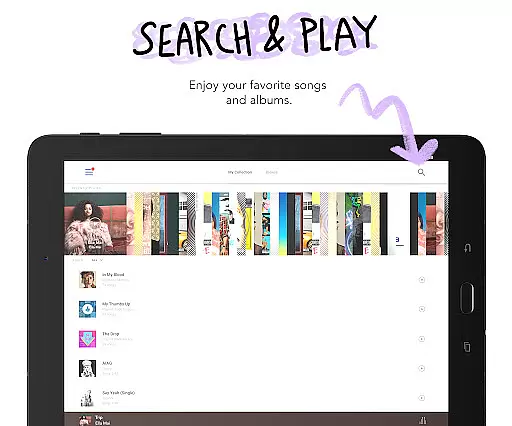
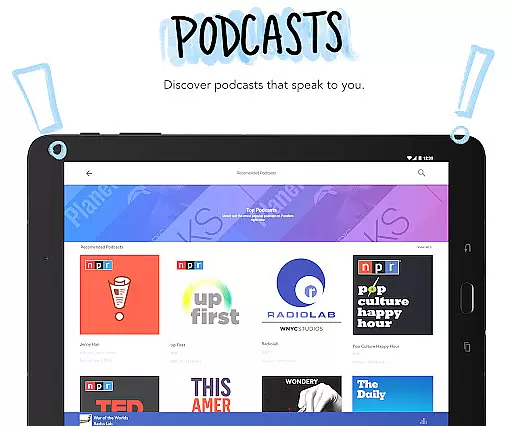

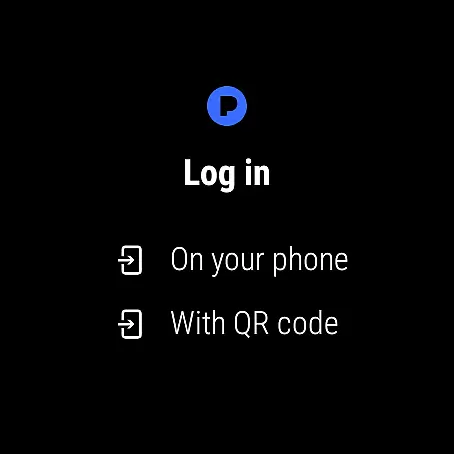

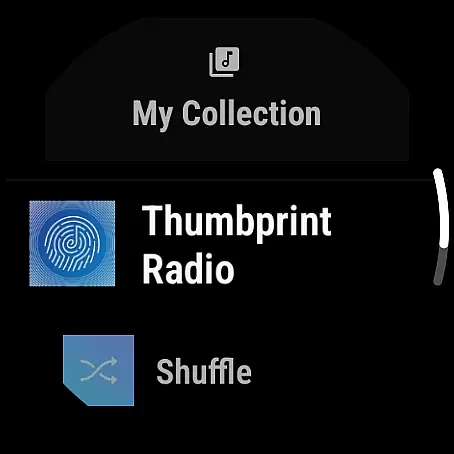

Pandora is a leading music streaming service that offers users a personalized listening experience on Android Wear devices. The app creates custom stations based on your favorite songs, artists, or genres while providing advanced discovery features like Podcasts and Pandora Modes. With seamless integration across platforms including Android Auto and Wear OS, it ensures you can enjoy music everywhere.
What sets Pandora apart is its sophisticated recommendation engine that evolves with your tastes. Whether you're commuting, working out, or relaxing at home, the app delivers tailored content that matches your mood and activities. Its voice mode feature allows hands-free control, making it perfect for smartwatches and car systems. For those seeking premium experiences, Pandora Plus and Premium subscriptions offer enhanced features like offline listening and ad-free playback.
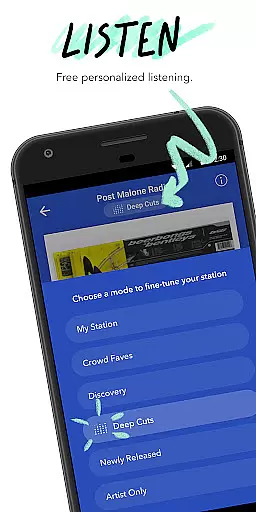
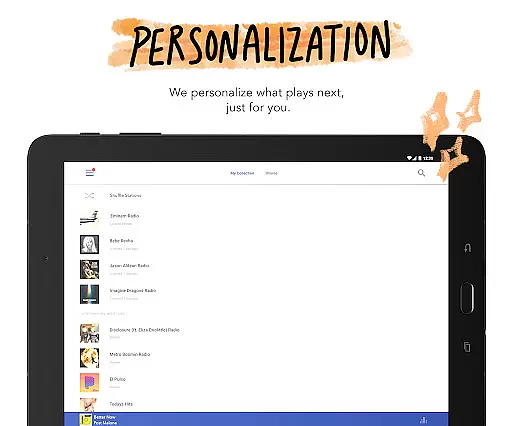
Pandora stands out with its powerful customization options designed specifically for wearable technology. Users can create personalized radio stations from their favorite artists or explore new content through curated recommendations. The introduction of Pandora Modes lets listeners adjust station styles - from deep cuts to crowd favorites - ensuring variety in every playlist.
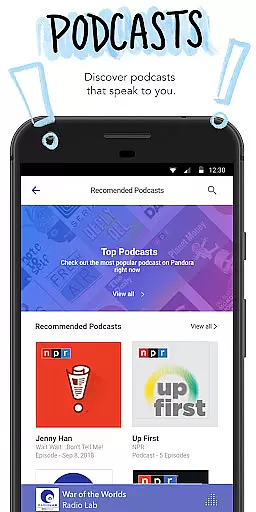
The app's compatibility with Android Auto and Wear OS makes it versatile for various scenarios, whether driving or exercising. Voice commands enable effortless navigation, allowing users to play, pause, skip tracks, and even adjust volume without touching their device. Additionally, podcast enthusiasts will appreciate Pandora's extensive library of shows, including exclusive SiriusXM content, all optimized for mobile and wearable use.
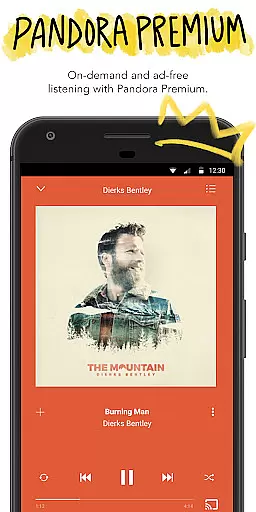
For subscribers, Pandora Premium and Plus tiers unlock additional benefits such as on-demand music, higher audio quality, and unlimited skips. These subscription plans cater to different user needs, offering flexibility between radio-style listening and fully interactive music exploration. Overall, Pandora combines cutting-edge personalization with broad accessibility across multiple devices.
Companion app integration is essential for a seamless user experience across multiple devices. Pandora excels in this area by ensuring that its Android Wear application works harmoniously with the main mobile app. This integration allows users to control music playback, view station information, and manage their listening experience directly from their smartwatch.
The implementation of voice commands further enhances this integration, enabling users to interact with Pandora hands-free. Whether it's playing a favorite station, adjusting the volume, or giving a thumbs up to a song, these actions can be performed effortlessly through simple voice prompts. This feature ensures that users remain engaged with Pandora's content without needing to reach for their phone.
For users, this means convenience and continuity. Whether commuting, exercising, or traveling, they can enjoy uninterrupted access to their personalized music stations. The ability to control playback from a Wear OS device also adds a layer of accessibility, making Pandora a versatile choice for those who value a connected lifestyle.
This level of companion app integration not only enhances user satisfaction but also encourages longer engagement times. By providing a cohesive ecosystem where users can transition smoothly between devices, Pandora solidifies its position as a leader in personalized music streaming.
Device compatibility is crucial for applications targeting wearable technology. Pandora's Android Wear app demonstrates excellent compatibility with various Wear OS devices, ensuring a broad user base can enjoy its features. This compatibility extends to different smartwatch models, maintaining consistent performance and functionality regardless of the hardware.
Pandora achieves this by optimizing its app to run efficiently on Wear OS, taking into account the varying screen sizes, resolutions, and processing capabilities of different devices. The app supports both Wi-Fi and cellular connections, allowing users to stream music even when their phone isn't nearby. This flexibility is particularly beneficial during activities like workouts or travel, where carrying a phone might be inconvenient.
Users benefit significantly from this compatibility. They can enjoy their favorite music and podcasts without worrying about device limitations. The assurance that Pandora will function reliably on their specific Wear OS device provides peace of mind and enhances overall satisfaction with the service.
By prioritizing Wear OS/device compatibility, Pandora not only expands its reach but also reinforces its commitment to delivering a high-quality, accessible music streaming experience. This dedication to compatibility helps maintain user retention and attracts new subscribers looking for a versatile audio platform.
Personalized music stations
Voice command support
Podcast recommendations
Offline listening option
Cross-device syncing
Limited free version
US-only availability
Data usage concerns
Occasional ads
Subscription cost

Diet tracker for weight loss - track calories, food and macros. Simple and easy!
 4.70
4.70
Wear Os Watch Face - Animated Snow Effect & Christmas Lights
4.0
Rose gold watch face with festive lights & customizable features.
4.60
A heartwarming Christmas scene featuring a cute image of Santa and Rudolf
4.2
Watch face designed for Thanksgiving Day. 7 Background Styles included.
3.20
Bold, Modern Hybrid Watch Face for Wear OS. 10 Colors, Rich Info Display.
4.30
Stay in touch with your friends and family using LINE!
3.40
Hyper-Realistic Airplane Dashboard Watch Face With 10 Skins and Custom AOD
4.00
A modern hybrid informative watch face for Wear OS designed by BALLOZI
4.80
Christmas - Festive - Christmas Village - Winter - Christmas lights
5.00
Real-time weather radar with temperatures, warnings, hurricanes, and widgets
4.80
The most customizable minimal watch face. For Wear OS 5.0, API 34+ and later
4.70
Reliable phone calls with spam protection, caller ID and more helpful features
4.40
Bold weather Digital watchface with forecast & optional animated background
4.40
Elegant animated Christmas tree with multiple customization options
4.20
Animated video-game inspired “secret agent” simulation, right on your wrist!
4.20
Snowflake Rose Gold Watch Face - Digital, modern, & sleek with GYRO effect.
4.10
sleep, alarm, snoring, stress, healing, focus, sound therapy, circadian rhythm
4.10
Get helpful reminders, take progress photos and find answers to your questions.
3.90


User Reviews