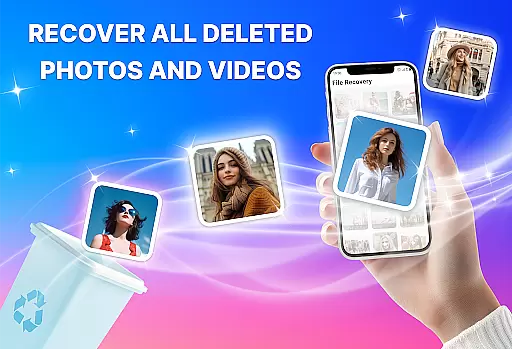
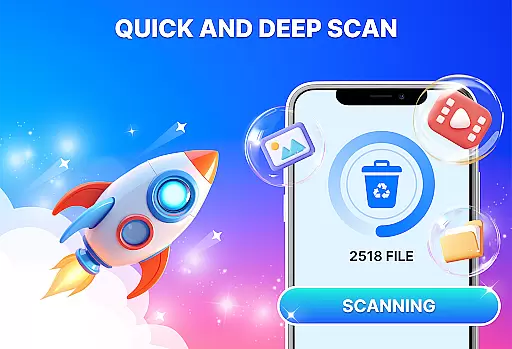
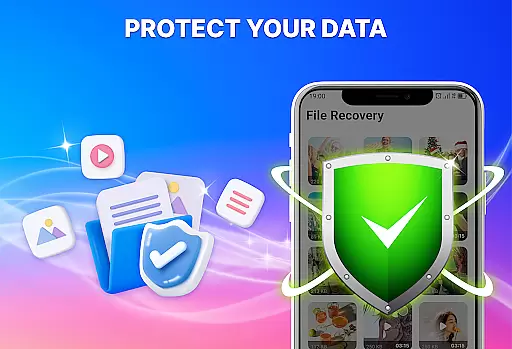
Photo Recovery, All Restore is a powerful data recovery tool designed to help users retrieve lost or deleted files with ease. This app specializes in recovering photos, videos, and documents that may have been accidentally erased or lost due to system errors.
The application offers an intuitive interface that simplifies the recovery process, making it accessible even for non-technical users. Whether you're looking to restore cherished memories from family events or recover important work-related documents, this app provides a reliable solution. Its deep scanning technology ensures comprehensive searches across your device, retrieving files in their original quality.
With support for multiple file formats including JPG, PNG, MP4, PDF, DOCX, and ZIP, Photo Recovery, All Restore caters to a wide range of needs. It's particularly beneficial for photographers, content creators, and professionals who rely heavily on digital media and documentation.
Photo Recovery, All Restore stands out with its robust feature set tailored for efficient data retrieval. One of its key capabilities is the ability to restore deleted photos and videos in high resolution, ensuring that precious memories are recovered without loss of quality.
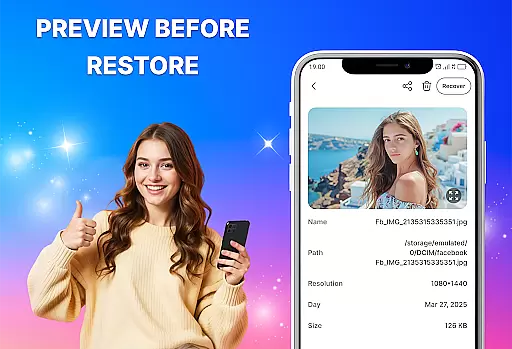
In addition to media files, the app supports the recovery of various document types, making it an all-in-one solution for different data loss scenarios. The Deep Scan feature dives deep into your device’s storage to locate files that standard scans might miss, providing thorough results even for items deleted long ago.
Security and privacy are prioritized, as the app ensures that your data remains protected throughout the recovery process. With fast scanning speeds and accurate recovery outcomes, Photo Recovery, All Restore delivers professional-grade performance right at your fingertips.
At the heart of Photo Recovery, All Restore lies its ability to accurately and effectively retrieve lost data. This app specializes in recovering deleted photos, videos, and documents with professional-grade precision. Its advanced scanning technology ensures that every corner of your device is checked, even for files deleted long ago.
The app supports multiple file formats including JPG, PNG, MP4, PDF, DOCX, and ZIP, making it a versatile tool for comprehensive data recovery. Whether you're a photographer needing to restore high-resolution images or a content creator retrieving video projects, this app delivers consistent and reliable results.
Users benefit from the app's deep scan feature, which provides fast and accurate outcomes. The efficient recovery process saves time and effort, ensuring that precious memories and important files are brought back with their original quality intact. This reliability makes Photo Recovery, All Restore an indispensable tool for anyone who values their digital content.
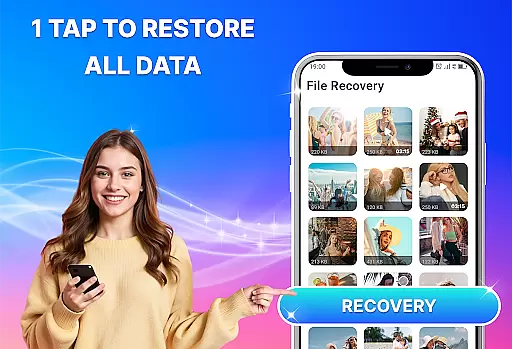
Photo Recovery, All Restore boasts a user-friendly interface designed for ease of use. With a straightforward layout, users can navigate through the app effortlessly, initiating scans and recovering files without any technical expertise. This intuitive design ensures that even those unfamiliar with data recovery tools can utilize the app effectively.
The app's commitment to simplicity extends to its fast file recovery process. Users can retrieve their lost data quickly, thanks to the streamlined steps and efficient processing. This focus on speed and clarity enhances the overall user experience, eliminating unnecessary complexity.
Furthermore, the app ensures safety and privacy during the recovery process. By protecting user information and employing secure restoring methods, Photo Recovery, All Restore maintains a safe environment for data retrieval. This combination of intuitive design, swift operation, and security makes the app a trusted choice for all your recovery needs.
User-friendly interface
Fast file recovery
Supports multiple formats
Deep scan capability
Secure data restoration
Limited free features
Premium version required
Occasional slow performance
Ads in free version
Large app size

 4.50
4.50
Remote for Roku, Fire TV, Samsung TV, LG TV, Android TV, Chromecast and VIZIO TV
4.20
Family Locator, Share location, StayConnect with your family in real time
3.90
App that Recover your pictures, videos or files after you delete them.
4.20
Keep track of your Palia friendships, tasks, and inventory with Palia Notebook
4.60
card-reader app
2.20
Mirror your screen to Fire TV - Super fast and simple
4.40
The Ultimate Flex Drivers Utility App - Convenient Tapping & Block Filters
4.70
Remote Play with FSR upscaling, low latency & full controller support
4.80
Powerful collection of electronics tools and reference.A must for any enthusiast
4.90
WiFi Signal Strength Meter help you detect WiFi Signal Strength in real time.
4.80
Bedrock Together: Join any bedrock server on Xbox/PS
4.80
NFC Tools can read and write NFC tags.
4.70
eXtended Permission Manager - a small app to manage permissions and AppOps
4.50
Screen Mirroring for Roku Sticks, Roku TCL TV and Roku Hisense TV
4.50
An easy-to-use calculator designed to save time calculating and bending conduit
4.30
Just one-tap to easy translate in any language after calls within seconds.
4.20
Carry a FTP server in your pocket and avoid USB cables for file transfer
4.20
A non-root local ADB shell client. READ BELOW!
3.40


User Reviews