
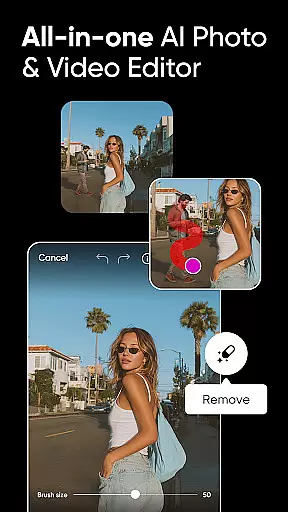



Picsart AI Photo Editor, Video is a comprehensive design studio that combines professional-grade tools with cutting-edge artificial intelligence. This app allows users to create stunning visuals for both personal and business purposes, offering features like Background Remover, AI-powered photo and video editing, and customizable templates.
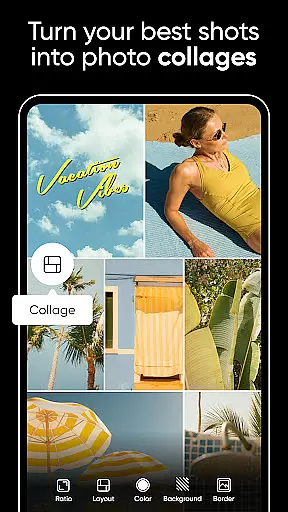
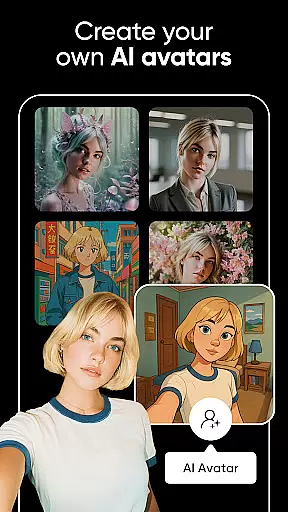
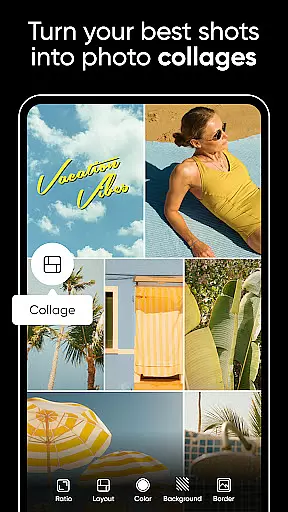
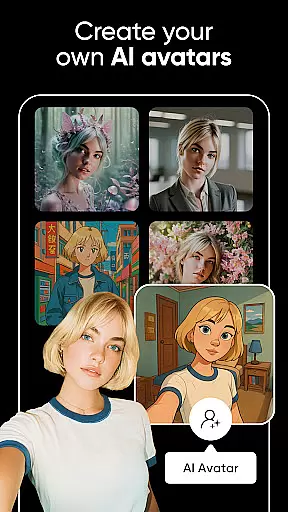
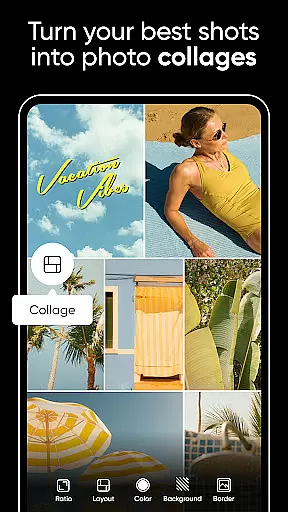
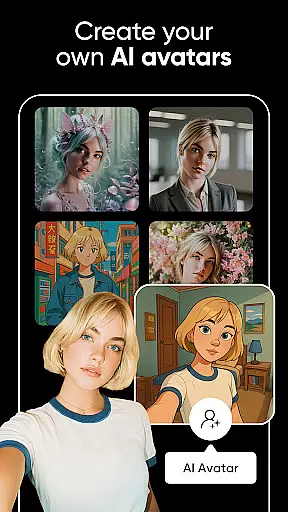
With Picsart, users can seamlessly edit photos and videos, generate AI avatars, and produce creative content such as collages and mood boards. The intuitive interface caters to everyone from casual creators to professional designers, making it an ideal choice for anyone looking to enhance their visual storytelling capabilities.
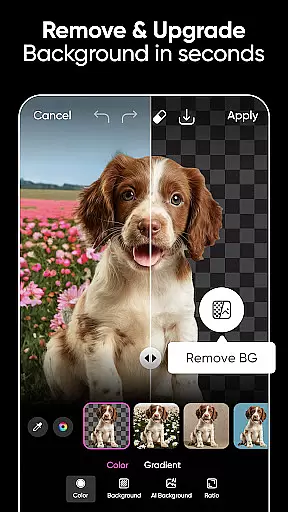
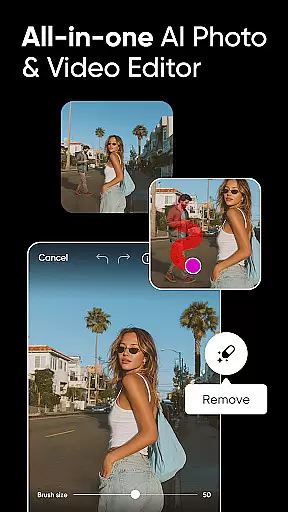
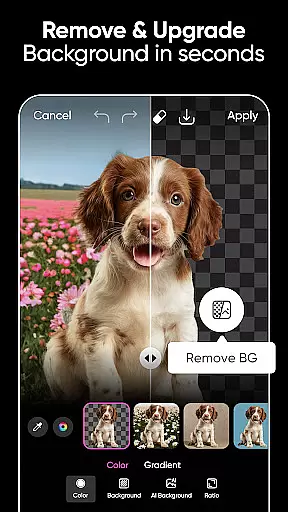
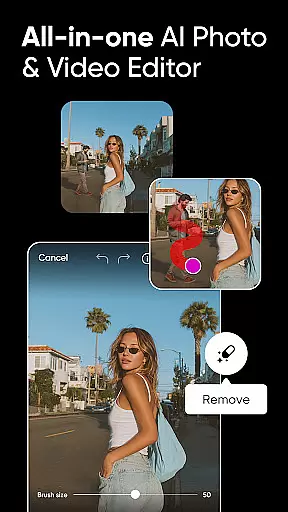
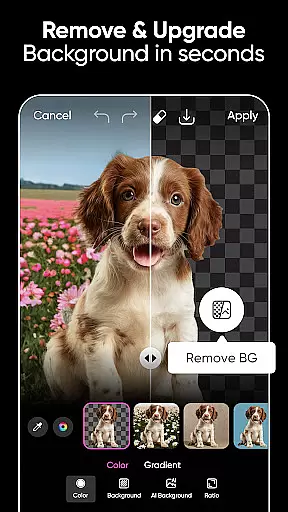
Picsart stands out with its robust suite of AI-driven tools that simplify complex design tasks. The Background Remover tool uses advanced algorithms to help users create professional-quality product shots by easily switching scenes or merging suitable backgrounds.
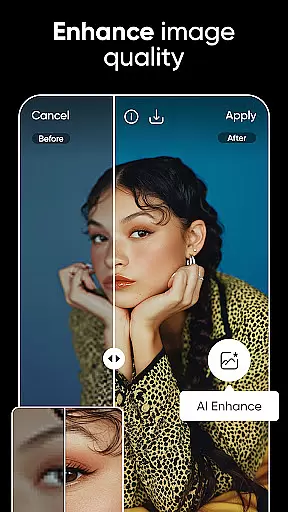
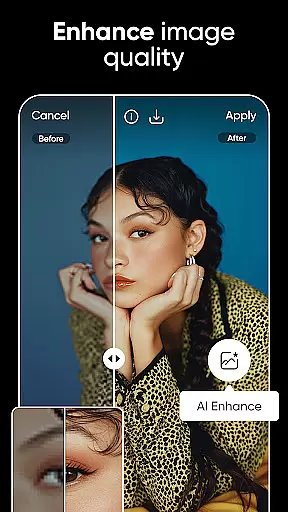
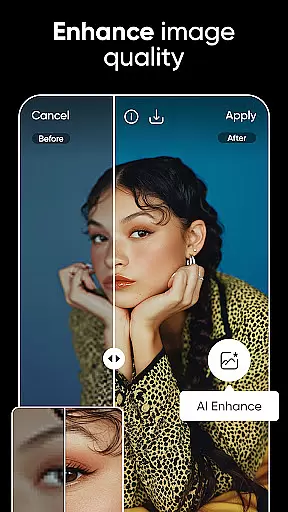
The app's AI features include AI Enhance for improving low-quality images, AI Replace for transforming images with face swaps and hair color changes, and AI Image Generator for creating customizable images and GIFs. These tools enable users to push the boundaries of creativity while maintaining ease of use.
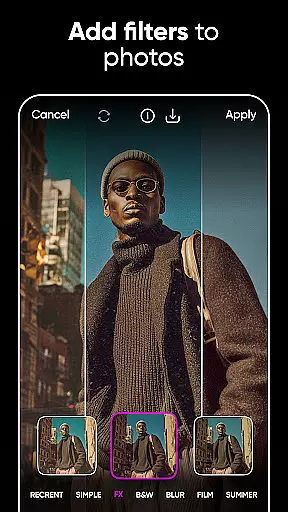
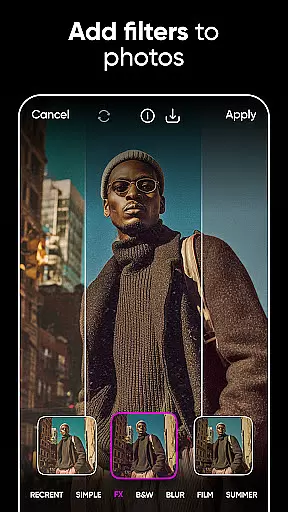
In addition to photo editing, Picsart offers powerful video editing capabilities, allowing users to create engaging videos with music, trendy filters, and text overlays. With access to millions of stickers and fonts, users can further personalize their creations, ensuring each piece is unique and expressive.
Real-time capture and preview functionality is essential for any photography app as it allows users to see exactly what the camera sees before taking a shot. This ensures that the framing, lighting, and composition are all perfect before capturing the moment.
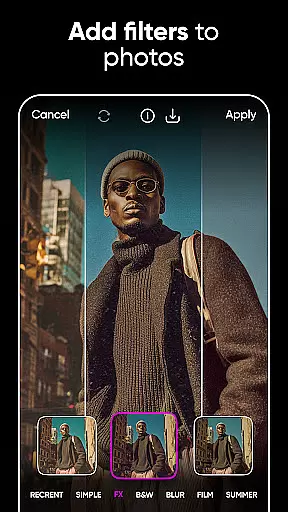
Picsart AI Photo Editor offers an intuitive real-time capture experience with its advanced camera interface. Users can leverage live filters and effects to visualize changes instantly, ensuring that each photo aligns with their creative vision without needing post-production adjustments.
The benefit of this feature is significant for users who want to produce high-quality images directly from their mobile devices. By offering real-time previews, Picsart empowers creators to make instant decisions, thus enhancing their workflow efficiency and allowing them to focus more on creativity rather than corrections.
This seamless integration of real-time editing capabilities not only elevates user satisfaction but also sets Picsart apart in the competitive landscape of mobile photography applications by providing professional-grade tools at users' fingertips.
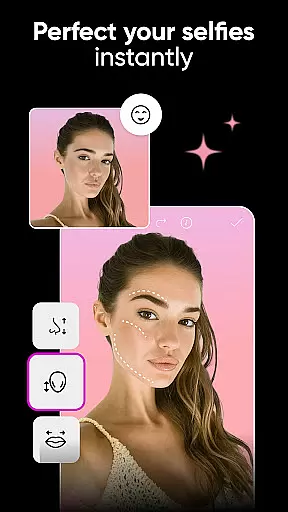
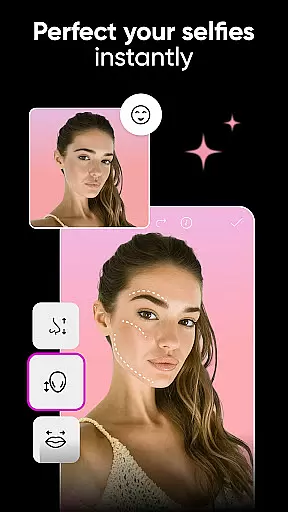
AI beauty and enhancement features have become pivotal in modern photo editing, allowing users to refine and beautify images while maintaining natural aesthetics. The challenge lies in ensuring these enhancements look genuine and do not distort the original essence of the photograph.
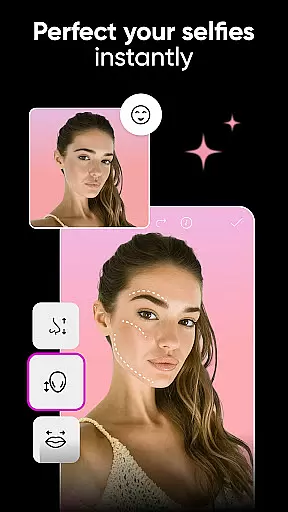
Picsart incorporates sophisticated AI algorithms within its beauty and enhancement suite, enabling users to apply skin smoothing, teeth whitening, and other cosmetic adjustments with precision. These AI-driven tools intelligently detect facial features and apply enhancements that preserve authenticity, avoiding the over-processed look often associated with digital retouching.
Users benefit greatly from this technology as it allows them to achieve polished yet realistic results effortlessly. Whether preparing images for social media or professional portfolios, Picsart's AI ensures every edit enhances natural beauty without compromising image integrity.
By focusing on naturalness in AI enhancements, Picsart delivers a superior editing experience that meets both amateur and professional standards, reinforcing its reputation as a comprehensive design studio right on your mobile device.
User-friendly interface
Advanced AI tools
Versatile design options
Extensive template library
Cross-platform functionality
Some features require subscription
Occasional ads in free version
High storage usage
Limited offline capabilities
Learning curve for beginners

Cut and paste photo editor & eraser to customize photos easy and swap faces fun
 4.50
4.50
All-in-One Editor & AI Photo Enhancer, Collage, Cartoonify, Funny Stickers & BGS
4.10
Edit like a pro with Hypic. Apply filters, AI effects, & magic touch.
4.40
Photo editor: AI filters, photo enhancer, pic collage maker, AI art generator.
4.80
Superimpose one photo on top of another using the original Superimpose app!
3.20
See your baby AI baby face generator AI baby maker Face generator babymaker fun!
4.70
AI-powered video creator by MiniMax - Where ideas meet cinema
4.20
Catch sunlight, sunrise sunset times and sun phases with the AR sun tracker.
4.10
Unlock the full potential of your DJI drone with Litchi
4.50
Create funny photos and videos with the popular Time Warp Scan filter.
4.90
1M influencer's special filter
4.60
Viewfinder, Light meter, Reciprocity failure time, DOF & Bellows Extension
4.60
Enhance, retouch & create your story - Share the moment with Photoshop Express.
4.60
Photo editor & gallery. Crop pictures & edit photos offline, no wifi!
4.50
Smart, light, and fast photo and video gallery
4.30
What celebrity do you look like? Celebs will find your celebrity match!
4.10
Raw Image Viewer. Gallery with support of raw images (.cr3, .cr2, .nef, .raf).
2.00
Remote control the phone camera shutter from your smartwatch and take a picture
1.60
HD Photo gallery and photo manager to edit, hide private photos, videos & albums
4.5


User Reviews