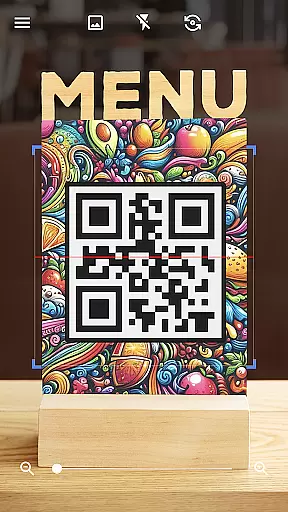
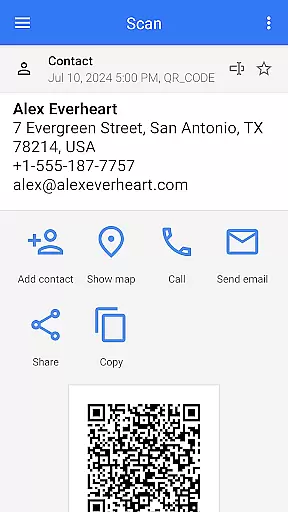
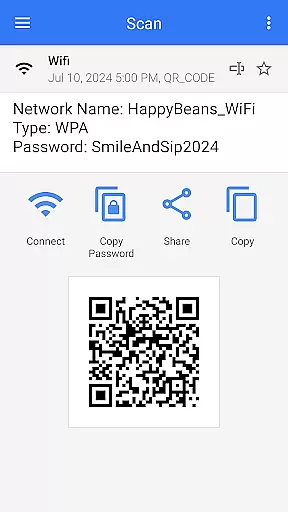
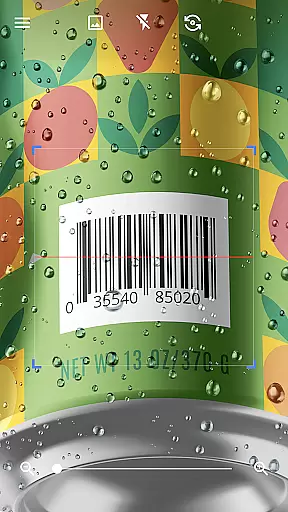
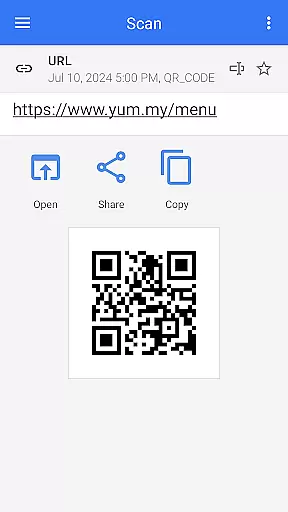
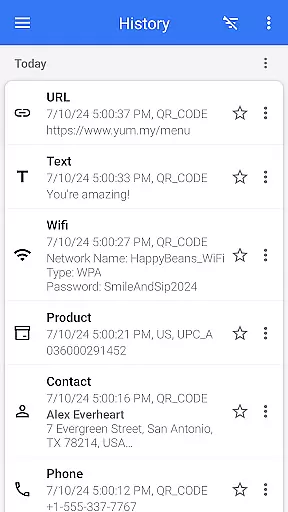
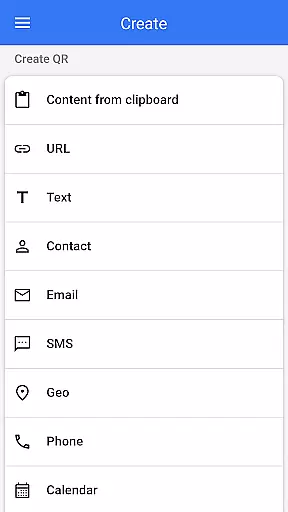
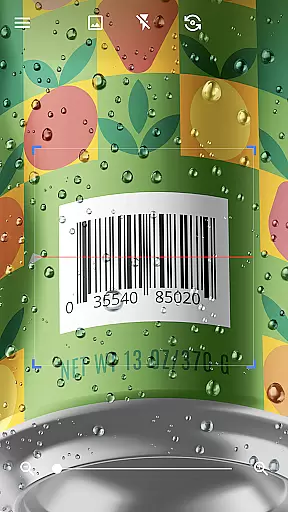
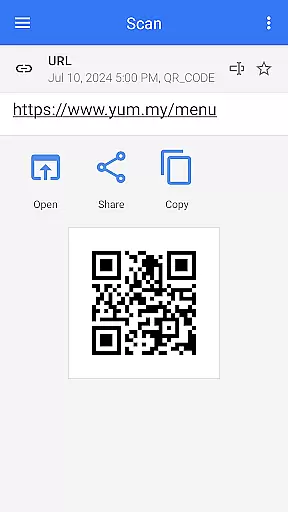
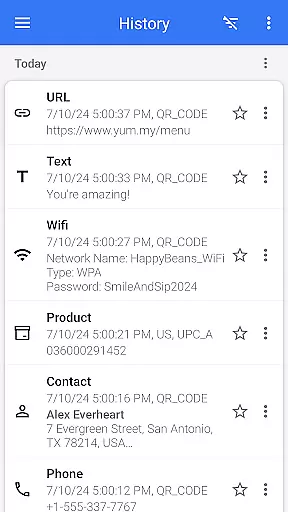
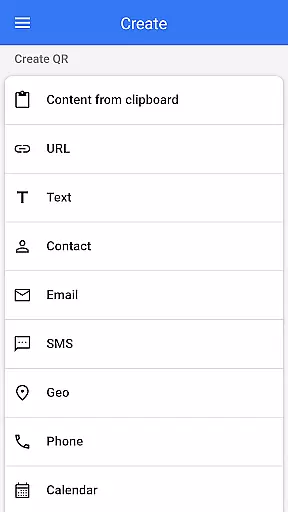
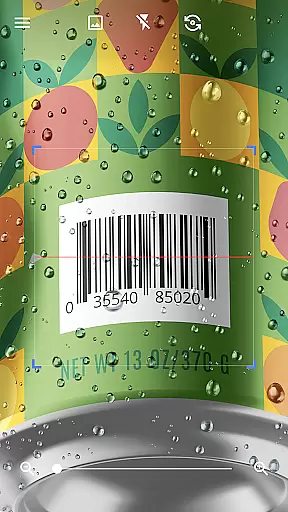
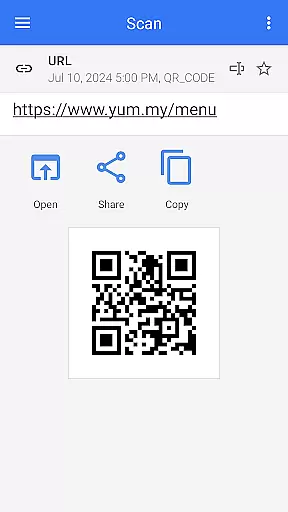
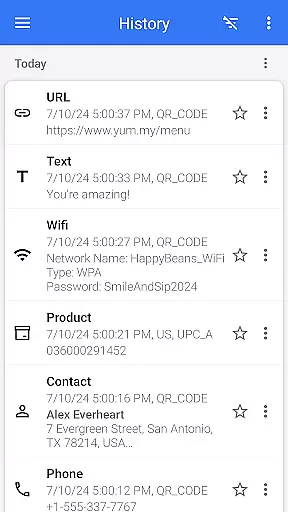

QR & Barcode Scanner is a versatile tool designed for Android users, offering both scanning and generating capabilities for QR codes and barcodes. This app stands out with its quick scan feature that automatically detects and decodes various types of QR codes and barcodes without the need for manual input. Whether you're looking to access information, compare prices, or connect to Wi-Fi networks, this app provides a seamless experience.
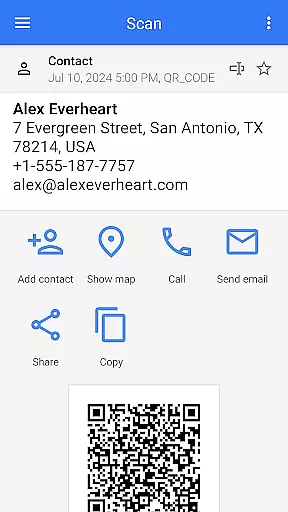
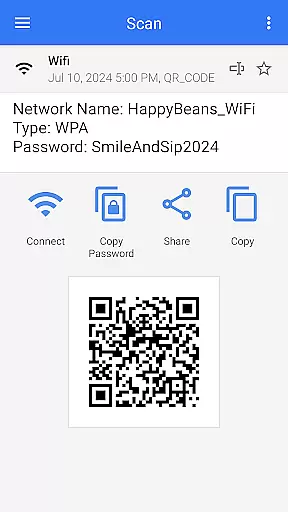
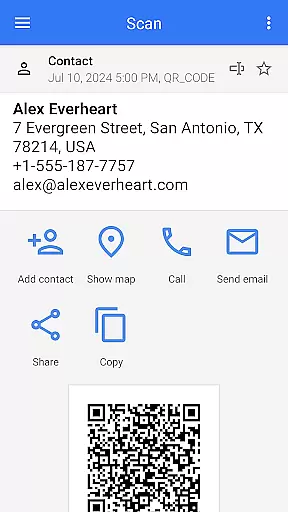
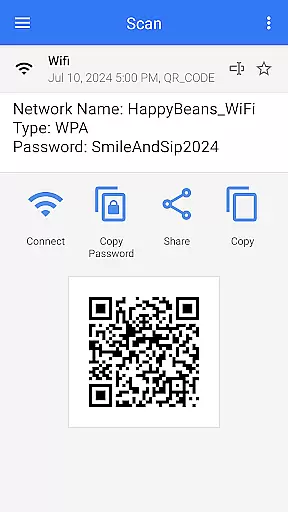
Beyond basic scanning, QR & Barcode Scanner supports an array of formats including text, URLs, ISBNs, product details, contacts, calendar events, emails, locations, and Wi-Fi credentials. Its comprehensive functionality extends to creating QR codes, scanning from images or galleries, sharing contact info via QR, and even batch scanning multiple codes at once. With additional features like flashlight support for low-light conditions and pinch-to-zoom for distant codes, it ensures usability in any scenario.
The app's value lies in its ability to simplify daily tasks through technology. Users can save money by comparing prices, enjoy convenience by quickly accessing information, and enhance productivity with batch operations. The inclusion of customization options such as themes and dark mode further enriches the user experience, making QR & Barcode Scanner an indispensable tool for modern living.
QR & Barcode Scanner boasts an impressive range of features that cater to diverse user needs. One standout aspect is its dual capability as both a scanner and generator, allowing users not only to decode but also to create QR codes effortlessly. The app's automatic scanning function eliminates the need for manual adjustments, providing a fluid and intuitive experience whether you're scanning a single code or utilizing the batch scan mode for multiple codes simultaneously.
In addition to standard scanning, the app offers specialized functionalities such as scanning from images or galleries, sharing content directly from other apps, and generating QR codes from clipboard content. These features are complemented by practical tools like flashlight activation for dim environments and pinch-to-zoom for distant codes, ensuring adaptability across different scenarios. Furthermore, the ability to export scan results as .csv or .txt files and import .csv data enhances its utility for professional use.
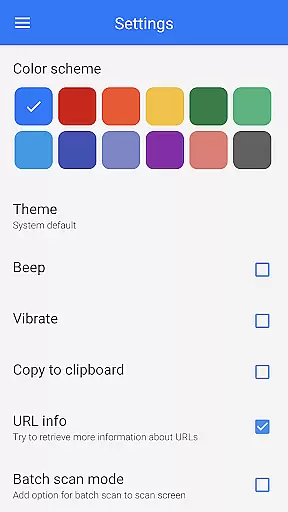
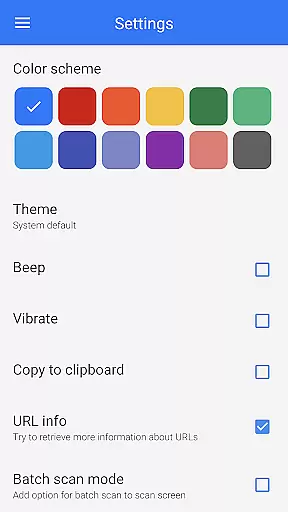
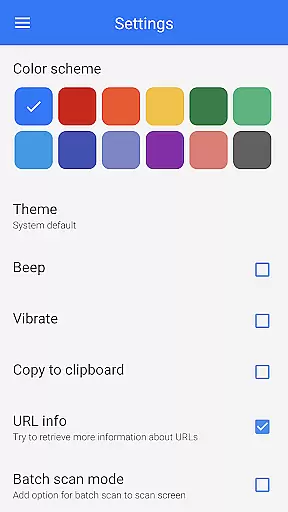
Each feature within QR & Barcode Scanner is designed to maximize efficiency and convenience. For instance, the app's support for various formats—including text, URLs, and Wi-Fi credentials—ensures broad applicability, while customizable settings like themes and dark mode allow personalization according to individual preferences. Overall, these robust features make QR & Barcode Scanner a powerful ally in managing digital interactions effectively.
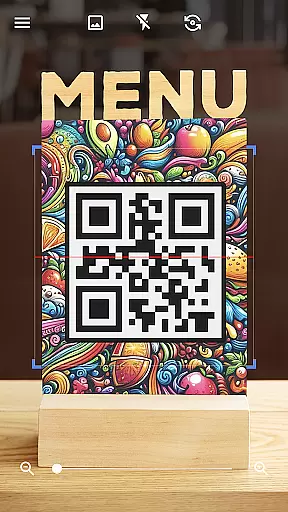
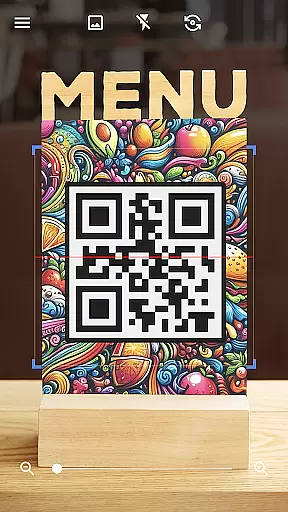
QR & Barcode Scanner stands out for its exceptional core functionality, which centers on the accurate and efficient scanning of QR codes and barcodes. This app employs advanced scanning technology that automatically detects and decodes various types of codes without the need for user intervention such as pressing buttons or adjusting zoom.
The application's effectiveness is highlighted by its ability to swiftly scan and decode a wide array of QR code and barcode formats. Whether it's text, URLs, ISBNs, product details, or even Wi-Fi information, users can expect reliable performance that facilitates appropriate actions based on the scanned data. The speed at which this process occurs ensures minimal wait times, making it an indispensable tool for both personal convenience and business operations.
For users who require more than just scanning capabilities, the app also doubles as a QR code generator. By entering desired content, individuals can create their own QR codes with ease, expanding the utility beyond mere scanning to include sharing information like contact details or promotional materials through generated codes.
The interface design of QR & Barcode Scanner emphasizes simplicity and intuitiveness, ensuring that users of all technical backgrounds can operate the app with ease. Upon launching the application, users are greeted with a straightforward layout that requires no extensive learning curve to master, allowing them to start scanning almost immediately after installation.
With features like automatic scanning upon pointing the camera at a code, there's no need for additional input from the user, streamlining the entire scanning process. Moreover, practical functions such as flashlight activation for low-light conditions and pinch-to-zoom for distant codes further enhance usability without complicating the interface.
Beyond basic scanning, the app offers intuitive options for more advanced tasks such as batch scanning multiple codes at once, exporting scan results in .csv or .txt formats, and customizing the appearance with themes including dark mode. These features are seamlessly integrated into the user experience, providing powerful tools while maintaining an uncluttered and accessible interface.
User-friendly interface
Fast scanning capability
Versatile format support
Customizable settings
Free to use
Limited iOS compatibility
Occasional ads
No cloud sync
Basic design
Large file size

A convenient photo, video, and file recovery tool.
 4.00
4.00
Connect instantly to a fast, encrypted VPN with one tap
4.60
Remote for Roku, Fire TV, Samsung TV, LG TV, Android TV, Chromecast and VIZIO TV
4.20
An easy-to-use calculator designed to save time calculating and bending conduit
4.30
Best leveling tool for your Android device. Hang paintings like a pro.
4.90
A non-root local ADB shell client. READ BELOW!
3.40
With videos, electrical calculators, and built-in ebook, Ugly’s has your answer.
4.50
Screen Mirroring for Roku Sticks, Roku TCL TV and Roku Hisense TV
4.50
Create your own custom widget with endless possibilities
3.90
Connect wirelessly to your computer to watch movies, browse the web, play games
5.00
Powerful collection of electronics tools and reference.A must for any enthusiast
4.90
Creation, Learning, Entertainment & More — The All-in-One AI Search Engine
4.70
The Ultimate Bluetooth Keyboard & Mouse. Securely control your PC, Mac, and more
4.50
Universal TV remote control all TVs, Roku, LG, Samsung, Fire, Vizio, Sony, TCL.
4.40
App that Recover your pictures, videos or files after you delete them.
4.20
View detailed information about your Nissan Leaf the dealer never shows you.
4.10
A simple app to back up and restore SMS & MMS messages and call logs.
4.10
Unleash gamepad precision for ultimate mobile gaming dominance.
3.90
Clean the junk files on your device
3.40


User Reviews