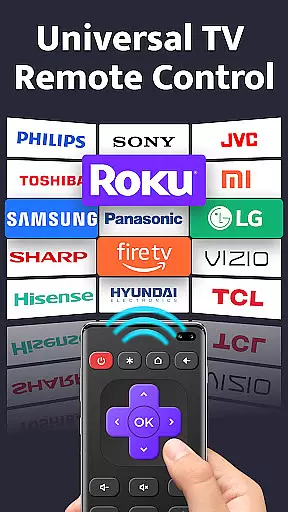
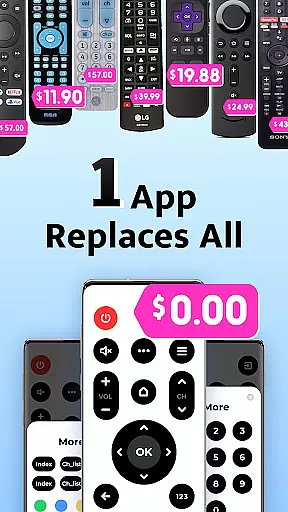
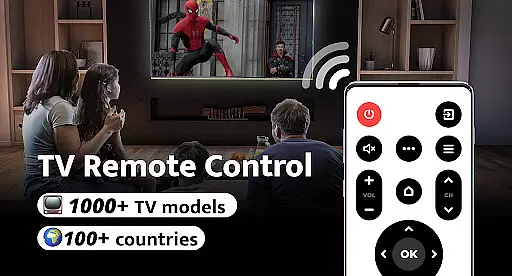
Remote Control for TV is a universal remote control application designed to replace traditional TV remotes. It supports over 1000 TV models across more than 100 countries, making it an all-in-one solution for controlling your television. The app offers essential functions such as power control, volume adjustment, channel switching, and navigation, ensuring a seamless user experience.
This tool is particularly useful for those who frequently misplace their remotes or deal with drained batteries. By utilizing the built-in IR blaster on your smartphone, you can easily manage your TV without the need for multiple remotes. Its intuitive interface and easy setup make it accessible for users of all major TV brands, including Samsung, LG, and Sony.
The Remote Control for TV app not only simplifies your living room setup but also enhances convenience by integrating various remote functions into one device. This makes it an ideal choice for streamlining home entertainment systems and improving overall user satisfaction.
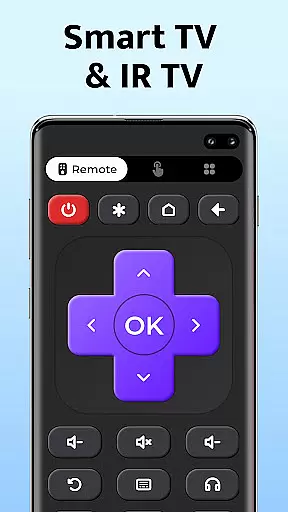
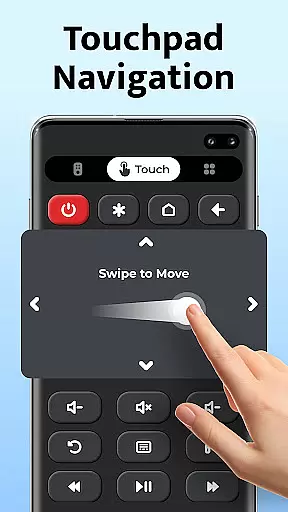
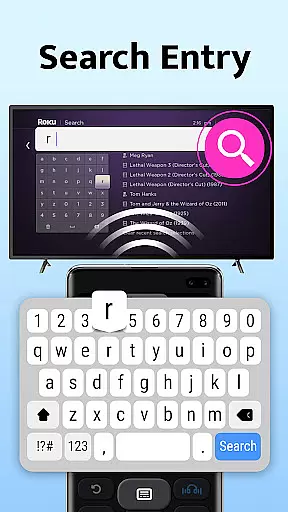
Remote Control for TV boasts a range of features that cater to diverse user needs. One of its standout capabilities is the comprehensive control it offers over TV functions. Users can effortlessly manage power settings, adjust volume levels, switch channels, and navigate menus through an intuitive touch interface. Additionally, the app includes dedicated buttons for digits, mute options, and AV/TV mode switching, providing a complete remote control experience.
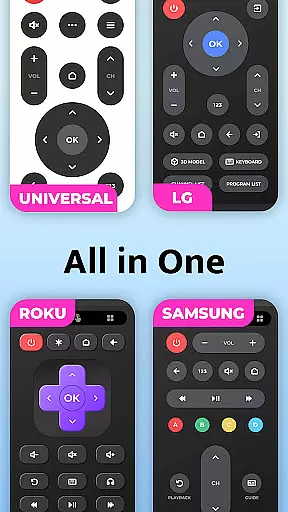
Another significant feature is its compatibility with numerous TV brands, including popular names like Roku, Samsung, and Panasonic. The app's broad support ensures that users from different regions and with varying TV models can benefit from its functionality. Furthermore, the straightforward setup process allows users to connect to their TVs with just a single click, eliminating the hassle often associated with configuring new devices.
Remote Control for TV also emphasizes user experience through its simple and clean design. The app's interface is crafted to be user-friendly, enabling even those unfamiliar with technology to operate it efficiently. With these robust features, the app positions itself as a versatile and indispensable tool for modern households looking to simplify their entertainment systems.
Remote Control for TV offers a comprehensive suite of core functions that ensure users can effectively manage their television experience. The app provides essential controls such as power, volume adjustment, mute, channel navigation, and even advanced options like AV/TV switching and menu navigation.
The effectiveness of these features is evident in the ease with which users can replace their traditional TV remotes. With support for over 1000 TV models across 100+ countries, this universal remote control app demonstrates impressive versatility and reliability. Its ability to work seamlessly with major brands like Samsung, LG, and Sony underlines its functional robustness.
For users, this translates into a streamlined and hassle-free interaction with their TVs. No more searching for misplaced remotes or dealing with unresponsive buttons. The app's one-click setup and user-friendly interface make it accessible even to those who may not be tech-savvy.
Ultimately, the Remote Control for TV app delivers tangible value by consolidating multiple remotes into a single, always-available solution on your smartphone. This convenience factor, combined with its broad compatibility, positions the app as an effective tool for modern living.
A standout feature of Remote Control for TV is its commitment to interface simplicity and intuitiveness. The app employs a clean layout where all primary functions are immediately accessible, ensuring that users can operate their TVs without any learning curve.
Each control button is designed for clarity and ease of use. From the prominent power button to clearly labeled volume and channel controls, the interface eliminates any guesswork. Even advanced features like menu navigation and AV/TV switching are presented in a straightforward manner.
This intuitive design extends to the setup process as well. Users simply select their TV brand and are ready to go, thanks to the app's one-click connection feature. Such thoughtful design choices significantly enhance the overall user experience.
By prioritizing simplicity and intuitive operation, Remote Control for TV ensures that users of all ages and technical backgrounds can confidently manage their television settings. This approach not only saves time but also reduces frustration, making daily TV interactions more enjoyable and efficient.
User-friendly interface
Wide brand compatibility
Comprehensive remote functions
Easy one-click setup
Free to use
Requires built-in IR blaster
Limited to supported models
No voice command support
Dependent on phone battery
Occasional connectivity issues

A recovery soft,it features photo recovery, video recovery, file recovery.
 3.40
3.40
FV File Manager Pro, Fast and powerful file manager for Android
4.60
Unlock your Essential Key. Create custom shortcuts to your favorite apps!
4.0
Save any video in HD - paste the link, download fast and watch offline.
4.2
App to pay for FUTO Keyboard
4.60
ADB support Android 4.X-Android 13(Support wireless pair mode).No root required!
4.70
Forza Tuning Calculator App for Forza Horizon 5, Motorsport and Earlier Titles
4.40
Protect your device with antivirus, storage cleanup, and system monitoring
4.70
fast and easy mp3 music downloader
4.80
Bedrock Together: Join any bedrock server on Xbox/PS
4.80
Play your X-Box games remotely in 1080p with any controller and zero latency
4.60
Head tracking for PC sim games such as MSFS 2024 or Elite:Dangerous. No headset!
4.50
The Ultimate Bluetooth Keyboard & Mouse. Securely control your PC, Mac, and more
4.50
pdf merge, word to pdf, jpg to pdf, edit pdf, convert to pdf and much more!
4.20
1-Click close all background apps on Android TV
3.90
Unleash gamepad precision for ultimate mobile gaming dominance.
3.90
Clean the junk files on your device
3.40
A non-root local ADB shell client. READ BELOW!
3.40
card-reader app
2.20


User Reviews