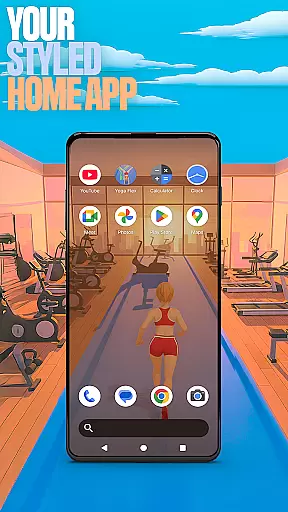

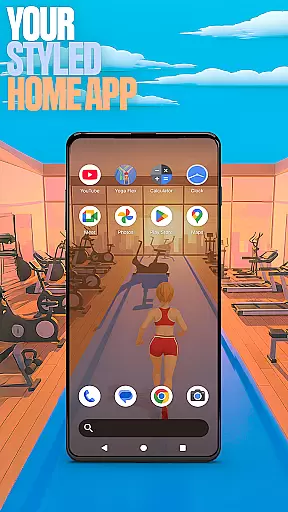

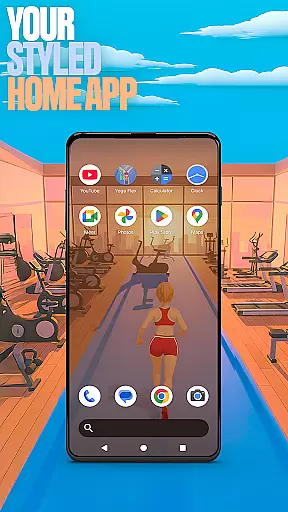

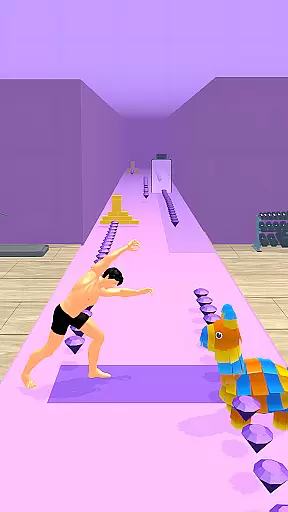
Yoga Flex Home App is a dynamic personalization tool designed to transform your device's home screen into a personalized hub. This app allows users to customize layouts, explore game-inspired wallpapers, and implement intuitive gestures for seamless navigation. With its fresh style and engaging features, it offers an exciting alternative to traditional launchers.
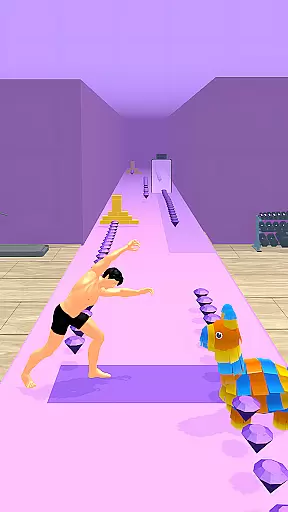
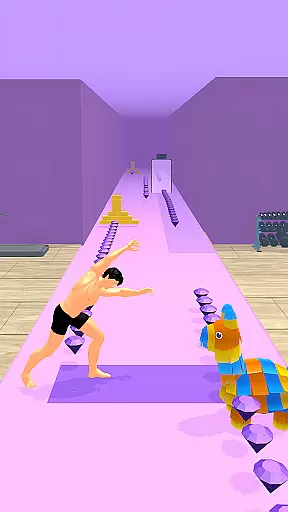
The app also integrates gamification elements through Yoga Flex Game, where users can master yoga poses while navigating obstacles, collecting rewards, and unlocking exclusive content. Whether you're looking to enhance productivity or add a playful touch to your device, Yoga Flex Home App provides both functionality and fun in one package.
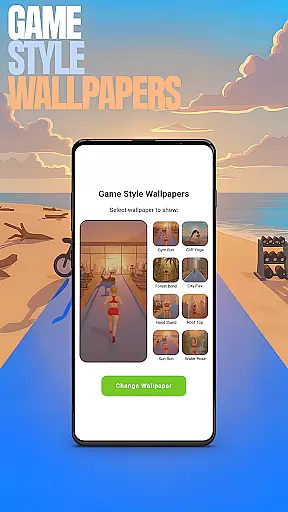
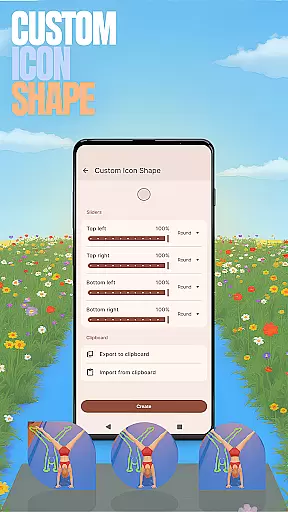
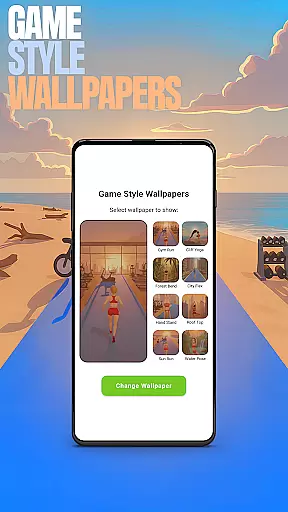
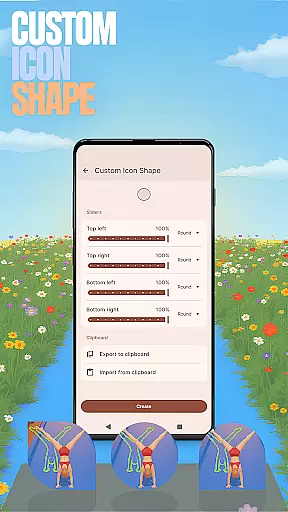
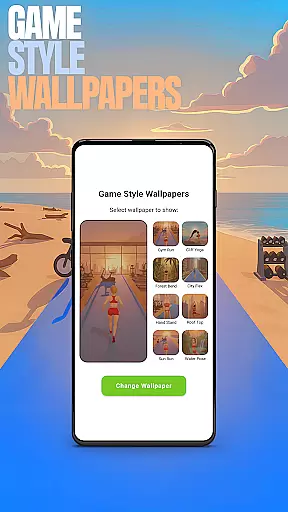
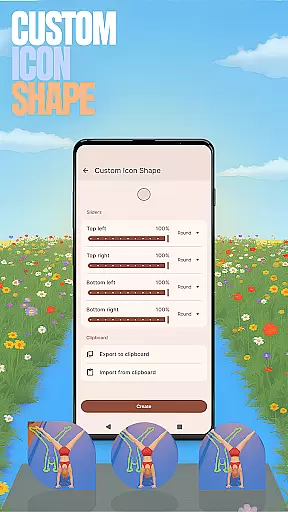
Yoga Flex Home App stands out with its diverse range of personalization features tailored to enhance user experience. One key feature is the Game Style Wallpapers, which lets users apply unique designs inspired by the integrated Yoga Flex game. Another notable capability is Custom Icon Shapes, enabling creative freedom over how app icons appear on the home screen.
For added convenience, the app includes Custom Gestures that allow quick access to apps or settings via simple swipes or taps. Additionally, users can hide private apps using the Hide Apps function, ensuring privacy without sacrificing control. Lastly, the Accent Color option empowers users to define their device’s color scheme, offering presets or fully customized styles for a distinct look.
Customization is at the heart of the Yoga Flex Home App, offering users a wide array of options to tailor their device's interface. With features like Custom Icon Shapes and Accent Color settings, personalizing your home screen has never been easier or more fun.
The app allows you to experiment with different icon shapes and styles, ensuring that every element on your screen reflects your unique taste. Additionally, the Accent Color feature lets you choose from preset themes or create a custom look, giving your device a truly personalized touch.
By providing these rich customization options, Yoga Flex Home App not only enhances the aesthetic appeal of your device but also improves usability. Users can design an interface that is both visually pleasing and intuitively functional, making daily interactions smoother and more enjoyable.
Theme compatibility in the Yoga Flex Home App ensures that all customizations and themes you apply work seamlessly across your device. Whether you opt for Game Style Wallpapers or create a custom color scheme, rest assured that these changes will integrate flawlessly with your systemu2019s existing design.
This compatibility extends to various gestures and layout adjustments you make. For instance, when you set up Custom Gestures for quicker access to apps or settings, they function smoothly without disrupting the visual harmony of your home screen.
Ultimately, this level of theme compatibility empowers users to craft a cohesive and responsive environment. It guarantees that every modification, from hidden apps to accent colors, contributes to a unified and efficient user experience, enhancing both form and function.
Highly customizable
Engaging game integration
Intuitive gesture controls
Privacy-focused features
Vibrant design options
May overwhelm new users
Limited default themes
Game ads occasionally intrusive
Advanced settings complex
Battery usage slightly high

Classic analogue watch face. For wear os devices.
 4.60
4.60
Vertically oriented rectangular icons
4.70
Glass style colourful icons with a One UI look and feel
4.60
Fingerprint Lock Screen & Live Animations with 4K Wallpapers as Live Wallpaper
4.40
Want to make your phone more special than ever?
4.60 4.50
4.50
Stylish Pink Cute Hippo keyboard with 10000+ customized keyboard themes!
4.60
A minimalist productivity launcher. One-hand-friendly. Zero ads.
4.70
Create stunning widgets with Widget 2026: Aesthetic Widgets for Android!
4.60
Wallpaper HD 4K Live - Thousands of high-quality Anime backgrounds for you.
4.80
One 8 icons glass color version
4.80
Stunningly Different look with Line Icons and Neon Colors
4.60
Ultra realistic high quality analog watch face for Wear OS.
4.60
Add cute Shimeji pets to screen, interact with them and relax with cute motions
4.60
Turn text & photos into stunning AI videos, art, and creative visual stories.
4.50
Unleash Your Creativity and Connect with Loved Ones with Lockscreen Drawing!
4.20
Customizable flower power digital watch face for Wear OS watches.
4.00
Adorable pets roam and play right on your phone screen!
3.30
Turn your lock screen into fun with smile live wallpapers & animated wallpapers!
2.50


User Reviews