
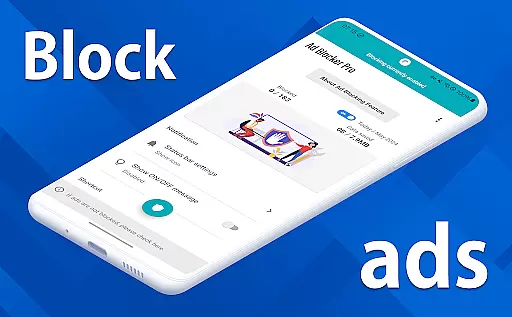
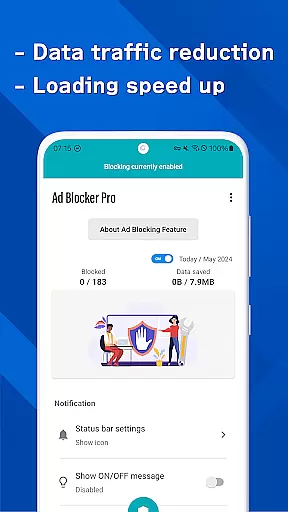
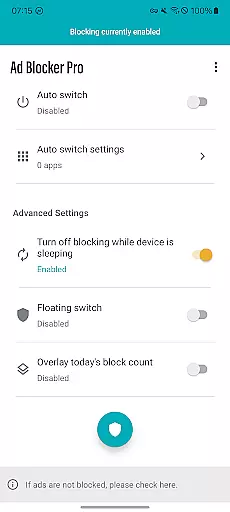
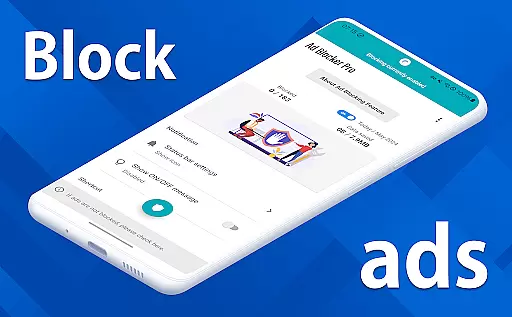
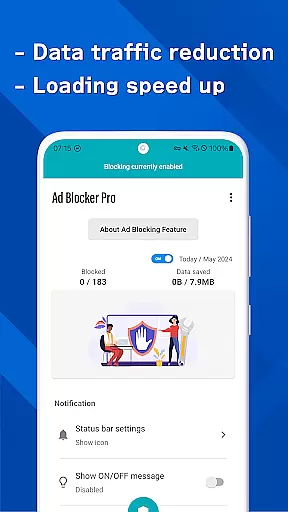
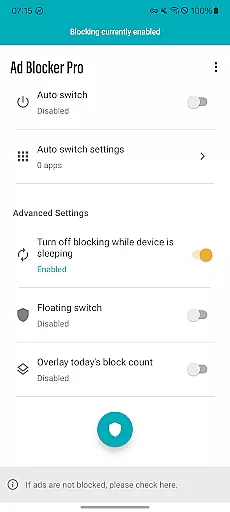
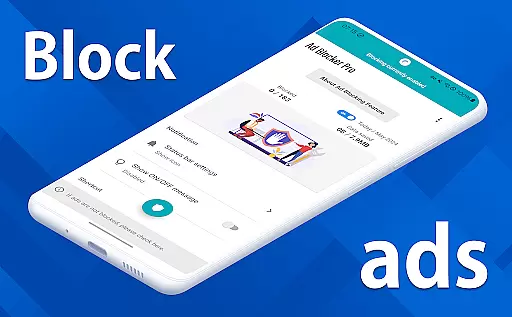
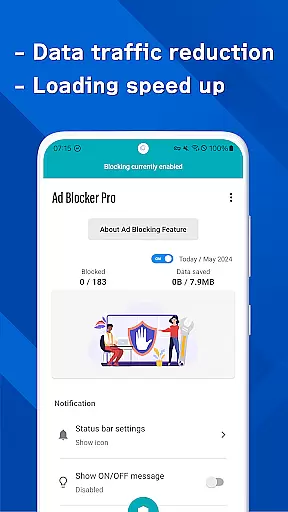

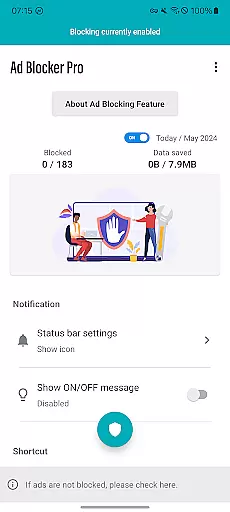
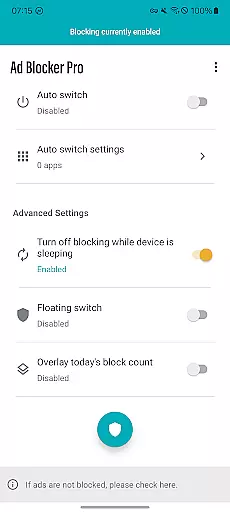
Ad Blocker Pro is a powerful ad-blocking application designed to enhance your browsing experience on Android devices. The app's core functionality revolves around blocking unwanted advertisements, malware, and trackers across all browser apps, ensuring faster webpage loading and improved security. With its unique features like the one-tap ON/OFF switch, automatic ad blocking during device sleep, and real-time block count display, Ad Blocker Pro offers both convenience and control.
The app is particularly beneficial for users who prioritize fast browsing, data savings, and online security. By preventing unnecessary ad data from loading, it not only speeds up web surfing but also reduces overall data consumption. Its compatibility with all browsers and ability to block most web-based ads make it an essential tool for anyone seeking a cleaner, more efficient browsing environment.
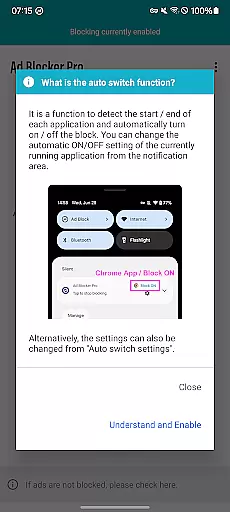
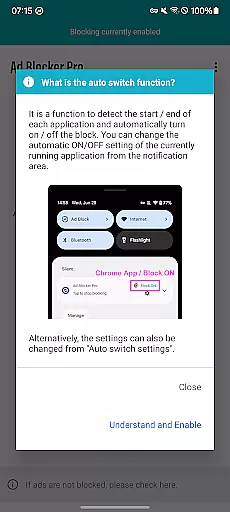
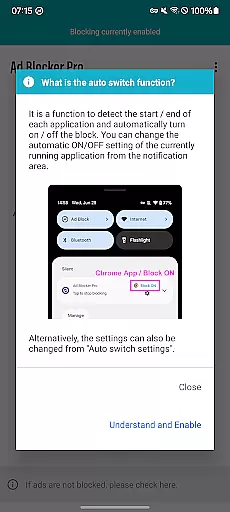
Ad Blocker Pro stands out with its innovative feature set tailored for optimal user experience. One of its key highlights is the Auto Switch functionality, which intelligently detects when specific apps are launched or terminated, enabling ad blocking only where necessary. This ensures seamless operation without interfering with other critical app functions. Additionally, the overlay display provides real-time insights into how many ads and trackers have been blocked, giving users a clear understanding of the app's effectiveness.
Another notable aspect is its enhanced design that simplifies website layouts by removing intrusive ads, resulting in a more intuitive browsing interface. The app also contributes to better privacy protection by blocking harmful malware and trackers, thus increasing overall online safety. These comprehensive features collectively deliver a superior browsing experience while maintaining system efficiency and security.
Ad Blocker Pro exemplifies core function accuracy and effectiveness through its robust ad-blocking capabilities. The app ensures that ads, malware, and trackers are efficiently blocked across all browser apps, which not only enhances the browsing experience but also contributes to faster webpage loading and reduced data usage.
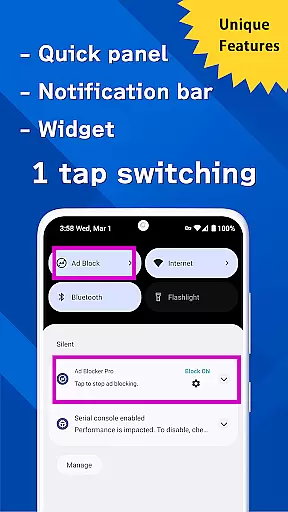
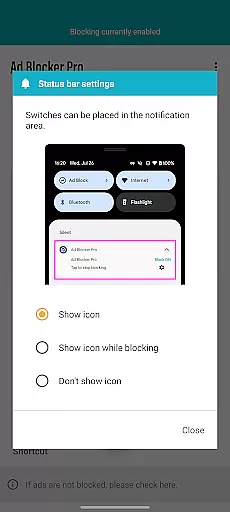
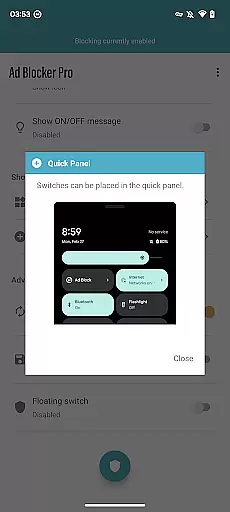
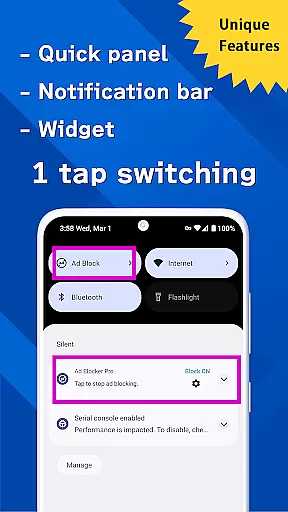
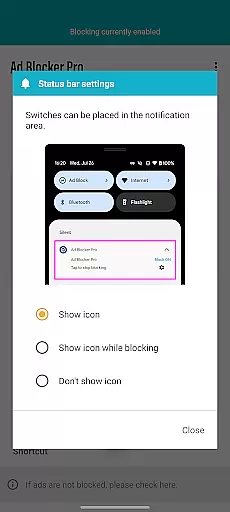
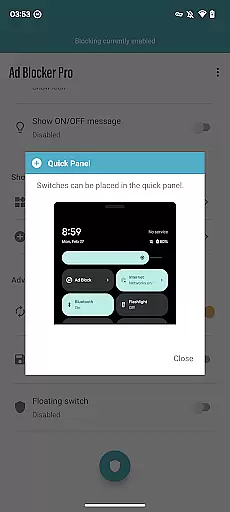
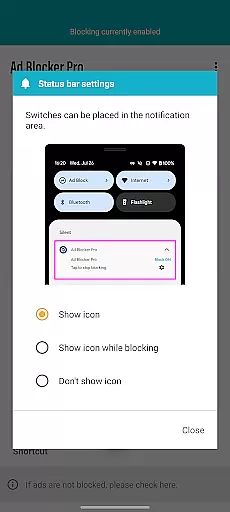
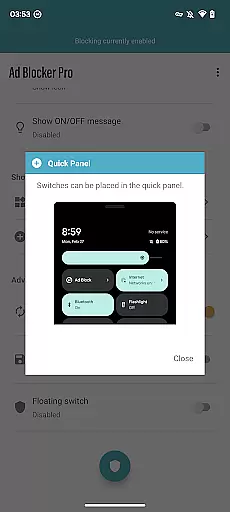
The unique one-tap ON/OFF switch feature allows users to easily manage ad blocking, providing both convenience and control. Whether toggling from the notification area, quick panel, widget, or floating switch, users can activate or deactivate ad blocking with minimal effort, ensuring a seamless user experience.
Additionally, Ad Blocker Pro's Auto Switch functionality intelligently detects app launches and terminations, automatically toggling ad blocking on or off as needed. This targeted approach ensures that other apps' operations are not hindered, particularly during device sleep mode, thus maintaining overall device performance while still offering protection against unwanted ads and potential security threats.
By delivering on its promise of a more comfortable, secure, and faster browsing experience, Ad Blocker Pro effectively meets the needs of users who prioritize online safety, reduced data consumption, and an ad-free environment. Its comprehensive features make it an indispensable tool for anyone seeking enhanced web surfing comfort and efficiency.
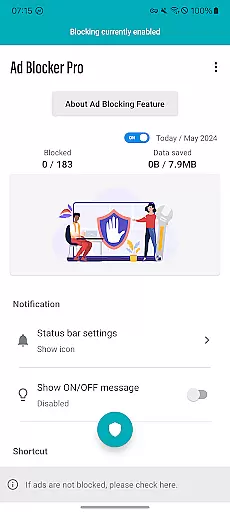
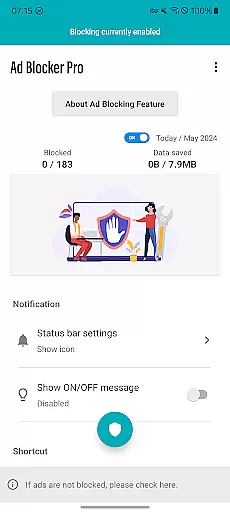
Ad Blocker Pro stands out with its interface simplicity and intuitiveness, making it accessible even to those who may not be tech-savvy. The app's design focuses on user-friendly interactions, ensuring that all essential functions are easily reachable and understandable at a glance.
One of the key highlights is the one-tap ON/OFF switch, strategically placed for ease of access. Users can quickly toggle ad blocking on or off directly from the notification area, quick panel, widget, or floating switch. This straightforward control mechanism eliminates any unnecessary complexity, allowing users to manage their ad-blocking preferences effortlessly.
Furthermore, the overlay display of today's block count provides real-time feedback on the app's performance. By visually presenting the number of blocked ads and trackers, users gain immediate insight into the app's effectiveness without needing to navigate through complex menus or settings.
Overall, Ad Blocker Pro combines essential ad-blocking features with an intuitive interface, ensuring that users can enjoy a streamlined and efficient browsing experience. Its commitment to simplicity and clarity makes it an ideal choice for anyone looking to enhance their online activities without the hassle of complicated configurations.
Fast browsing speed
Enhanced security
Reduced data usage
User-friendly interface
Real-time block count
Limited to browsers
Some ads can't be blocked
No iOS version
Initial cost required
Occasional updates needed

A powerful, easy-to-use flight computer on your phone or tablet!
 3.80
3.80
Complete kernel toolbox with features to manage and tweak your rooted device
4.30
FV File Manager Pro, Fast and powerful file manager for Android
4.60
Remote for Roku, Fire TV, Samsung TV, LG TV, Android TV, Chromecast and VIZIO TV
4.20
Carry a FTP server in your pocket and avoid USB cables for file transfer
4.20
View detailed information about your Nissan Leaf the dealer never shows you.
4.10
Fun lie-detection pranks for friends and parties.
3.80
Protect your device with antivirus, storage cleanup, and system monitoring
4.70
Your personal health butler
3.60
Best leveling tool for your Android device. Hang paintings like a pro.
4.90
Planner and Tracker for Stardew Valley
4.60
Head tracking for PC sim games such as MSFS 2024 or Elite:Dangerous. No headset!
4.50
Screen Mirroring for Roku Sticks, Roku TCL TV and Roku Hisense TV
4.50
Game Booster, GFX Tool is now compatible with newer game update
4.50
Just swipe the edge to do something!
4.40
An easy-to-use calculator designed to save time calculating and bending conduit
4.30
Making emulation easy for everyone!
4.30
Automate everything from settings to photos, SMS to speech. ADC2 prize winner.
4.10
PDF Reader - Document Viewer: Read, Manage & Organize Your Documents
3.10


User Reviews