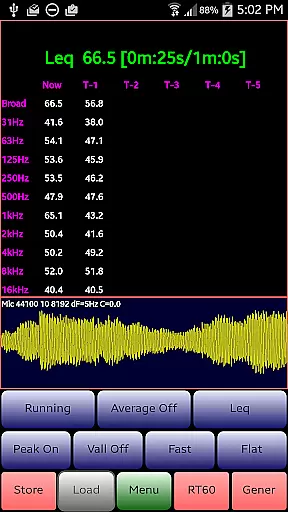
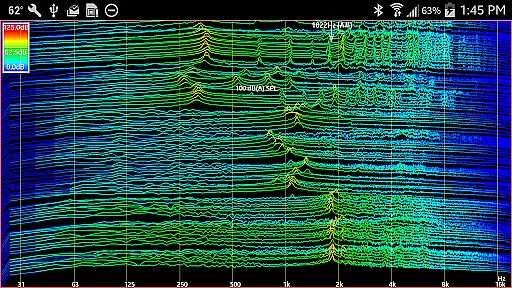
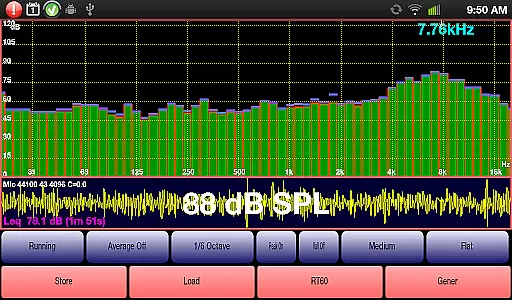
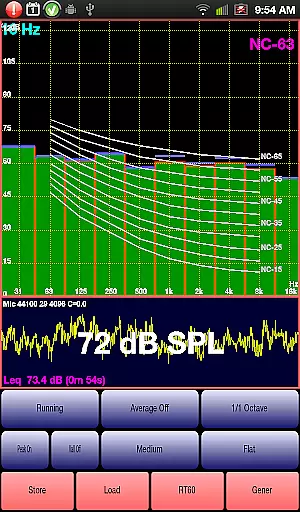
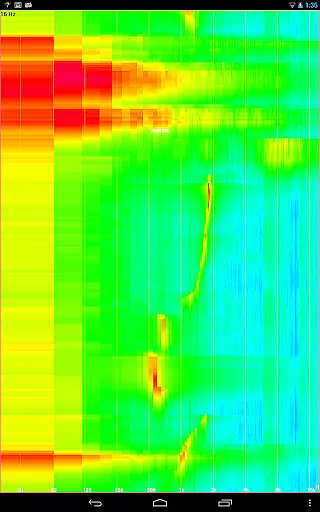
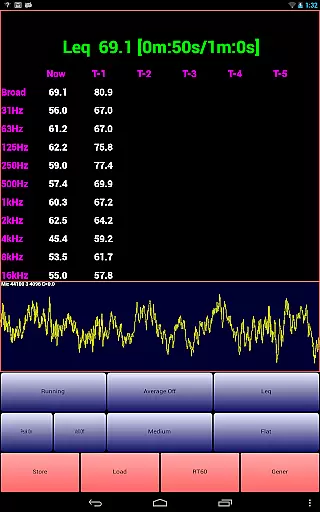
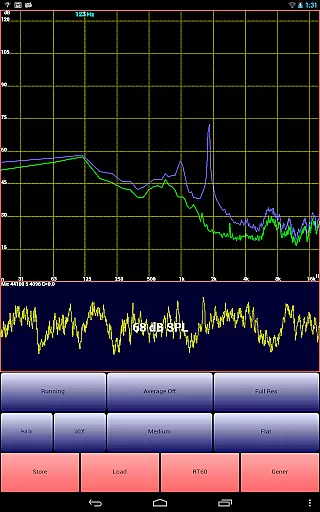
AudioTool is a comprehensive audio measurement and analysis application designed for audio engineers, acousticians, and enthusiasts. It offers professional-grade tools including an SPL meter, RT60 measurement, Leq, Sone, Spectrum Analyzer, Spectrogram, Chart Recorder, Signal Generator, Polarity Checker, and Mic calibration.
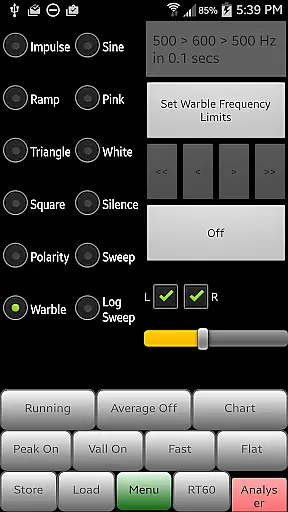
This app supports multiple octave RTA modes (1/1, 1/3, 1/6, and 1/12), various filters (Impulse, Fast, Medium, Slow), and weighting options (Flat, A/C, X Curve). It also features advanced functionalities like noise criteria (NC and NR), signal generation (White/Pink Noise, Sine, Square, Triangle, Sweep, Log Sweep, Warble, Ramp, Impulse), and loudspeaker polarity checking.
AudioTool is ideal for gig measurements, home theater calibration, acoustical analysis, and automotive audio tuning. Its ISO 1/3 Octave Calibration ensures accurate microphone response correction, making it a trusted tool among professionals worldwide.
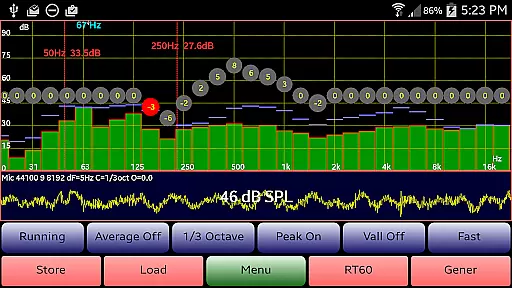
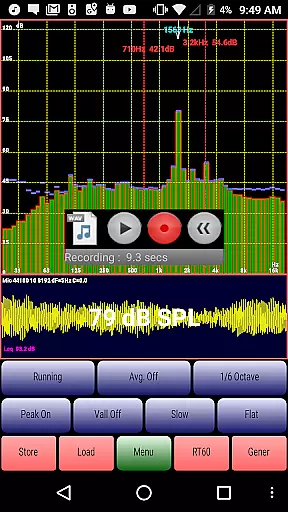
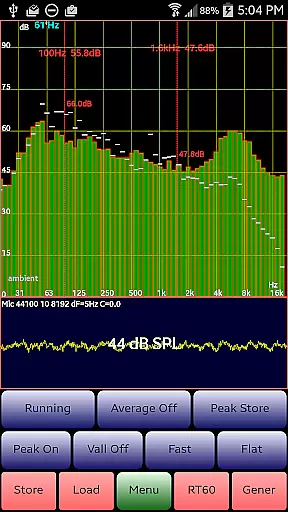
AudioTool stands out with its extensive range of audio analysis features. The app provides real-time spectrum analysis with selectable octave band modes, enabling detailed frequency response visualization. Advanced users can benefit from the ability to load and display stored spectrum files alongside live data, offering comparative analysis capabilities.
The Signal Generator supports multiple waveforms including White/Pink Noise, Sine, Square, Triangle, Sweep, Log Sweep, Warble, Ramp, and Impulse signals. With random buffer refreshing, AudioTool ensures truly random noise generation. The app's Polarity Checker helps verify correct loudspeaker wiring, while the Noise Criteria function overlays NC contours on the RTA display.
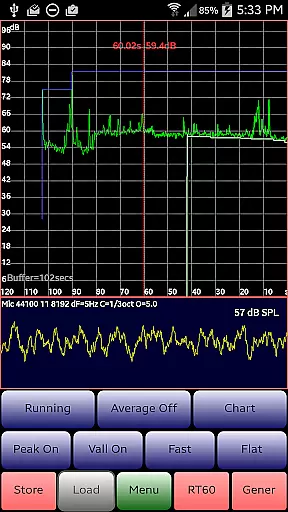
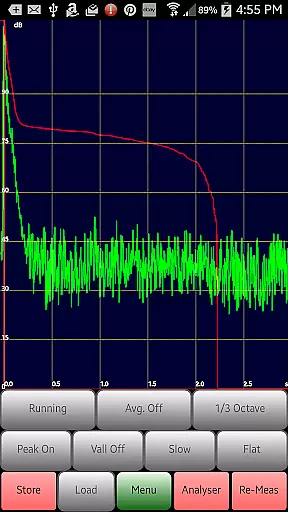
Additional features include RT60 measurement for reverberation analysis, a Chart Recorder for SPL history tracking, and pinch-to-zoom functionality for detailed spectrum examination. The app also supports saving and loading calibration files for various measurement microphones, ensuring consistent and accurate measurements across different devices.
AudioTool offers a comprehensive suite of audio measurement and analysis tools that cater to both professional audio engineers and enthusiasts. While it doesn't provide a traditional music library, its features like the Signal Generator, which produces various waveforms including Sine, Square, Triangle, and more, offer an extensive range of audio samples for testing and calibration purposes.
The app ensures copyright authenticity by providing unique, self-generated signals rather than pre-recorded music tracks, thus avoiding any copyright infringement issues. This makes AudioTool a reliable tool for creating original audio content without legal concerns.
Users benefit from the ability to generate precise audio signals tailored to their specific needs, whether for acoustical measurements, sound system calibration, or educational purposes. The diversity of generated sounds allows users to explore different aspects of audio engineering with confidence in the legitimacy of the source material.
One of AudioTool's standout features is its commitment to delivering high-quality audio analysis and generation. The app supports multiple audio quality options, including various sample lengths such as 4096, 8192, or 16384, which can be set via the 'Set Resolution' menu option. These settings allow users to fine-tune the accuracy and detail of their audio measurements.
In addition to customizable sample lengths, AudioTool provides several weighting filters (Flat, A/C Weighting, and X Curve) and time constants (Impulse, Fast, Medium, and Slow), ensuring that users can adapt the app to suit different measurement scenarios and standards. This flexibility enhances the precision of audio evaluations across diverse environments.
For professionals requiring detailed spectral analysis, AudioTool offers advanced modes such as 1/1, 1/3, 1/6, and 1/12 octave RTA (Real-Time Analyzer) views. These options enable users to conduct thorough examinations of frequency responses, making it easier to identify and address acoustic issues accurately. Overall, AudioTool empowers users with robust tools to achieve superior audio quality in their projects.
Comprehensive audio tools
Real-time analysis
Professional calibration
Multiple RTA modes
Signal generation options
Complex for beginners
Hardware dependent
No iOS version
Advanced features costly
Requires calibration

Fun & Easy Voice Changer – Record, Edit & Add Hilarious Effects!
 4.50
4.50
Offline and always ad-free - stream in the highest quality available.
4.10
The Music Journey in Your Hands
4.30
The Cubase remote control app
3.60
A synth that really lets you shape your sounds!
4.50
Time Trainer: accurate metronome w tools to help you develop your internal time!
4.20
DJ Music Mixer - DJ Remix: remix songs, make beat music & record mix of DJ.
4.40
Music, News & Sports Radio Tuner App. Tune in Live FM & AM Radio Stations.
4.80
The Minimalistic Premium Music Player. Handmade with passion for music
2.20
SqueezePlayer turns your Android phone or tablet into a SqueezeBox on its own!
4.60
The best music and audio player, with beautiful UI, music search and equalizer.
4.60
Offline Music Player&MP3 Player with themes, equalizer, lyrics, music play mode
4.60
Reverse your voice & songs instantly! Fun singing challenge with cool effects.
4.60
Enhance the sound quality of your devices, listen to what you want
4.50
Save hundreds of dollars for a physical strobe tuner and instead use this app.
4.50
Your HD audio recorder on the go for music, meetings, ambience, animal sounds…
4.30
Enjoy singing any song, no matter how high or low it is
4.30
USB audio recording and playback finally possible on Android 3.1 or higher!
3.90
Learn to play the piano using falling notes!
3.80


User Reviews