
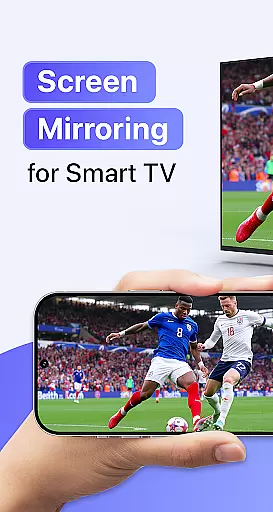
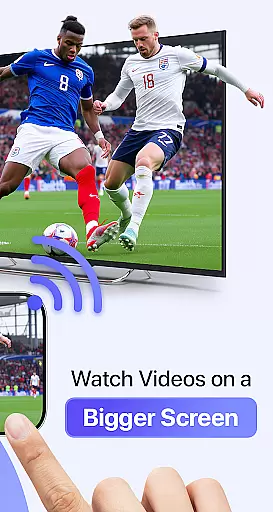
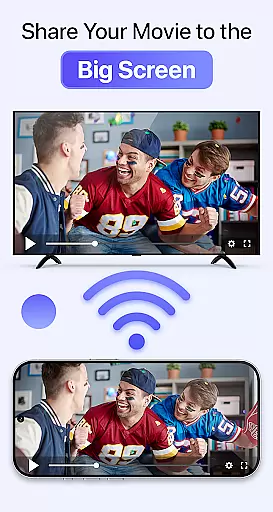
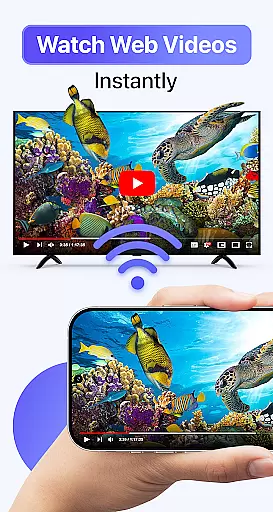
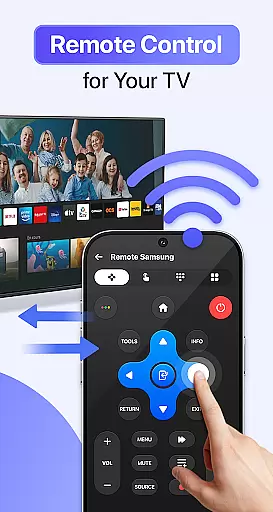
Cast to TV & Screen Mirroring is a powerful tool that allows users to effortlessly stream and mirror content from their mobile devices to any smart TV. With support for Chromecast, Roku, Amazon Fire TV, Xbox, and other major smart TV brands, this app makes it easy to enjoy videos, photos, music, and even games on the big screen. The application provides real-time screen mirroring with high-definition quality, ensuring an immersive viewing experience without lag or interruptions.
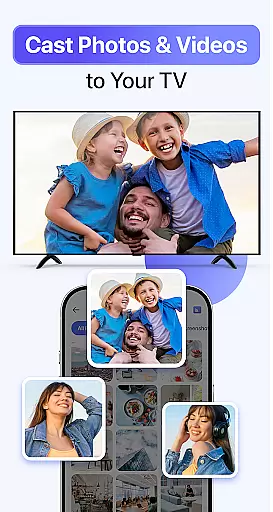
One of the standout features of Cast to TV & Screen Mirroring is its seamless compatibility with AirPlay and DLNA-supported devices, making it versatile for both personal entertainment and professional presentations. Whether you're looking to share family photos during gatherings or conduct business presentations, this app offers a smooth and reliable connection. Its user-friendly interface ensures that anyone can set up and start casting within minutes, simply by connecting their phone and TV to the same Wi-Fi network.
Cast to TV & Screen Mirroring stands out due to its rich feature set tailored for convenience and performance. The app supports full-HD screen mirroring, allowing users to reflect their entire phone display in real time. This functionality is perfect for streaming movies, playing games, or showcasing presentations on a larger screen without compromising on quality. Additionally, the app's AirPlay screen mirroring feature ensures fast connections and crystal-clear display, enhancing the overall user experience.
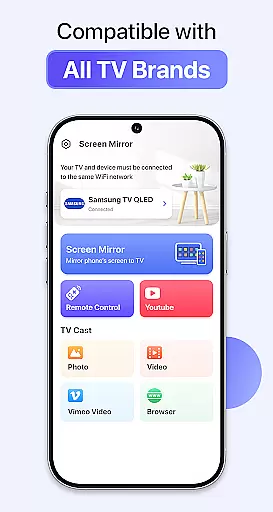
Another key aspect is its broad compatibility with various devices, including Chromecast, Roku TV, Amazon Fire Stick, Xbox, and most smart TV brands like Samsung, LG, and Sony. The app also offers intuitive playback controls directly from your phone, enabling users to manage volume, navigation, and other settings with ease. Furthermore, the setup process is straightforward, requiring only three simple steps: connecting to Wi-Fi, opening the app, and selecting the device to cast to. These features collectively make Cast to TV & Screen Mirroring a top choice for anyone seeking a reliable and versatile screen mirroring solution.
Cast to TV & Screen Mirroring delivers exceptional core functionality by enabling users to stream and mirror content from their mobile devices to any smart TV effortlessly. The app supports high-quality streaming of videos, photos, music, and even games, ensuring that all media is displayed with crystal-clear quality.
The application employs advanced screen mirroring technology, including AirPlay, to provide real-time reflection of the phone's display on a larger screen. This feature is crucial for users who require fast connection speeds and stable performance, whether they are streaming entertainment or giving professional presentations.
Users benefit from seamless integration with a wide range of devices such as Chromecast, Roku, Amazon Fire TV, Xbox, and various smart TV brands. This compatibility ensures that regardless of the user's setup, they can enjoy a smooth and lag-free experience, enhancing both leisure and work-related activities.
Ultimately, the precision in executing its core functions makes Cast to TV & Screen Mirroring an indispensable tool for anyone looking to amplify their viewing experience without the need for additional hardware or complex configurations.
The interface of Cast to TV & Screen Mirroring is designed with simplicity and intuitiveness in mind, allowing users to connect and stream content with minimal effort. By following just three straightforward steps, users can establish a secure connection between their phone and TV, making it accessible even for those who may not be tech-savvy.
Upon opening the app, users are greeted with a clean layout that highlights available device names for casting. With a single tap, they can initiate the screen mirroring process, which underscores the app's commitment to reducing complexity while maintaining robust functionality.
This intuitive design extends to controlling playback, volume, and navigation directly from the smartphone, offering a seamless user experience. Such features ensure that users can focus on enjoying their content rather than struggling with complicated controls or settings.
By prioritizing ease of use without compromising on performance, Cast to TV & Screen Mirroring sets itself apart as an ideal choice for individuals seeking hassle-free streaming solutions that cater to both casual entertainment and professional needs.
User-friendly interface
Wide device compatibility
High-definition streaming
Fast and stable connection
Real-time screen mirroring
Limited offline functionality
Requires stable Wi-Fi
No direct HDMI support
Premium features need subscription
Occasional connectivity issues

Easily install aab(Android App Bundle) files on your Android device with our app
 4.80
4.80
A convenient photo, video, and file recovery tool.
4.00
Unit and currency converter with easy and simple UI.
4.80
eXtended Permission Manager - a small app to manage permissions and AppOps
4.50
ADB support Android 4.X-Android 13(Support wireless pair mode).No root required!
4.70
Create your own live wallpaper or check out thousands already made presets
3.90
A non-root local ADB shell client. READ BELOW!
3.40
Screen Mirroring for Roku Sticks, Roku TCL TV and Roku Hisense TV
4.50
Fun lie-detection pranks for friends and parties.
3.80
Powerful collection of electronics tools and reference.A must for any enthusiast
4.90
Best leveling tool for your Android device. Hang paintings like a pro.
4.90
Remote Play with FSR upscaling, low latency & full controller support
4.80
The Ultimate Flex Drivers Utility App - Convenient Tapping & Block Filters
4.70
App to pay for FUTO Keyboard
4.60
Play your X-Box games remotely in 1080p with any controller and zero latency
4.60
Forza Tuning Calculator App for Forza Horizon 5, Motorsport and Earlier Titles
4.40
Just one-tap to easy translate in any language after calls within seconds.
4.20
MS-DOS in your pocket. Play old DOS games anywhere you are ;)
4.10
This app unlocks the Pro features of the Central for DayZ app
3.60


User Reviews