
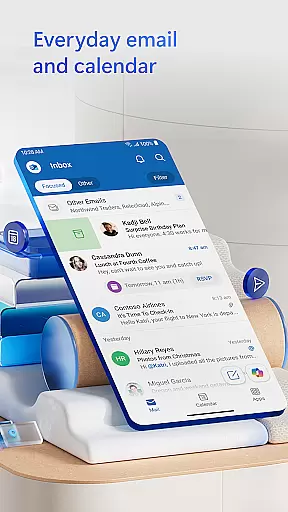
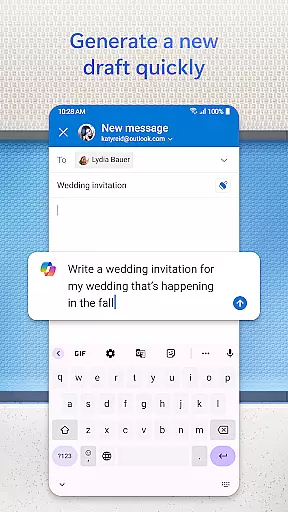
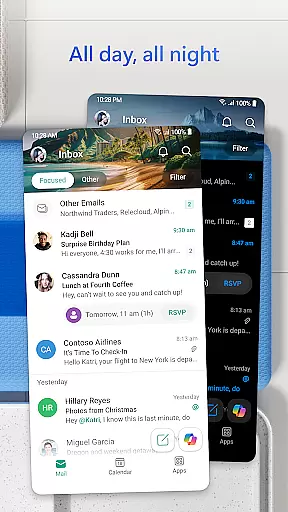
Microsoft Outlook is a comprehensive email and calendar app designed to streamline your busy life. It consolidates your emails, files, and calendar into one secure platform, ensuring you stay productive regardless of the source of your inbox items - be it work, school, or personal accounts. The app intelligently organizes your emails, filtering them into Focused and Other categories for easy access to critical messages.
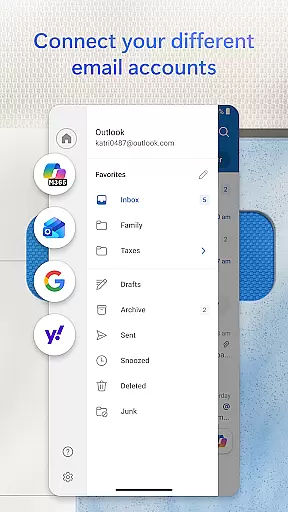
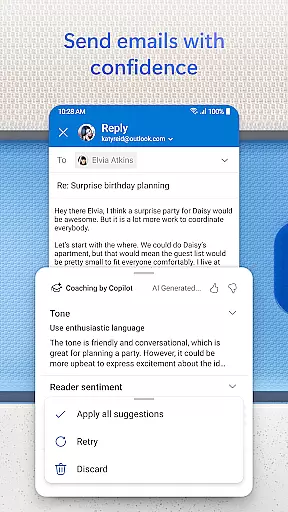
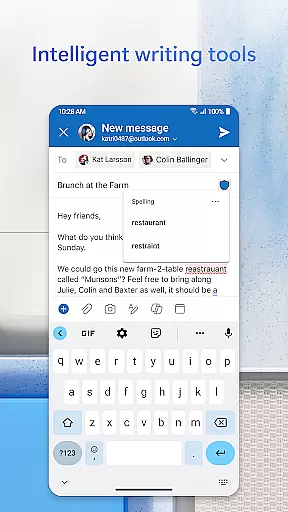
Outlook offers free personal use and supports multiple account integrations including Microsoft Exchange, Gmail, Yahoo Mail, and iCloud. This flexibility allows you to remain connected on the go. With built-in intelligent editing tools, you can craft professional-quality emails with ease. Additionally, you can manage your day efficiently by viewing multiple calendars simultaneously, making scheduling seamless and straightforward.
Microsoft Outlook stands out with its robust feature set tailored for productivity and organization. The app provides an all-in-one solution by integrating email, contacts, and files, allowing users to manage various email providers like Gmail and Yahoo Mail directly from Outlook. Files are easily accessible from the inbox, with seamless connections to Microsoft 365 applications such as Word, Excel, and PowerPoint.
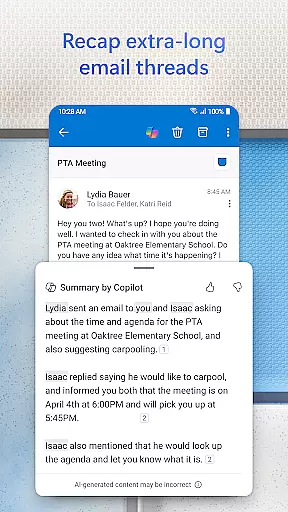
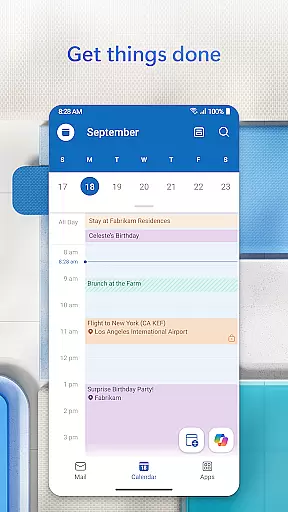
Planning and calendar management are simplified with side-by-side calendar views, facilitating efficient daily scheduling. Users can create and join online video calls from platforms like Teams, Zoom, and Skype directly through the app. The task organizer groups similar subject emails and conversations, enhancing tracking and response efficiency. Moreover, Outlook's intelligent search functionality and suggested replies ensure swift communication, while enterprise-grade security features protect your data against viruses, phishing, and spam.
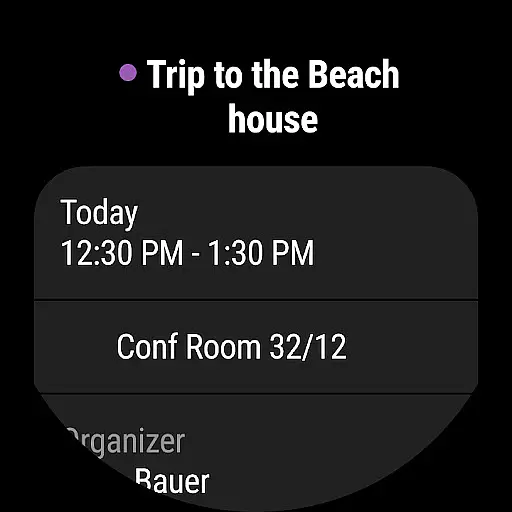
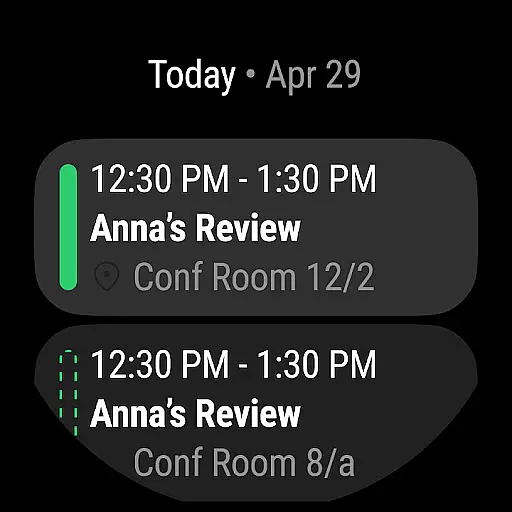
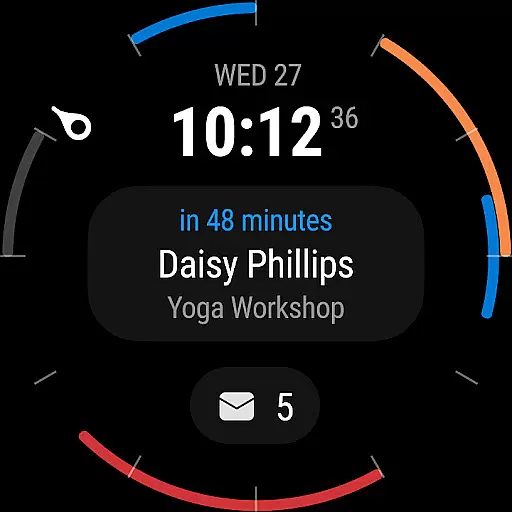
Companion app integration is a crucial feature for users who rely on wearable devices to manage their daily tasks and communications. Microsoft Outlook offers seamless synchronization between its mobile app and Wear OS devices, ensuring that your emails, calendar events, and important notifications are always accessible on your wrist.
The integration allows users to receive real-time updates directly on their smartwatches, enabling quick access to essential information without needing to pull out their phones. This ensures that busy professionals can stay updated during meetings or while multitasking, enhancing productivity and responsiveness throughout the day.
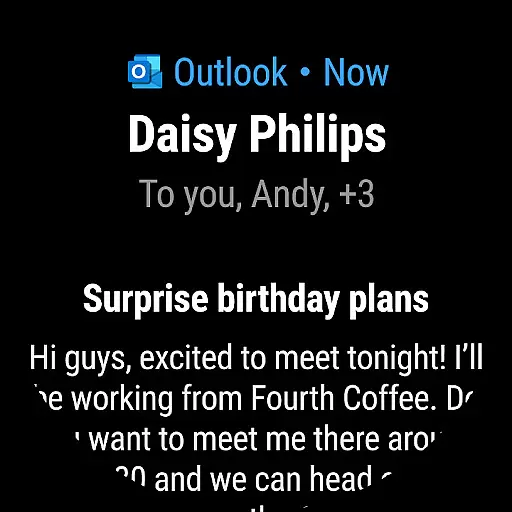
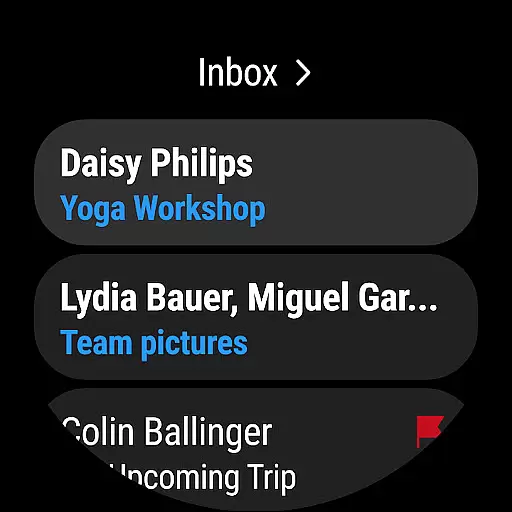
Outlook's companion app goes beyond simple notifications by providing actionable options directly from the watch interface. Users can accept or decline meeting requests, read brief summaries of new emails, and even dictate responses using voice commands. This level of functionality transforms a Wear OS device into an extension of the user's productivity toolkit.
By maintaining consistent data flow between mobile devices and wearables, Microsoft Outlook ensures that all actions taken on the companion app are accurately reflected in the main application. This creates a unified experience across devices, empowering users to manage their professional and personal lives with greater efficiency and flexibility.
Device compatibility is a critical aspect of any mobile application, especially when it extends its functionality to wearable technology. Microsoft Outlook demonstrates exceptional versatility by supporting a wide range of platforms, including full compatibility with Wear OS devices. This broad compatibility ensures that users can access their essential email and calendar functions regardless of their chosen hardware.
The application's compatibility with Wear OS is not limited to basic notification support but encompasses comprehensive functionality tailored for smaller screens. Users can view detailed calendar entries, scroll through threaded conversations, and manage multiple accounts directly from their smartwatch interface. This level of integration showcases Microsoft's commitment to providing a complete wearable experience.
Microsoft has optimized Outlook's performance for various screen sizes and resolutions found in Wear OS devices. The application maintains its core features while adapting its interface to provide optimal readability and usability on wearable displays. This careful optimization ensures that users enjoy a smooth and responsive experience without compromising on functionality or battery life.
Furthermore, the application's ability to maintain stable connections with Wear OS devices while conserving power demonstrates advanced engineering. By balancing feature-rich functionality with energy-efficient operation, Microsoft Outlook sets a standard for how professional applications should perform on wearable technology, making it an ideal choice for users seeking seamless cross-device productivity solutions.
User-friendly interface
Multi-account support
Integrated calendar
Advanced security
Intelligent email sorting
Limited offline functionality
Occasional sync issues
Heavy on storage
Premium features require subscription
Complex setup for beginners

Calming & relaxing sounds for sleeping and stress relief. Stay focused all day!
 4.20
4.20
Embrace the festive spirit with our Christmas Countdown watchface for Wear OS
4.10
A watch face that fuses motorsport precision with contemporary smartwatch design
4.4
Deck out your Wear OS Watch face with a beautifully decorated pine wreath!
4.50
Wear Os Watch Face - Animated Snow Effect & Magic Spark - 6 Scenes
4.10
Easy Voice Recorder is your everyday companion to record important moments.
4.70
Hyperlocal rain alerts by MyRadar using patent-pending technology, radar & more
4.80
Professional weather radar and more
3.90
Back up your contacts & access them anywhere
4.30
Gym Log & Workout Tracker | Fitness Journal, Training & Weight Lifting Planner
4.90
A modern premium sporty hybrid watch face for Wear OS by Ballozi
4.70
Ideal for surviving in the wasteland left after nuclear fallout
4.50
Bold weather Digital watchface with forecast & optional animated background
4.40
A white realistic classic analog watch face with many customization options.
4.40
Elegant animated Christmas tree with multiple customization options
4.20
Watch face for Wear OS.
4.20
Snowflake Rose Gold Watch Face - Digital, modern, & sleek with GYRO effect.
4.10
Stay in touch with your friends and family using LINE!
3.40
Artistic Digital Watchface
4.0


User Reviews