
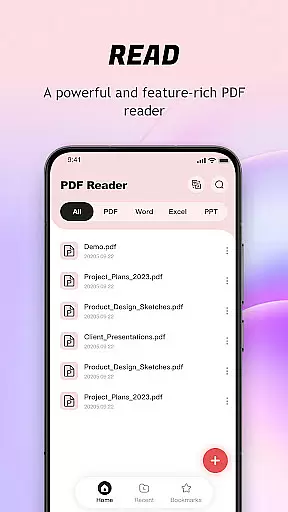
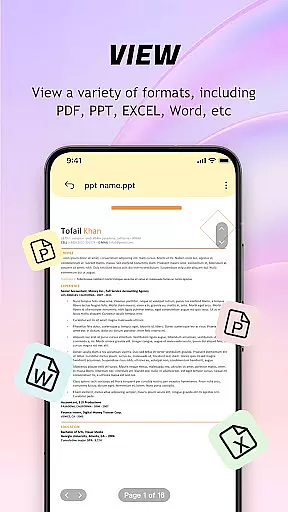
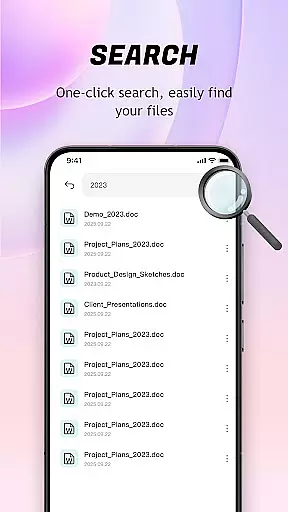
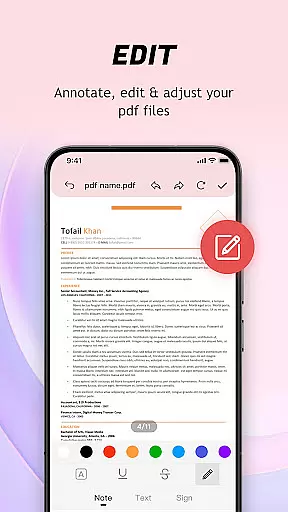
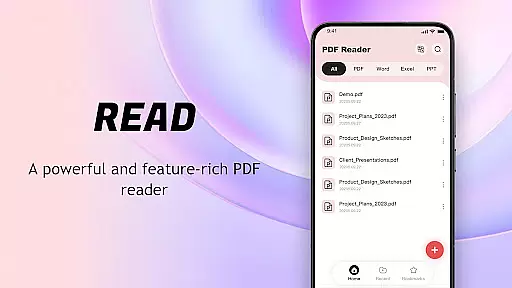
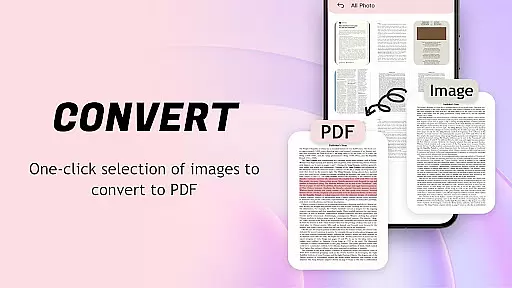
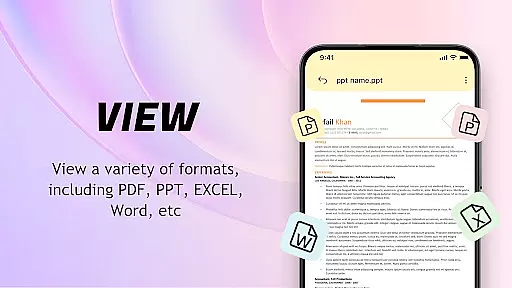
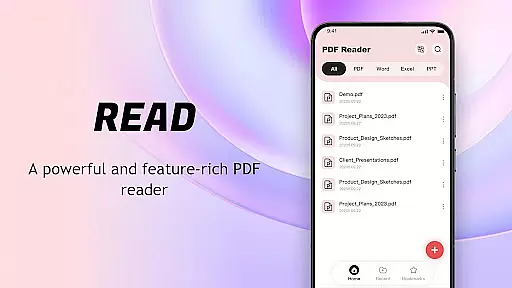
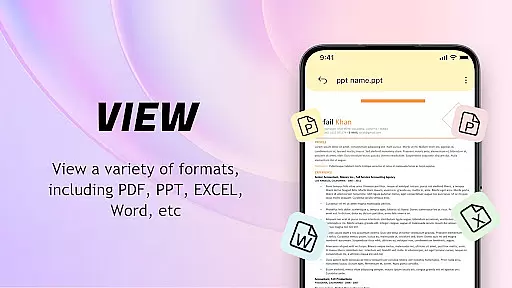
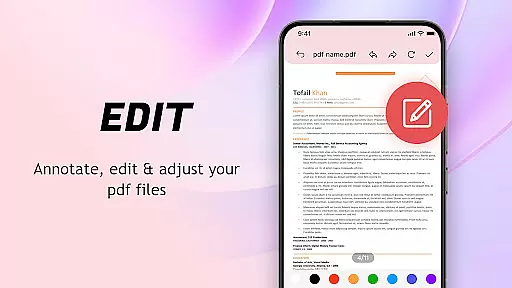
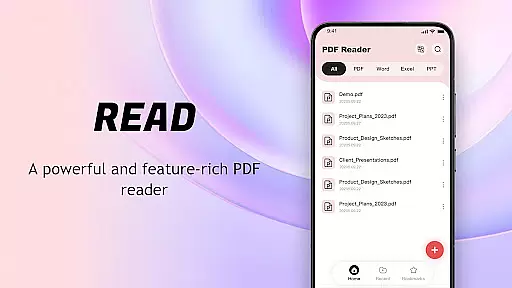
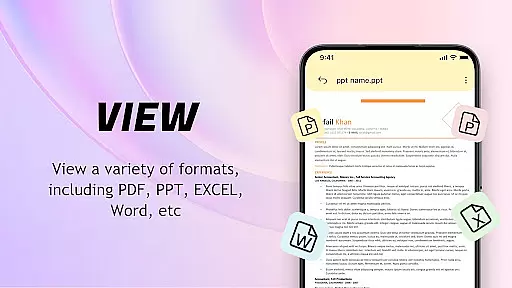
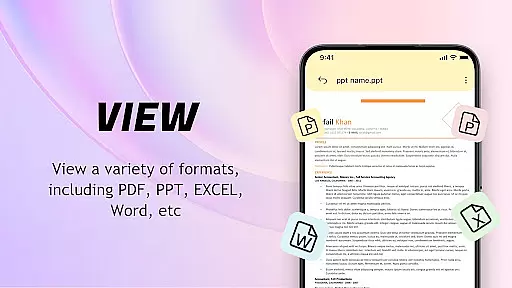
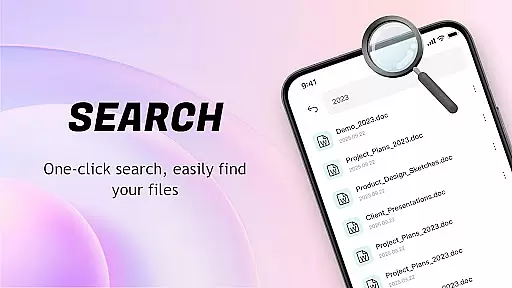
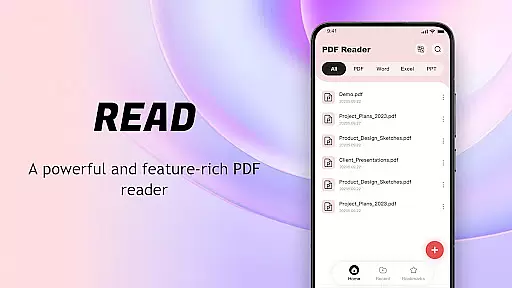
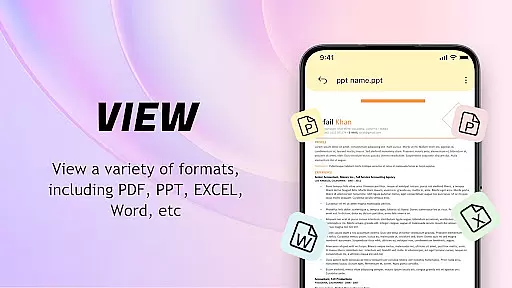
PDF Reader: Easy Fast Viewer is a versatile document management tool designed for efficient reading and organization. This application specializes in handling PDF files, providing automatic detection and display of documents directly on your mobile device. Its intuitive interface allows users to quickly access and manage multiple file formats, including images and tables, with remarkable clarity.
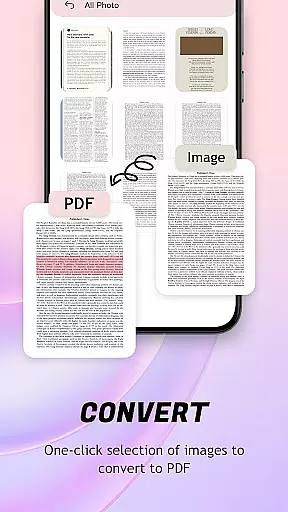
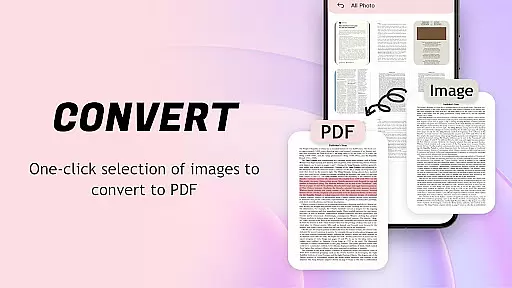
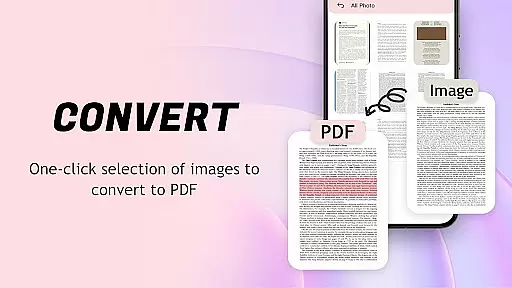
The app's standout feature is its ability to convert images to PDF format with optimized layouts, making file sharing and management effortless. With additional capabilities such as smooth scrolling modes, recent file displays, and quick printing options, it ensures a seamless user experience. Whether you're a student, professional, or casual reader, this tool offers practical solutions for organizing and accessing your digital library anytime, anywhere.
PDF Reader: Easy Fast Viewer boasts an array of advanced features tailored for document management efficiency. One of its core strengths is the automatic identification and presentation of all PDF documents stored on your device, ensuring easy navigation and quick access. The app supports multiple scrolling modes, allowing users to switch between page-turning styles while maintaining crisp text and image quality.
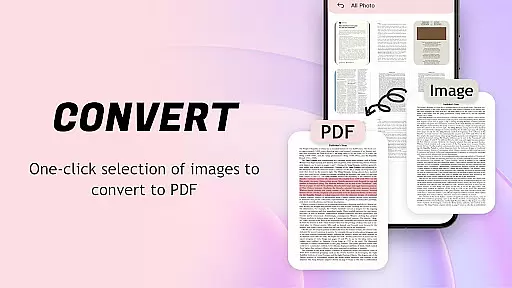
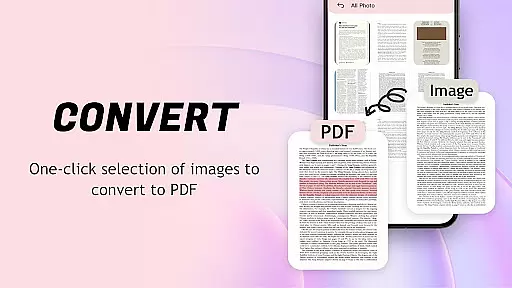
Another notable feature is the ability to convert images into PDF files with one-click generation. This functionality simplifies file sharing and storage by automatically optimizing layouts for better readability. Additionally, the app provides robust tools for organizing documents, such as deleting unnecessary files, marking favorites, and categorizing based on creation dates. These features collectively enhance productivity and streamline workflows for individuals managing large volumes of data.
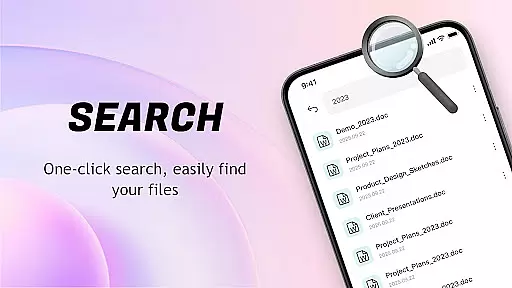
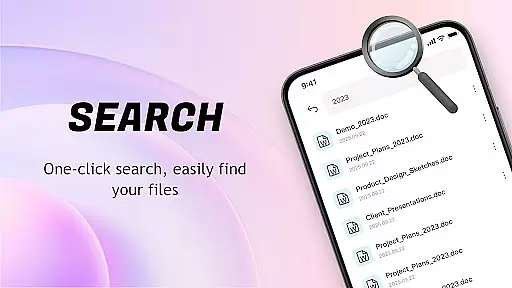
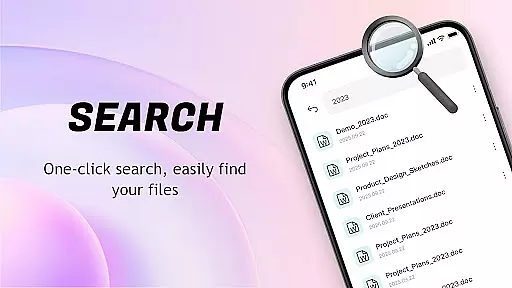
PDF Reader: Easy Fast Viewer is designed to provide users with a seamless experience in managing and reading PDF documents. The core functions of this application revolve around its ability to accurately search, display, and manage PDF files on mobile devices. With an intuitive interface, it automatically identifies and lists all PDF documents, ensuring that users can quickly access their desired files without any hassle.
The app supports multiple scrolling modes, allowing users to choose the most comfortable way to navigate through lengthy documents. This feature ensures smooth page transitions and clear rendering of text and images, which is crucial for maintaining the integrity of content details. Whether you're reading a technical manual or a graphical report, the clarity and precision offered by this app enhance your overall reading experience.
Another significant aspect of the application is its capability to convert images into PDF format effortlessly. By optimizing layouts automatically, it simplifies file management and sharing processes. Users can generate PDFs with just one click, making it an efficient tool for both personal and professional use. This functionality not only saves time but also improves productivity by streamlining document handling tasks.
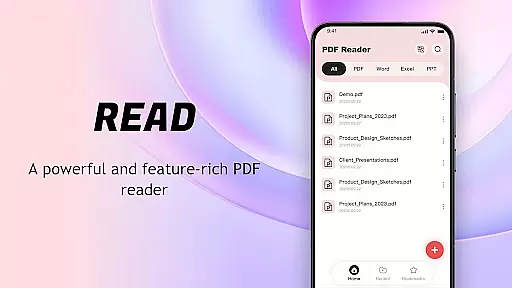
The interface of PDF Reader: Easy Fast Viewer stands out due to its simplicity and intuitiveness, ensuring that even first-time users can easily get started without a steep learning curve. Upon launching the app, users are greeted with a clean layout where all essential features are readily accessible. This straightforward design minimizes confusion and allows users to focus on their primary tasku2014reading and managing PDFs efficiently.
One of the key highlights is the automatic identification and display of all documents stored on the device. This feature presents a smooth list of available PDFs, categorized by recent access, which facilitates quick retrieval. Additionally, the app offers options to delete unnecessary files or mark important ones as favorites, enhancing personalized document management.
Sharing and collaboration are made easy with this app's user-friendly interface. It provides convenient methods to share files with others, whether for collaborative work or simply sending a document to a friend. Furthermore, the option to print PDFs directly from your mobile phone adds another layer of convenience. Overall, the combination of these intuitive features makes PDF Reader: Easy Fast Viewer a reliable choice for anyone seeking an efficient and hassle-free PDF management solution.
User-friendly interface
Multi-format compatibility
Efficient file management
Smooth scrolling modes
Quick print options
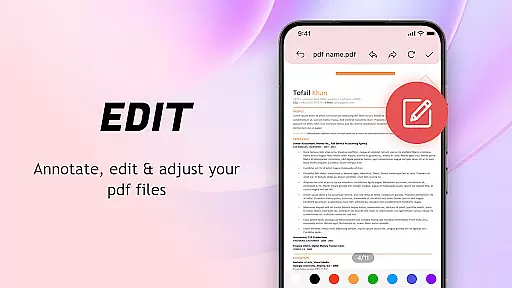
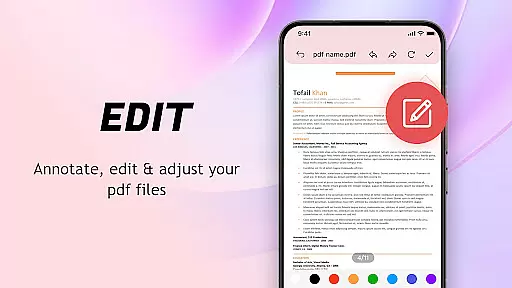
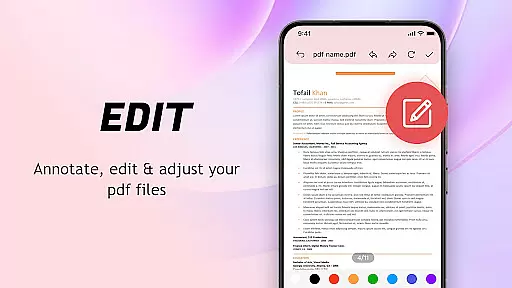
Limited advanced editing
No cloud integration
Basic security features
Occasional lag
Ads in free version

Quickly & easily calculate the spacing of handrail balusters
 4.20
4.20
Small and simple app to Verify Root Access and BusyBox Install!
4.70
Undelete and recover your lost or deleted files with DiskDigger!
3.40
With videos, electrical calculators, and built-in ebook, Ugly’s has your answer.
4.50
Planner and Tracker for Stardew Valley
4.60
NFC Tools can read and write NFC tags.
4.70
Button mapper, mouse toggle, sleep timer and a lot of another features
4.50
Clean up your phone, find files, play media, and share files offline
4.50
Fast VPN USA for any country. Super secure VPN for calls, streaming, games, TV.
4.40
Support Fossify apps with a warm thank you!
5.00
Navigate with Ease and Style
4.90
Unit and currency converter with easy and simple UI.
4.80
eXtended Permission Manager - a small app to manage permissions and AppOps
4.50
Universal TV remote control all TVs, Roku, LG, Samsung, Fire, Vizio, Sony, TCL.
4.40
Carry a FTP server in your pocket and avoid USB cables for file transfer
4.20
An open-source APK explorer for Android!
4.10
1-Click close all background apps on Android TV
3.90
Create your own custom widget with endless possibilities
3.90
PDF Reader - Document Viewer: Read, Manage & Organize Your Documents
3.10


User Reviews