

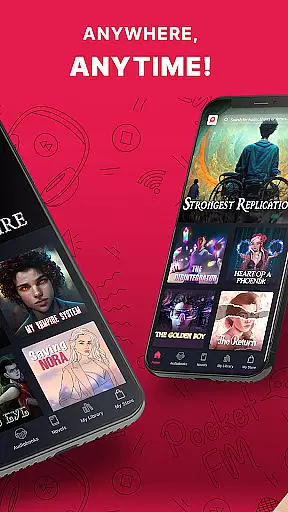

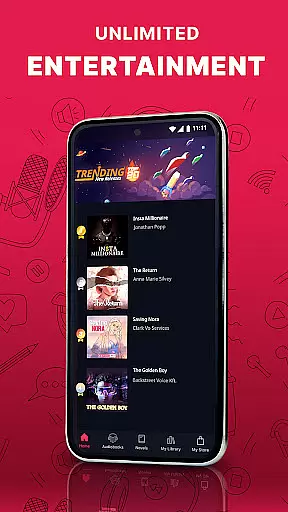
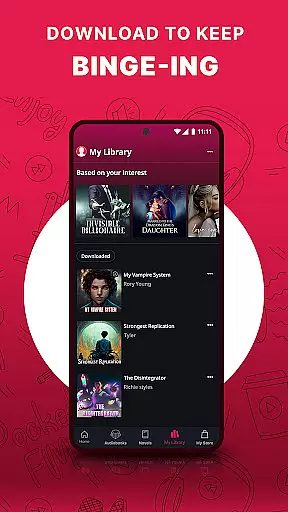
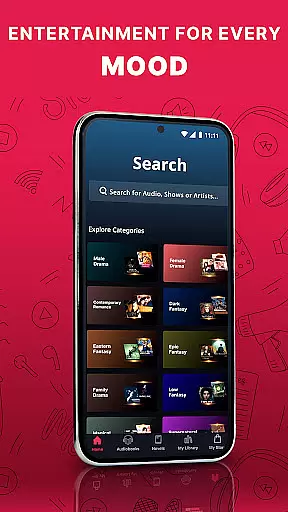


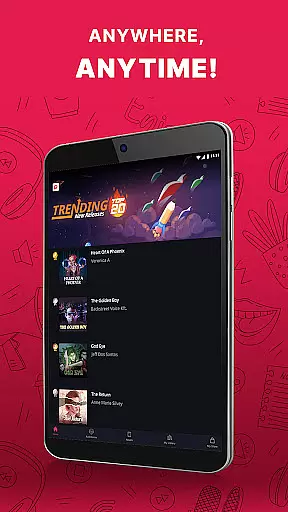
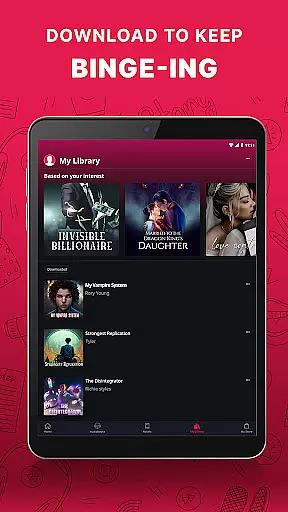
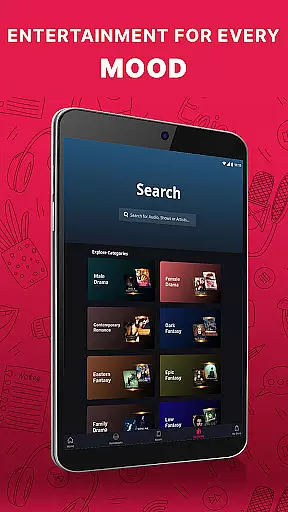


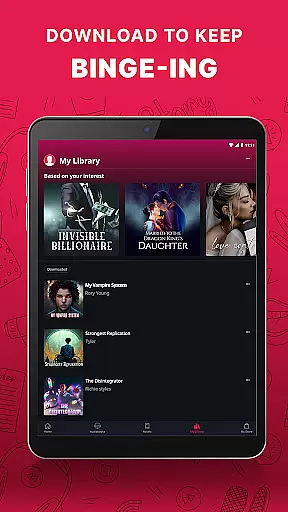
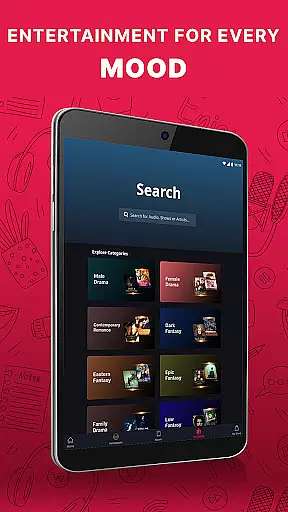

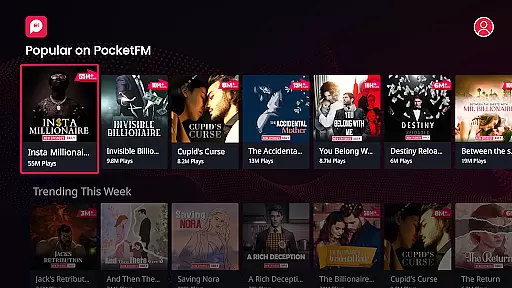

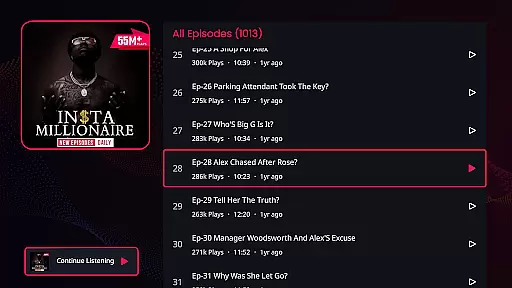


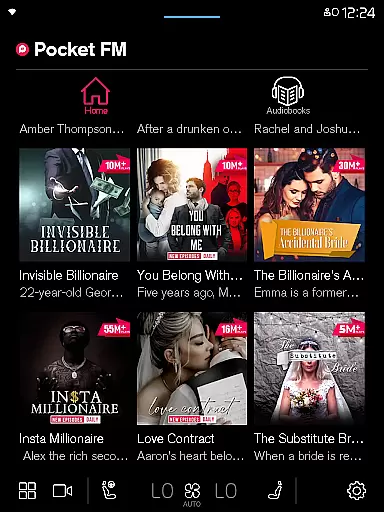



Pocket FM is a pioneering audio entertainment platform that offers an extensive library of audio series across multiple genres and languages. With over 100,000 hours of content, it provides non-stop entertainment for millions of listeners worldwide. The app enriches users with diverse storytelling created by top authors and voice-over artists.
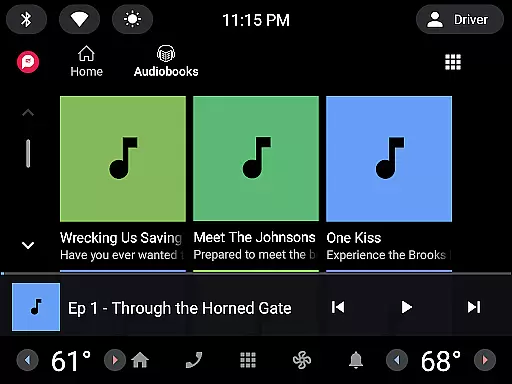
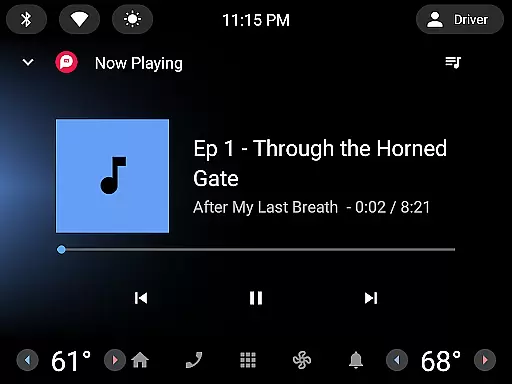
Whether you're commuting, driving, or relaxing at home, Pocket FM delivers a unique listening experience. Its user-friendly interface allows easy browsing and searching of audio series, while the built-in player supports adjustable playback speed and offline listening. Listeners can enjoy their favorite stories anytime, anywhere, on mobile, tablet, desktop, or even wearable devices.
The platform's micropayment model gives users freedom and flexibility. You only pay for the content you want to consume, with no lock-in period or waiting time for new episodes. Premium features like unlimited downloads and ad-free listening enhance the overall experience, making Pocket FM the ultimate destination for audio entertainment.
Pocket FM stands out with its vast content library and innovative features. The app offers over 100,000 hours of binge-worthy audio series across various genres, including Romance, Horror, Thriller, Drama, and Fantasy. This extensive collection is created by a large community of talented authors, storytellers, and voice-over artists.
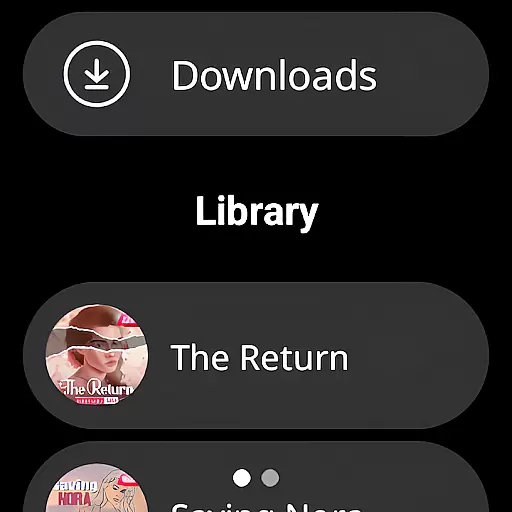
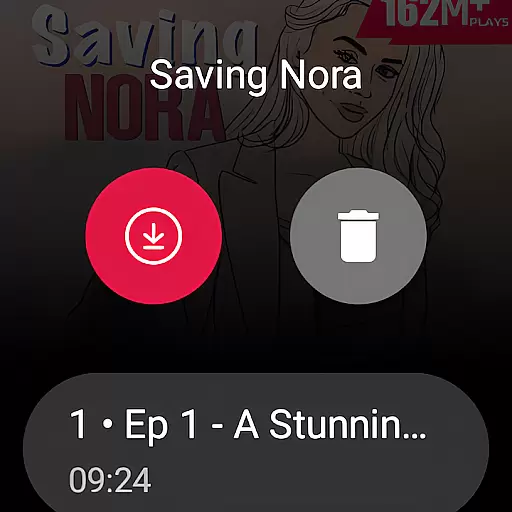
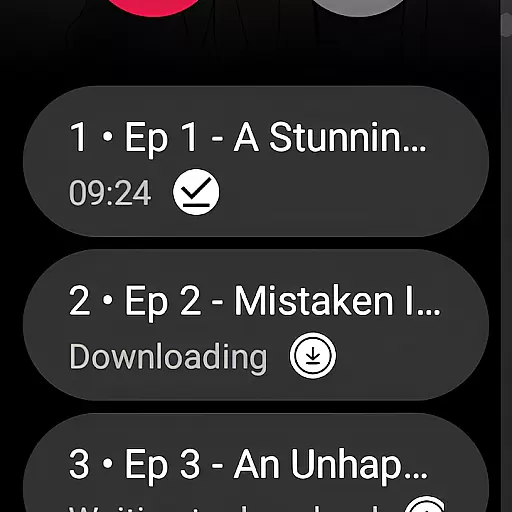
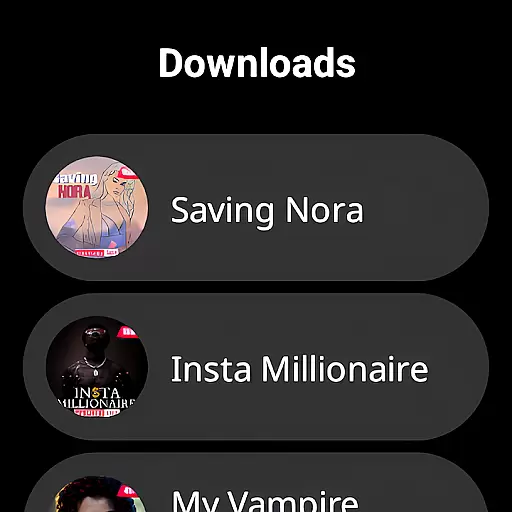
The platform's technical features are equally impressive. Users can enjoy smooth navigation between episodes, quick ten-second skip options, and an in-built sleep timer for bedtime listening. The adjustable playback speed caters to individual preferences, while the offline listening feature allows downloads for uninterrupted enjoyment without internet connection.
Pocket FM's micropayment model revolutionizes audio content consumption. Unlike traditional subscription services, users only pay for specific content they wish to consume. The platform also offers premium features like ad-free listening and unlimited downloads, providing flexibility and enhanced user experience across multiple devices including mobile, tablet, desktop, Chromecast, TV, and wearable devices.
Companion app integration is essential for wearable devices as it ensures seamless synchronization between the main application and its wearable counterpart. Pocket FM excels in this area by providing users with the ability to transition effortlessly between their mobile devices and wearable gadgets such as Wear OS, without missing a beat.
The app achieves this through a robust companion app framework that maintains real-time data sharing. Whether you're switching from your phone to a smartwatch, Pocket FM guarantees that your listening progress, preferences, and downloaded content are consistently updated across all devices.
This level of integration offers significant benefits to users. It allows for an uninterrupted entertainment experience, enabling listeners to pick up exactly where they left off, regardless of the device they choose to use. This flexibility enhances user convenience and satisfaction.
Ultimately, Pocket FM's superior companion app integration empowers users to enjoy their favorite audio series anytime, anywhere, making it a top choice for those seeking a versatile and reliable audio entertainment platform.
Device compatibility is a critical factor when evaluating apps for wearable technology. For Pocket FM, ensuring broad compatibility with various Wear OS devices is a priority, allowing users to enjoy their favorite audio series on a wide range of smartwatches and other supported gadgets.
Pocket FM has been optimized to function smoothly across different Wear OS devices, accounting for varying screen sizes, resolutions, and hardware capabilities. This optimization process involves rigorous testing and continuous updates to maintain performance standards and user experience consistency.
Listeners benefit greatly from this commitment to compatibility. They can access Pocket FM's vast library of audio content without concern for device limitations, enjoying features like offline listening and adjustable playback speeds tailored for wearable tech.
By prioritizing Wear OS/device compatibility, Pocket FM not only expands its reach but also reinforces its reputation as a leader in audio entertainment, dedicated to delivering high-quality, accessible content to all users, regardless of their chosen listening device.
User-friendly interface
Extensive content library
Flexible payment model
Offline listening capability
Cross-device compatibility
Limited free episode access
Requires frequent payments
Content varies by region
Occasional buffering issues
Ads in free version

Diet tracker for weight loss - track calories, food and macros. Simple and easy!
 4.70
4.70
Christmas Theme Watch Face for Wear Os
5.00
Christmas and New Year - Themed Watchface
4.2
Stunning modern digital watch face with 7 complications and strong contrast
4.0
Fitness interactive virtual pet super fighter boy watch face
4.0
Structured watch face with seven complications and modular UI elements
3.90
Your second brain for organizing your life: to-do, calendar, reminder.
4.70
The most customizable hybrid watch face. For Wear OS 5.0, API 34+ and later
4.70
Fitbit is dedicated to helping people lead healthier, more active lives.
4.10
Digital, flexibly customizable watch face. For Wear OS 5.0, API 34+ and later.
5.00
Period, ovulation & pregnancy tracker. Fertility insights & menstrual calendar.
4.90
WTW M17 is a premium and luxurious hybrid watch face
4.70
Kia Access makes getting your vehicle information easier than ever
4.60
MyNISSAN® lets you remotely control your car from your phone.*
4.50
Deck out your Wear OS Watch face with a beautifully decorated pine wreath!
4.50
Your music, your playlists, and more—offline and unlimited.
4.20
Get helpful reminders, take progress photos and find answers to your questions.
3.90
Your local weather forecast, storm tracker, radar maps & live weather news
3.40
Stylish digital watch face for Wear OS devices with customizable features
4.4


User Reviews