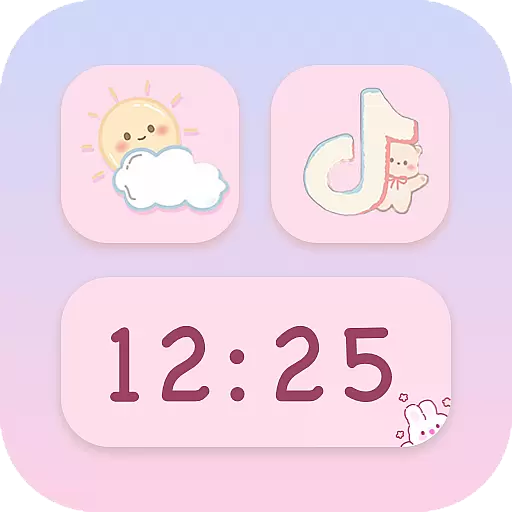
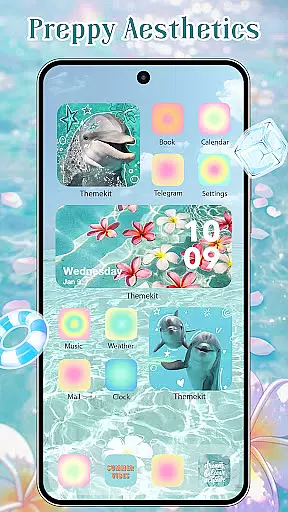
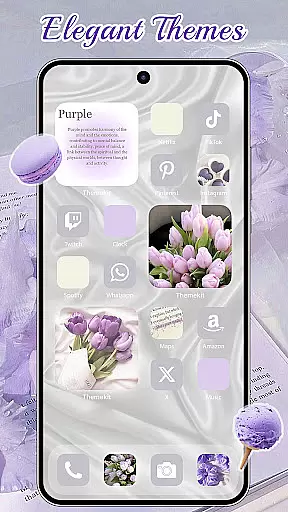
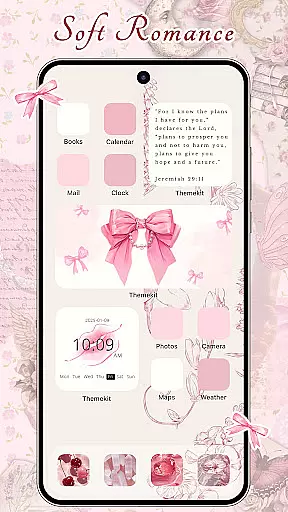
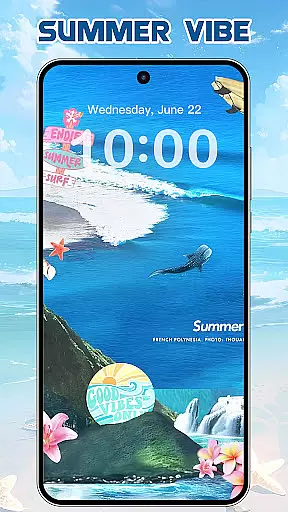
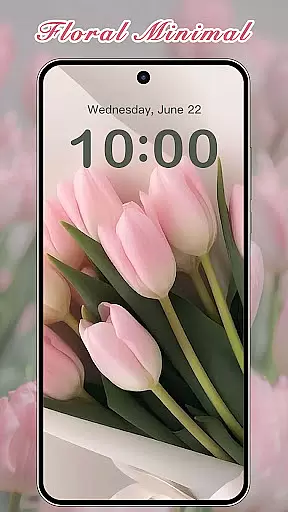
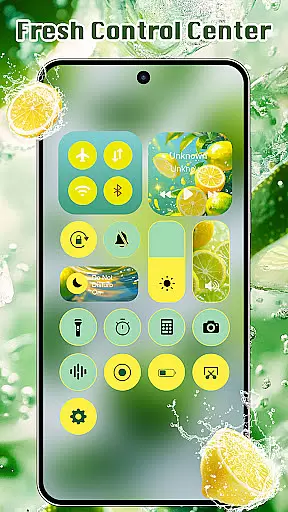
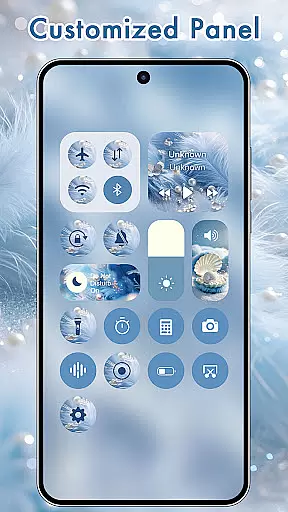
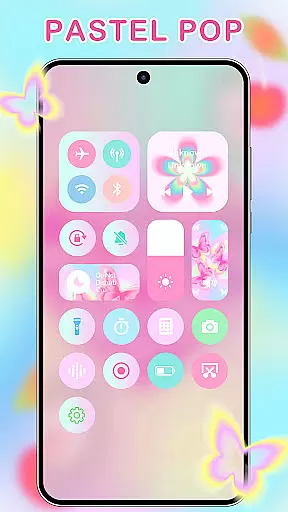
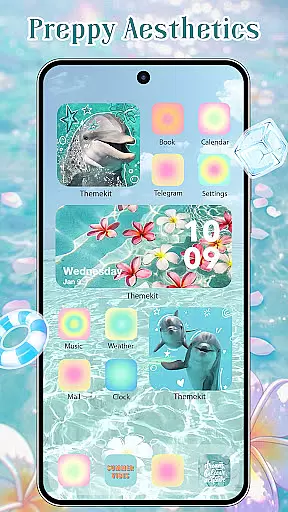
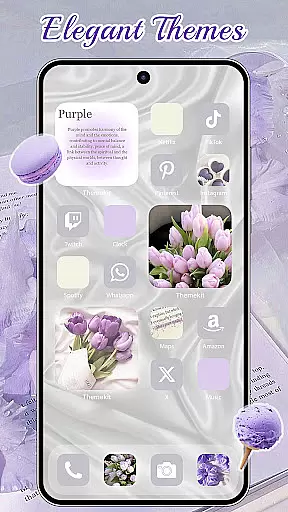
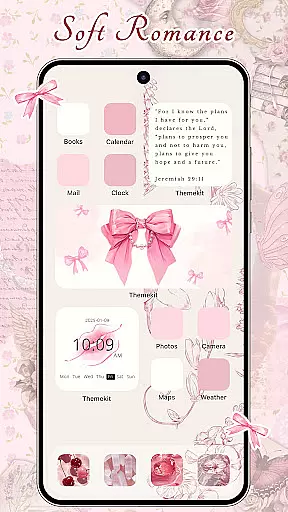
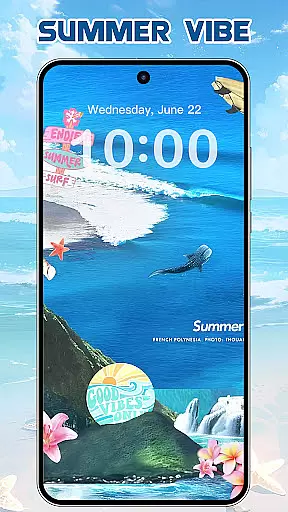
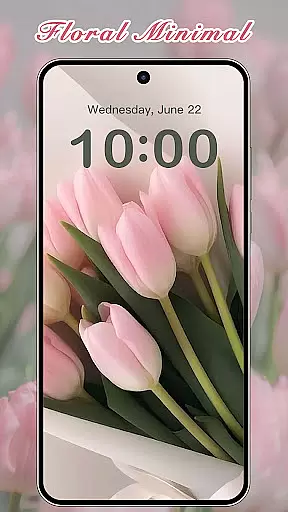

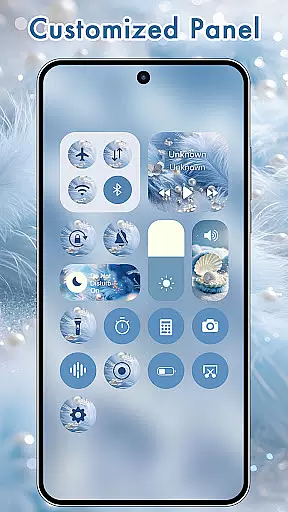
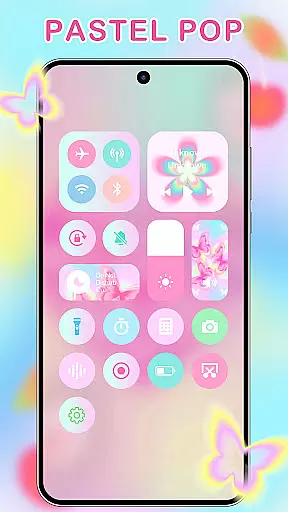
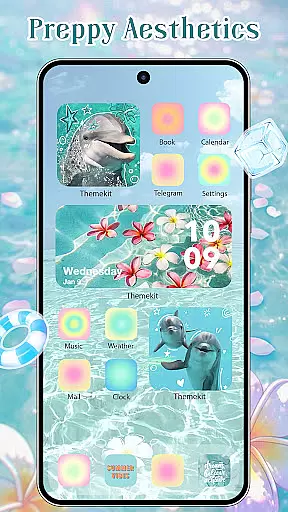
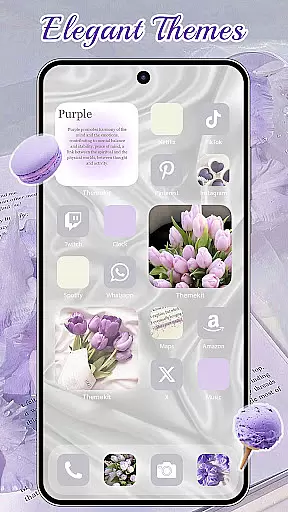
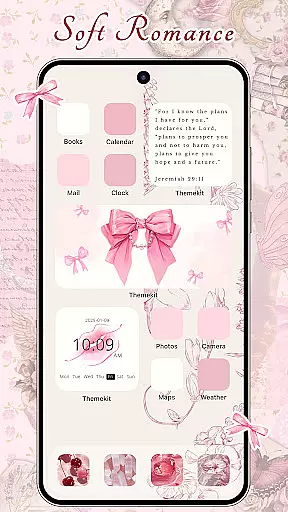
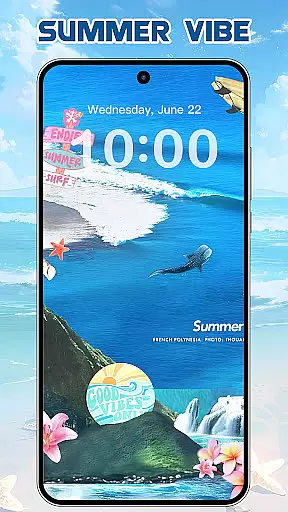
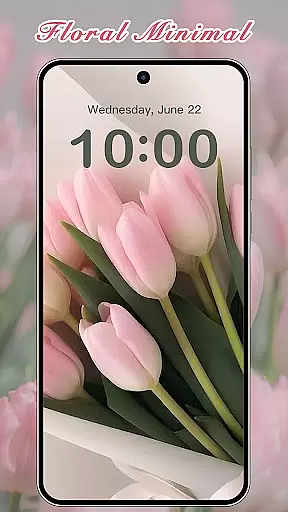
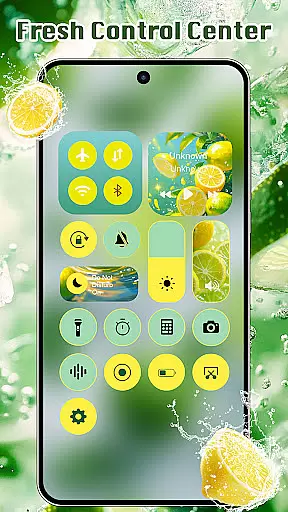
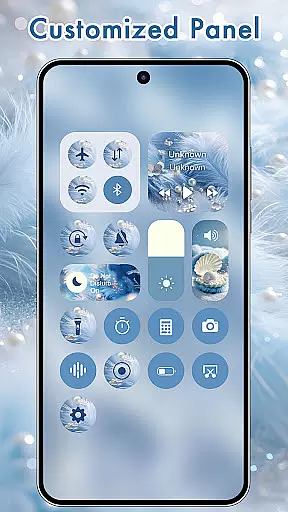
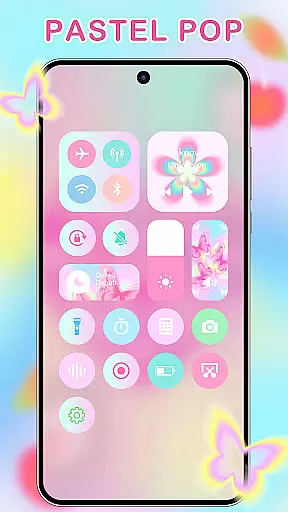
ThemeKit is a comprehensive personalization app designed specifically for Android users who want to enhance their device's aesthetics. This app offers an extensive collection of icon packs, widgets, and wallpapers that allow users to customize their home screens with ease. With over 5000 icons, 3000 themes, and 9000 widgets, ThemeKit provides a vast array of options to personalize your phone.
The app stands out with its DIY capabilities, enabling users to design custom icons and widgets using personal photos. Whether you're looking for seasonal themes like Christmas or Autumn, or specific styles such as Aesthetic, Brat Green, or Kpop, ThemeKit has something for everyone. Its user-friendly interface and daily updates ensure that your device always reflects the latest trends in digital aesthetics.
ThemeKit is not just about visual appeal; it also enhances functionality. The app includes features like 4K wallpapers, live widgets, and an icon changer that works without needing a separate launcher. Compatible with various Android devices including Samsung, Vivo, OPPO, and Xiaomi, ThemeKit ensures a seamless experience across different platforms. Transform your smartphone into a personalized piece of art with ThemeKit.
ThemeKit offers a rich set of features that cater to every aspect of phone personalization. One of its standout features is the ability to change app icons directly on the home screen without requiring a separate launcher. Users can choose from a wide variety of pre-designed icon packs or create their own using images from their gallery, providing unparalleled customization options.
In addition to icons, ThemeKit provides a powerful widget kit that allows users to edit and customize widgets to match their personal style. With hundreds of widget styles available, users can transform their home screens into dynamic and visually appealing layouts. The app also includes a 4K wallpaper changer, offering daily updated high-definition backgrounds that ensure your phone always looks fresh and modern.
Another key feature of ThemeKit is its user-friendly interface and high compatibility with various Android devices. Supporting multiple languages and free from watermarks, the app ensures a smooth and accessible experience for all users. Additional functionalities include countdown timers, weather widgets, and a search function that makes finding specific themes or icons effortless. With these robust features, ThemeKit empowers users to fully express their individuality through their smartphones.
ThemeKit offers an extensive range of customization options that allow users to personalize their Android devices like never before. With over 5000 aesthetically designed icons, 3000 themes, and 9000 widgets, the app provides a comprehensive suite for home screen personalization.
The app's DIY function empowers users to design unique icons and widgets using their own album pictures and wallpapers. This feature not only enhances personal expression but also ensures that each user's device reflects their individuality and style.
Users can choose from various themes such as Christmas Style, Autumn moments, SUMMER VACATION, PRAYERFUL, brat green, and football carnival. These freshly updated themes infuse phones with personal charm and keep up with new trends daily.
With its vast array of customization choices including icon changers without launcher requirements, free widget kits, and 4K wallpaper changers, ThemeKit stands out as a top choice for those looking to tailor their smartphone experience to their exact preferences.
ThemeKit - Themes & Widgets is renowned for its exceptional theme compatibility across different Android devices. Whether you're using a Samsung, Vivo, OPPO, or Xiaomi device, this app seamlessly integrates with your smartphoneu2019s operating system to deliver a cohesive aesthetic experience.
The app supports many languages which eliminates language barriers while customizing your phone. It also assures users of no watermarks on their beautifully crafted themes and widgets, maintaining a clean and professional look throughout the interface.
Additionally, ThemeKit provides powerful tools like countdown widgets and weather widgets that are compatible with most Android systems. This ensures that regardless of the device model or brand, users can enjoy a fully functional and visually appealing home screen setup.
By focusing on high compatibility and offering features such as music and volume control through Accessibility Services, ThemeKit guarantees an uninterrupted user experience while allowing full creative freedom in designing one's digital space.
User-friendly interface
Extensive customization options
Daily content updates
High compatibility with Android devices
Vast library of themes and icons
Limited iOS support
Some features may require accessibility permissions
Premium content might be behind a paywall
Occasional performance issues on older devices
Design quality varies across different themes

Wear Os Watch Face - Seasonal - Animated Snow Effect - 9 Animals
 4.20
4.20
AI-powered Copilot. Personalized keyboard with gifs, stickers & themes
4.40
Ultimate widget creator. Design custom widgets for a truly unique home screen!
3.90 4.50
4.50
Embrace the Night. Unleash the power of darkness with Raven Dark Icon Pack
4.60
Modern Glass Icon Pack with glossy icons, clean minimal theme & aesthetic style
4.2
Magic fluids wallpaper 4D: Relax with stunning fluid simulation wallpaper app
4.20
set a new experience for the Android mobile phone
4.20
Cool custom fonts & keyboard themes! Symbols & font changer for Instagram
4.50
Gun Chase - Let the chase begin.
4.80
Stylish Pink Cute Hippo keyboard with 10000+ customized keyboard themes!
4.60
Beautiful realistic hybrid watch face with numerous customization options.
4.50 4.10
4.10
Transfer your live wallpapers from Windows to Android using Wallpaper Engine!
4.00
Adaptive Dot Style IconPack with Light & Dark Theme.
3.70
Customize glowing edges, wallpapers, and caller screen with EdgeAura.
3.50
Turn your lock screen into fun with smile live wallpapers & animated wallpapers!
2.50
Capture moments that pass like a storm, second by second.
4.1
⭐ OneUI inspired Fluffy Icon Pack – Soft. Stylish. Standout. ⭐
4.1


User Reviews