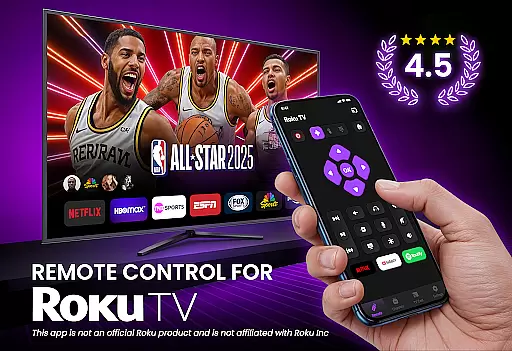
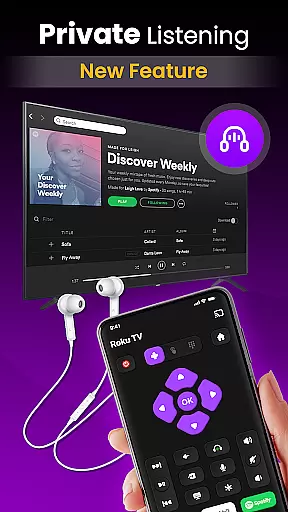
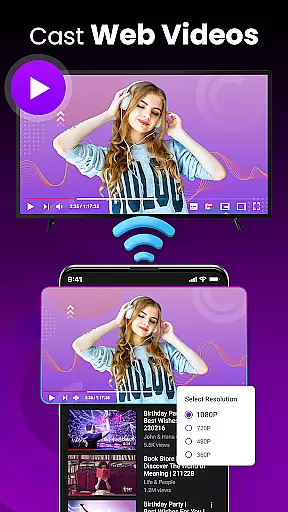
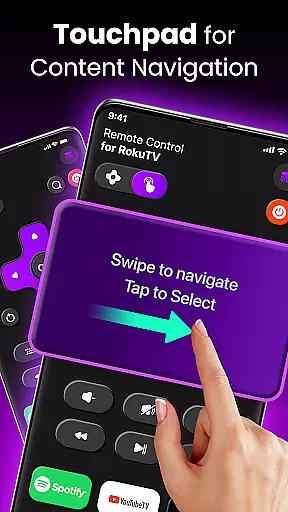
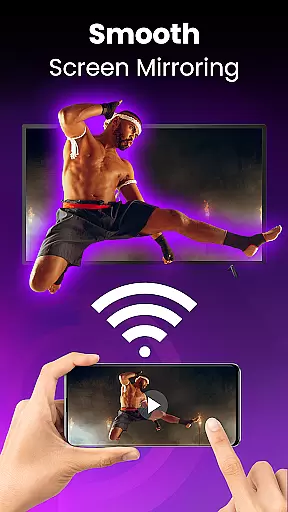
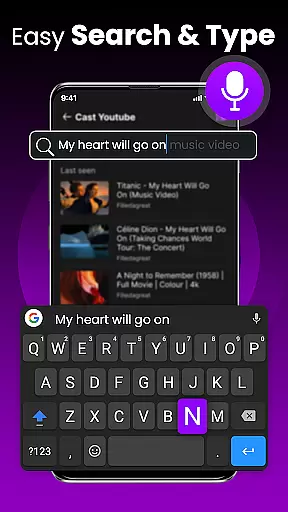
TV Remote Control for RokuTV transforms your smartphone into a universal remote, offering complete control over your Roku TV. The app provides effortless navigation through a swipe-based touchpad, full remote functionality including play, pause, volume control, and channel switching, and advanced features like screen mirroring and casting.
Designed for simplicity and speed, the app includes a smart keyboard for fast typing, quick-launch shortcuts to favorite channels, and automatic device detection when connected to the same Wi-Fi network. Compatible with all Roku TV models, this app combines convenience, reliability, and an intuitive user interface to enhance your TV experience.
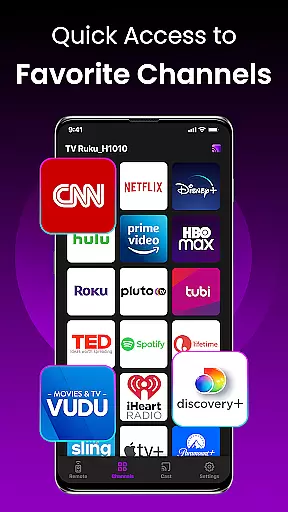
The app offers a comprehensive set of features designed to replace your physical Roku remote completely. It includes an innovative swipe pad for smooth navigation, a smart keyboard that simplifies text input, and one-tap shortcuts to frequently used apps like Netflix and Hulu.
With seamless Wi-Fi connectivity, the app automatically detects your Roku TV and establishes a reliable connection every time you open it. Its universal compatibility ensures flawless performance across various Roku TV models, while the integrated screen mirroring feature allows users to cast photos, videos, and music directly from their smartphones to the big screen.
TV Remote Control for RokuTV ensures precise and effective functionality by offering a complete replacement for your physical Roku remote. The app provides seamless control over all essential TV functions, including navigation, media playback, volume adjustment, and channel switching.
The swipe-based touchpad allows for smooth menu navigation, eliminating the frustration of traditional button-based controls. This intuitive interface design ensures that every command is executed accurately and responsively, enhancing the overall user experience.
With integrated screen mirroring and casting capabilities, users can effortlessly share content from their smartphones to their TV screens. This feature not only expands the app's utility but also demonstrates its effectiveness in combining multiple functionalities into one comprehensive tool.
The inclusion of a smart keyboard further amplifies the app's core accuracy by enabling fast and efficient text input. Whether searching for content or entering passwords, users benefit from a significant improvement in operational speed and precision compared to traditional remote controls.
The TV Remote Control for RokuTV excels in providing an intuitive and straightforward user interface. Upon opening the app, users are greeted with a clean layout designed for immediate usability without any learning curve.
Its automatic device detection system simplifies the connection process. By merely ensuring both devices are on the same Wi-Fi network, users can start controlling their Roku TV within seconds, showcasing the app's commitment to reducing setup complexity.
The swipe pad feature replaces cumbersome button navigation with a modern, responsive touch interface. This thoughtful design choice makes menu navigation feel natural and effortless, particularly appealing to users who value simplicity in their daily interactions.
Additionally, the app's one-tap shortcuts to frequently used channels demonstrate its focus on intuitive operation. Users can access their favorite streaming services instantly, eliminating unnecessary steps and maintaining an uncluttered, easy-to-navigate interface throughout the entire user journey.
Effortless setup process
Universal compatibility
Fast and responsive controls
Integrated smart keyboard
Reliable auto-connection
Requires Wi-Fi connection
No physical buttons
Dependent on phone battery
Limited offline functionality
Third-party app

A powerful, easy-to-use flight computer on your phone or tablet!
 3.80
3.80
Just swipe the edge to do something!
4.40
Use your phone as a webcam on your computer over WiFi or USB.
4.40
Forza Tuning Calculator App for Forza Horizon 5, Motorsport and Earlier Titles
4.40
With videos, electrical calculators, and built-in ebook, Ugly’s has your answer.
4.50
Planner and Tracker for Stardew Valley
4.60
Play your X-Box games remotely in 1080p with any controller and zero latency
4.60
A clean app.
4.50
Enhance your Beats
3.70
Bedrock Together: Join any bedrock server on Xbox/PS
4.80
Fast Video Downloader, Movie Downloader, Torrent Downloader & Adblock Browser
4.70 4.50
4.50
Quickly switch to an encrypted DNS server on Android TV
4.50
The Ultimate Bluetooth Keyboard & Mouse. Securely control your PC, Mac, and more
4.50
Quickly check the frequency of the Earth
4.30
Screen Mirroring with sound for Samsung TV, LG TV, Sony TV, Smart TV and Browser
4.20
Amateur Radio app for APRS: Track friends, exchange messages, get tactical info.
3.90
Fun lie-detection pranks for friends and parties.
3.80
Undelete and recover your lost or deleted files with DiskDigger!
3.40


User Reviews