
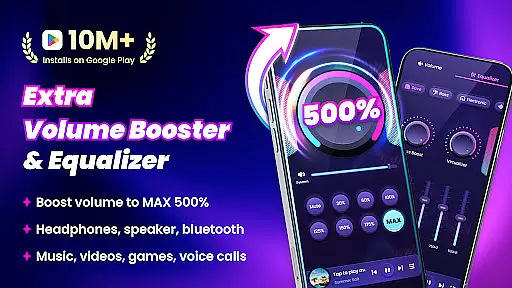
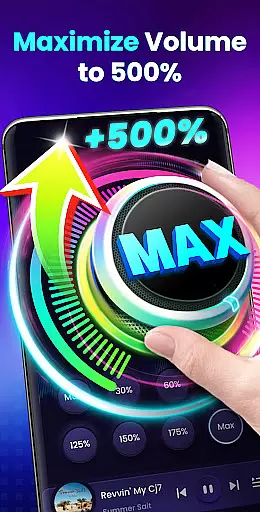
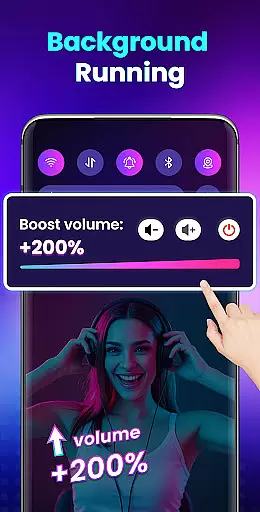

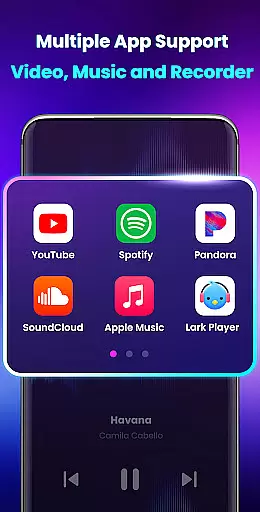
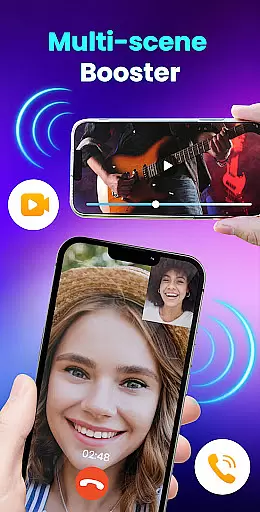
Volume Booster - Sound Booster is a powerful audio enhancement application designed for Android users who desire louder sound output. This app allows you to amplify your device's volume by up to 200%, surpassing the standard maximum system volume. Whether you're listening to music, watching videos, or playing games, EZ Booster ensures an enhanced auditory experience without compromising sound quality.
The app provides versatile functionality including stereo surround sound effects, customizable sound modes, and real-time music spectrum visualization. It supports boosting all types of audio outputs such as alarms, ringtones, media playback, and even external speakers or Bluetooth devices. With intuitive controls, including home screen widgets and notification bar shortcuts, users can easily adjust settings on-the-go.
Perfect for turning your smartphone into a portable speaker, this app caters to various scenarios where high-volume audio is preferred. Its user-friendly interface and advanced features make it an ideal choice for anyone looking to elevate their audio experience while maintaining convenience and ease of use.
Volume Booster - Sound Booster offers a comprehensive suite of features that cater to diverse audio amplification needs. One standout feature is its ability to boost all types of volumes—music, movies, audiobooks, alarms, and ringtones—up to 200% beyond the device's default limit. The app also includes a built-in music player with cover art display, song titles, artist information, and playback controls like play/pause and track switching.
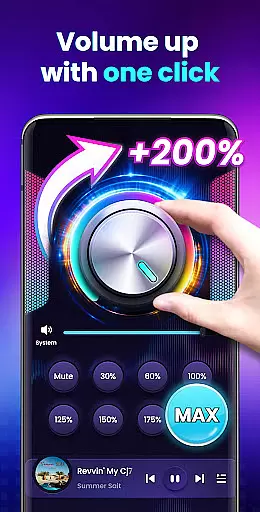
Another notable aspect is the app's support for stereo surround sound effects and dynamic music spectrum visualization that changes with the melody. Users can enjoy an immersive audio experience without any loss in quality. Additionally, EZ Booster provides eight distinct sound modes, enabling quick adjustments to specific volume levels with just one tap. These modes ensure optimal performance across different usage scenarios.
For added convenience, the app runs seamlessly in the background and supports lock screen operations. Quick control options are available through home screen widgets and notification bar shortcuts, allowing users to manage the booster without needing to open the app. Designed by top professionals, the interface is both simple and intuitive, ensuring ease of use for everyone.
When it comes to music applications, the size and authenticity of the music library are crucial factors. Volume Booster - Sound Booster offers a unique approach by not only focusing on amplifying sound but also ensuring that all audio content processed through the app maintains its original quality and legality.
The app does not directly provide a music library but enhances the audio experience across various media types such as music, videos, and games. This ensures that users can enjoy an enriched auditory experience without worrying about copyright infringement or illegal content distribution.
Users benefit from this feature as they can be confident in the legitimacy of their amplified audio content. Whether listening to purchased music tracks or streaming services, the app guarantees that the enhanced volume does not compromise the legal status of the audio being played.
This emphasis on maintaining content legality while boosting audio levels sets Volume Booster - Sound Booster apart from other similar apps in the market, providing peace of mind for users who value both quality and compliance in their digital audio tools.
Audio quality is paramount when using any sound-enhancing application. Volume Booster - Sound Booster excels in offering superior audio quality options that ensure users experience clear, crisp, and distortion-free sound at amplified levels.
The app supports high-quality audio playback even when the volume is increased up to 200%, surpassing the standard system limits. This means whether you're enjoying music, watching videos, or playing games, the sound remains rich and vibrant without any loss in clarity or introduction of noise.
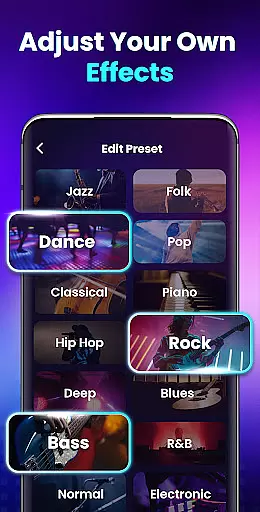
Additionally, the app provides several sound modes tailored to different preferences and environments. These modes allow users to customize their listening experience with just one touch, ensuring optimal audio performance regardless of the situation.
By prioritizing audio quality alongside volume enhancement, Volume Booster - Sound Booster delivers an unparalleled auditory experience that catifies both casual listeners and audiophiles alike.
Boosts volume up to 200%
Preserves sound quality
Easy-to-use interface
Supports background operation
Comes with useful widgets
No iOS version available
May drain battery faster
Limited customization options
Potential risk of hearing damage
Occasional ads in free version

Time Guru will strengthen your internal sense of musical time via random muting.
 4.30
4.30
Make music anywhere. Turn your device into an instrument.
4.5
A synth that really lets you shape your sounds!
4.50
Save hundreds of dollars for a physical strobe tuner and instead use this app.
4.50
Advanced 10-Band Audio Graphic Equalizer Sound Booster Pro
4.30
Music Streaming suite for Ampache, Nextcloud Music and compatible backends.
4.2
Unleash your creativity! Turn simple prompts into full fledged songs.
4.70
Versatile MP3 recorder with auto-backup to Dropbox and Google Drive
4.10
Responsive piano with great sounds, graphics, and songs
4.80
JBL PartyBox APP works with 110/310/710/120/320/520/Encore/Encore 2/Encore Ess 2
4.80
Brian Eno and Peter Chilvers’ acclaimed music app Bloom, radically reinvented.
4.80
Listen radio AM / FM Stations. Live AM / FM Radio App Station. Radio Com.
4.70
Bass Booster & Volume Equalizer Pro improves your music and video sound quality
4.60
Visualize the guitar fretboard, master scales & play through changes like a pro!
4.50
Time Trainer: accurate metronome w tools to help you develop your internal time!
4.20
The official Sonos app
4.10
USB audio recording and playback finally possible on Android 3.1 or higher!
3.90
Learn to play the piano using falling notes!
3.80
Powerful beat maker & DJ mixer to remix tracks, make music, & perform DJ mix
3.70


User Reviews